Skip to content
Living CodePorts & install
GitHub

Ports & installation

Find your app. Open its port page for installation steps.

53 ports

Use ↑ ↓ to choose, Enter to open. Keep typing to search.

Browse 53 ports Esc to close
All flavors

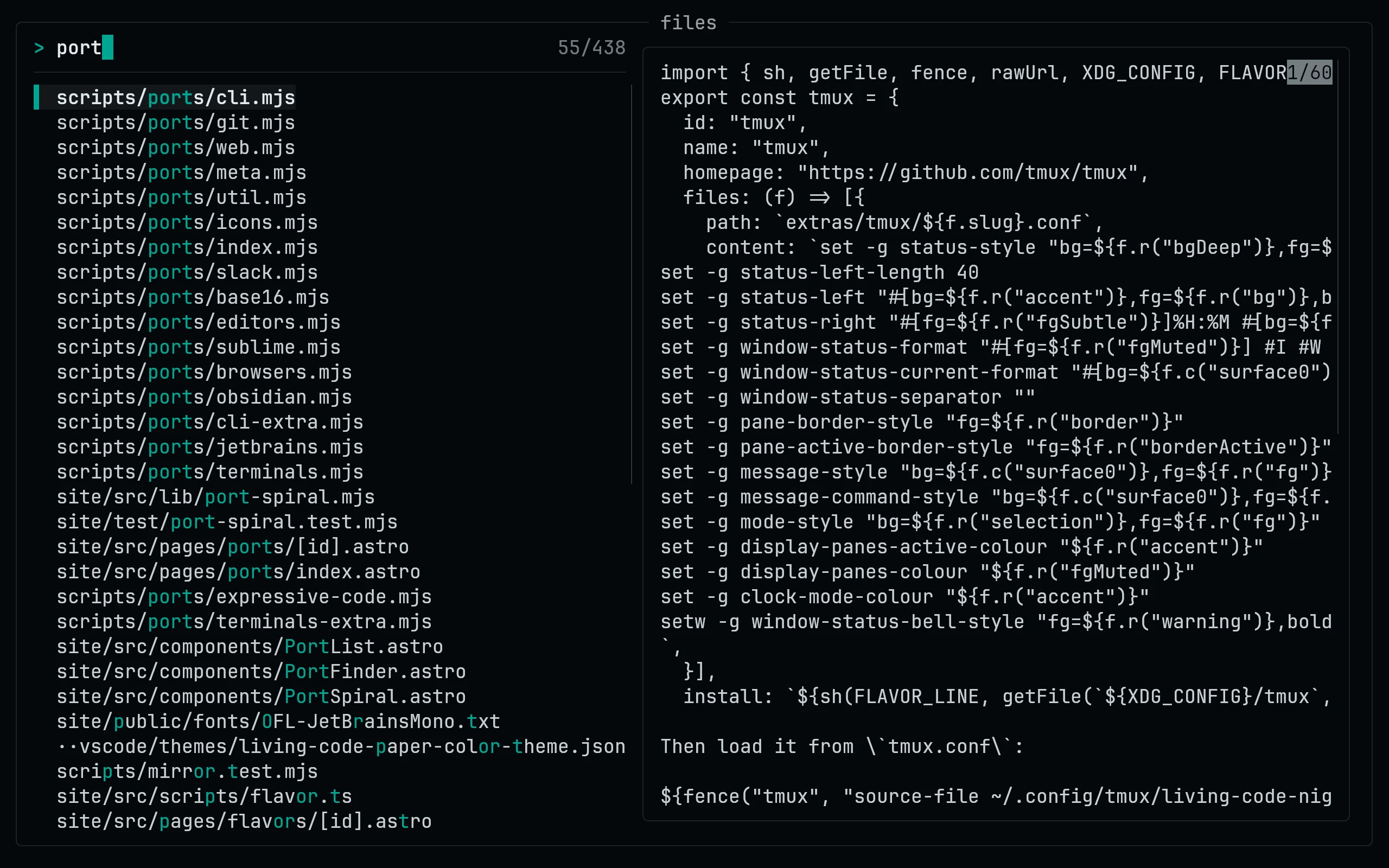
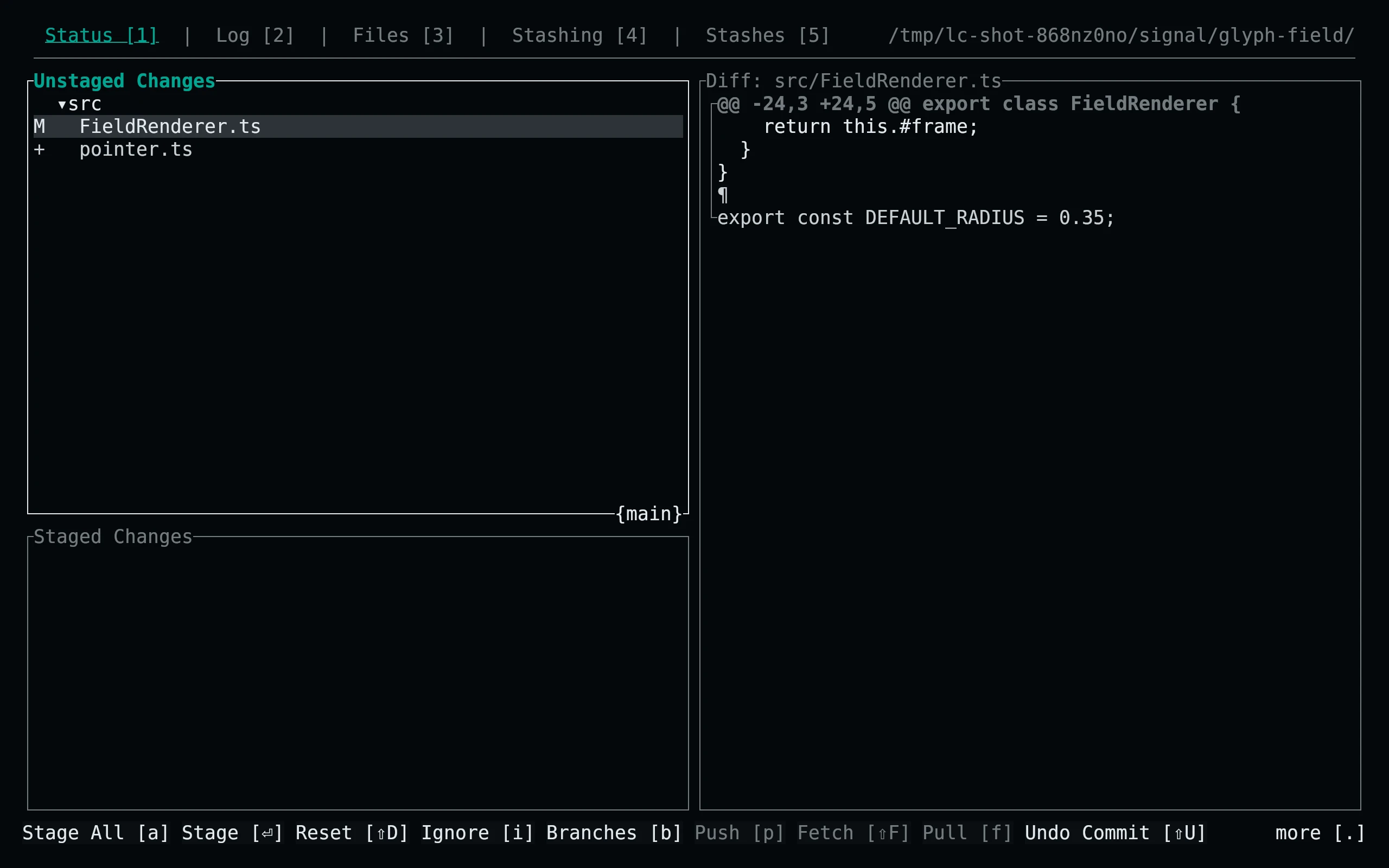
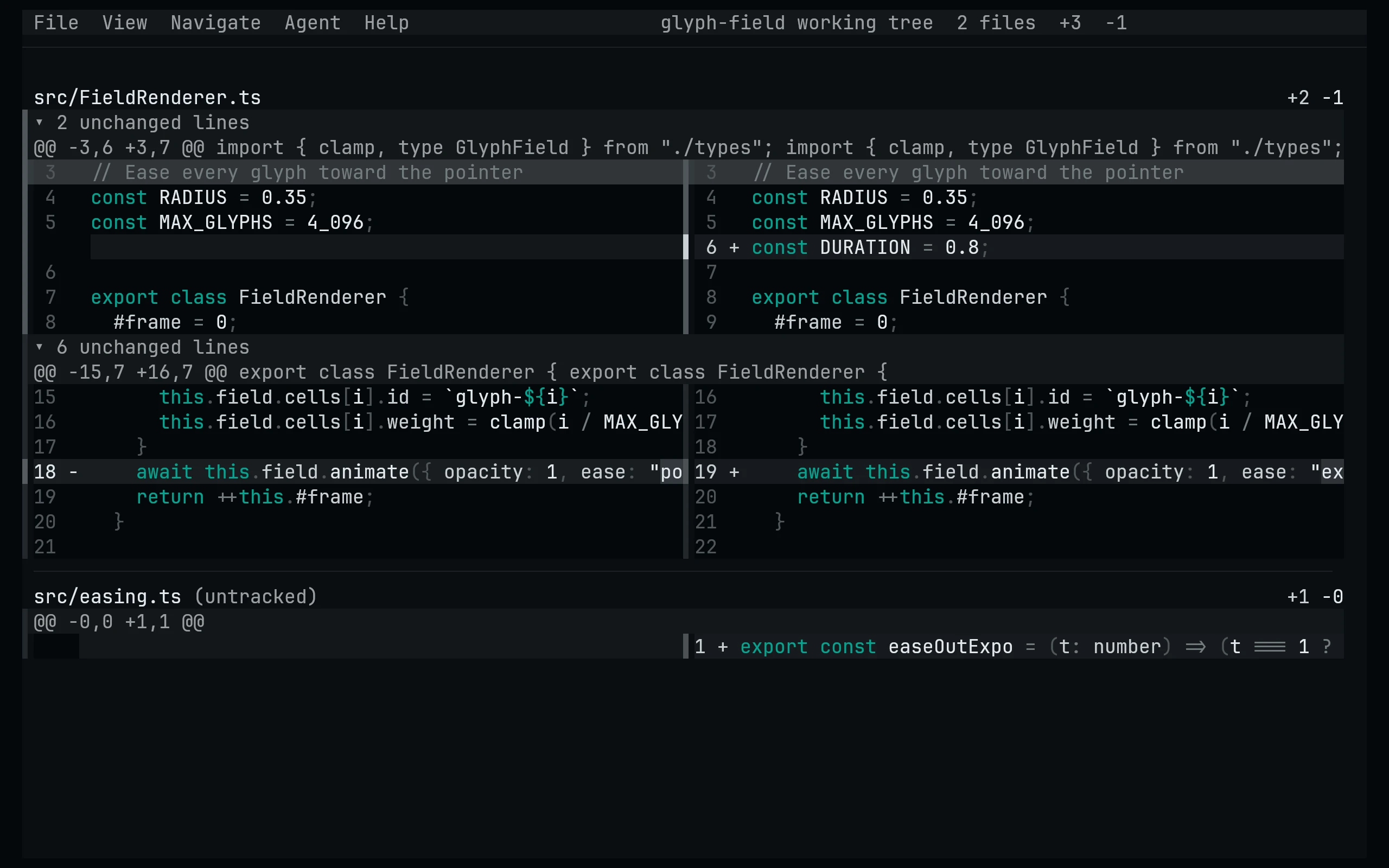
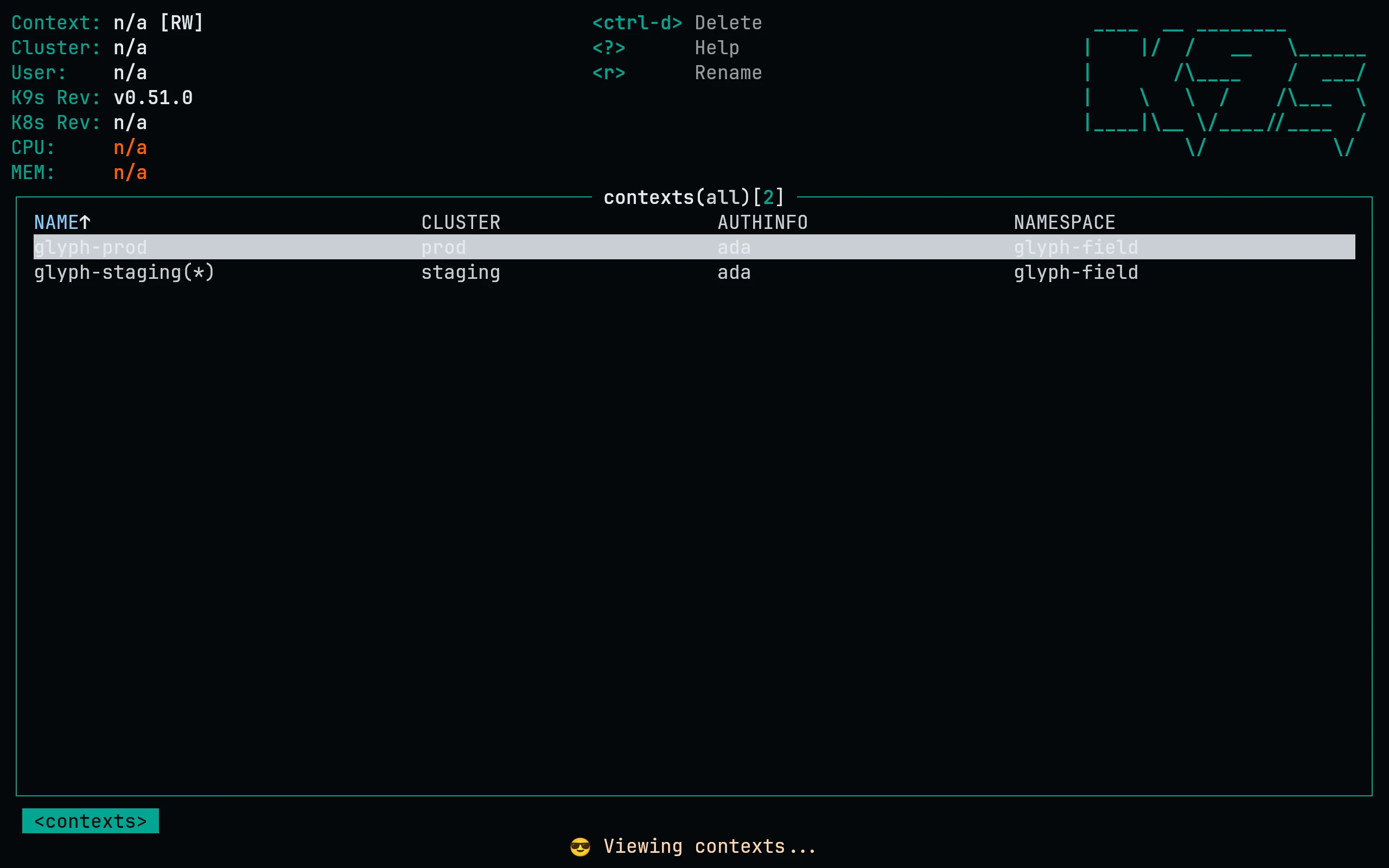
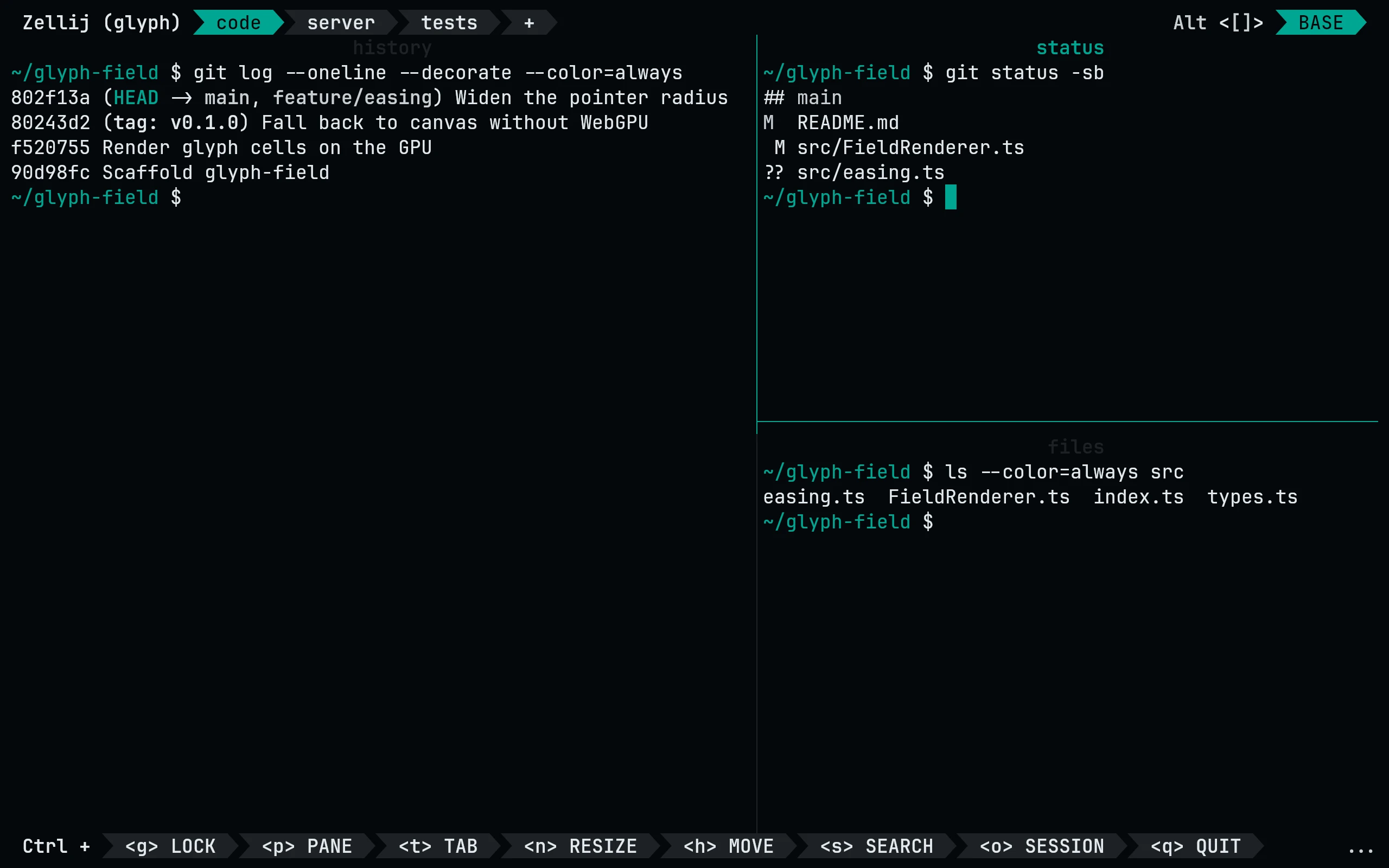
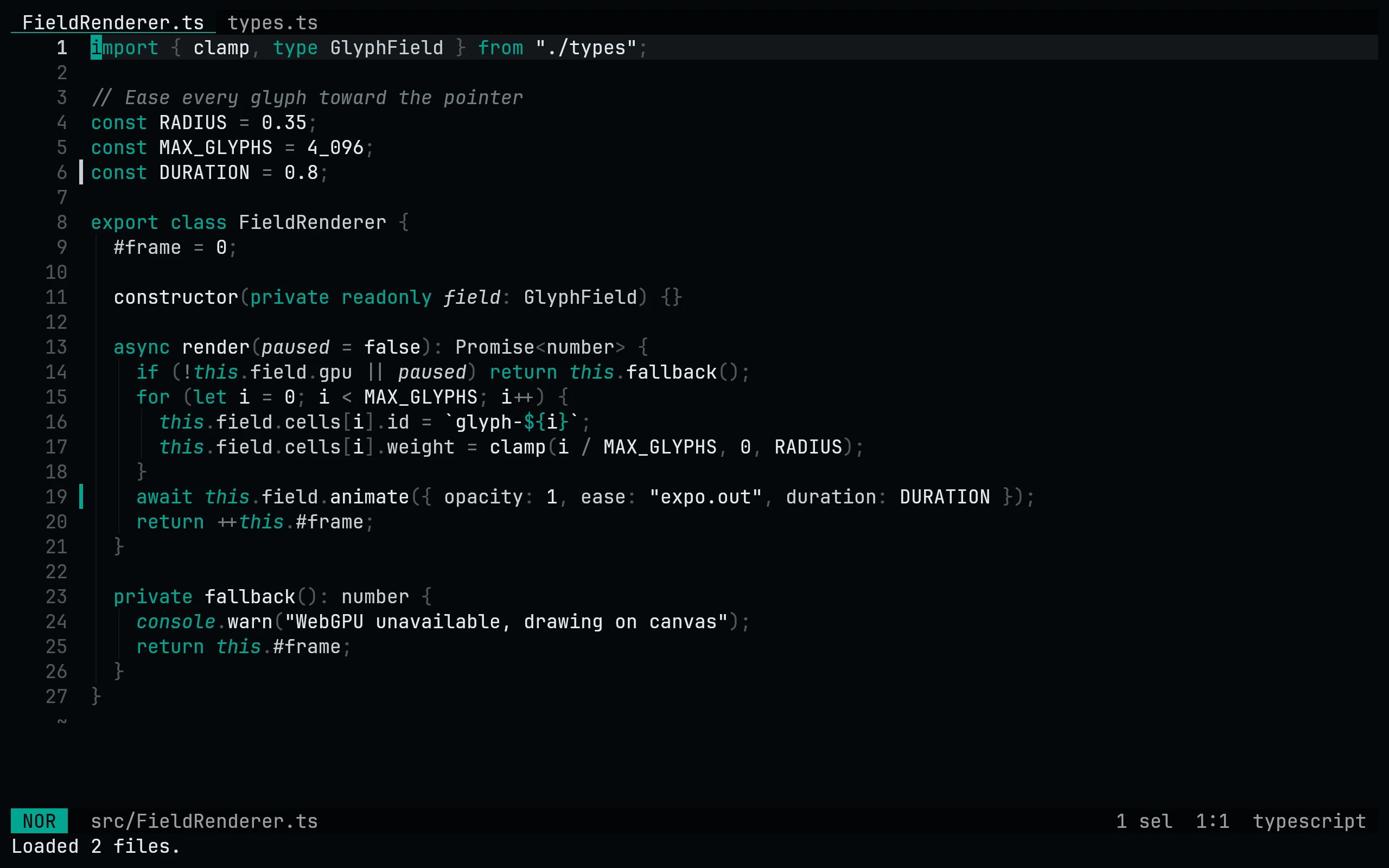
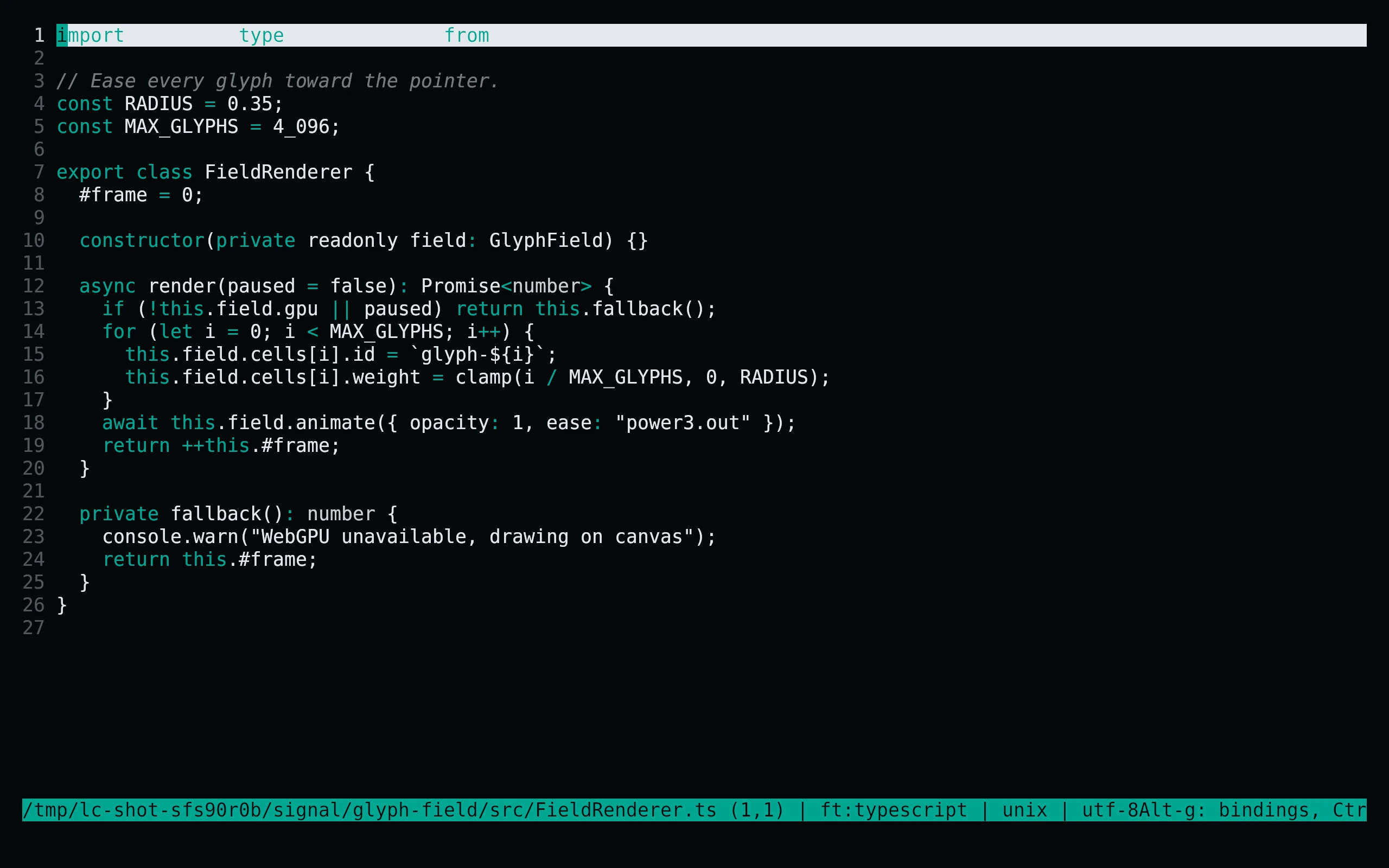
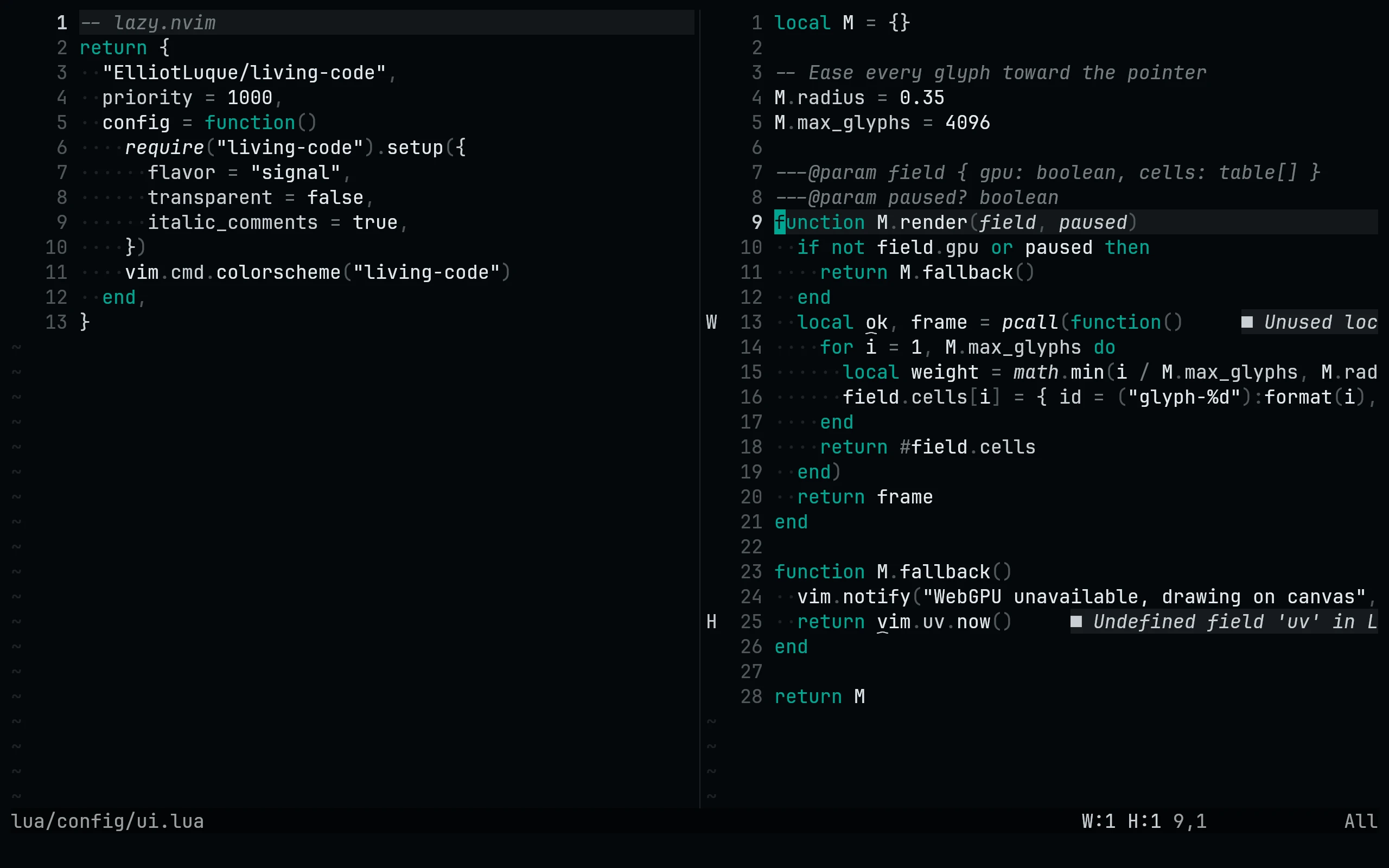
Living Code Signal

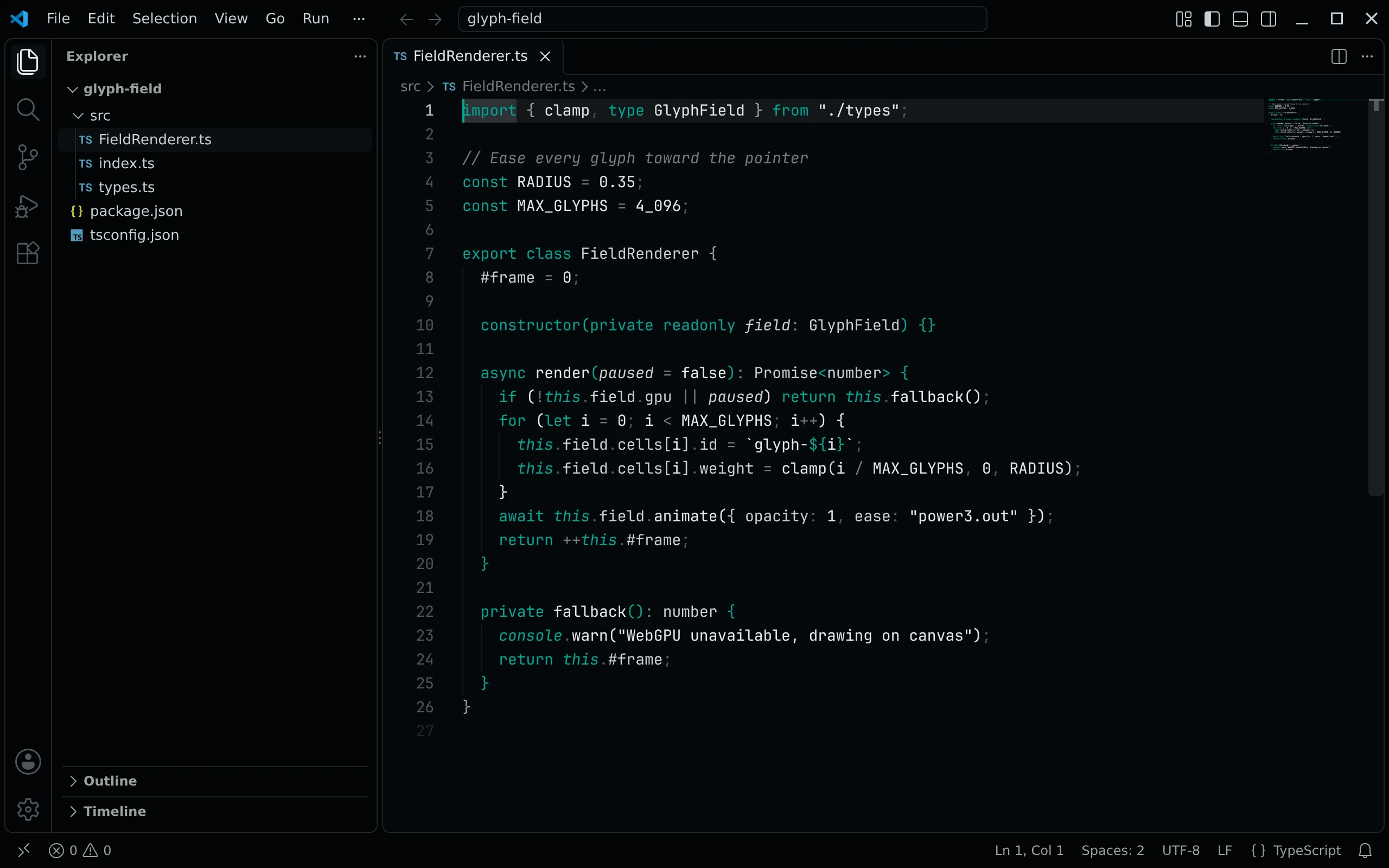
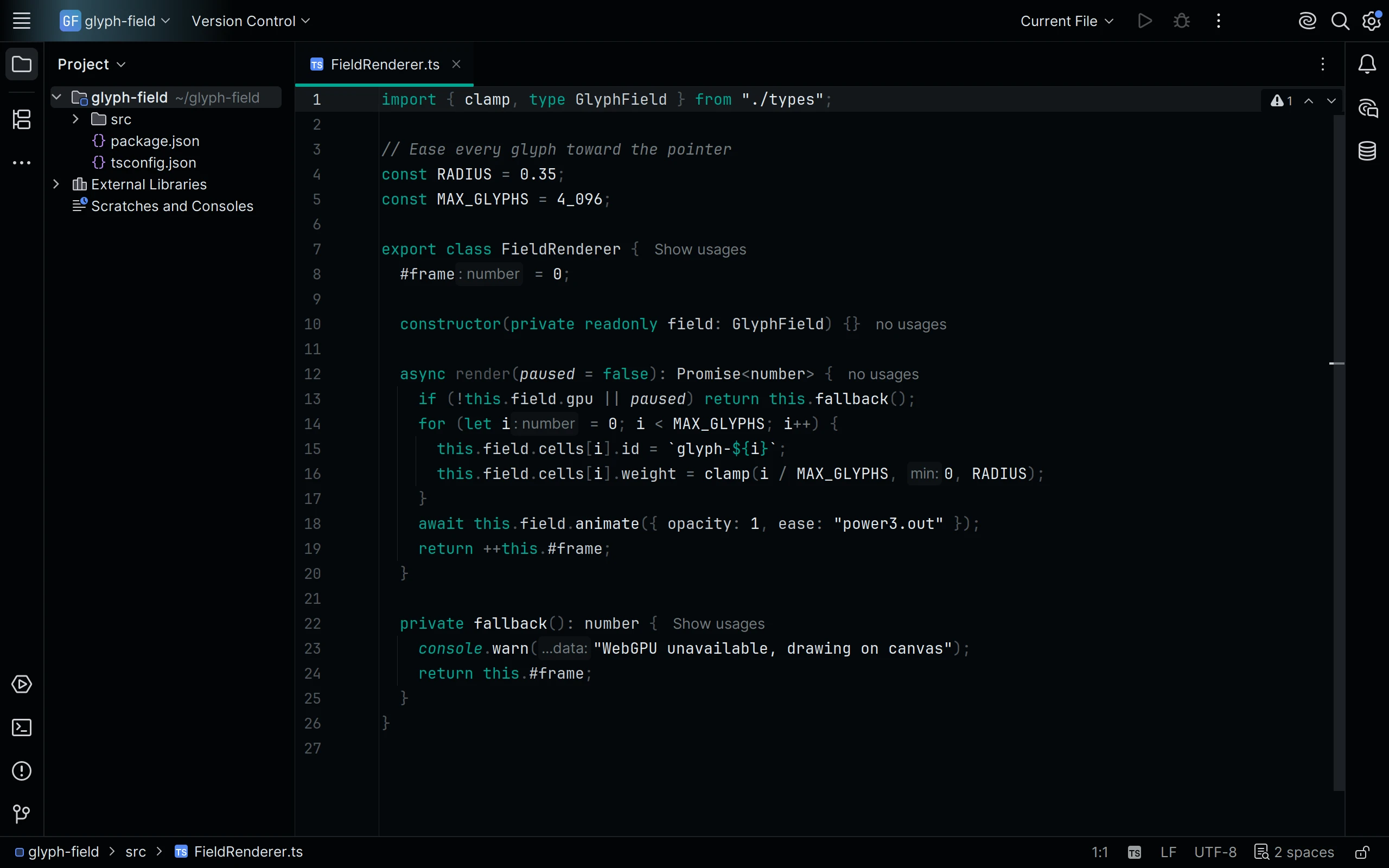
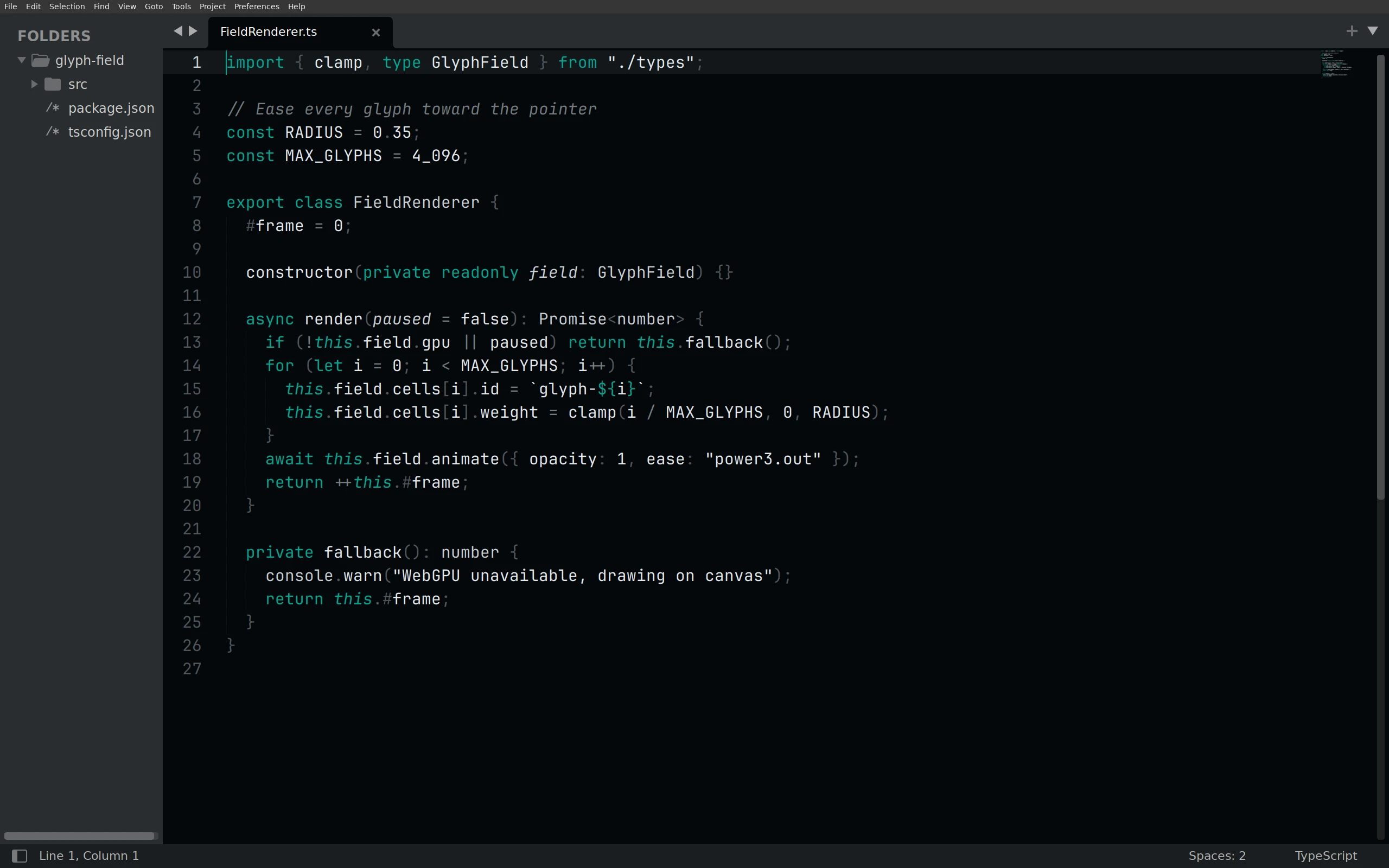
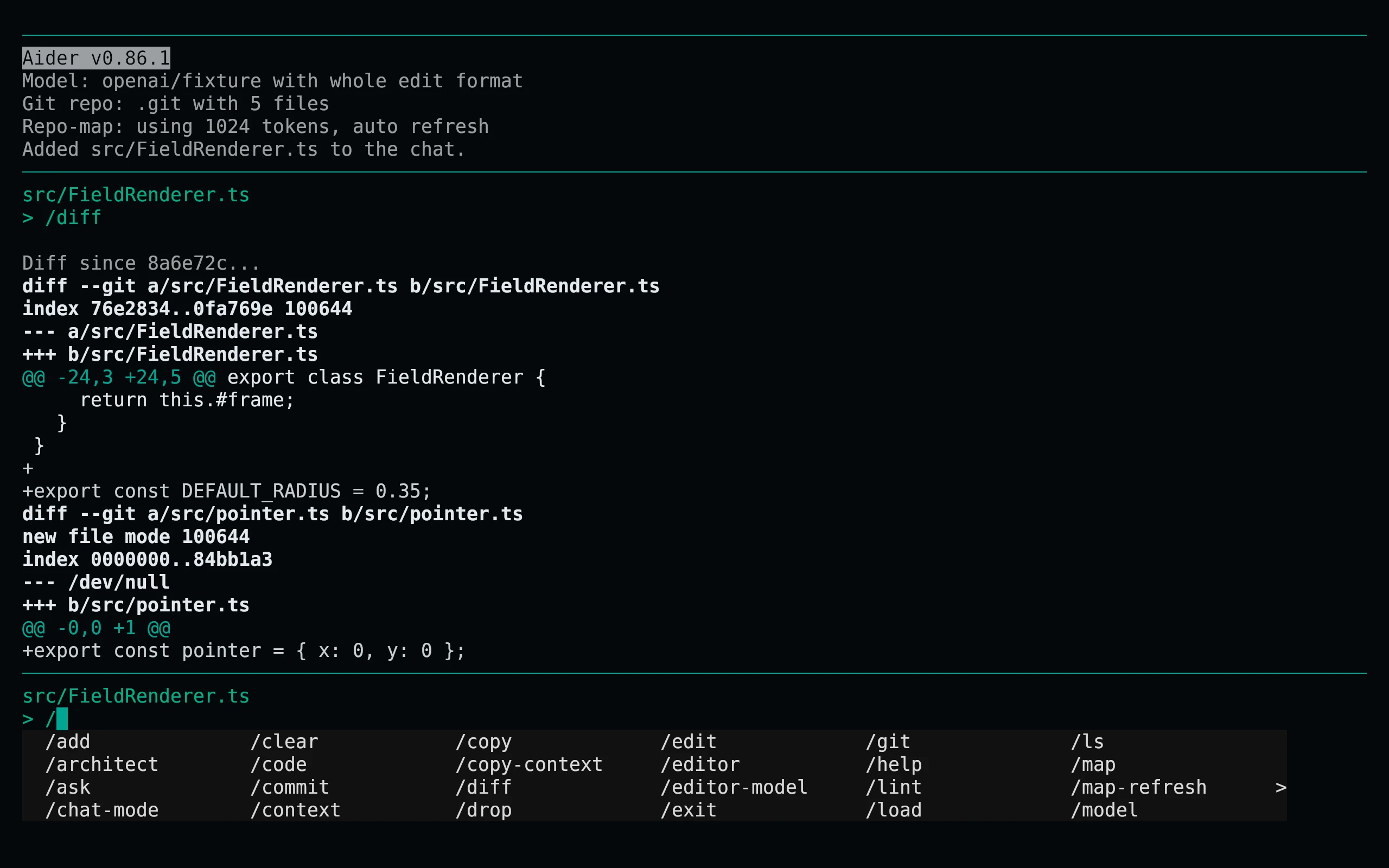
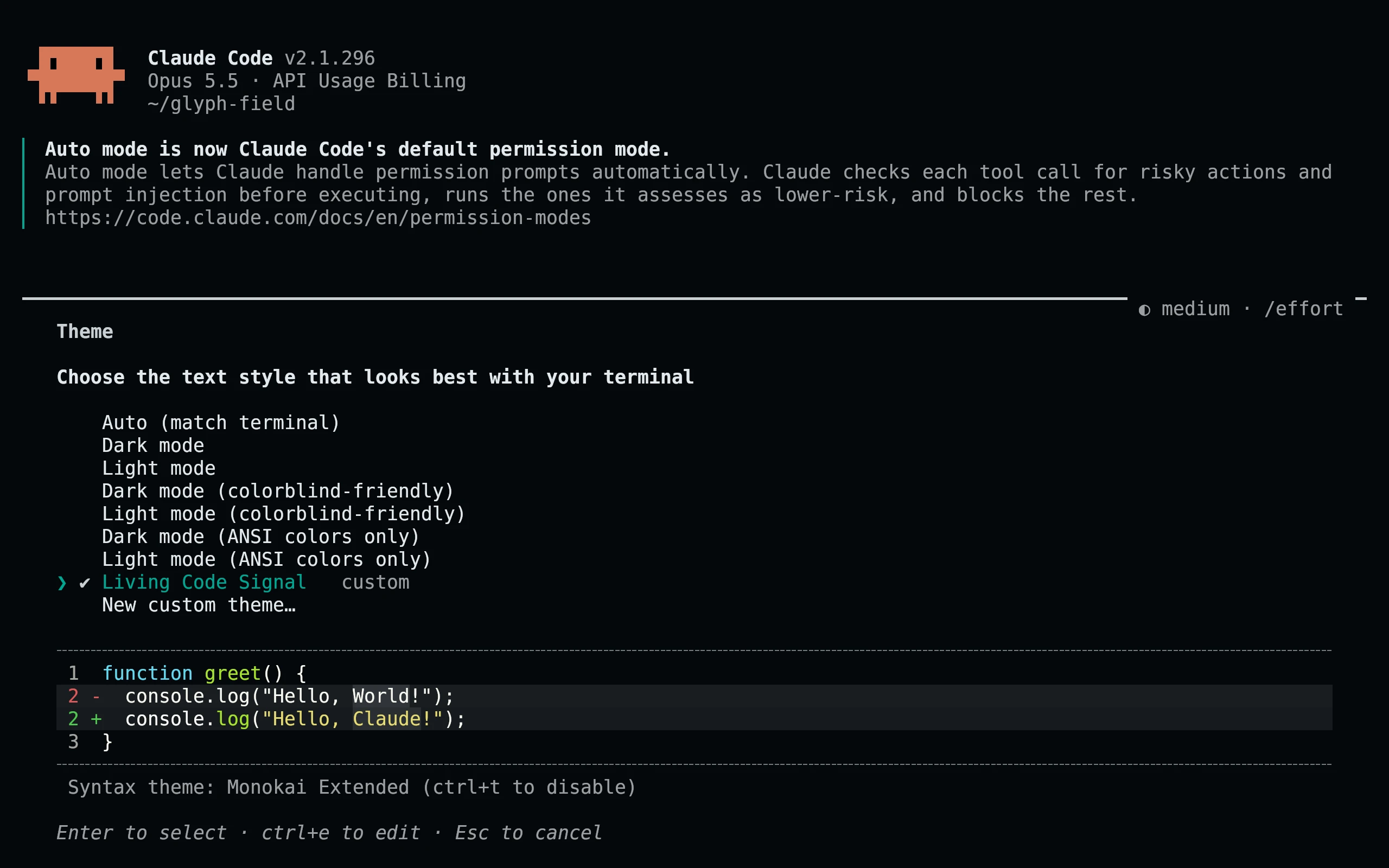
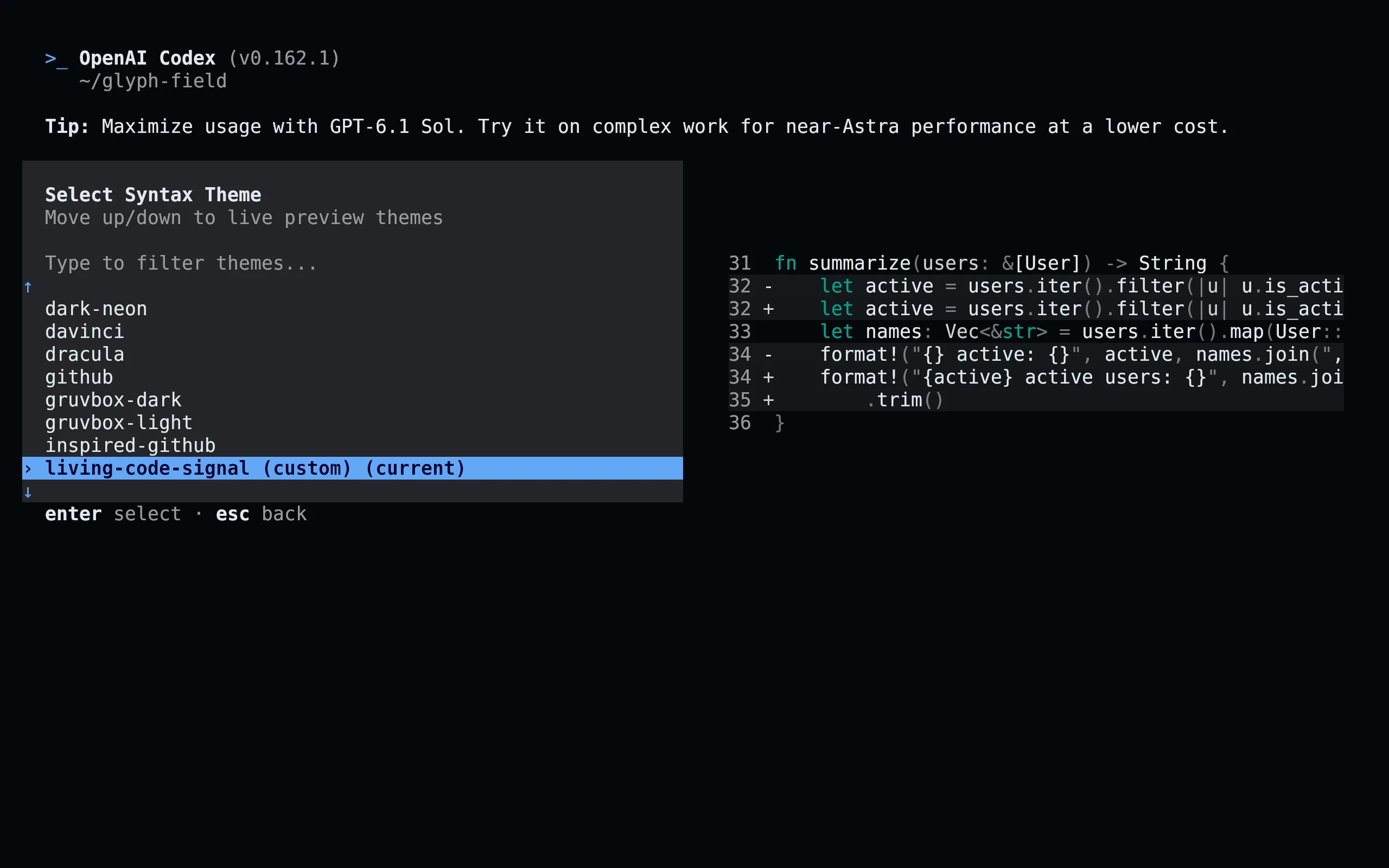
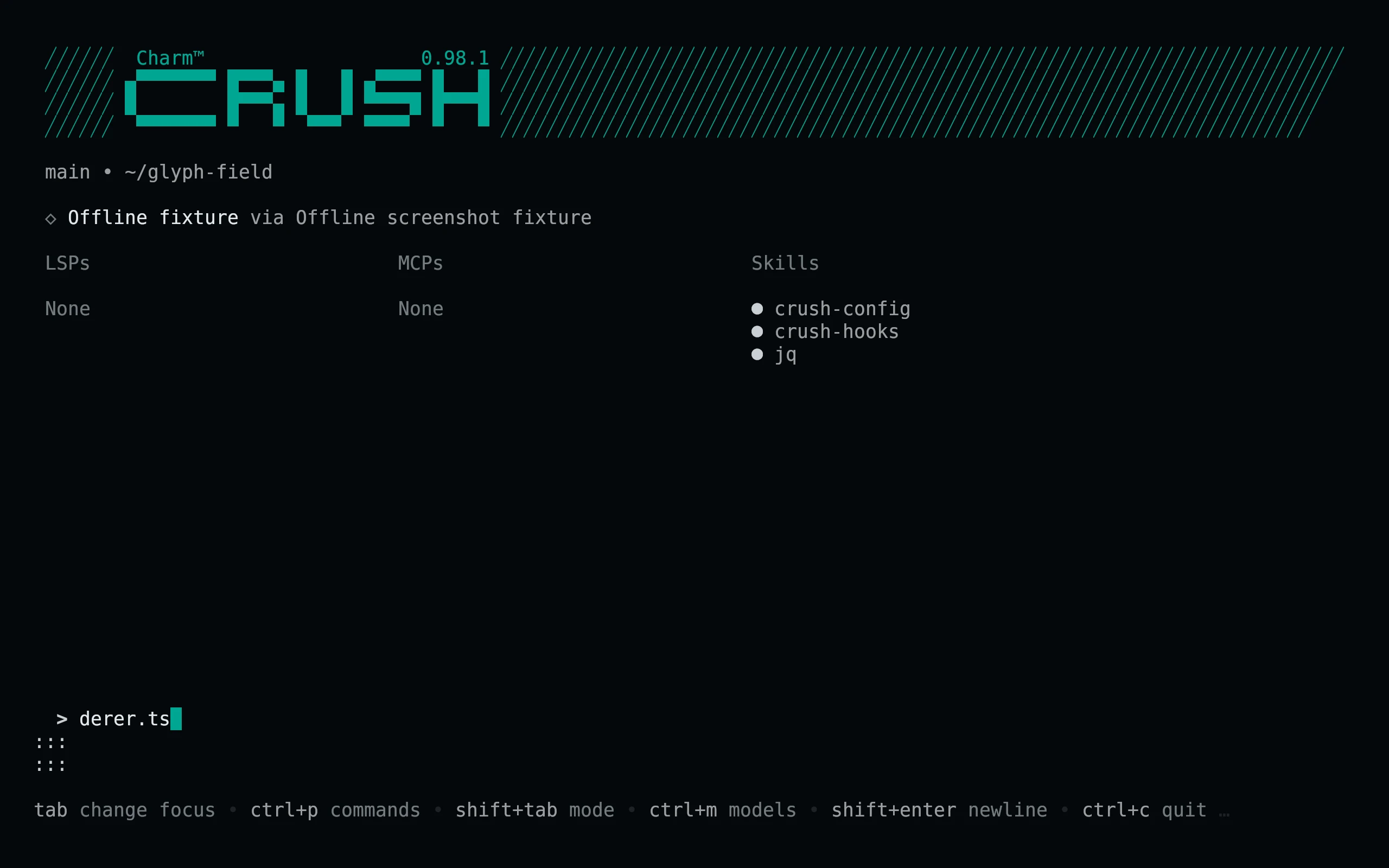
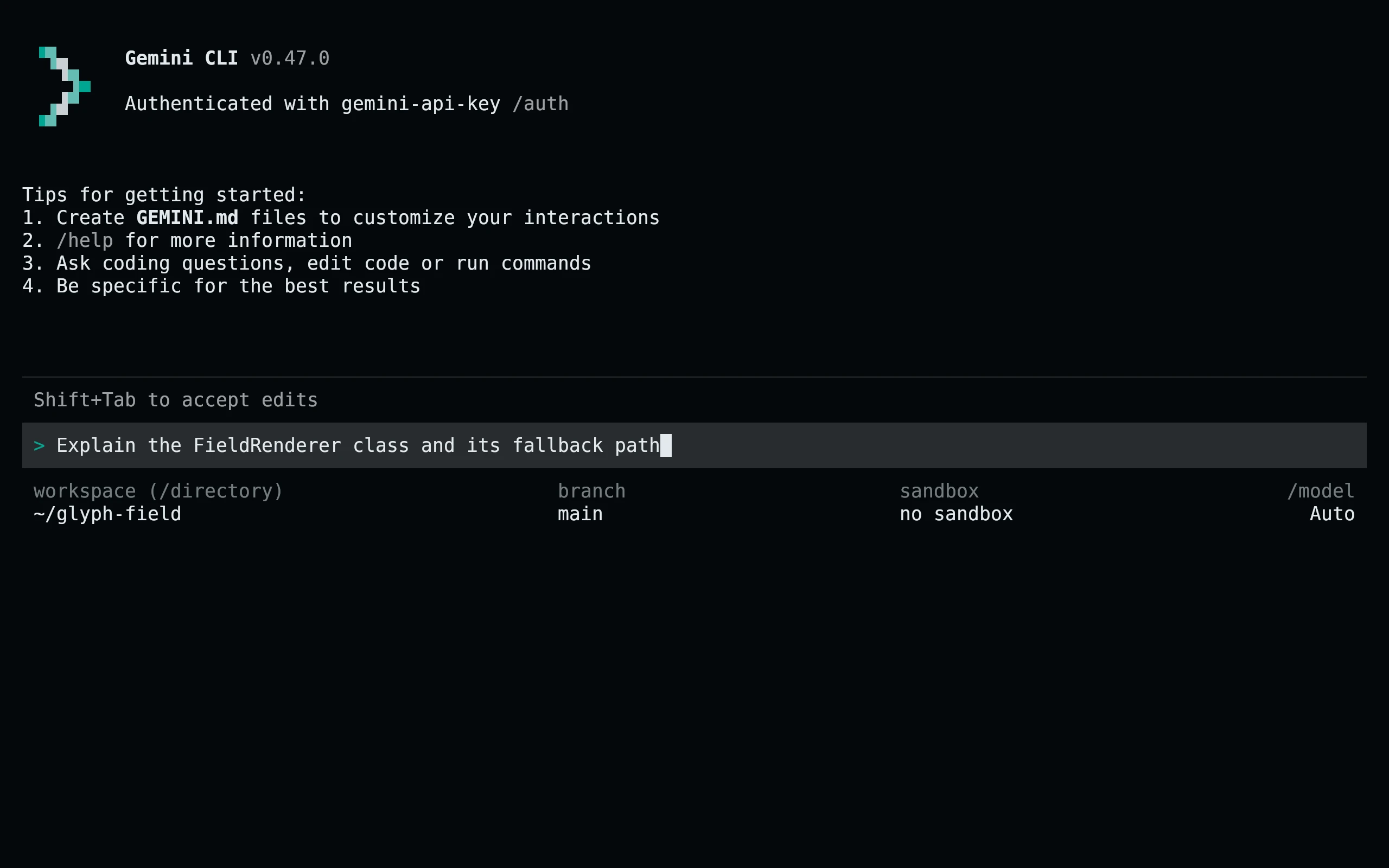
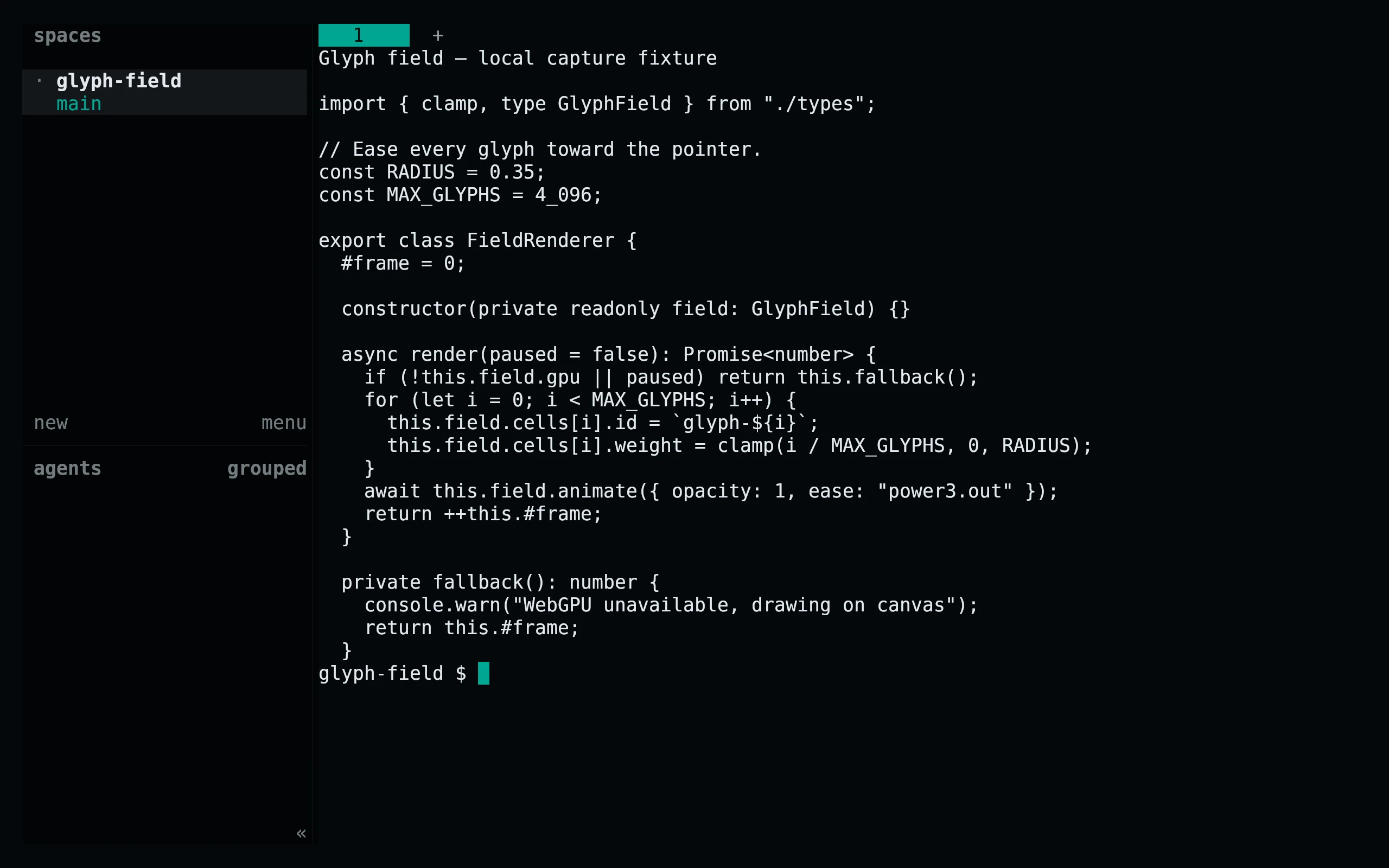
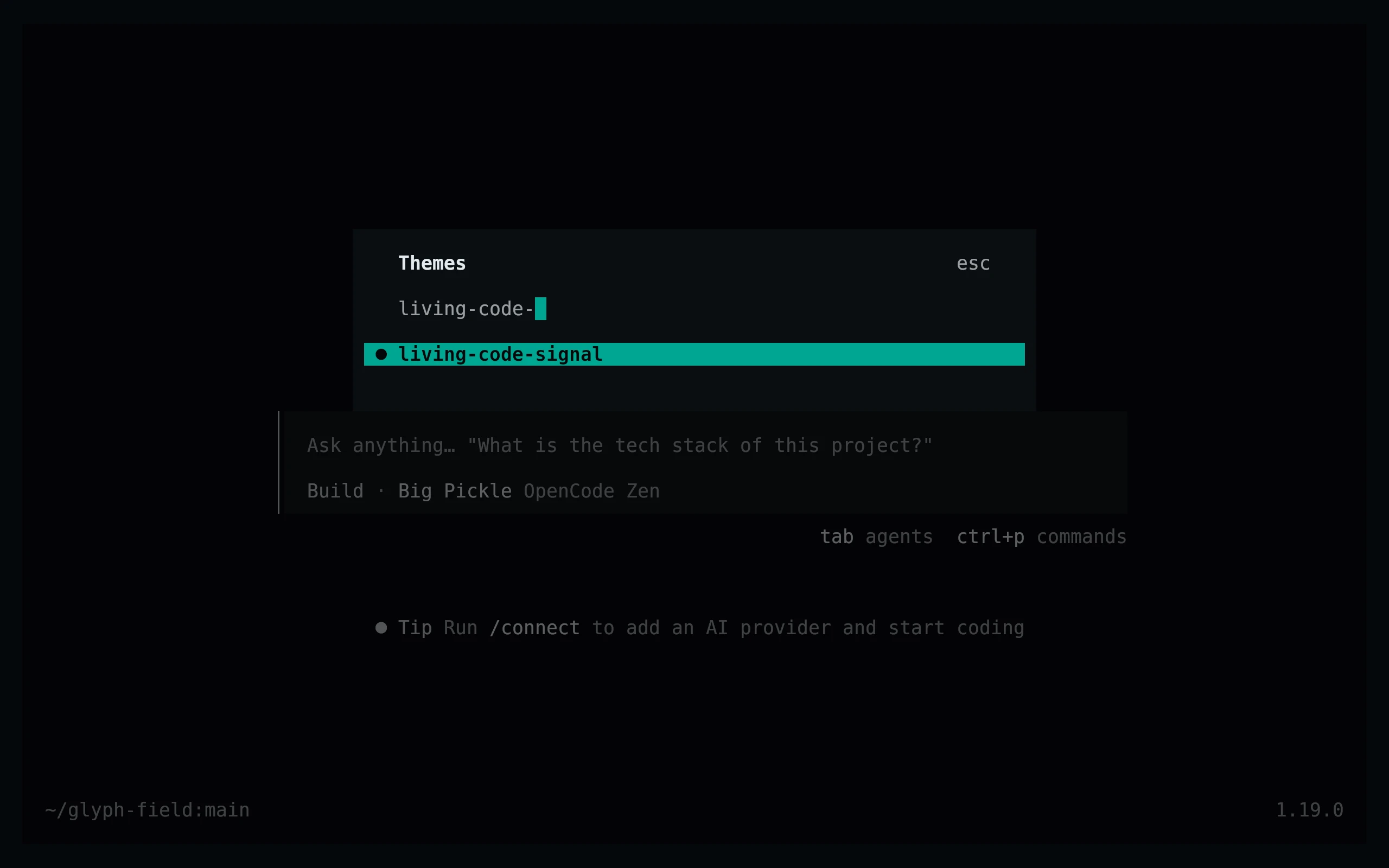
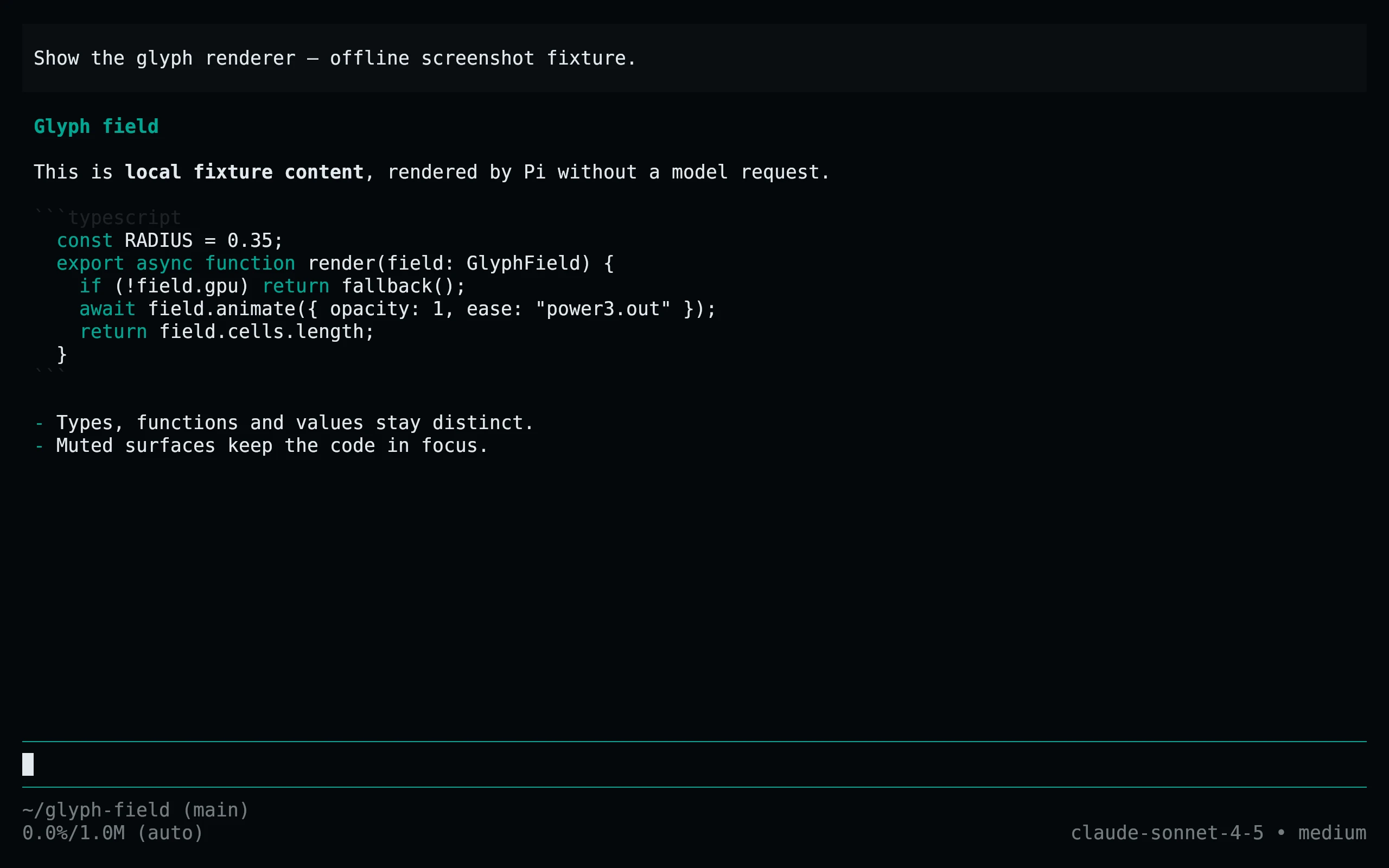
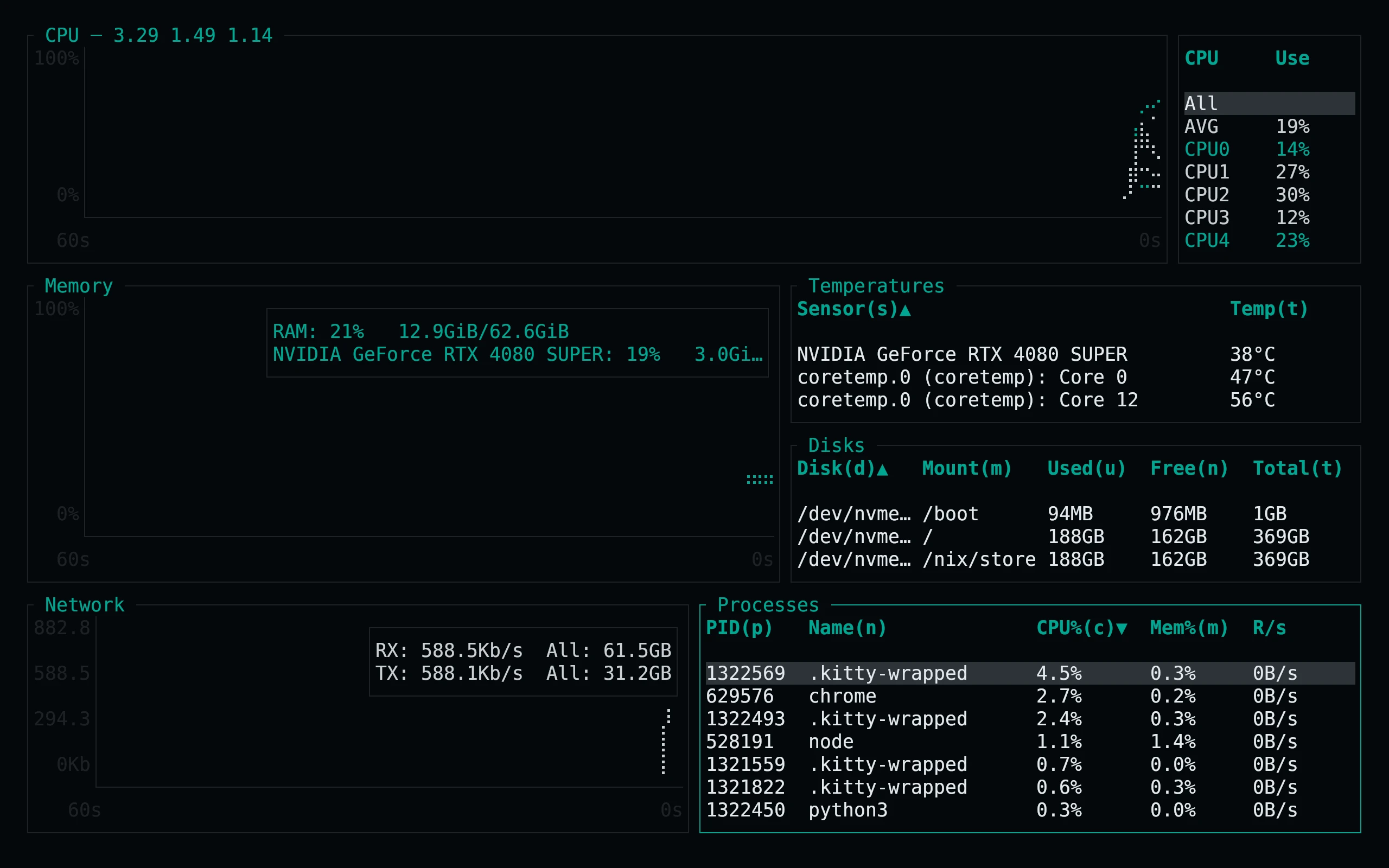
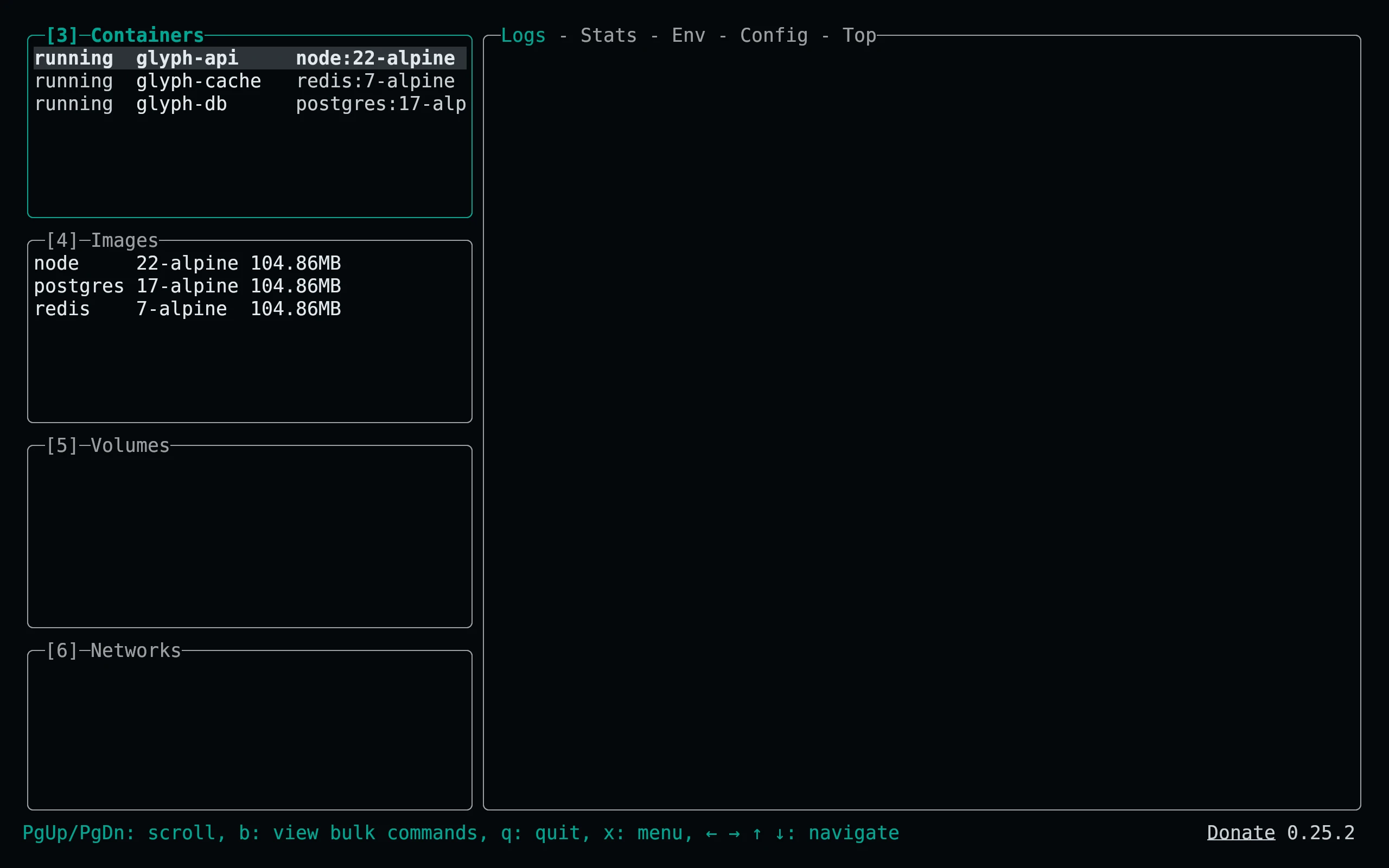
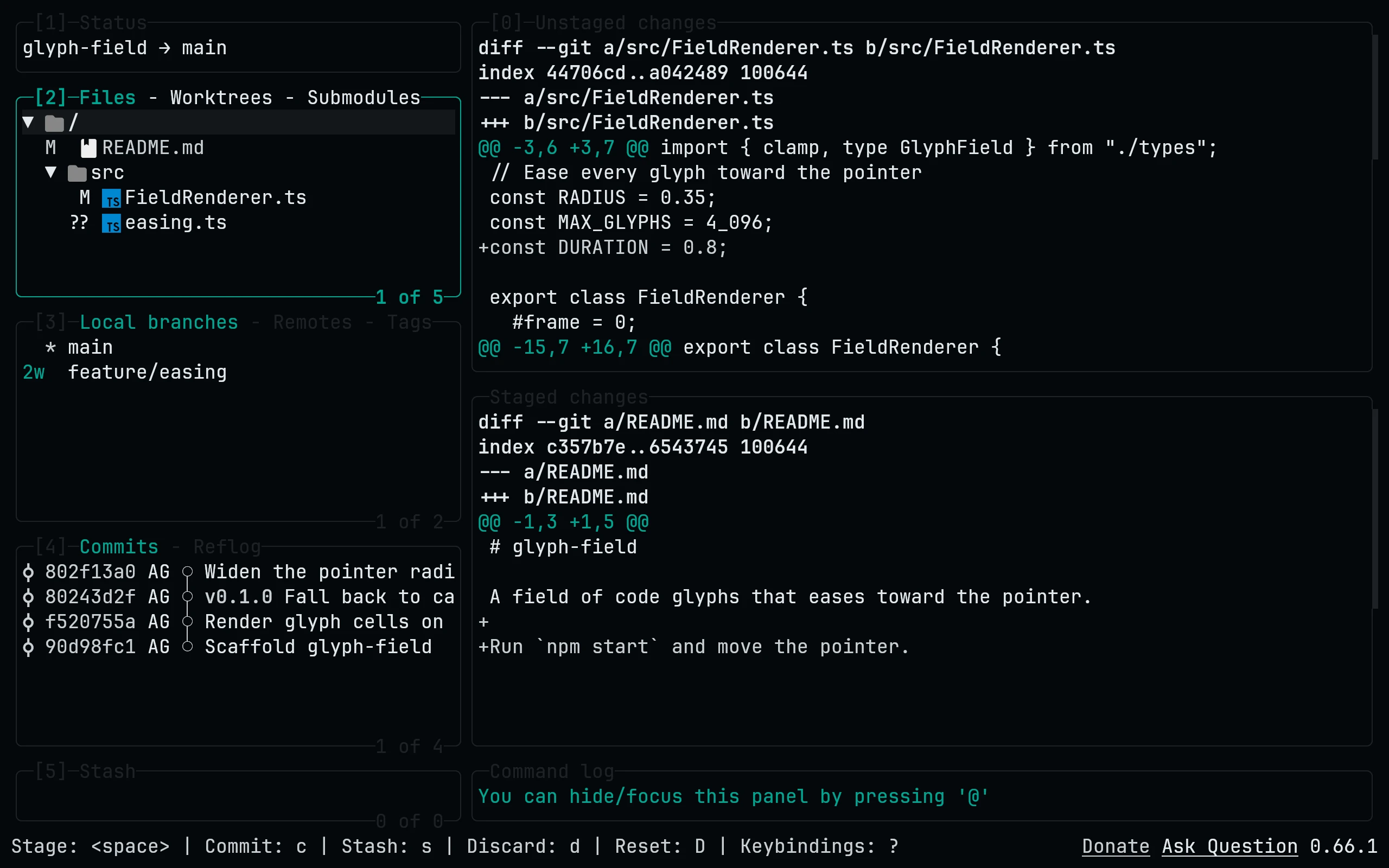
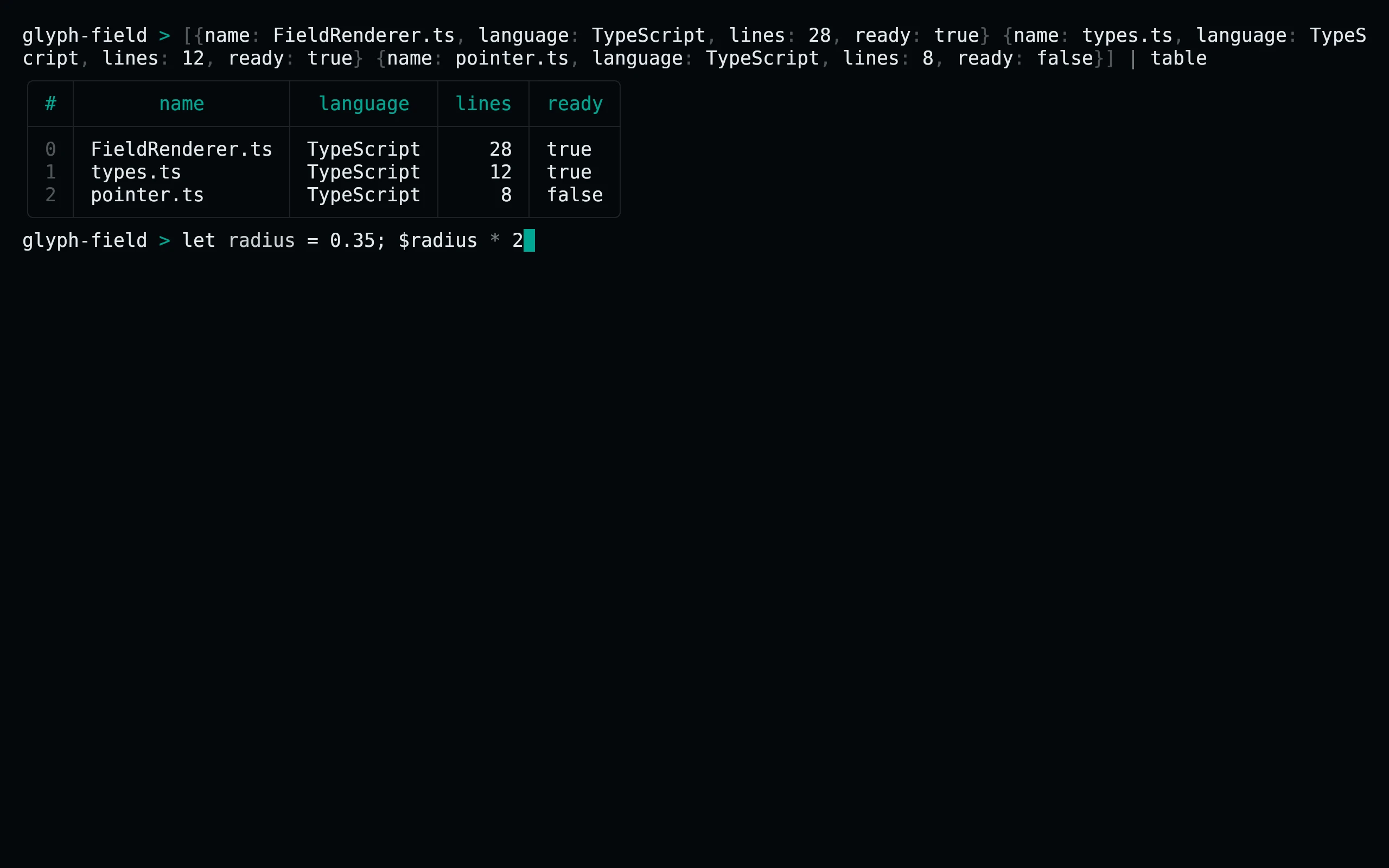
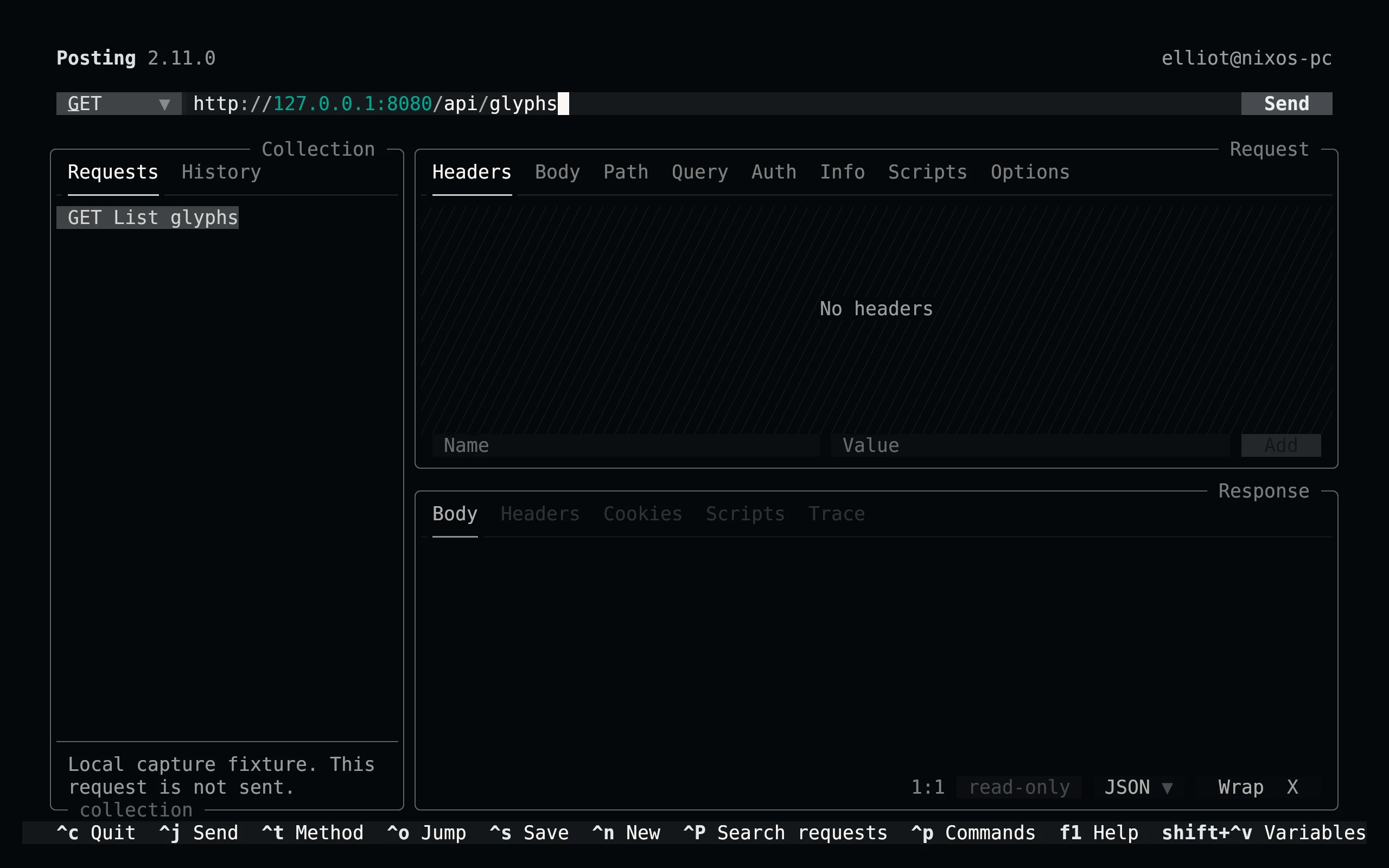
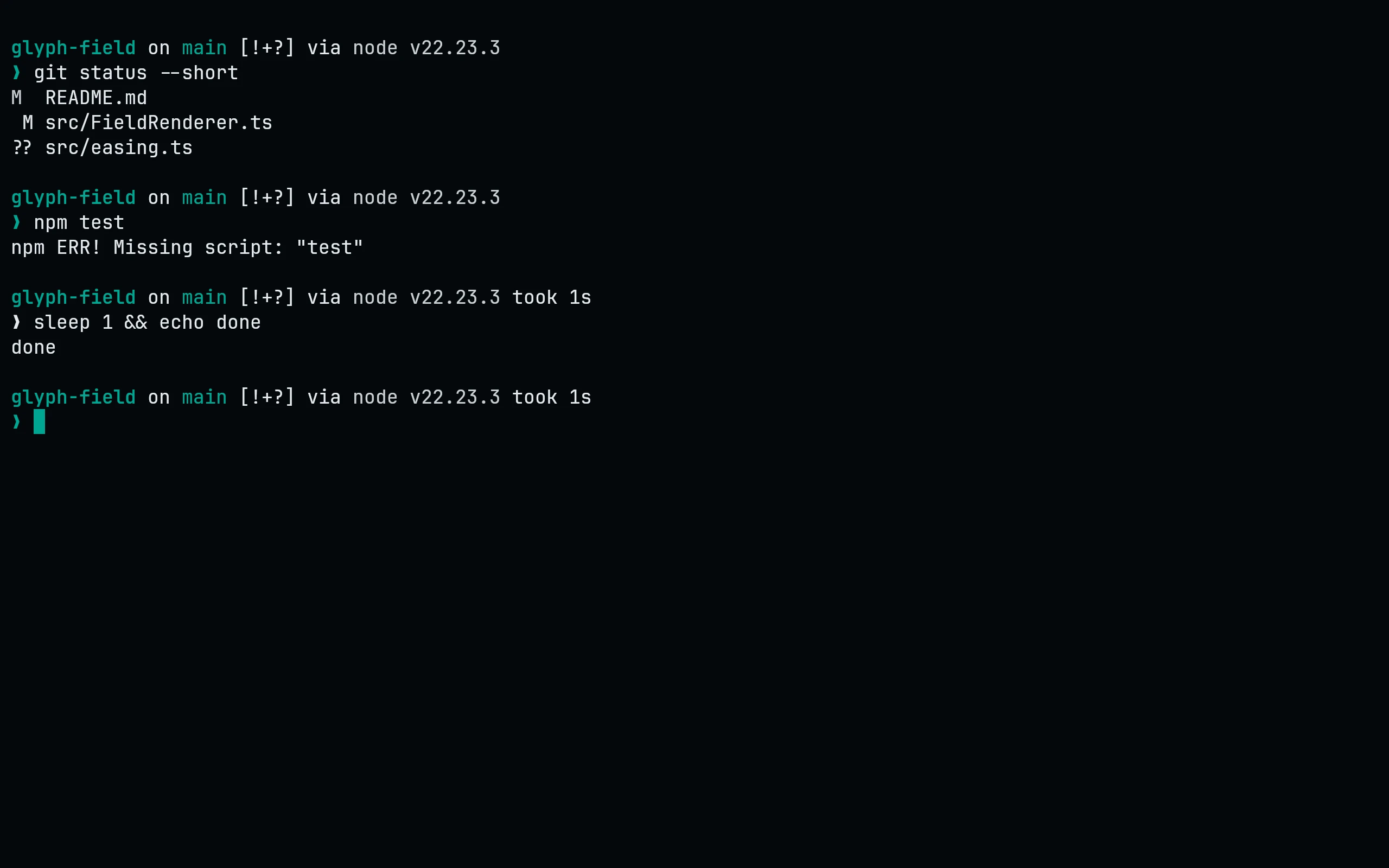
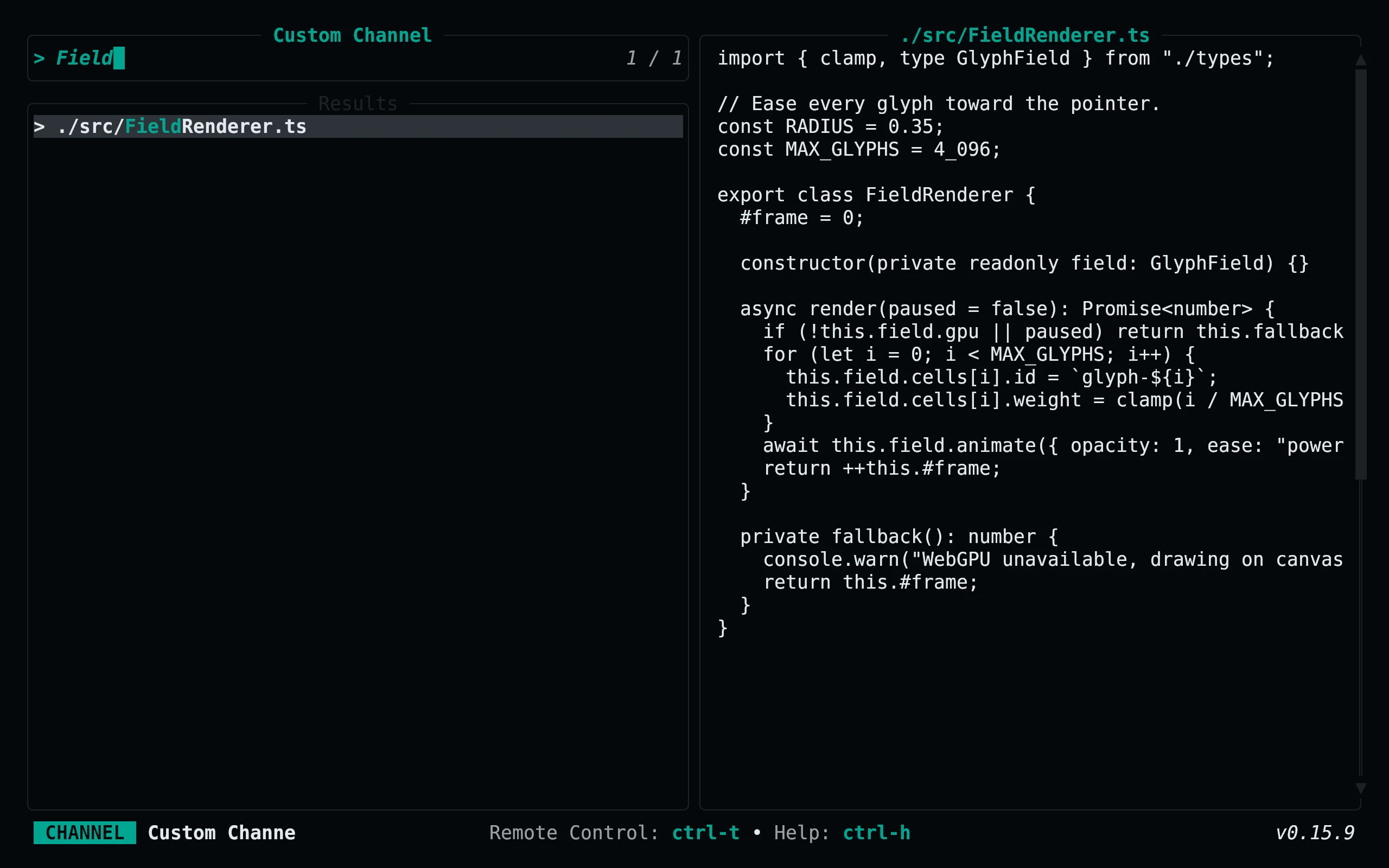
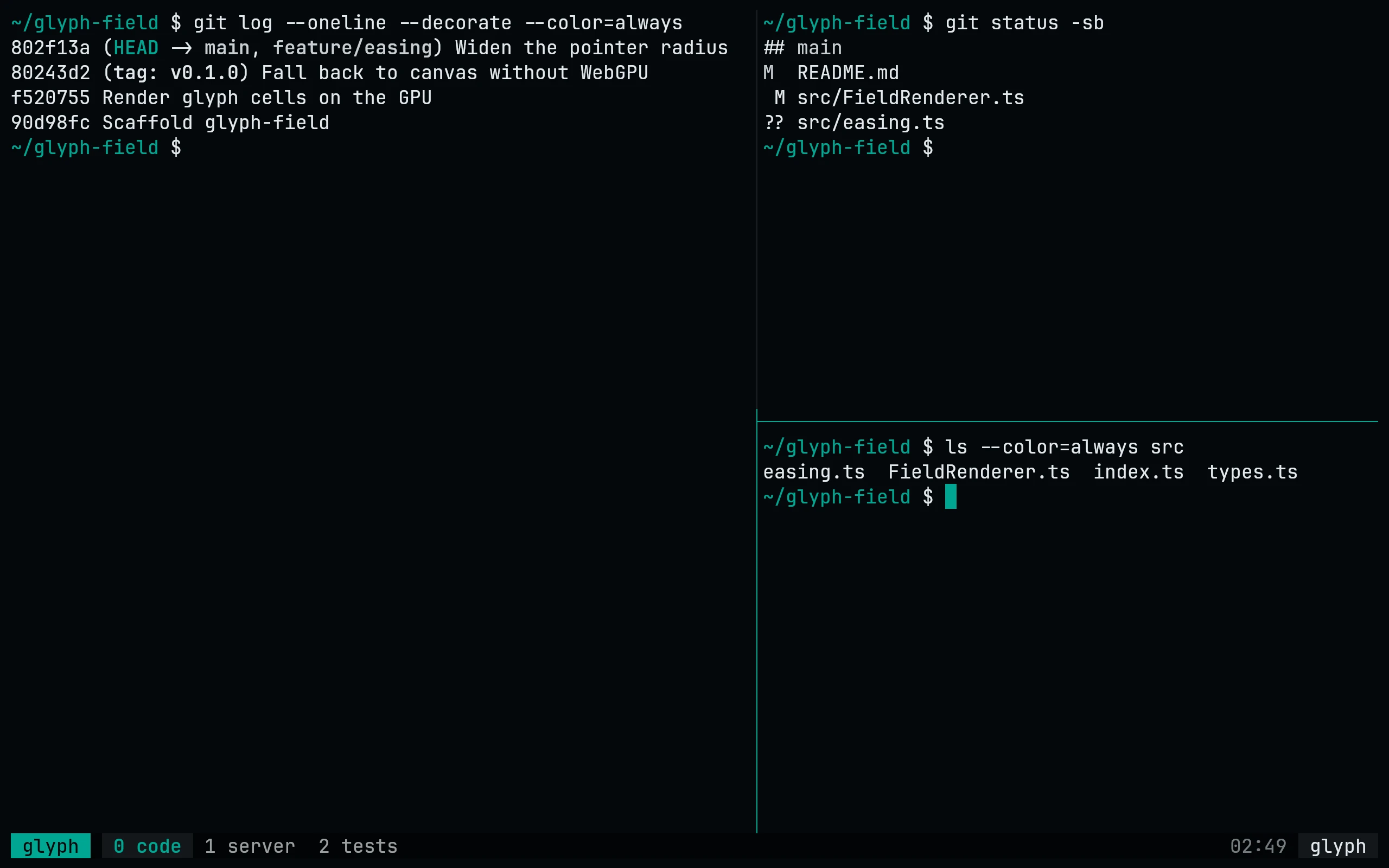
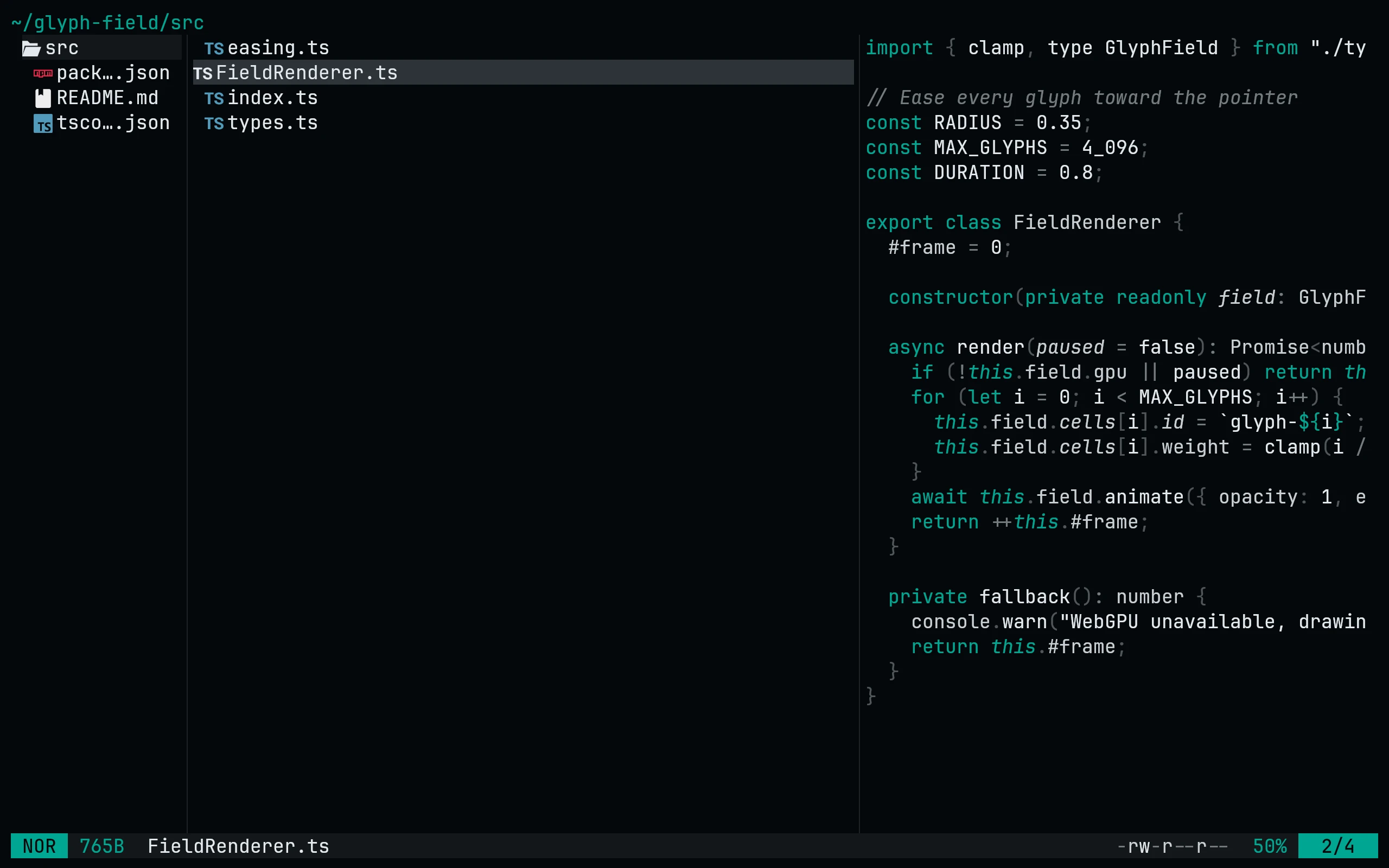
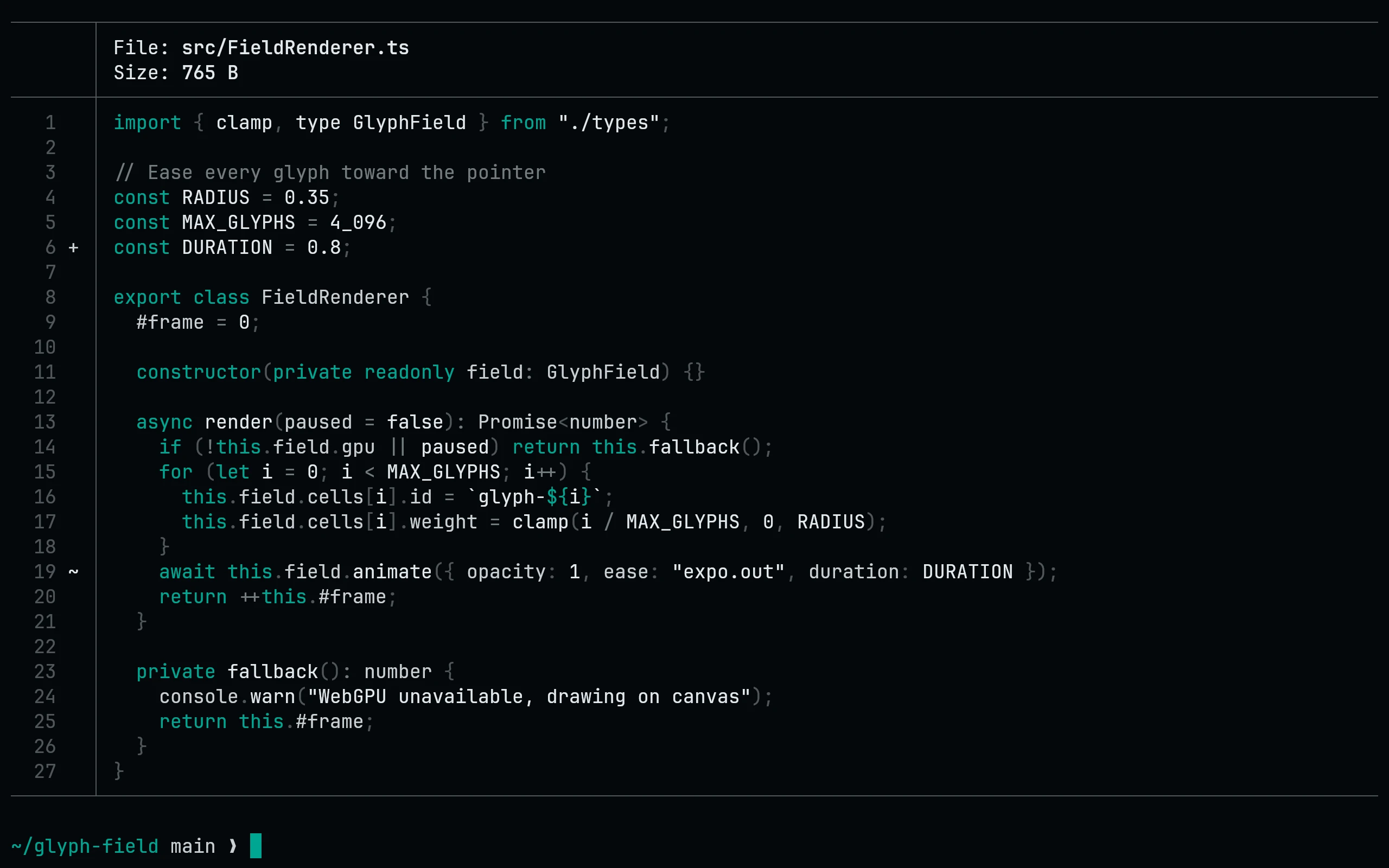
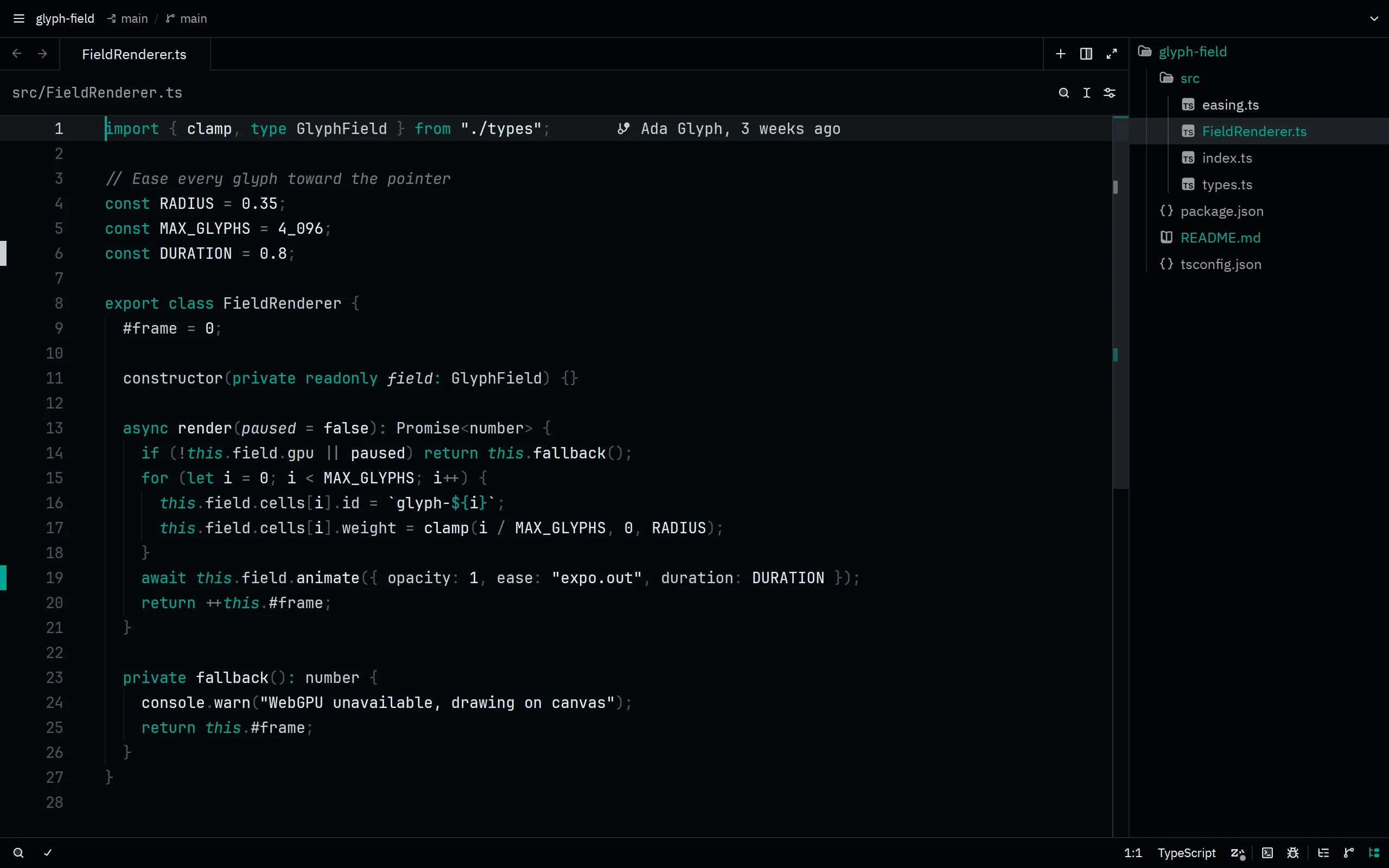
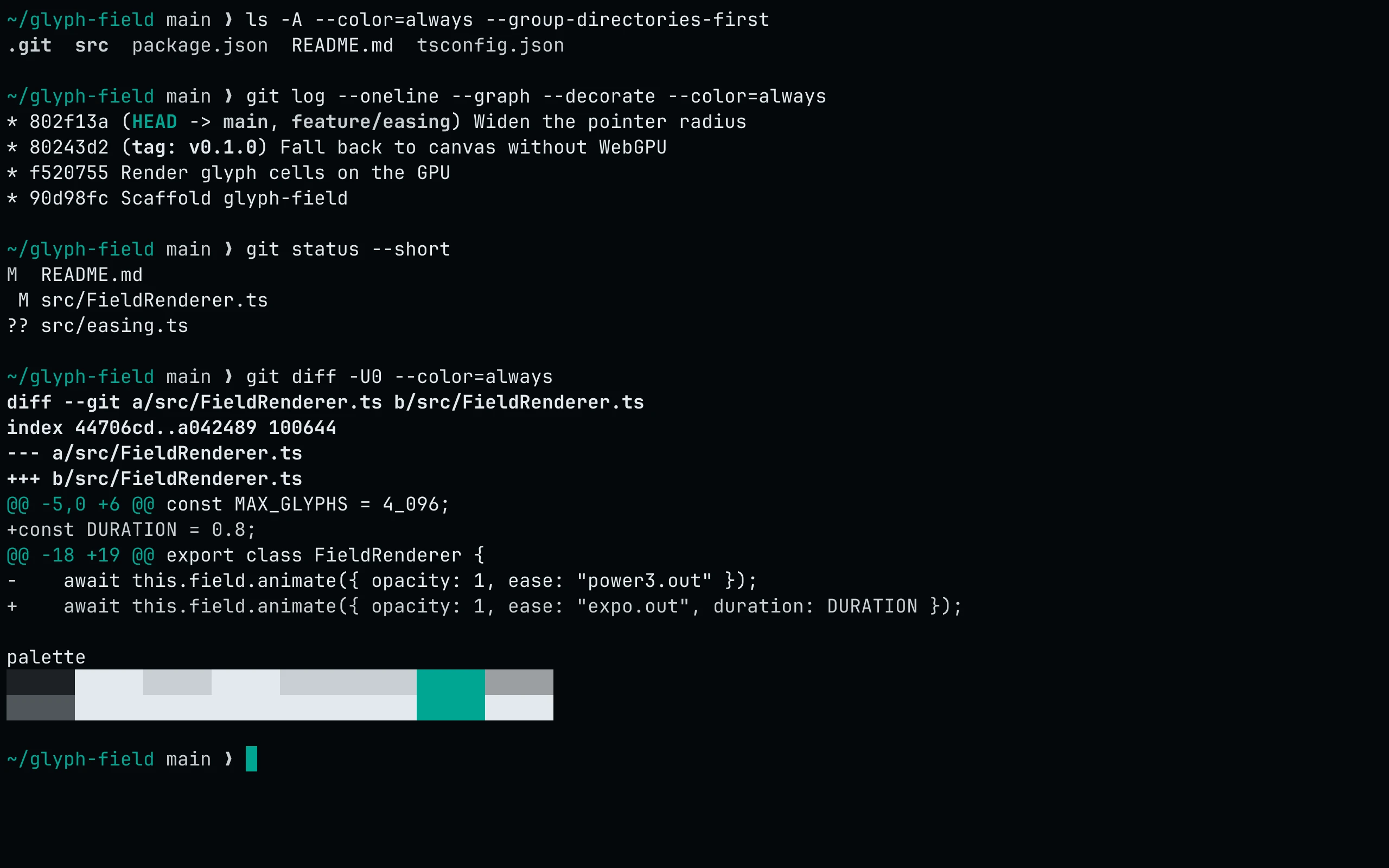
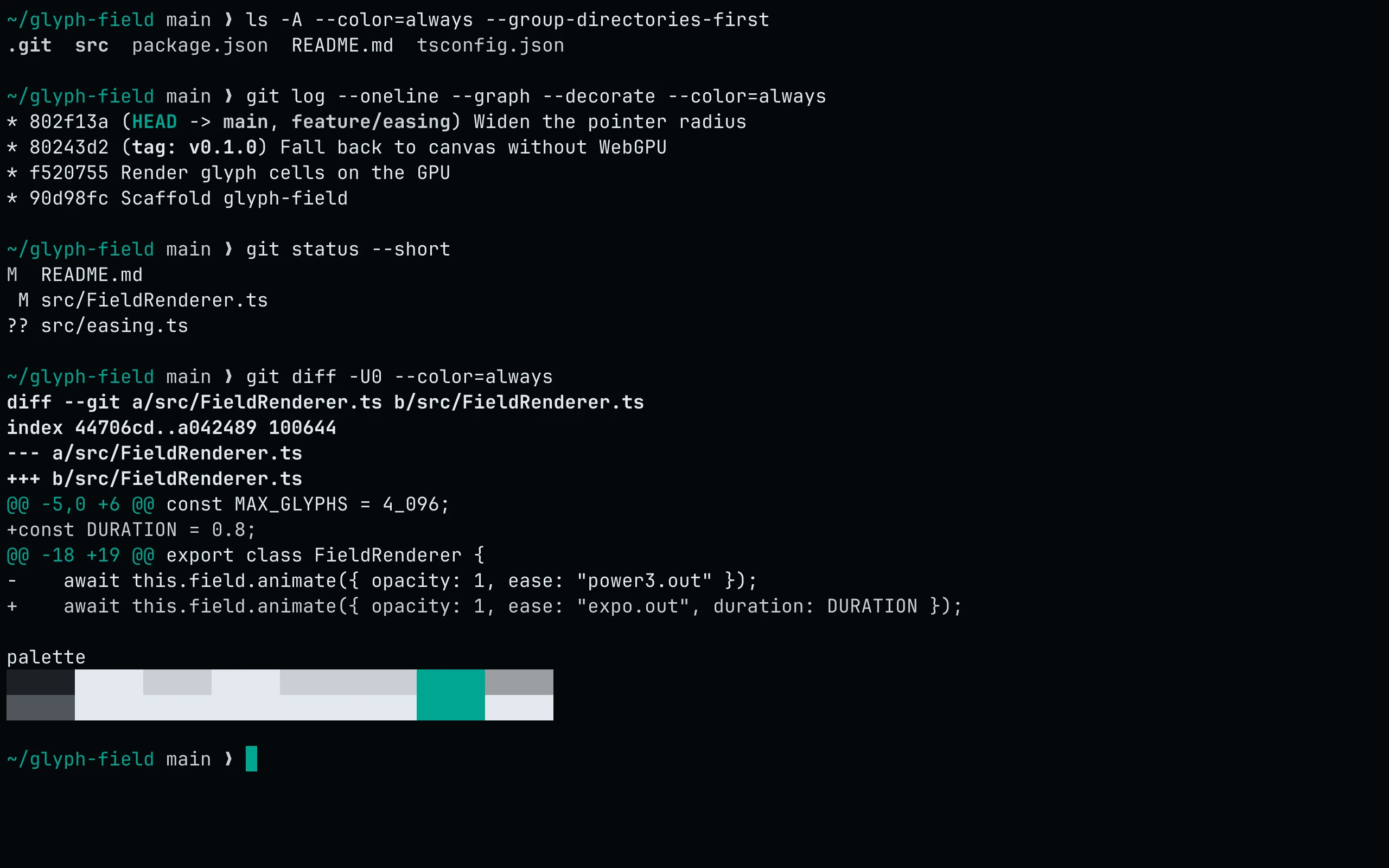
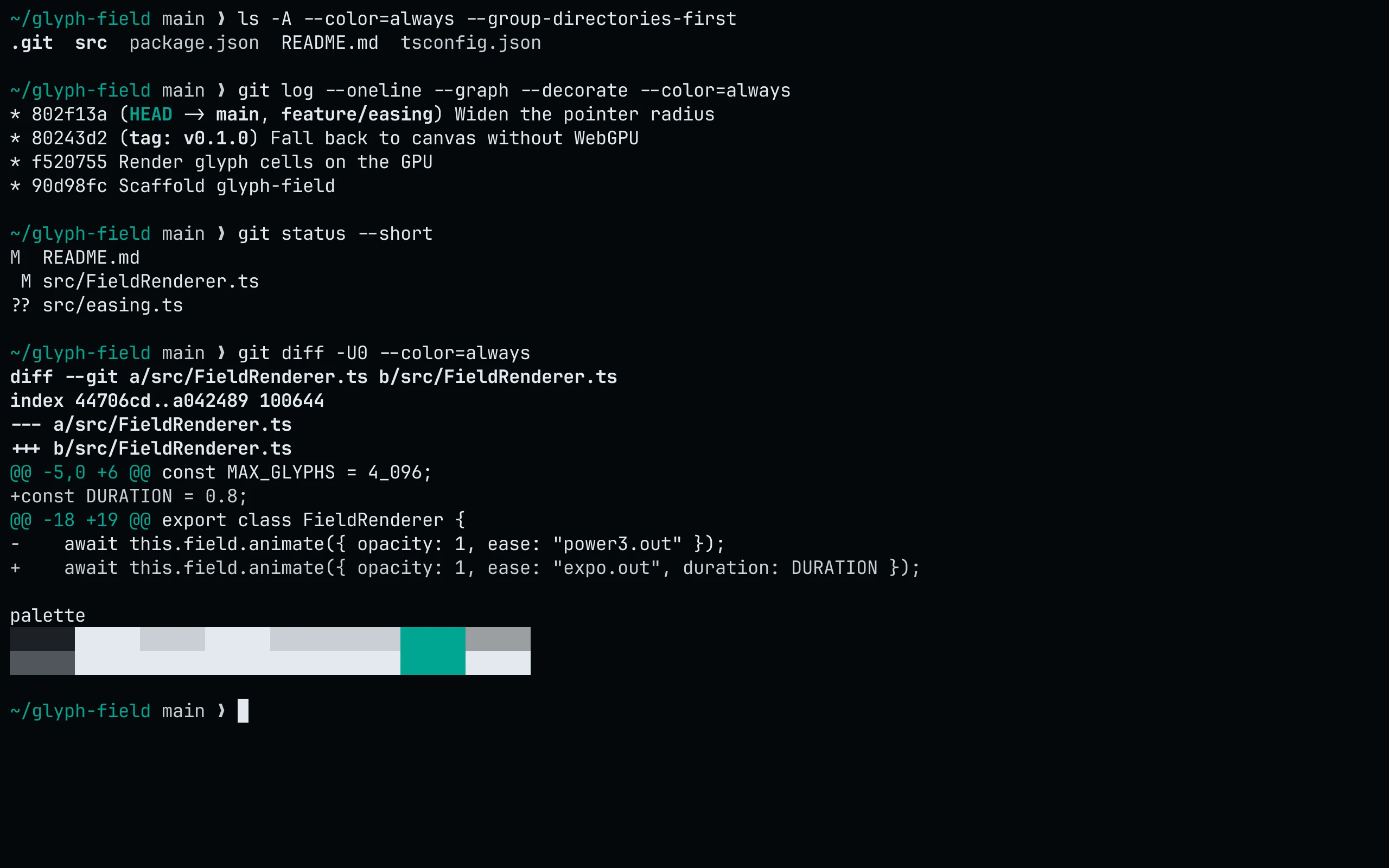
A minimal variant of Night with a single accent. Teal marks keywords, tags and focus; everything else stays on the slate ramp. No warm literals or multicolor diagnostics.

Install it

Read it in your language.

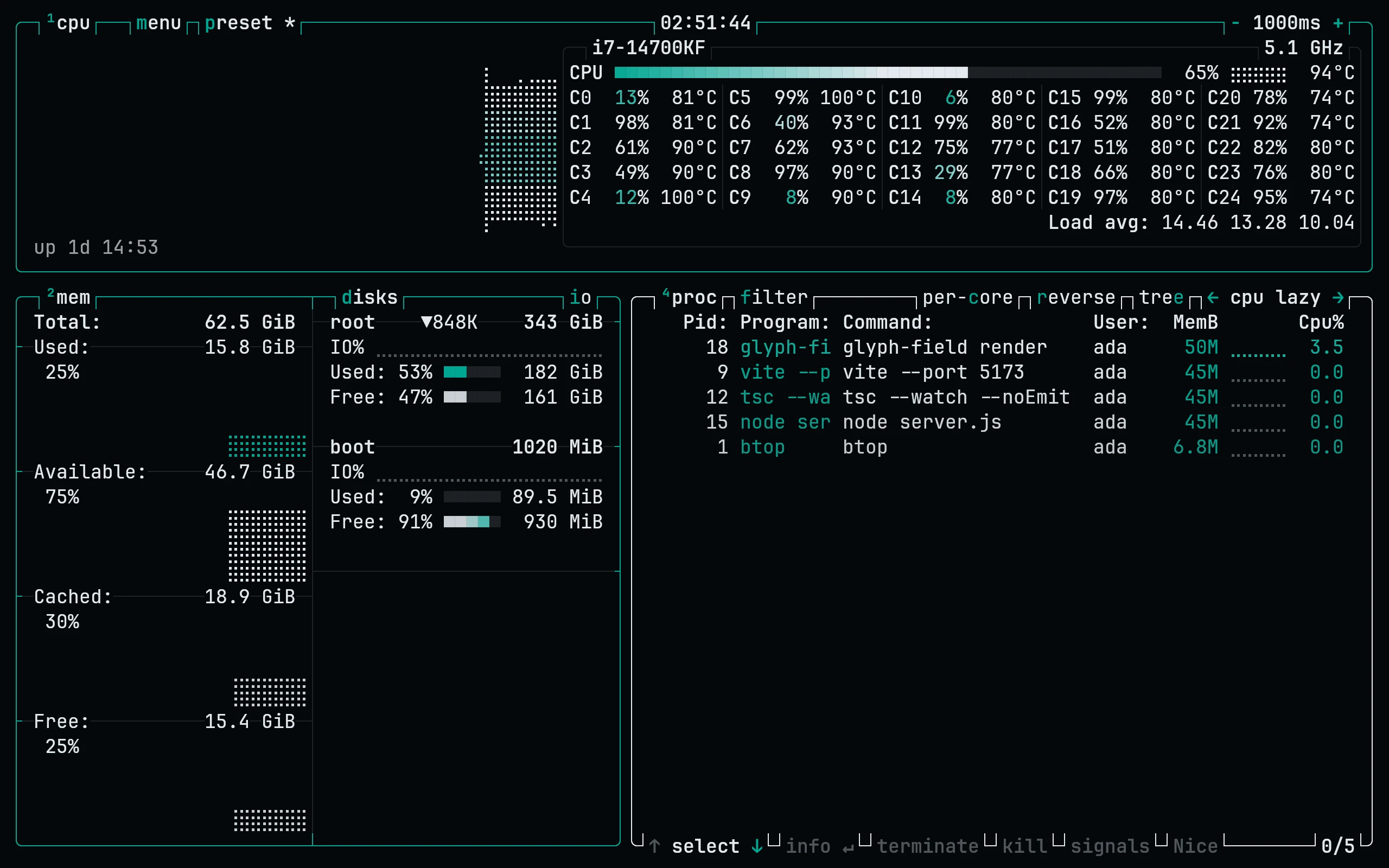
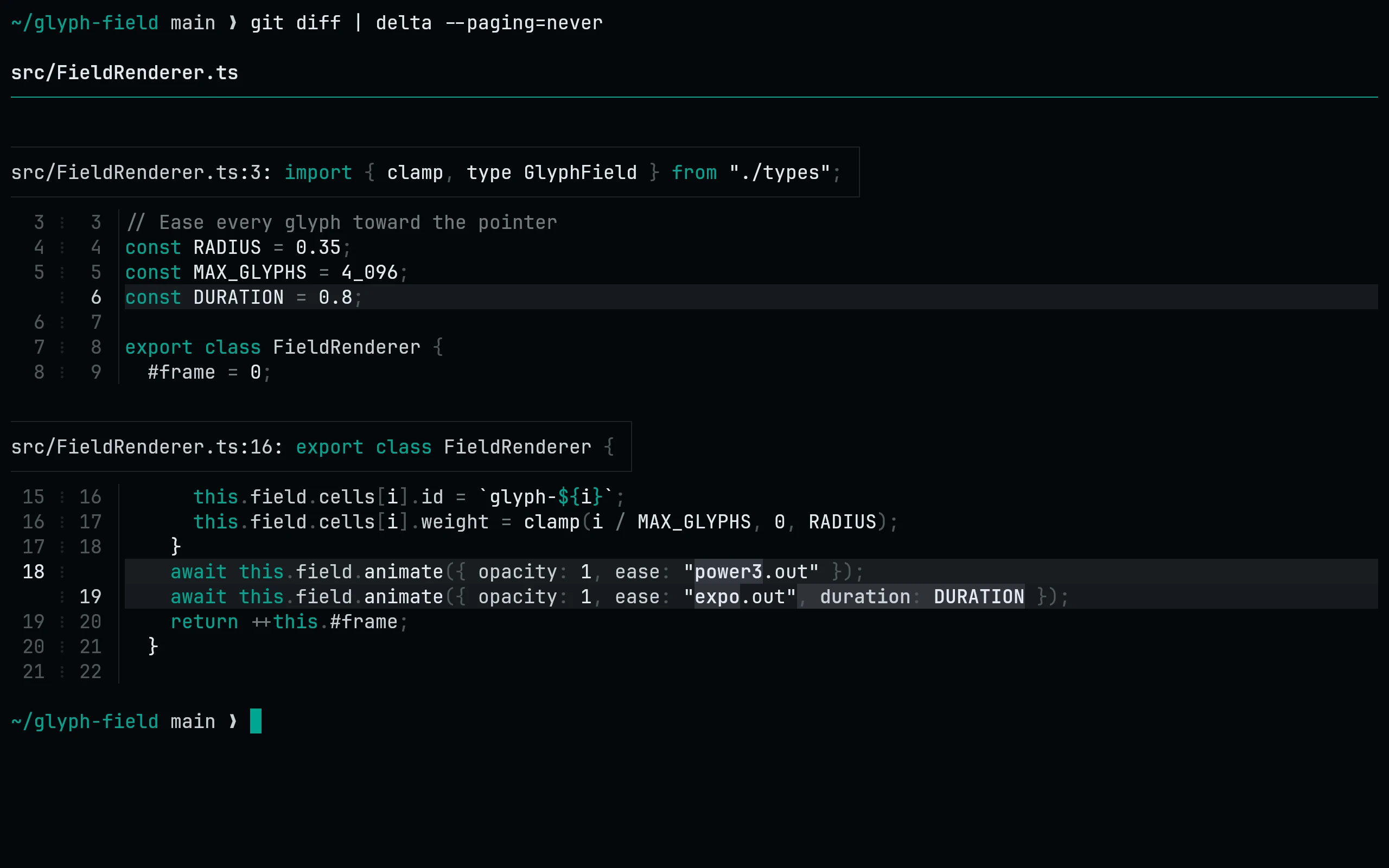
Try the code you write, then switch flavors. The same roles carry through every sample, from syntax to the lines you add and remove.

Previewing Signal. Your language stays selected when you change flavors.

theme.ts

// A quiet ground. Color with a job.type Theme = { name: string; contrast: number }; export function chooseTheme(light: boolean): Theme {  const name = light ? "paper" : "night";   return {    name,    contrast: 4.5,  };} const active = chooseTheme(false);console.log(active.name);

theme.py

# A quiet ground. Color with a job.from dataclasses import dataclass @dataclassclass Theme:    name: str    contrast: float = 4.5  def choose_theme(light: bool) -> Theme:    name = "paper" if light else "night"    return Theme(name, contrast=4.5) active = choose_theme(False)print(active.name)

theme.rs

// A quiet ground. Color with a job.struct Theme {    name: String,    contrast: f64,} fn choose_theme(light: bool) -> Theme {    let name = if light { "paper" } else { "night" };    Theme { name: name.to_string(), contrast: 4.5 }} fn main() {    let active = choose_theme(false);    println!("{}", active.name);}
theme.html / theme.css

<main class="workspace" data-theme="night">  <h1>Color with a job.</h1>  <p>A quiet ground for your next idea.</p>  <a href="/ports/">Find your app</a></main> /* The same roles, on the web. */.workspace {  background: var(--lc-bg);  color: var(--lc-fg);  padding: 24px;} .workspace a { color: var(--lc-link); }
theme.ts · working tree

diff --git a/theme.ts b/theme.ts--- a/theme.ts+++ b/theme.ts@@ -1,7 +1,7 @@ export const workspace = {-  name: "default",-  background: "#181818",-  foreground: "#cccccc",+  name: "living-code",+  background: "var(--lc-bg)",+  foreground: "var(--lc-fg)",   contrast: 4.5,   quiet: true, };

The slate ramp

  1. crustsidebars, status linesoklch(0.1 0.01 240)#020405
  2. basebackgroundoklch(0.13 0.01 240)#05080b
  3. mantlefloats, cardsoklch(0.16 0.01 240)#090e11
  4. surface0line highlightoklch(0.2 0.01 240)#12171a
  5. surface1bordersoklch(0.25 0.01 240)#1d2226
  6. surface2selectionoklch(0.32 0.012 240)#2d3438
  7. overlayline numbersoklch(0.45 0.012 240)#50565b
  8. commentcommentsoklch(0.58 0.012 235)#747c80
  9. subtextmuted textoklch(0.7023 0.0065 223.49)#9ba0a2
  10. text2propertiesoklch(0.85 0.01 240)#c8cfd4
  11. textforegroundoklch(0.93 0.01 240)#e2e9ee

Every role.
Three numbers each.

Ports read roles, not colors. Here is what each role is in Signal, and how it reads against the background. Text roles need 4.5:1.

Code

Code roles in Living Code Signal
RoleColorOKLCHHexContrast
keywordtealoklch(0.65 0.15 180)#00a6926.58:1
functiontextoklch(0.93 0.01 240)#e2e9ee16.4:1
typetext2oklch(0.85 0.01 240)#c8cfd412.7:1
stringtextoklch(0.93 0.01 240)#e2e9ee16.4:1
numbertextoklch(0.93 0.01 240)#e2e9ee16.4:1
constanttextoklch(0.93 0.01 240)#e2e9ee16.4:1
decoratortealoklch(0.65 0.15 180)#00a6926.58:1
tagtealoklch(0.65 0.15 180)#00a6926.58:1
propertytext2oklch(0.85 0.01 240)#c8cfd412.7:1
parametertext2oklch(0.85 0.01 240)#c8cfd412.7:1
operatorcommentoklch(0.58 0.012 235)#747c804.71:1
commentcommentoklch(0.58 0.012 235)#747c804.71:1

Diagnostics

Diagnostics roles in Living Code Signal
RoleColorOKLCHHexContrast
errortextoklch(0.93 0.01 240)#e2e9ee16.4:1
warningtext2oklch(0.85 0.01 240)#c8cfd412.7:1
infotext2oklch(0.85 0.01 240)#c8cfd412.7:1
hinttext2oklch(0.85 0.01 240)#c8cfd412.7:1
successtext2oklch(0.85 0.01 240)#c8cfd412.7:1

Diff

Diff roles in Living Code Signal
RoleColorOKLCHHexContrast
addedtext2oklch(0.85 0.01 240)#c8cfd412.7:1
removedtextoklch(0.93 0.01 240)#e2e9ee16.4:1
modifiedtealoklch(0.65 0.15 180)#00a6926.58:1

Interface

Interface roles in Living Code Signal
RoleColorOKLCHHexContrast
fgtextoklch(0.93 0.01 240)#e2e9ee16.4:1
fgAlttext2oklch(0.85 0.01 240)#c8cfd412.7:1
fgMutedsubtextoklch(0.7023 0.0065 223.49)#9ba0a27.61:1
accenttealoklch(0.65 0.15 180)#00a6926.58:1
cursortealoklch(0.65 0.15 180)#00a6926.58:1
selectionsurface2oklch(0.32 0.012 240)#2d34381.59:1
lineNumberoverlayoklch(0.45 0.012 240)#50565b2.71:1
lineNumberActivetext2oklch(0.85 0.01 240)#c8cfd412.7:1
linktealoklch(0.65 0.15 180)#00a6926.58:1

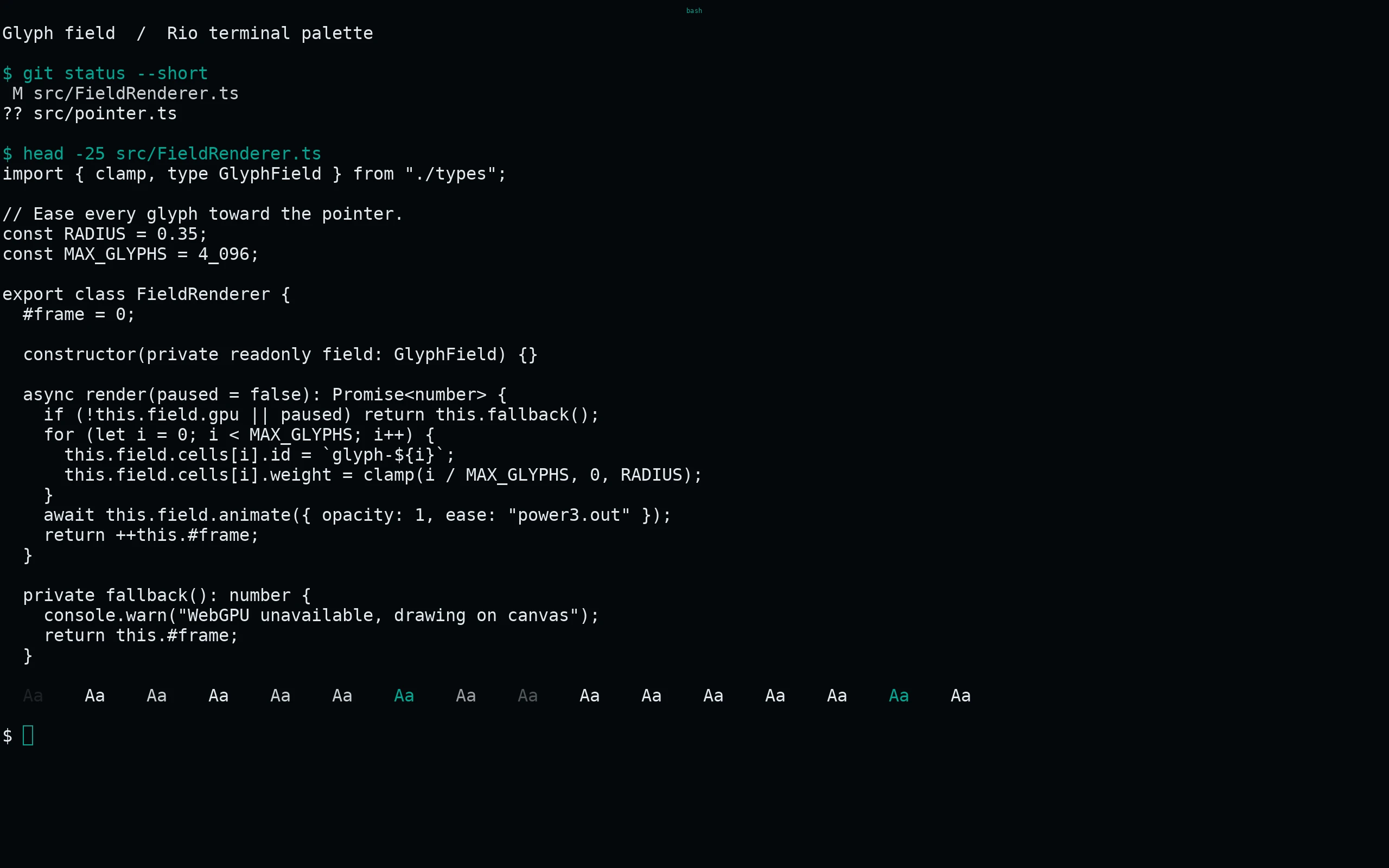
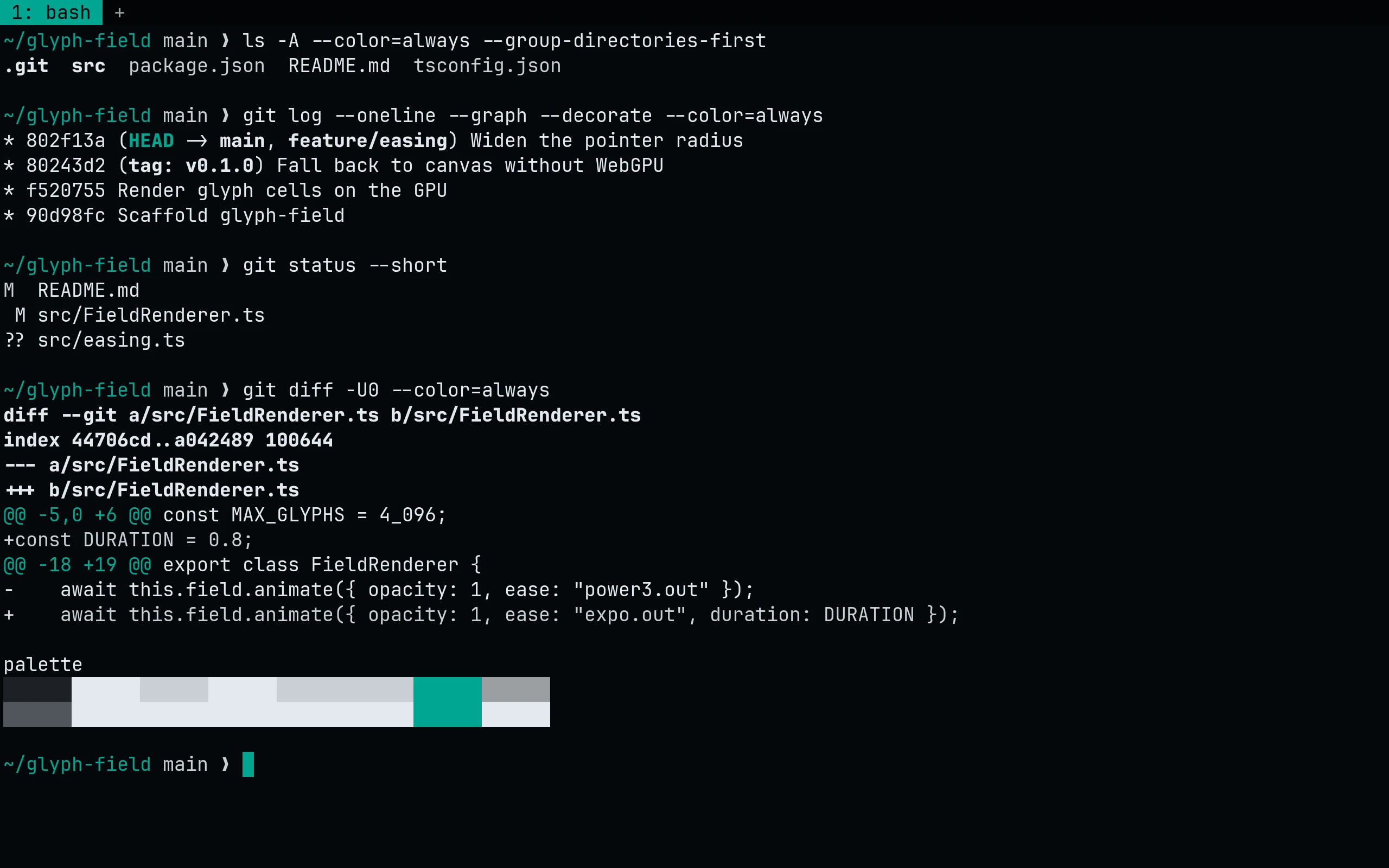
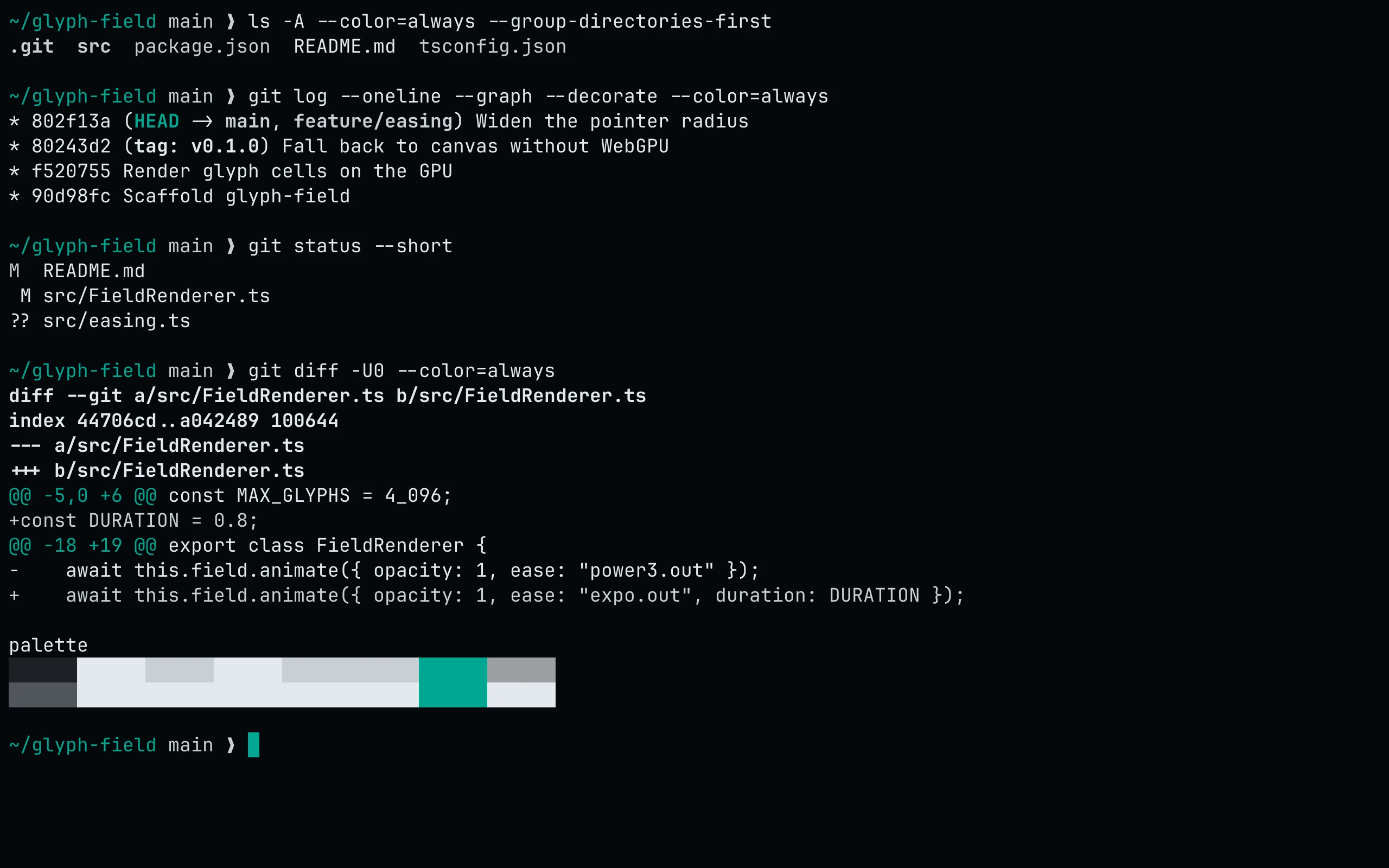
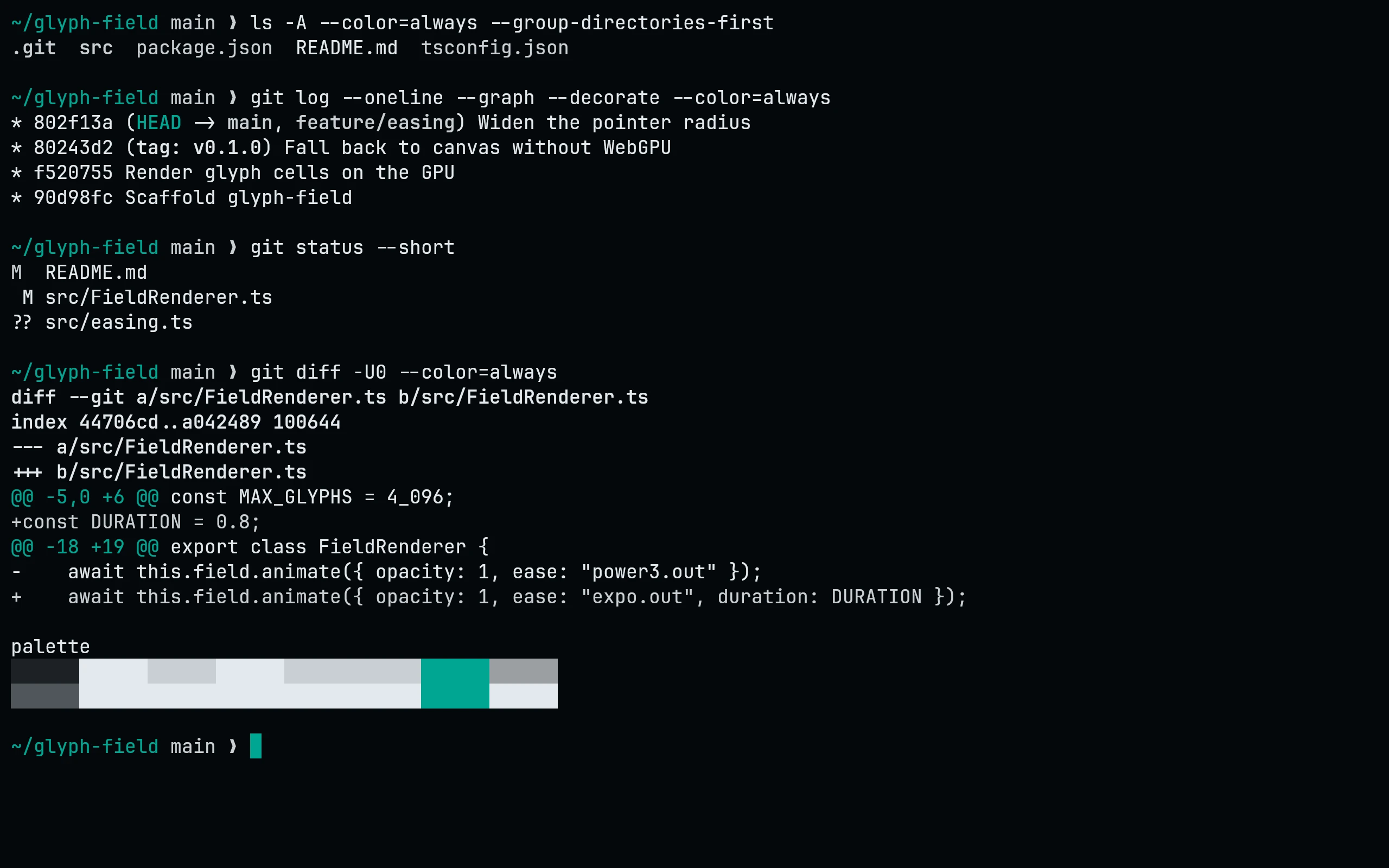
Terminal colors

  1. black#1d2226
  2. red#e2e9ee
  3. green#c8cfd4
  4. yellow#e2e9ee
  5. blue#c8cfd4
  6. magenta#c8cfd4
  7. cyan#00a692
  8. white#9ba0a2
  1. bright black#50565b
  2. bright red#e2e9ee
  3. bright green#e2e9ee
  4. bright yellow#e2e9ee
  5. bright blue#e2e9ee
  6. bright magenta#e2e9ee
  7. bright cyan#00a692
  8. bright white#e2e9ee

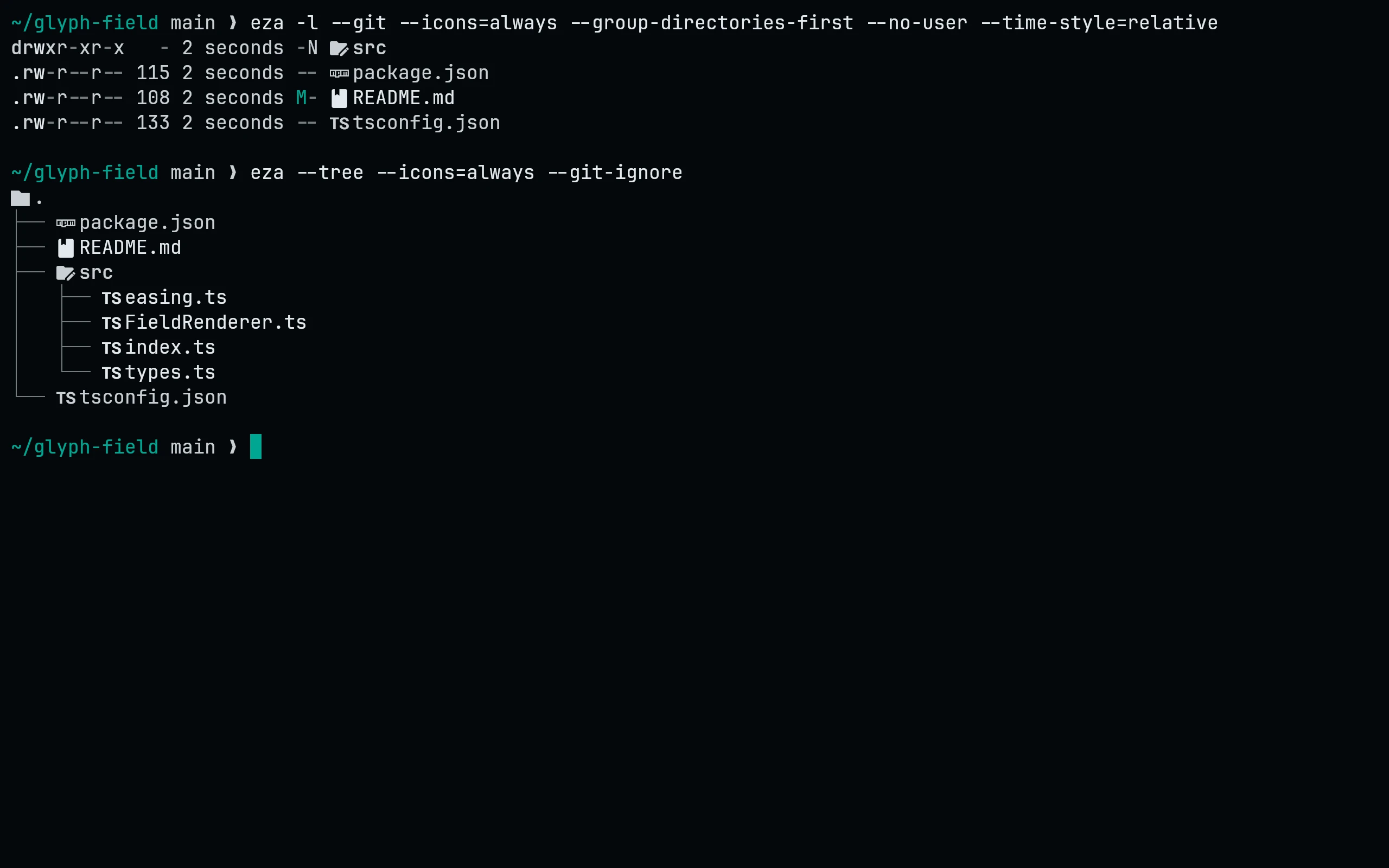
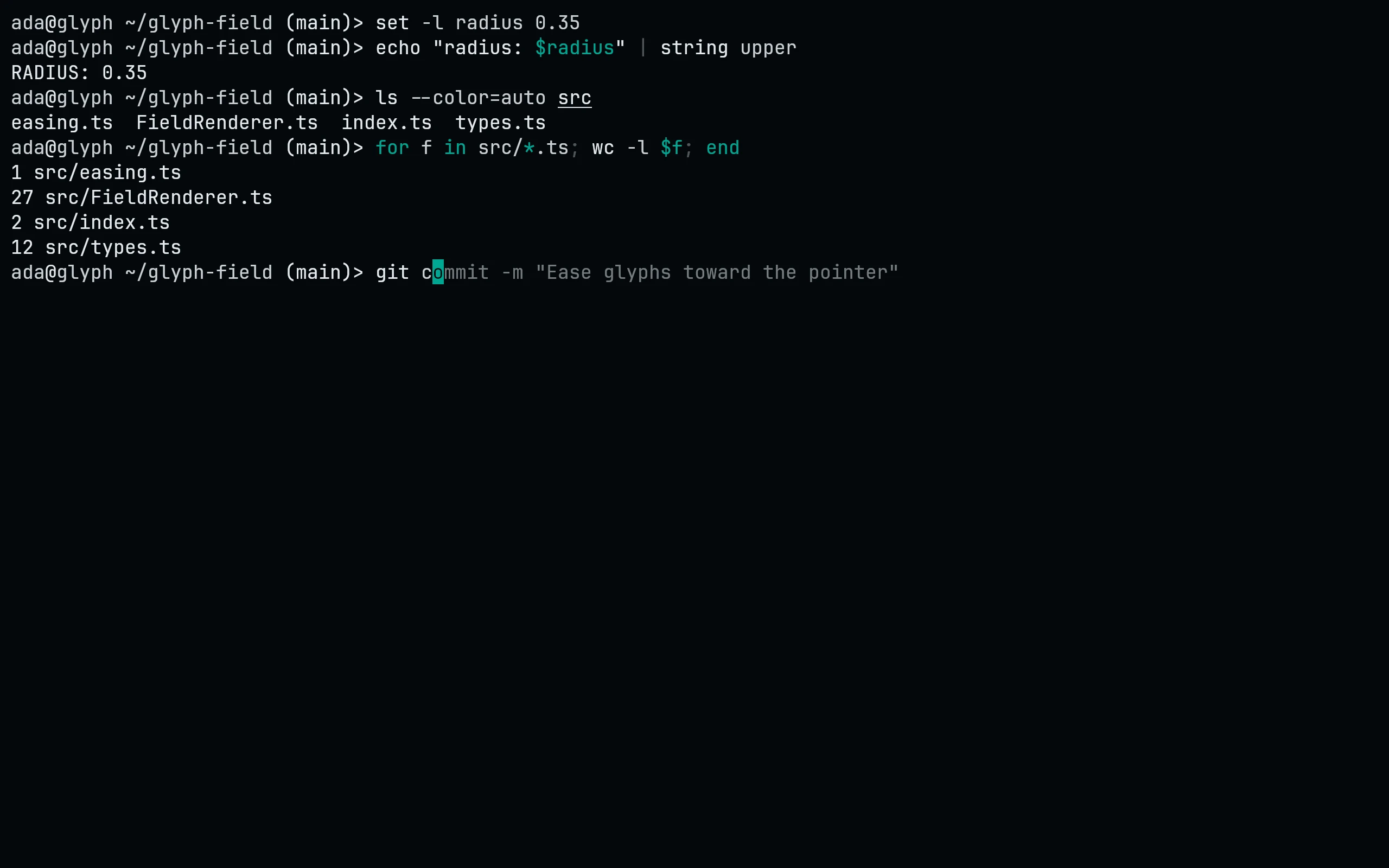
Captured in Signal

Defined in palette/flavors.mjs.