bottom
- Get it
- Install the native theme files
- Group
- CLI & TUI
- App
- github.com
- Problem?
- Report an issue
- Flavors
Install
flavor=night # night, frost, paper, or signal
curl -fsSL --create-dirs -o "${XDG_CONFIG_HOME:-$HOME/.config}/bottom/themes/living-code-$flavor.toml" "https://raw.githubusercontent.com/living-code-theme/bottom/main/themes/living-code-$flavor.toml"
btm --config "${XDG_CONFIG_HOME:-$HOME/.config}/bottom/themes/living-code-$flavor.toml"This leaves your normal bottom.toml untouched. To retain its monitor layout and process settings, merge the downloaded file’s [styles] tables into that config instead. Remove duplicate style tables and do not pass a built-in --color override.
flavor=frost # night, frost, paper, or signal
curl -fsSL --create-dirs -o "${XDG_CONFIG_HOME:-$HOME/.config}/bottom/themes/living-code-$flavor.toml" "https://raw.githubusercontent.com/living-code-theme/bottom/main/themes/living-code-$flavor.toml"
btm --config "${XDG_CONFIG_HOME:-$HOME/.config}/bottom/themes/living-code-$flavor.toml"This leaves your normal bottom.toml untouched. To retain its monitor layout and process settings, merge the downloaded file’s [styles] tables into that config instead. Remove duplicate style tables and do not pass a built-in --color override.
flavor=paper # night, frost, paper, or signal
curl -fsSL --create-dirs -o "${XDG_CONFIG_HOME:-$HOME/.config}/bottom/themes/living-code-$flavor.toml" "https://raw.githubusercontent.com/living-code-theme/bottom/main/themes/living-code-$flavor.toml"
btm --config "${XDG_CONFIG_HOME:-$HOME/.config}/bottom/themes/living-code-$flavor.toml"This leaves your normal bottom.toml untouched. To retain its monitor layout and process settings, merge the downloaded file’s [styles] tables into that config instead. Remove duplicate style tables and do not pass a built-in --color override.
flavor=signal # night, frost, paper, or signal
curl -fsSL --create-dirs -o "${XDG_CONFIG_HOME:-$HOME/.config}/bottom/themes/living-code-$flavor.toml" "https://raw.githubusercontent.com/living-code-theme/bottom/main/themes/living-code-$flavor.toml"
btm --config "${XDG_CONFIG_HOME:-$HOME/.config}/bottom/themes/living-code-$flavor.toml"This leaves your normal bottom.toml untouched. To retain its monitor layout and process settings, merge the downloaded file’s [styles] tables into that config instead. Remove duplicate style tables and do not pass a built-in --color override.
Details
Configuration
The file contains only [styles] and its child tables. Remove existing duplicates before merging. Do not pass --color when testing the custom palette: a built-in-theme command-line override takes precedence. CPU, temperature and GPU series use a consistent set of Living Code semantic hues. Widget text and selected text use explicit foreground/background pairs.
Compatibility
Targets bottom’s current [styles] format, verified against its complete upstream valid-style fixture. Older releases using different styling keys are not claimed. Truecolor is recommended. Tests parse TOML, check section/field names against the fixture and verify foreground/selection contrast; the native application is also captured automatically.
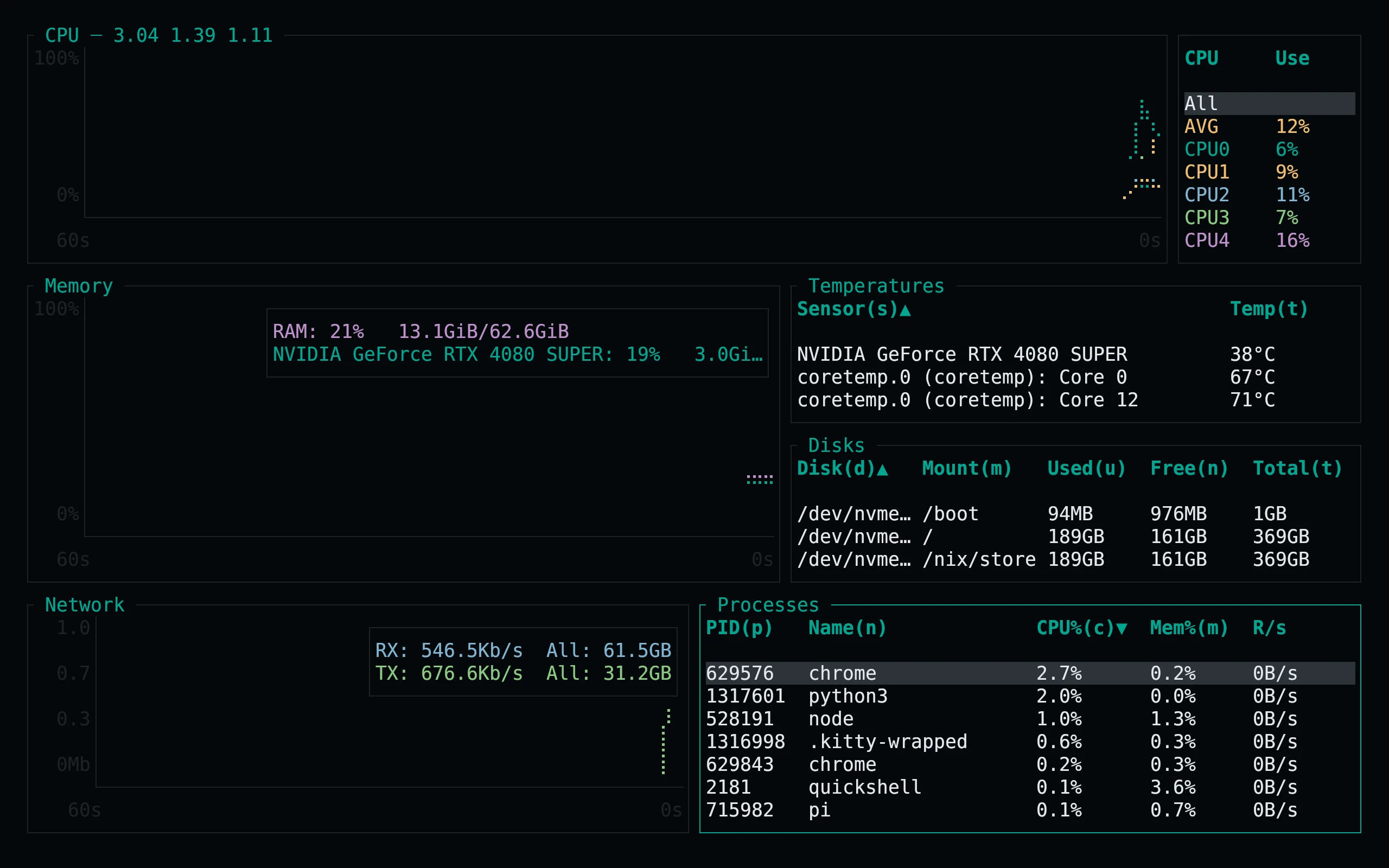
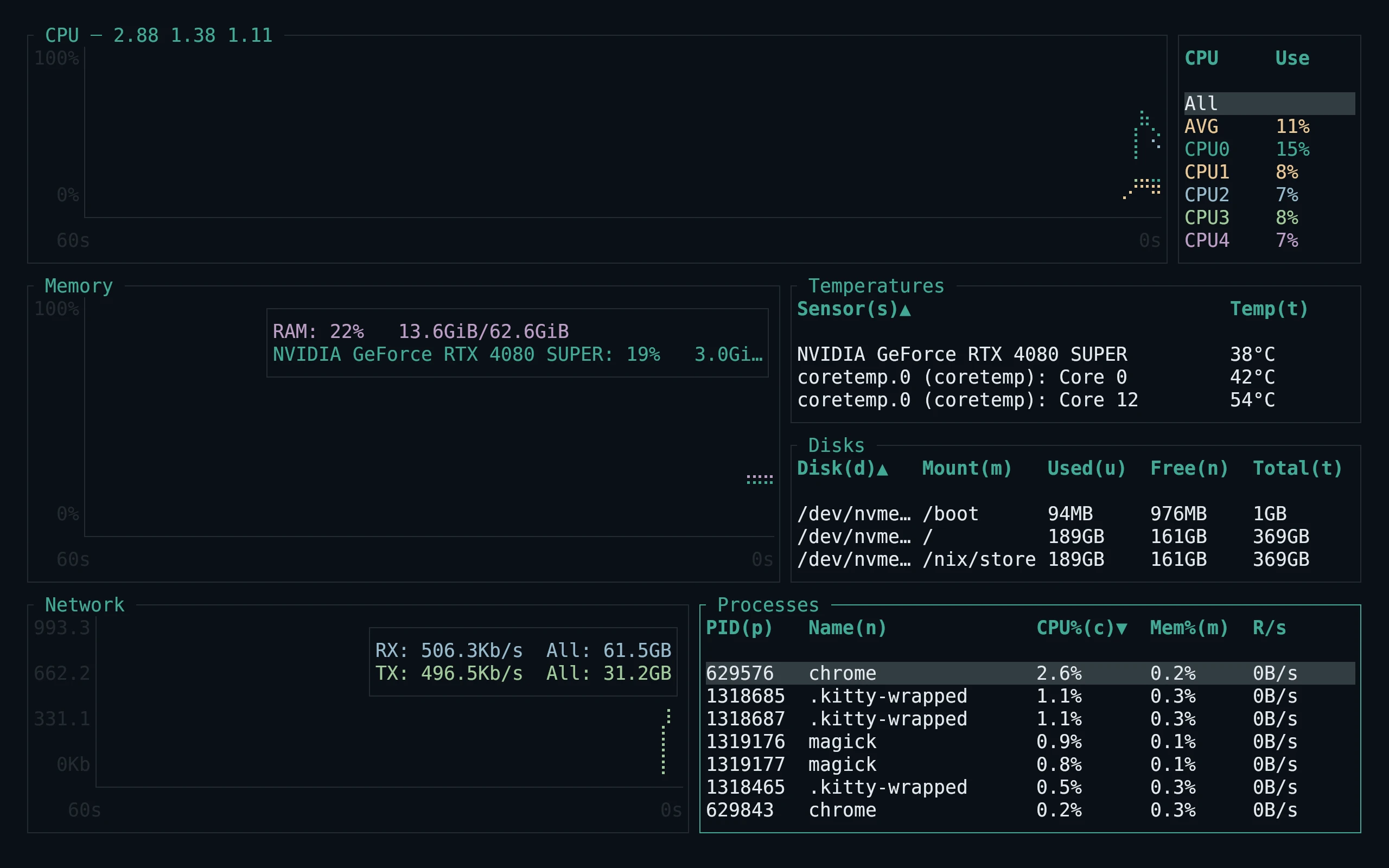
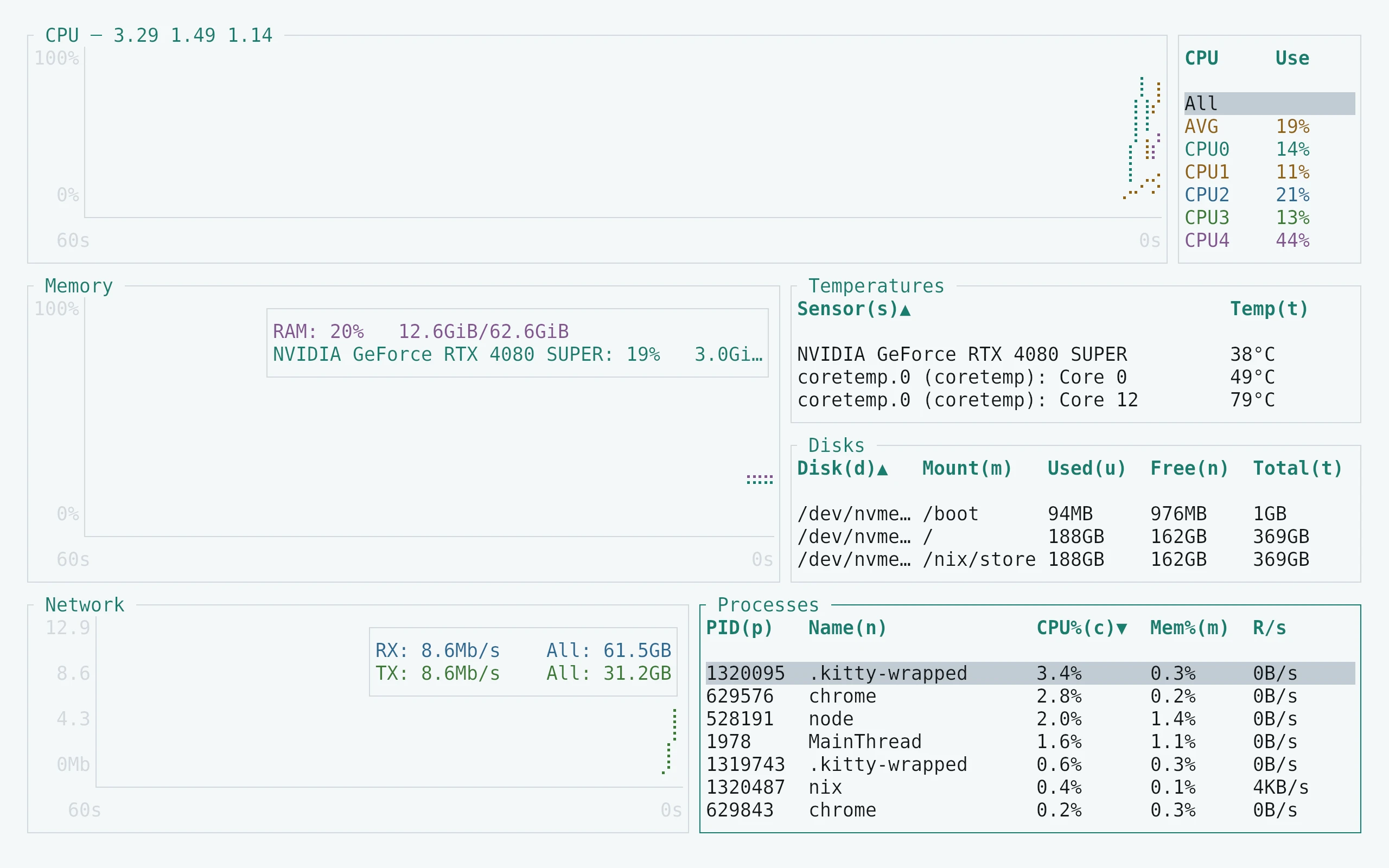
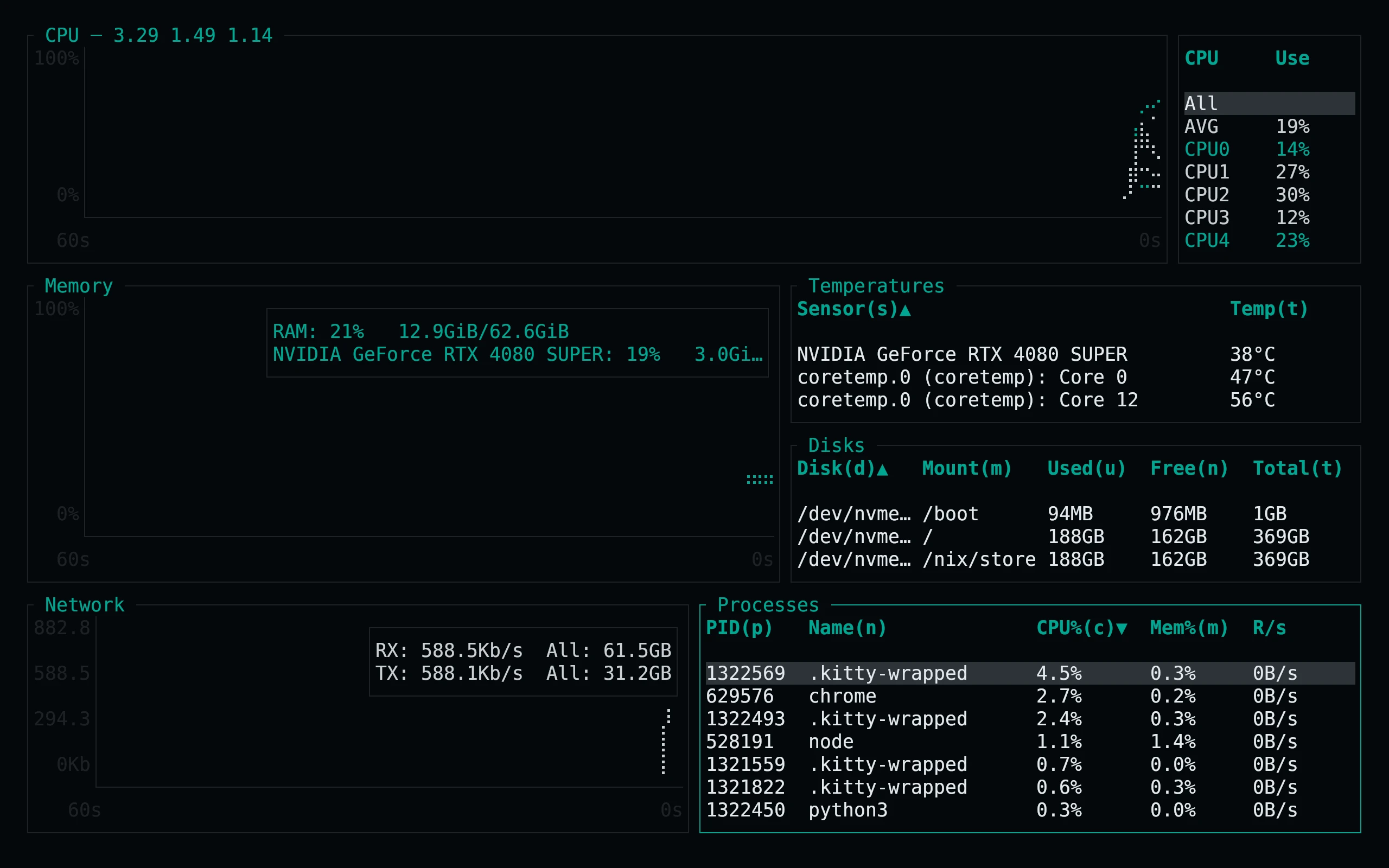
Previews are captured programmatically from the actual application in an isolated profile. See capture/app.py for the app-owned recipe and images/capture.json for runtime, palette and image provenance. No mock interface is drawn.