lazygit
- Get it
- See installation instructions
- Group
- CLI & TUI
- App
- github.com
- Problem?
- Report an issue
- Flavors
Install
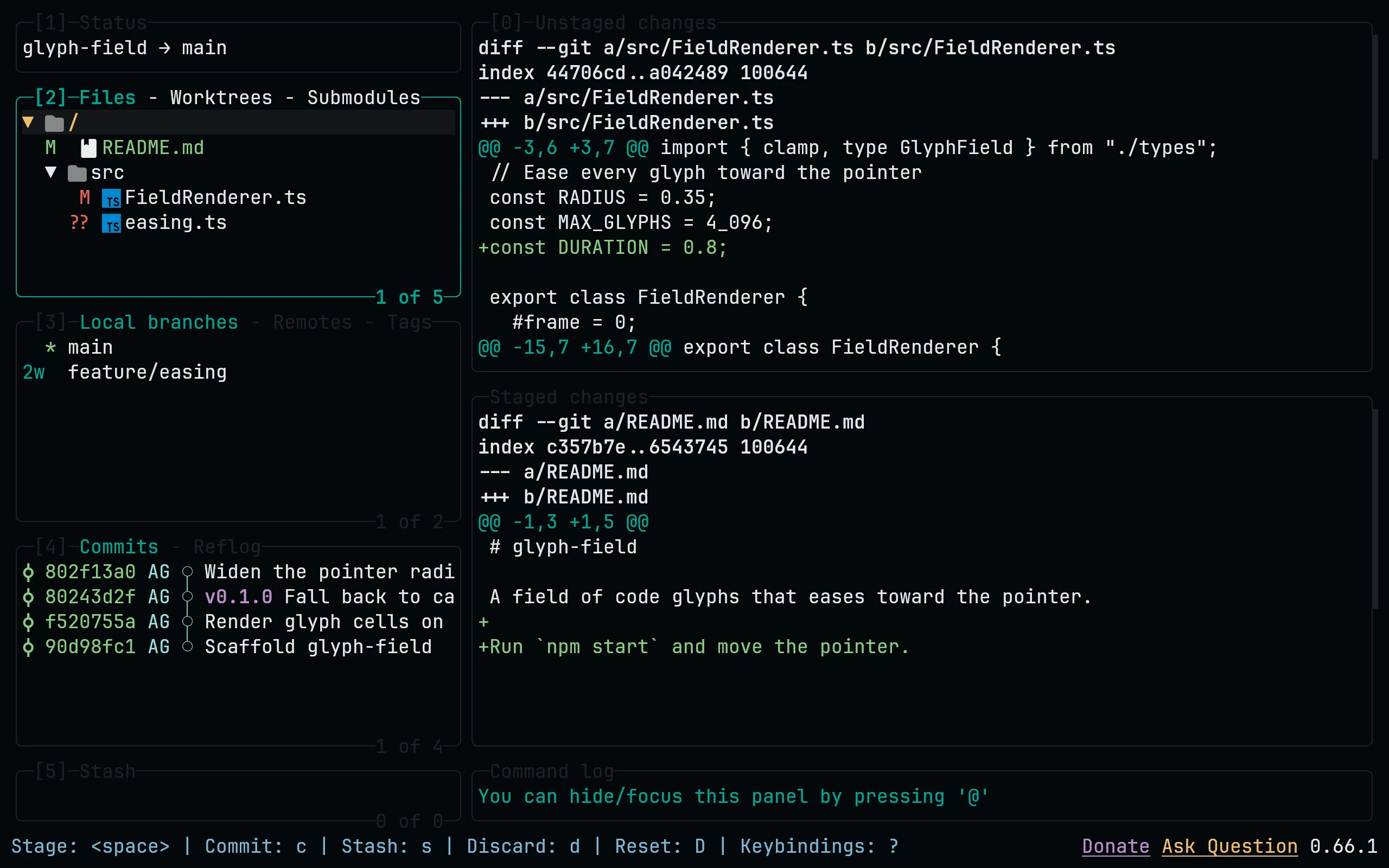
lazygit accepts a comma-separated list of config files, so the theme sits next to your own config without editing it. lazygit --print-config-dir finds the right folder on every OS:
flavor=night
dir="$(lazygit --print-config-dir)"
mkdir -p "$dir" && touch "$dir/config.yml"
curl -fsSL --create-dirs -o "$dir/living-code-$flavor.yml" "https://raw.githubusercontent.com/living-code-theme/lazygit/main/living-code-$flavor.yml"
export LG_CONFIG_FILE="$dir/config.yml,$dir/living-code-$flavor.yml"Put the export line in your shell profile to keep it. Or merge the downloaded theme: block into config.yml by hand.
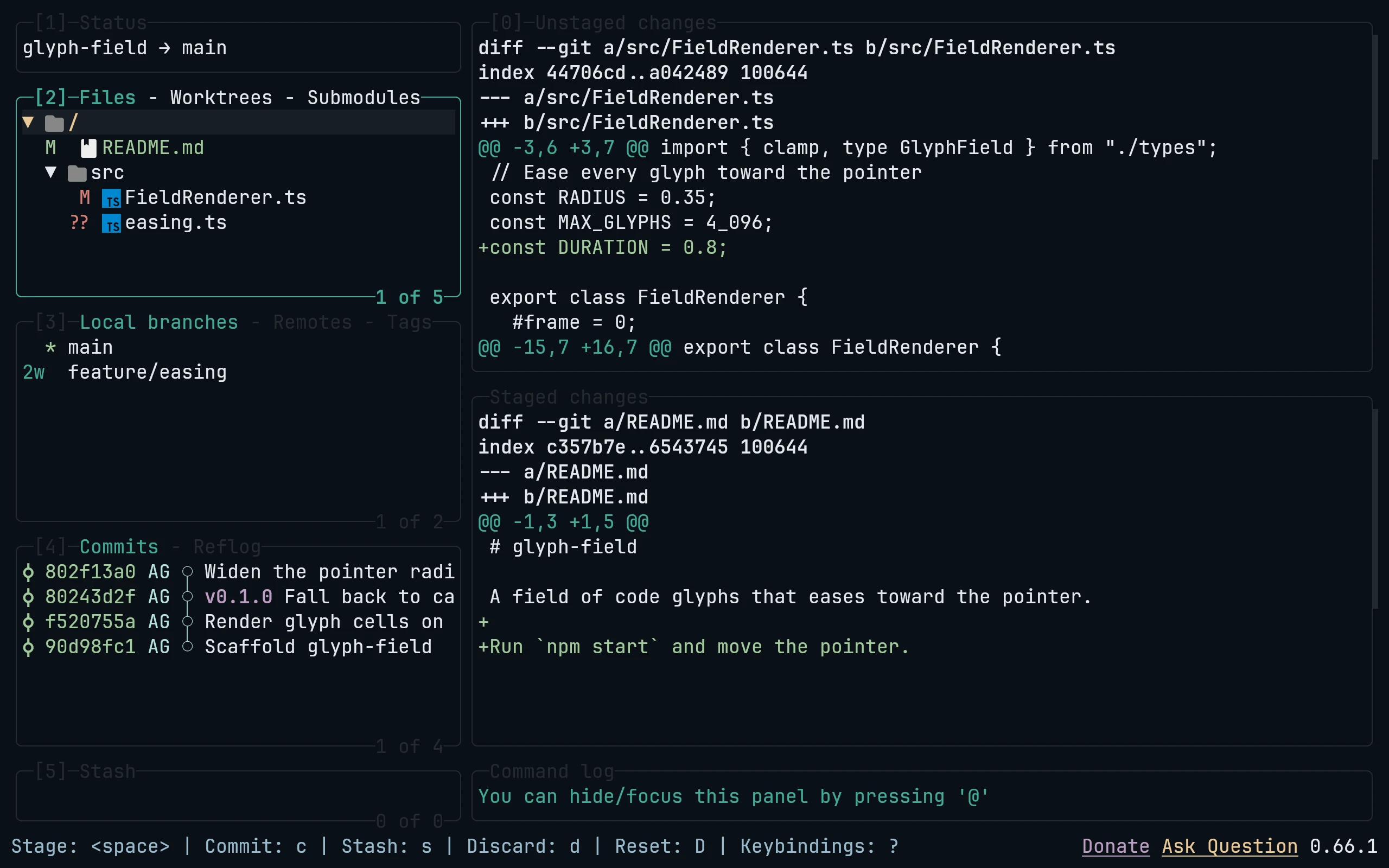
lazygit accepts a comma-separated list of config files, so the theme sits next to your own config without editing it. lazygit --print-config-dir finds the right folder on every OS:
flavor=frost
dir="$(lazygit --print-config-dir)"
mkdir -p "$dir" && touch "$dir/config.yml"
curl -fsSL --create-dirs -o "$dir/living-code-$flavor.yml" "https://raw.githubusercontent.com/living-code-theme/lazygit/main/living-code-$flavor.yml"
export LG_CONFIG_FILE="$dir/config.yml,$dir/living-code-$flavor.yml"Put the export line in your shell profile to keep it. Or merge the downloaded theme: block into config.yml by hand.
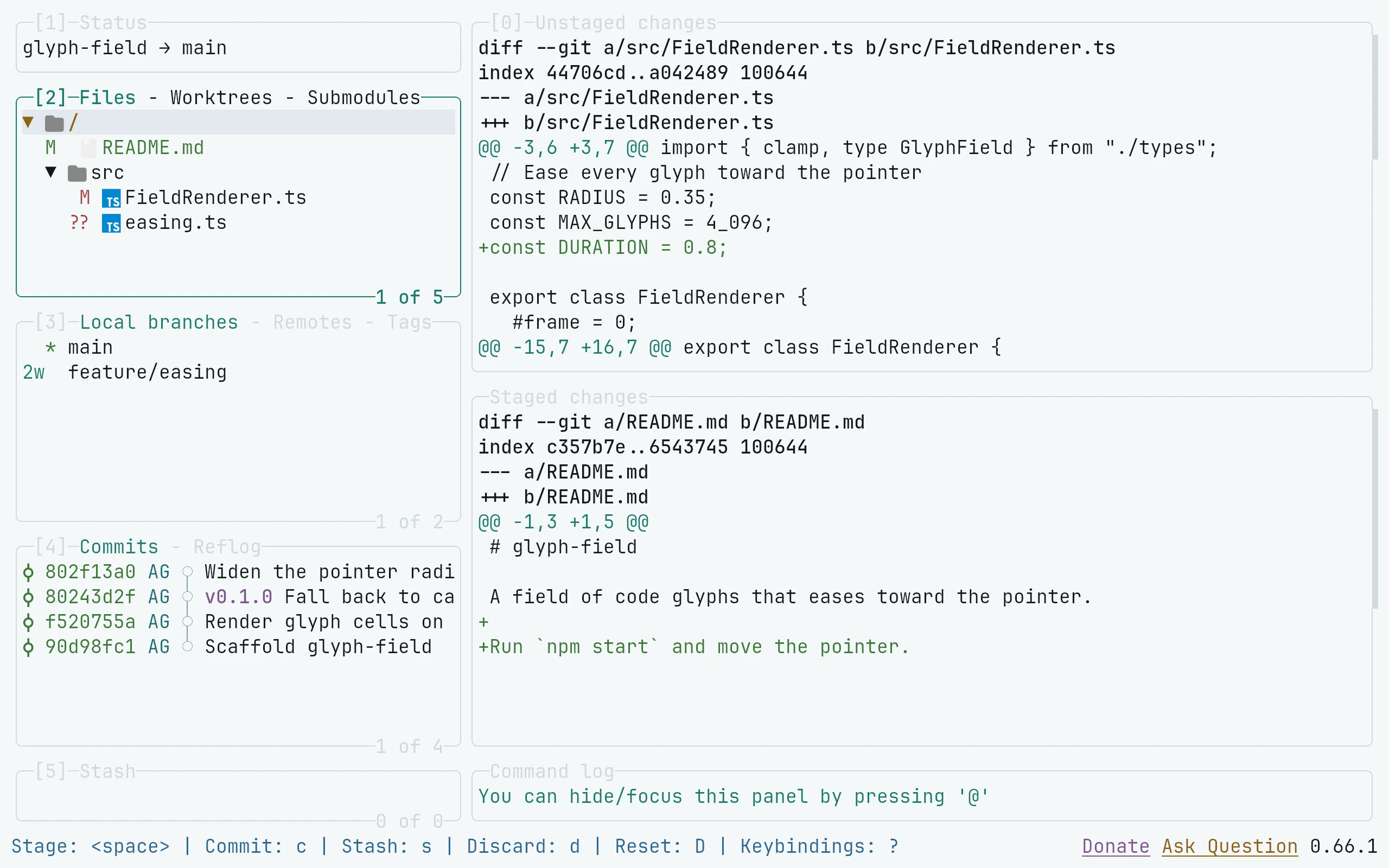
lazygit accepts a comma-separated list of config files, so the theme sits next to your own config without editing it. lazygit --print-config-dir finds the right folder on every OS:
flavor=paper
dir="$(lazygit --print-config-dir)"
mkdir -p "$dir" && touch "$dir/config.yml"
curl -fsSL --create-dirs -o "$dir/living-code-$flavor.yml" "https://raw.githubusercontent.com/living-code-theme/lazygit/main/living-code-$flavor.yml"
export LG_CONFIG_FILE="$dir/config.yml,$dir/living-code-$flavor.yml"Put the export line in your shell profile to keep it. Or merge the downloaded theme: block into config.yml by hand.
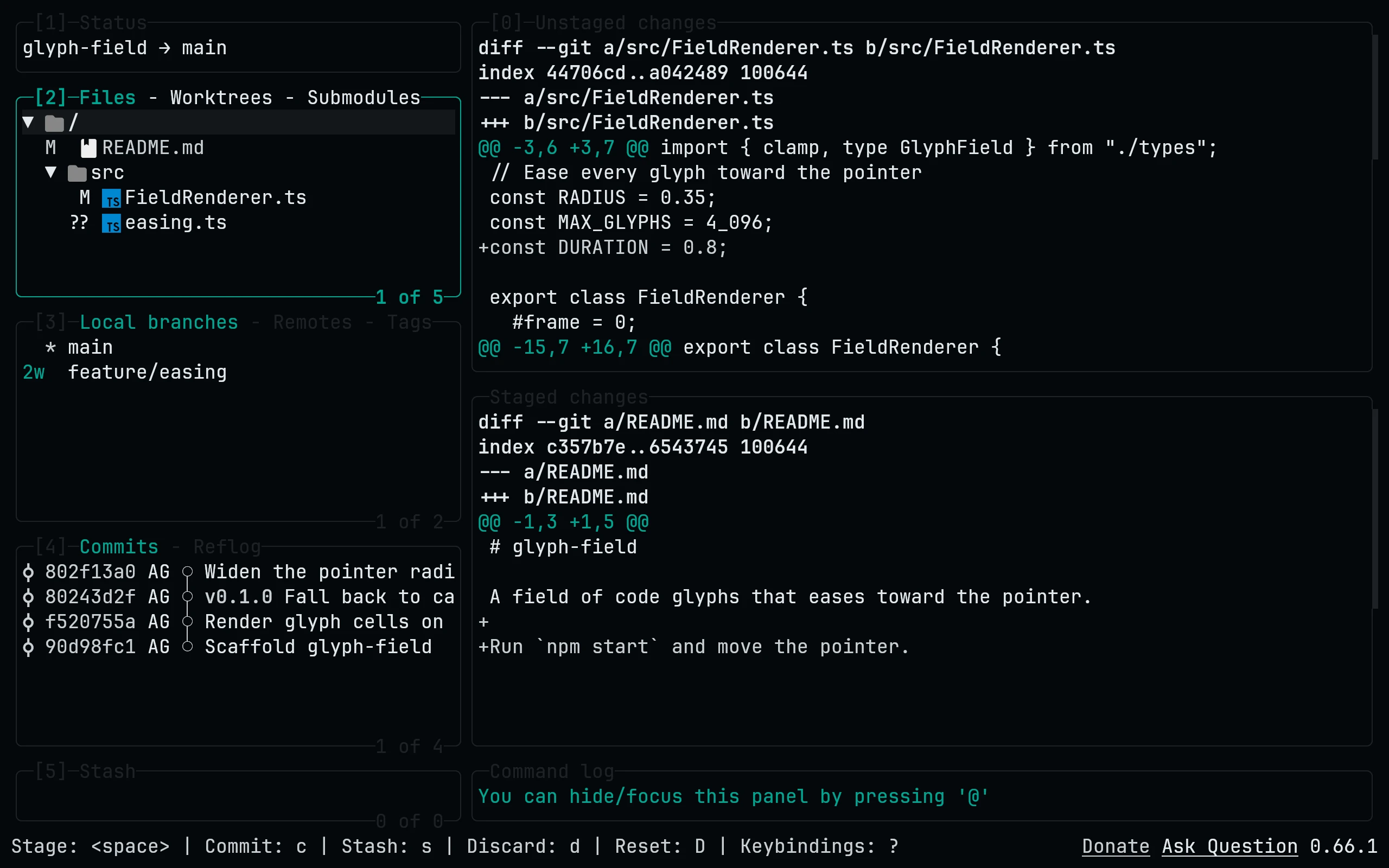
lazygit accepts a comma-separated list of config files, so the theme sits next to your own config without editing it. lazygit --print-config-dir finds the right folder on every OS:
flavor=signal
dir="$(lazygit --print-config-dir)"
mkdir -p "$dir" && touch "$dir/config.yml"
curl -fsSL --create-dirs -o "$dir/living-code-$flavor.yml" "https://raw.githubusercontent.com/living-code-theme/lazygit/main/living-code-$flavor.yml"
export LG_CONFIG_FILE="$dir/config.yml,$dir/living-code-$flavor.yml"Put the export line in your shell profile to keep it. Or merge the downloaded theme: block into config.yml by hand.
Details
Configuration
See lazygit's documentation for application settings and reload behavior. The activation instructions above identify each supported flavor; keep your other application configuration.
Compatibility
This port supplies theme files for lazygit, not the application itself. Install the application separately and follow the installation instructions for its supported configuration format.