Install
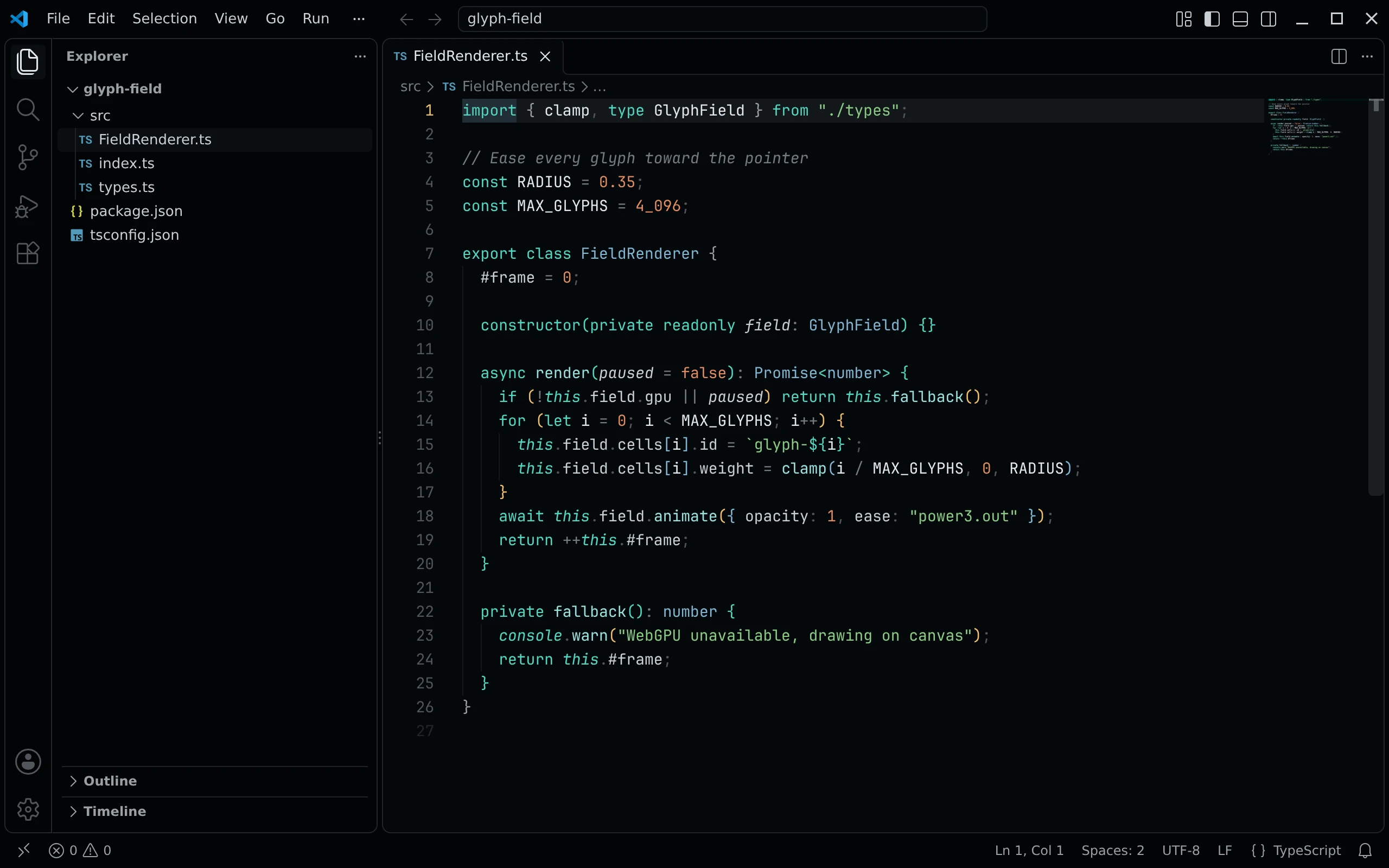
When listed, search Living Code under publisher living-code-theme in the VS Code Marketplace or Open VSX, install it, then run Preferences: Color Theme → Living Code Night. The extension ID is living-code-theme.living-code.
Without a marketplace: download living-code-0.1.1.vsix from the latest GitHub release, or build it from a checkout:
node scripts/package.mjs
code --install-extension dist/living-code-0.1.1.vsixChoose another Living Code flavor with the color-theme picker.
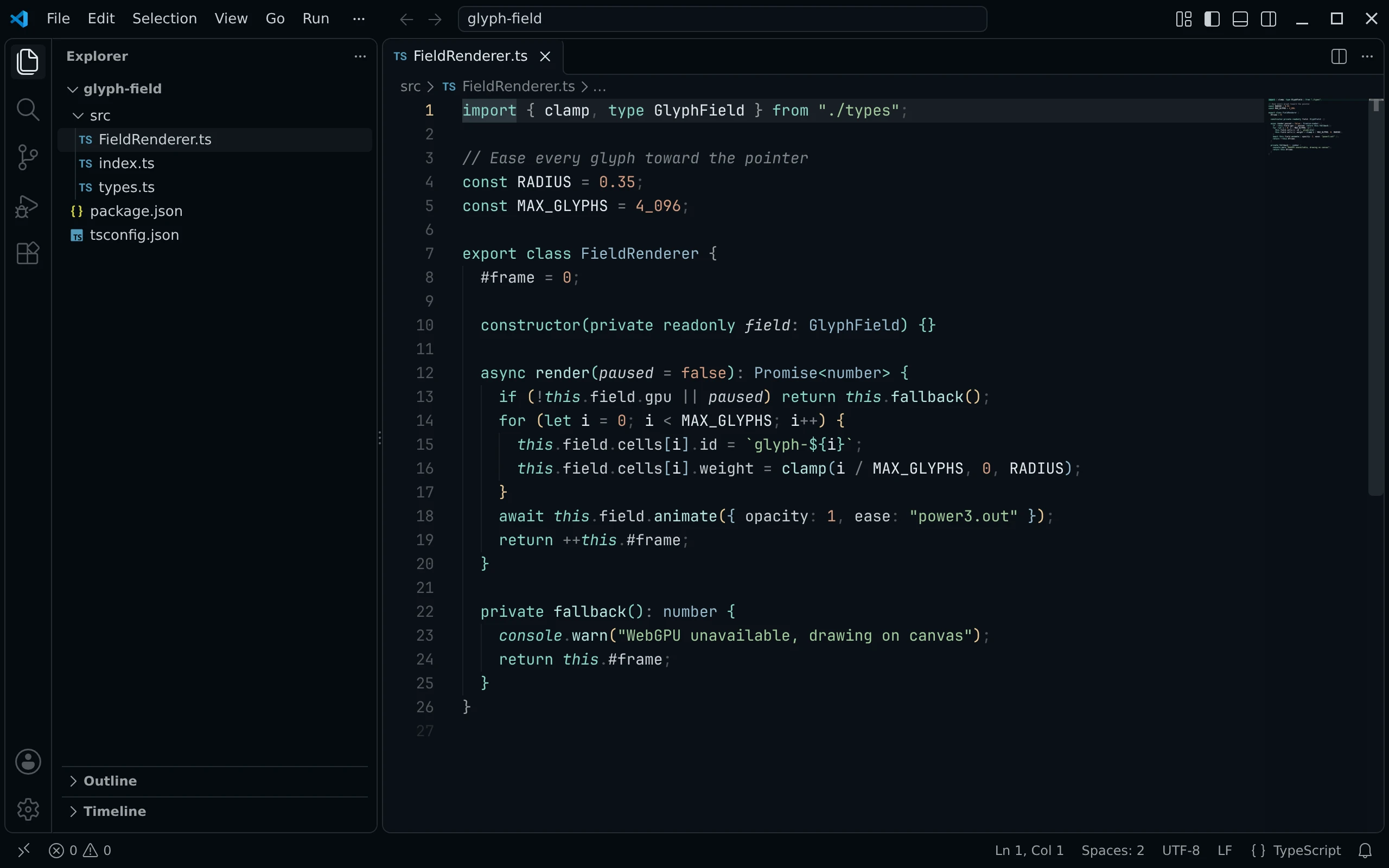
When listed, search Living Code under publisher living-code-theme in the VS Code Marketplace or Open VSX, install it, then run Preferences: Color Theme → Living Code Frost. The extension ID is living-code-theme.living-code.
Without a marketplace: download living-code-0.1.1.vsix from the latest GitHub release, or build it from a checkout:
node scripts/package.mjs
code --install-extension dist/living-code-0.1.1.vsixChoose another Living Code flavor with the color-theme picker.
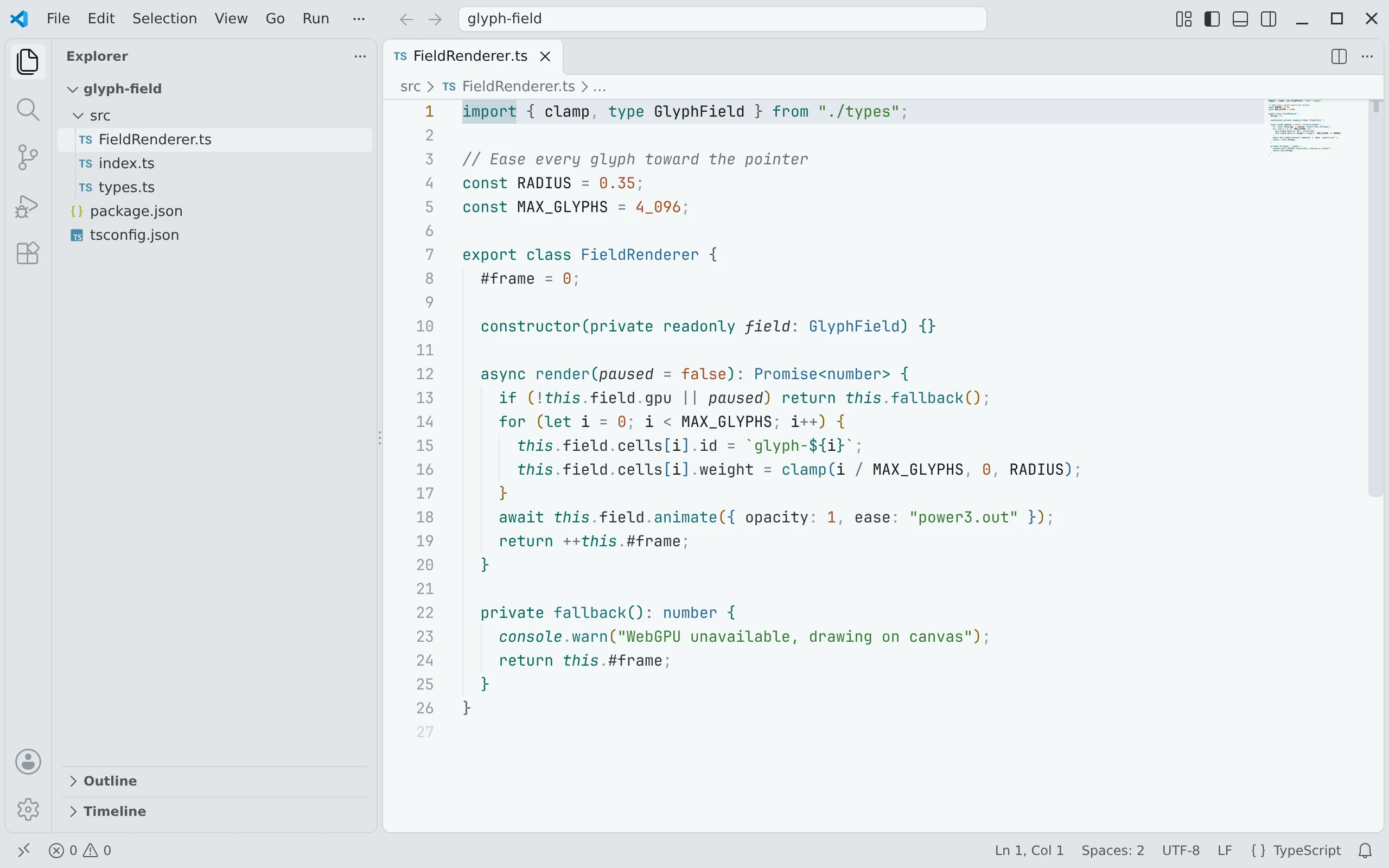
When listed, search Living Code under publisher living-code-theme in the VS Code Marketplace or Open VSX, install it, then run Preferences: Color Theme → Living Code Paper. The extension ID is living-code-theme.living-code.
Without a marketplace: download living-code-0.1.1.vsix from the latest GitHub release, or build it from a checkout:
node scripts/package.mjs
code --install-extension dist/living-code-0.1.1.vsixChoose another Living Code flavor with the color-theme picker.
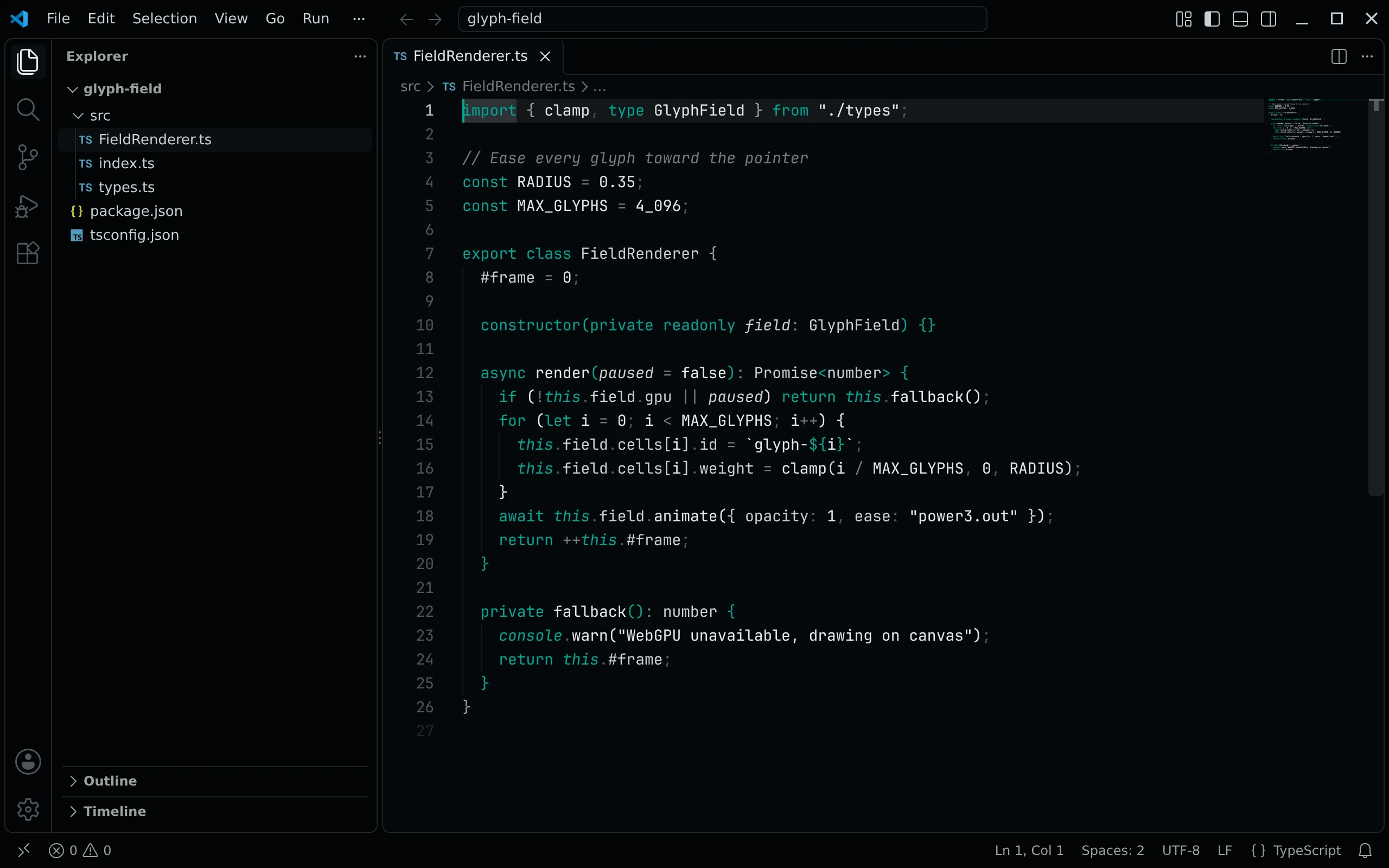
When listed, search Living Code under publisher living-code-theme in the VS Code Marketplace or Open VSX, install it, then run Preferences: Color Theme → Living Code Signal. The extension ID is living-code-theme.living-code.
Without a marketplace: download living-code-0.1.1.vsix from the latest GitHub release, or build it from a checkout:
node scripts/package.mjs
code --install-extension dist/living-code-0.1.1.vsixChoose another Living Code flavor with the color-theme picker.
Details
Configuration
The extension supplies color themes, not fonts or editor settings. Keep your existing preferences. Use VS Code's workbench.colorCustomizations and editor.tokenColorCustomizations settings for personal overrides.
Compatibility
Supports the engines.vscode compatibility range in package.json and all four Living Code themes. The same VSIX can be used in compatible VS Code forks. Marketplace updates use the extension ID living-code-theme.living-code; installations from another publisher do not switch automatically.