Starship
- Get it
- See installation instructions
- Group
- CLI & TUI
- App
- starship.rs
- Problem?
- Report an issue
- Flavors
Install
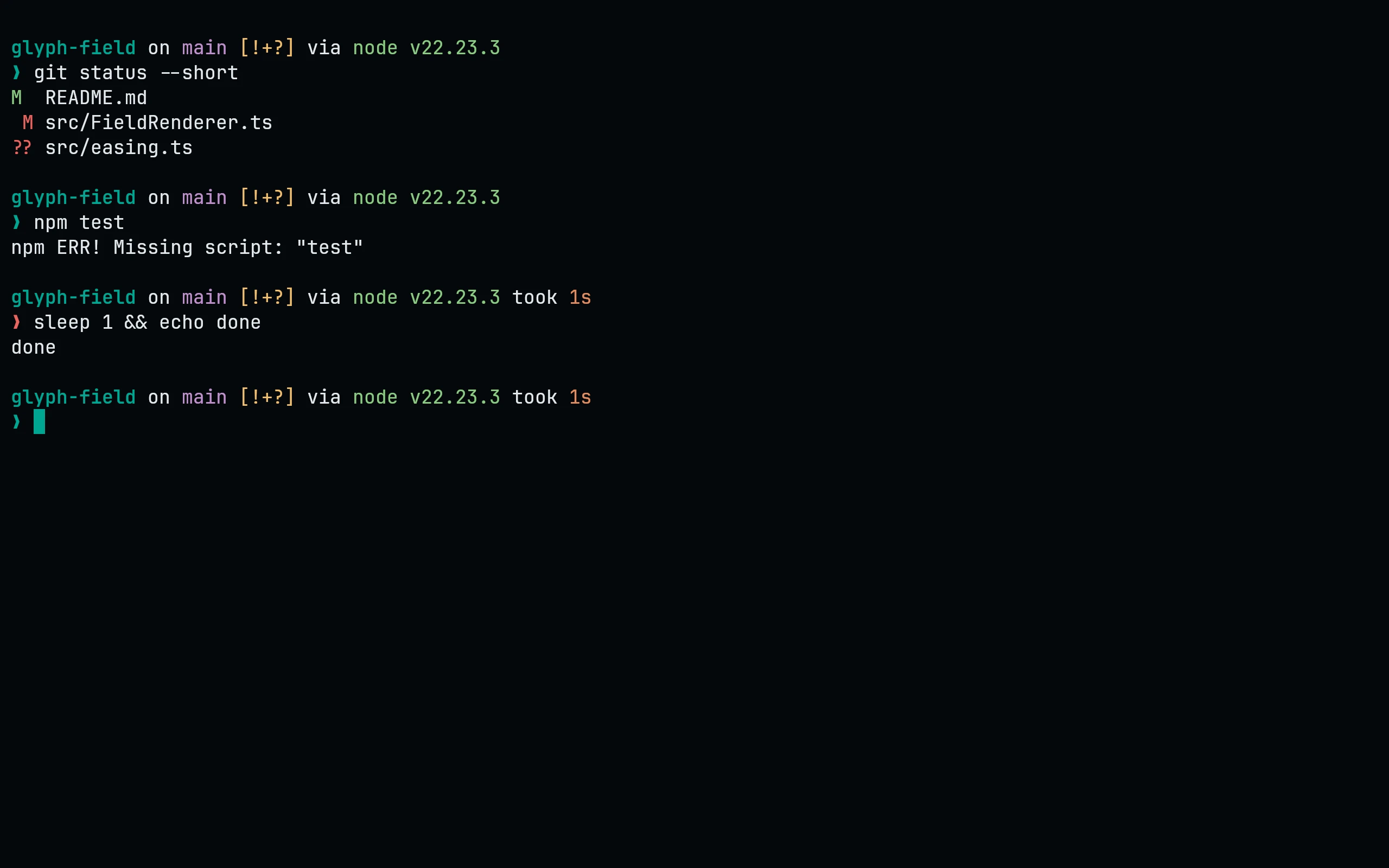
Starship needs the palette = ... line at the top of the file and the palette table after your own settings, so this puts each in place. It is safe to run again with another flavor=: it first removes the palette line and any earlier Living Code palette table, and keeps everything else (a palette line you set yourself is replaced too). If starship.toml is a symlink (home-manager, GNU stow, chezmoi), the link is followed and its target is edited, so the link stays in place; if the target is read-only it stops and changes nothing. Starship reads $STARSHIP_CONFIG or ~/.config/starship.toml, not XDG_CONFIG_HOME:
flavor=night
cfg="${STARSHIP_CONFIG:-$HOME/.config/starship.toml}"
mkdir -p "$(dirname "$cfg")"; t="$cfg"; n=0; while [ -L "$t" ] && [ "$n" -lt 40 ]; do n=$((n+1)); l="$(readlink "$t")"; case "$l" in /*) t="$l" ;; *) t="$(dirname "$t")/$l" ;; esac; done
if [ -L "$t" ]; then echo "$cfg is a symlink loop (more than 40 links), so it was left unchanged." >&2; false; elif [ -e "$t" ] && [ ! -w "$t" ]; then echo "$t is read-only, so it was left unchanged. Add the Living Code palette to its source instead." >&2; false; else touch "$t" && p="$(curl -fsSL "https://raw.githubusercontent.com/living-code-theme/starship/main/living-code-$flavor.toml")" && { printf '%s\n' "$p" | head -n 1; awk 'BEGIN{top=1} /^\[/{top=0; skip=($0 ~ /^\[palettes\.living_code_/)} skip{next} top && /^palette[ \t]*=/{next} /^[ \t]*$/{n++; next} {for(;n>0;n--) print ""; print}' "$t"; printf '\n'; printf '%s\n' "$p" | tail -n +2; } > "$t.new" && cat "$t.new" > "$t" && rm "$t.new"; fiModule styles can then use names like "bold teal" or "amber".
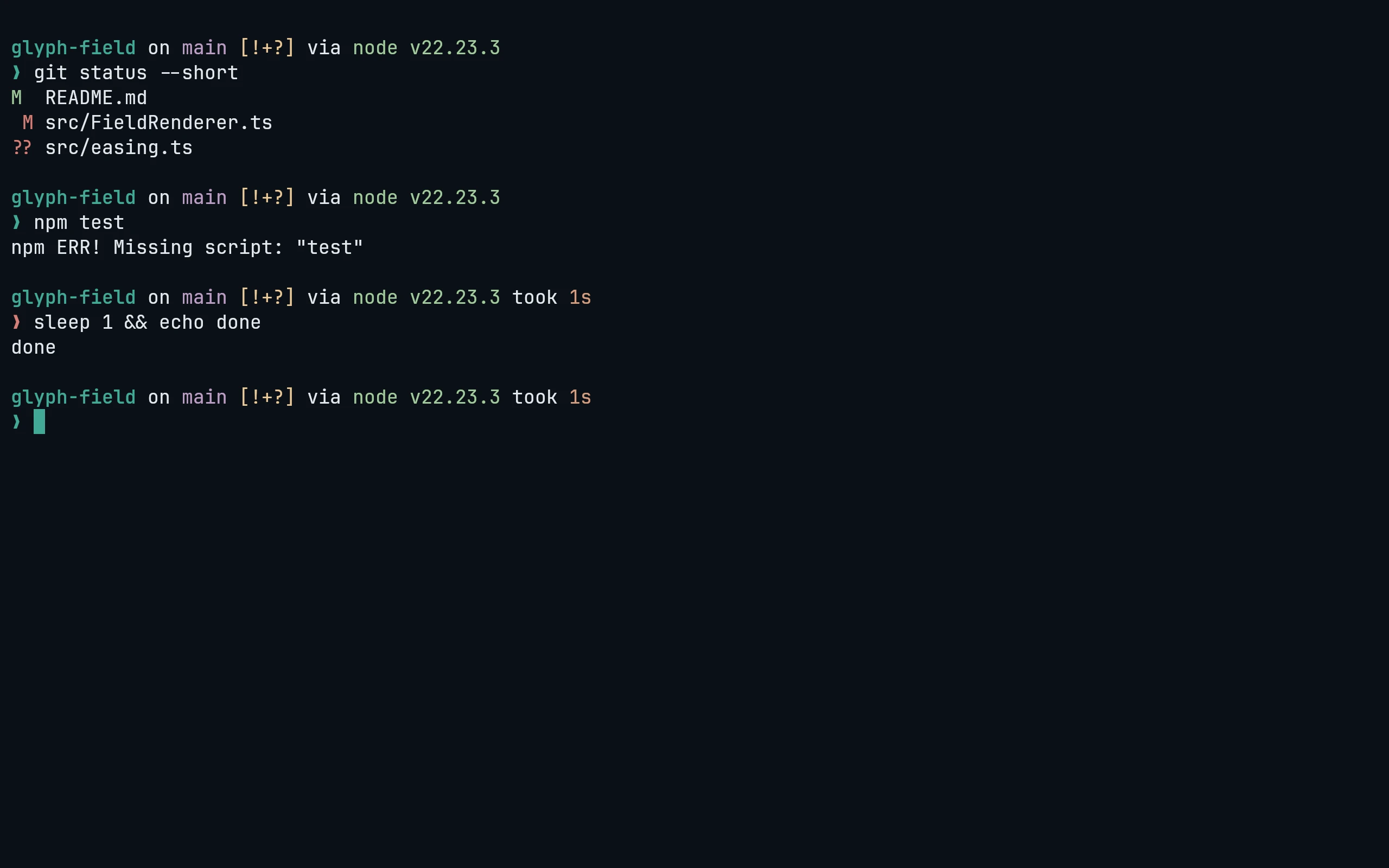
Starship needs the palette = ... line at the top of the file and the palette table after your own settings, so this puts each in place. It is safe to run again with another flavor=: it first removes the palette line and any earlier Living Code palette table, and keeps everything else (a palette line you set yourself is replaced too). If starship.toml is a symlink (home-manager, GNU stow, chezmoi), the link is followed and its target is edited, so the link stays in place; if the target is read-only it stops and changes nothing. Starship reads $STARSHIP_CONFIG or ~/.config/starship.toml, not XDG_CONFIG_HOME:
flavor=frost
cfg="${STARSHIP_CONFIG:-$HOME/.config/starship.toml}"
mkdir -p "$(dirname "$cfg")"; t="$cfg"; n=0; while [ -L "$t" ] && [ "$n" -lt 40 ]; do n=$((n+1)); l="$(readlink "$t")"; case "$l" in /*) t="$l" ;; *) t="$(dirname "$t")/$l" ;; esac; done
if [ -L "$t" ]; then echo "$cfg is a symlink loop (more than 40 links), so it was left unchanged." >&2; false; elif [ -e "$t" ] && [ ! -w "$t" ]; then echo "$t is read-only, so it was left unchanged. Add the Living Code palette to its source instead." >&2; false; else touch "$t" && p="$(curl -fsSL "https://raw.githubusercontent.com/living-code-theme/starship/main/living-code-$flavor.toml")" && { printf '%s\n' "$p" | head -n 1; awk 'BEGIN{top=1} /^\[/{top=0; skip=($0 ~ /^\[palettes\.living_code_/)} skip{next} top && /^palette[ \t]*=/{next} /^[ \t]*$/{n++; next} {for(;n>0;n--) print ""; print}' "$t"; printf '\n'; printf '%s\n' "$p" | tail -n +2; } > "$t.new" && cat "$t.new" > "$t" && rm "$t.new"; fiModule styles can then use names like "bold teal" or "amber".
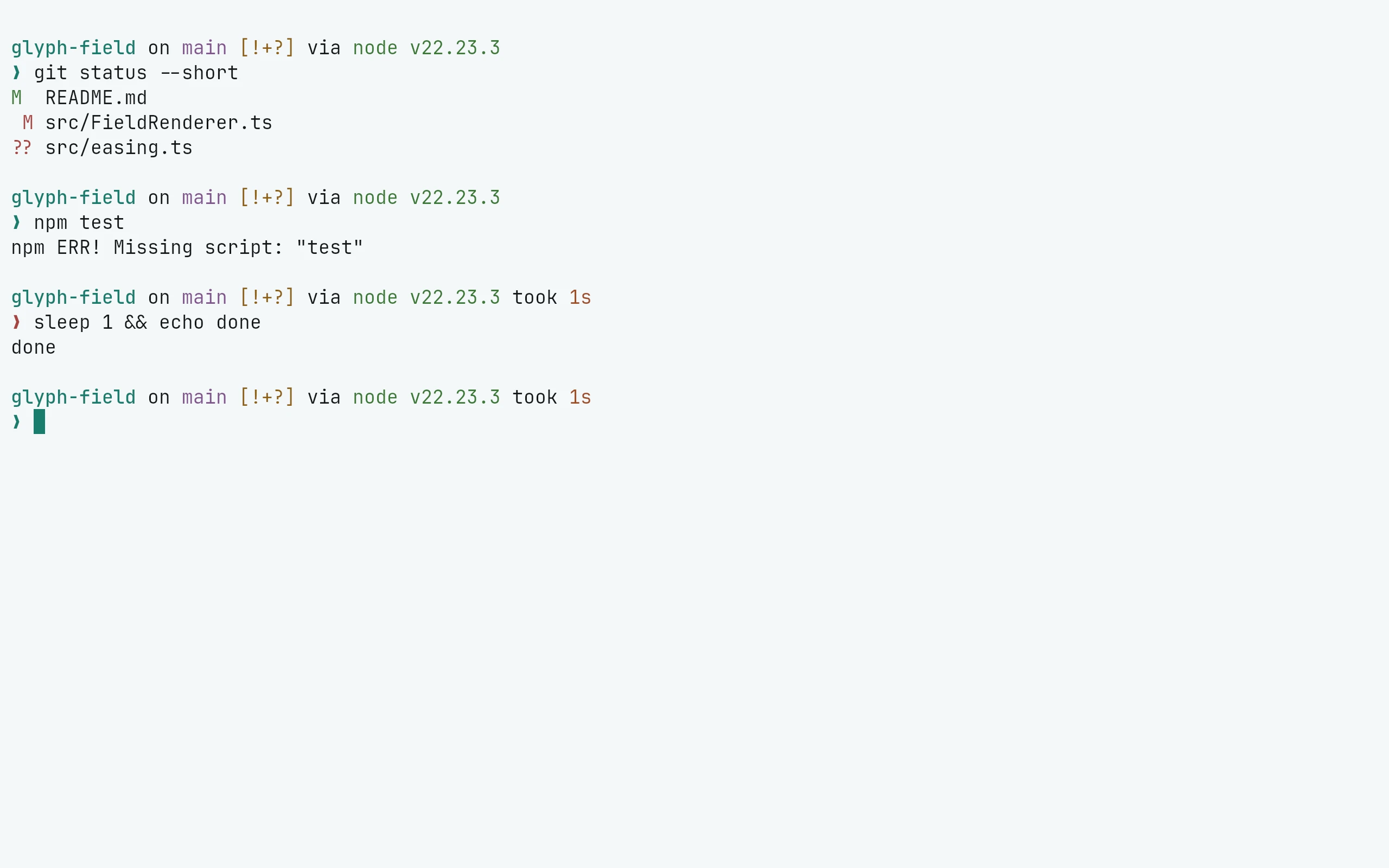
Starship needs the palette = ... line at the top of the file and the palette table after your own settings, so this puts each in place. It is safe to run again with another flavor=: it first removes the palette line and any earlier Living Code palette table, and keeps everything else (a palette line you set yourself is replaced too). If starship.toml is a symlink (home-manager, GNU stow, chezmoi), the link is followed and its target is edited, so the link stays in place; if the target is read-only it stops and changes nothing. Starship reads $STARSHIP_CONFIG or ~/.config/starship.toml, not XDG_CONFIG_HOME:
flavor=paper
cfg="${STARSHIP_CONFIG:-$HOME/.config/starship.toml}"
mkdir -p "$(dirname "$cfg")"; t="$cfg"; n=0; while [ -L "$t" ] && [ "$n" -lt 40 ]; do n=$((n+1)); l="$(readlink "$t")"; case "$l" in /*) t="$l" ;; *) t="$(dirname "$t")/$l" ;; esac; done
if [ -L "$t" ]; then echo "$cfg is a symlink loop (more than 40 links), so it was left unchanged." >&2; false; elif [ -e "$t" ] && [ ! -w "$t" ]; then echo "$t is read-only, so it was left unchanged. Add the Living Code palette to its source instead." >&2; false; else touch "$t" && p="$(curl -fsSL "https://raw.githubusercontent.com/living-code-theme/starship/main/living-code-$flavor.toml")" && { printf '%s\n' "$p" | head -n 1; awk 'BEGIN{top=1} /^\[/{top=0; skip=($0 ~ /^\[palettes\.living_code_/)} skip{next} top && /^palette[ \t]*=/{next} /^[ \t]*$/{n++; next} {for(;n>0;n--) print ""; print}' "$t"; printf '\n'; printf '%s\n' "$p" | tail -n +2; } > "$t.new" && cat "$t.new" > "$t" && rm "$t.new"; fiModule styles can then use names like "bold teal" or "amber".
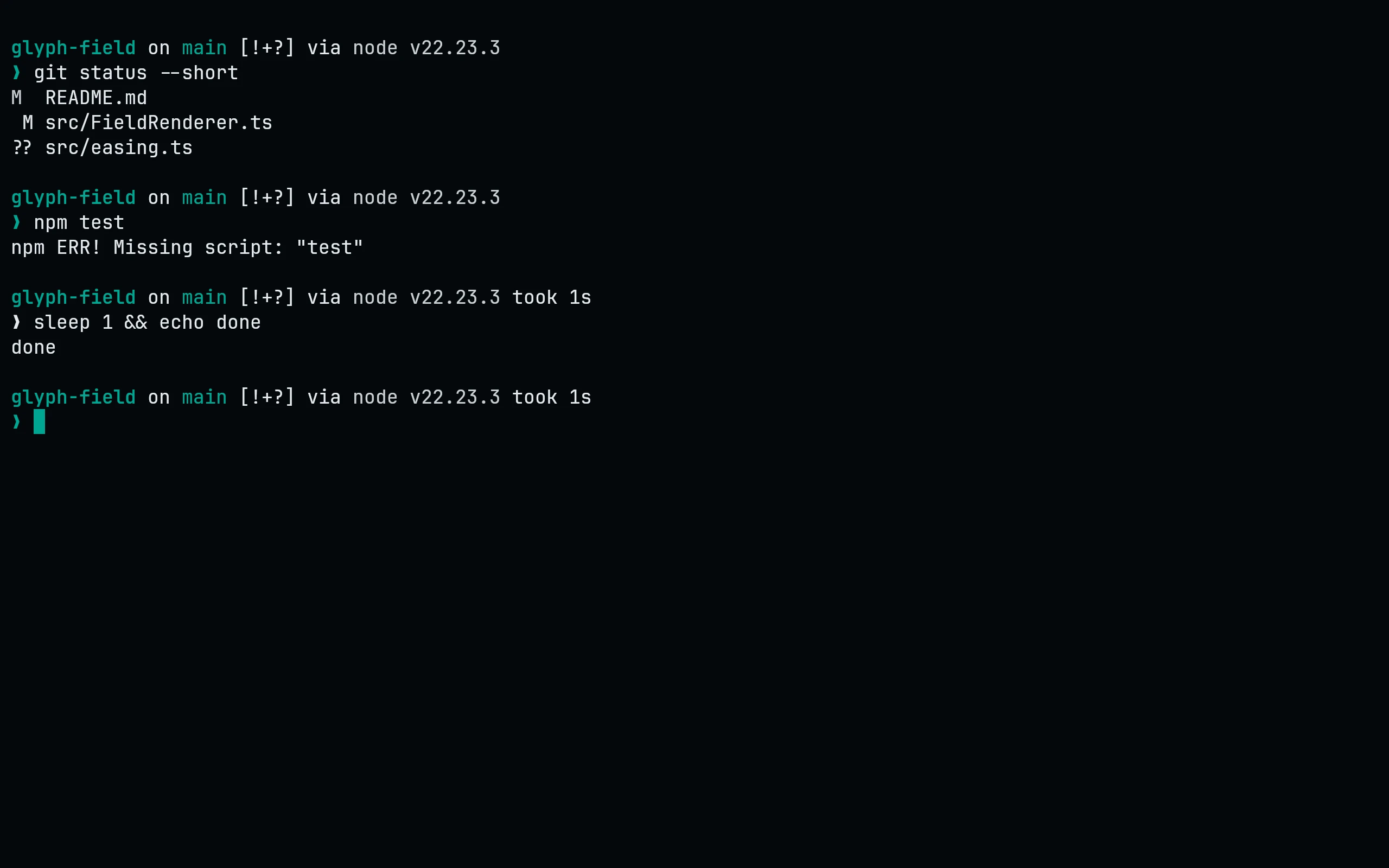
Starship needs the palette = ... line at the top of the file and the palette table after your own settings, so this puts each in place. It is safe to run again with another flavor=: it first removes the palette line and any earlier Living Code palette table, and keeps everything else (a palette line you set yourself is replaced too). If starship.toml is a symlink (home-manager, GNU stow, chezmoi), the link is followed and its target is edited, so the link stays in place; if the target is read-only it stops and changes nothing. Starship reads $STARSHIP_CONFIG or ~/.config/starship.toml, not XDG_CONFIG_HOME:
flavor=signal
cfg="${STARSHIP_CONFIG:-$HOME/.config/starship.toml}"
mkdir -p "$(dirname "$cfg")"; t="$cfg"; n=0; while [ -L "$t" ] && [ "$n" -lt 40 ]; do n=$((n+1)); l="$(readlink "$t")"; case "$l" in /*) t="$l" ;; *) t="$(dirname "$t")/$l" ;; esac; done
if [ -L "$t" ]; then echo "$cfg is a symlink loop (more than 40 links), so it was left unchanged." >&2; false; elif [ -e "$t" ] && [ ! -w "$t" ]; then echo "$t is read-only, so it was left unchanged. Add the Living Code palette to its source instead." >&2; false; else touch "$t" && p="$(curl -fsSL "https://raw.githubusercontent.com/living-code-theme/starship/main/living-code-$flavor.toml")" && { printf '%s\n' "$p" | head -n 1; awk 'BEGIN{top=1} /^\[/{top=0; skip=($0 ~ /^\[palettes\.living_code_/)} skip{next} top && /^palette[ \t]*=/{next} /^[ \t]*$/{n++; next} {for(;n>0;n--) print ""; print}' "$t"; printf '\n'; printf '%s\n' "$p" | tail -n +2; } > "$t.new" && cat "$t.new" > "$t" && rm "$t.new"; fiModule styles can then use names like "bold teal" or "amber".
Details
Configuration
See Starship's documentation for application settings and reload behavior. The activation instructions above identify each supported flavor; keep your other application configuration.
Compatibility
This port supplies theme files for Starship, not the application itself. Install the application separately and follow the installation instructions for its supported configuration format.