delta
- Get it
- See installation instructions
- Group
- CLI & TUI
- App
- github.com
- Problem?
- Report an issue
- Flavors
Install
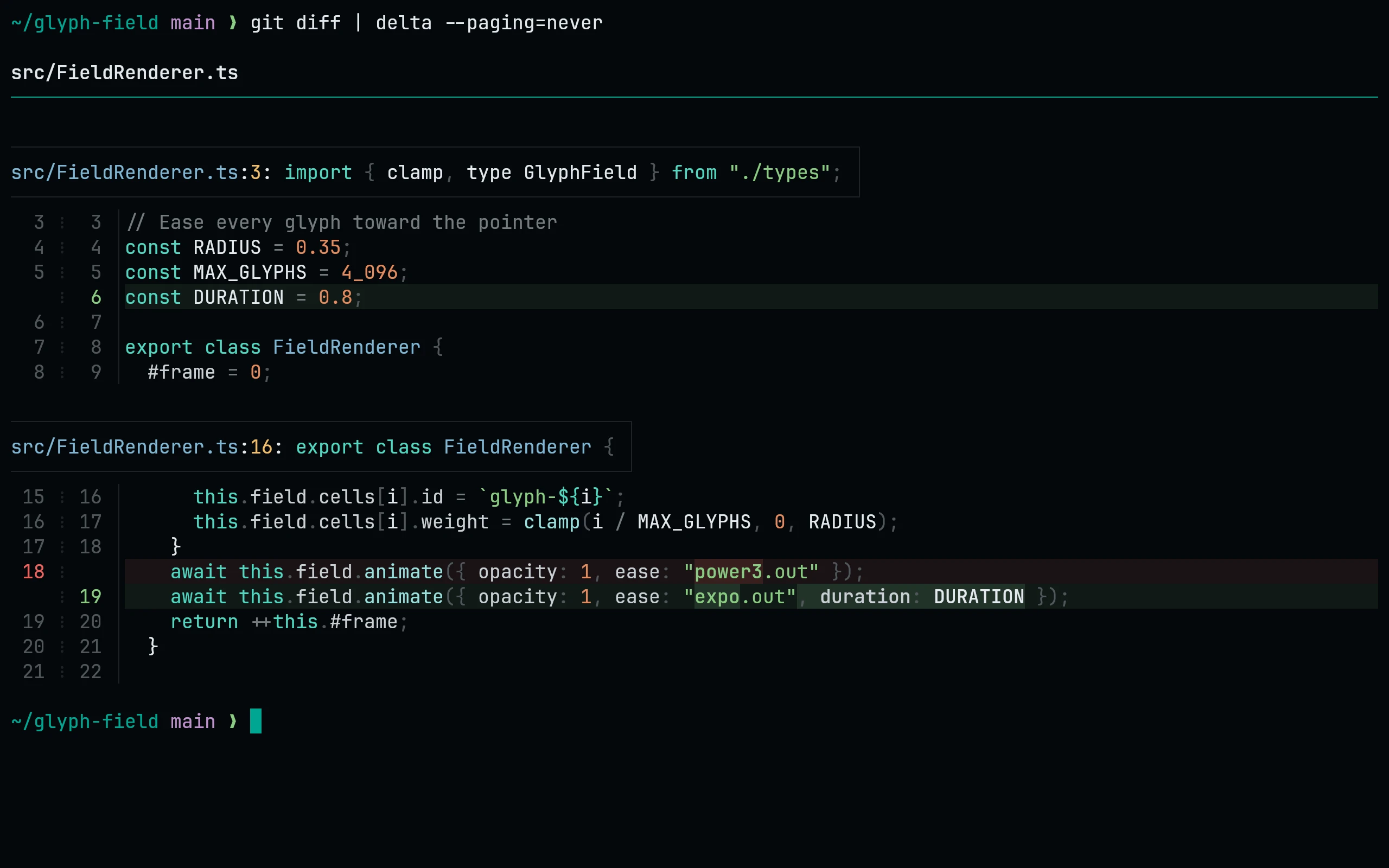
First install the tmTheme port into bat's cache for syntax colors. This port adds delta's diff backgrounds, word highlights, headers and gutters.
curl -fsSL --create-dirs -o "${XDG_CONFIG_HOME:-$HOME/.config}/delta/living-code.gitconfig" "https://raw.githubusercontent.com/living-code-theme/delta/main/living-code.gitconfig"
git config --global --add include.path "${XDG_CONFIG_HOME:-$HOME/.config}/delta/living-code.gitconfig"
git config --global core.pager delta
git config --global interactive.diffFilter "delta --color-only"
git config --global delta.features living-code-nightThat includes the file in ~/.gitconfig and selects a flavor. Skip the core.pager and diffFilter lines if delta is already set up.
Each flavor is a delta feature: living-code-night, living-code-signal, living-code-frost, living-code-paper.
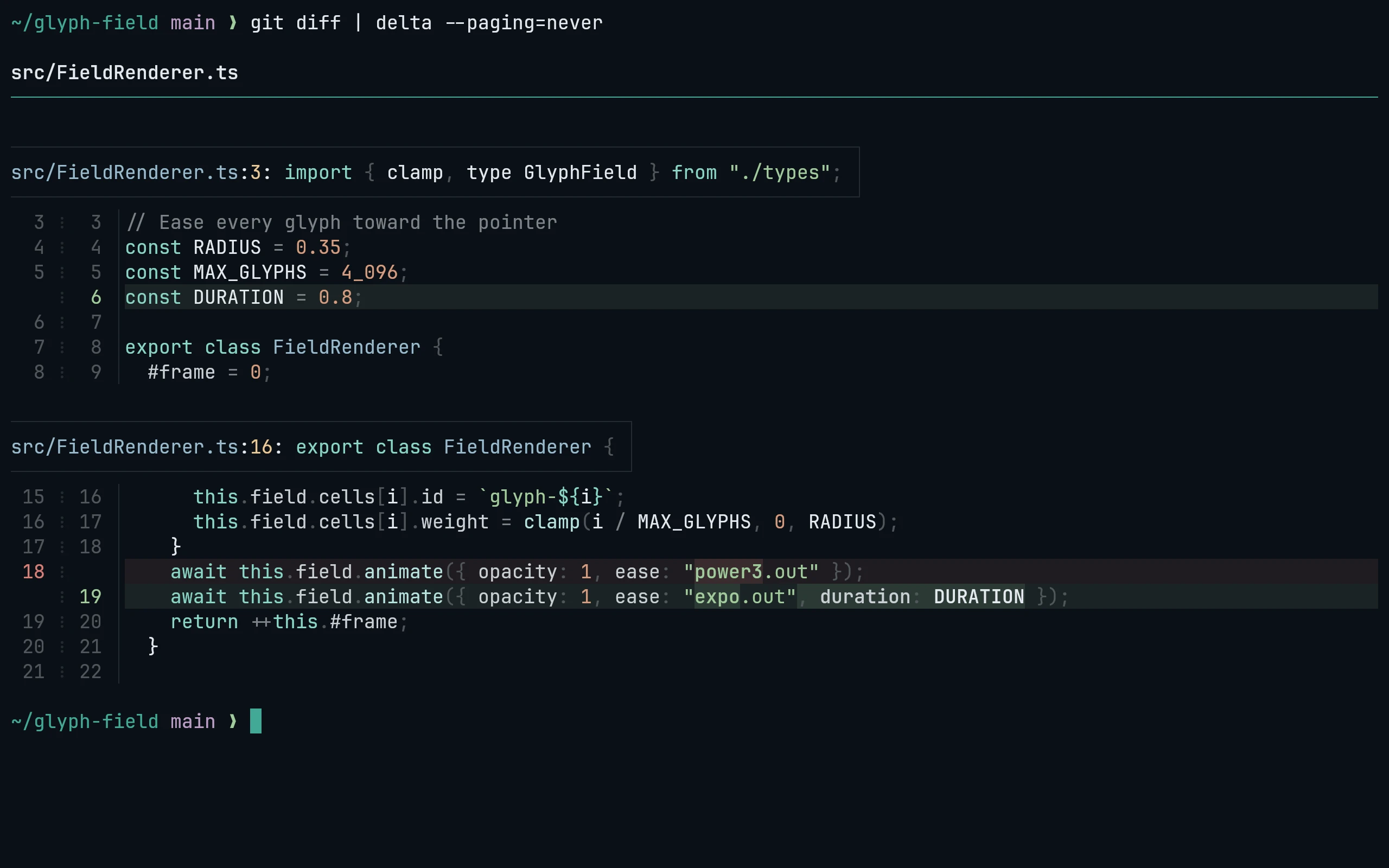
First install the tmTheme port into bat's cache for syntax colors. This port adds delta's diff backgrounds, word highlights, headers and gutters.
curl -fsSL --create-dirs -o "${XDG_CONFIG_HOME:-$HOME/.config}/delta/living-code.gitconfig" "https://raw.githubusercontent.com/living-code-theme/delta/main/living-code.gitconfig"
git config --global --add include.path "${XDG_CONFIG_HOME:-$HOME/.config}/delta/living-code.gitconfig"
git config --global core.pager delta
git config --global interactive.diffFilter "delta --color-only"
git config --global delta.features living-code-frostThat includes the file in ~/.gitconfig and selects a flavor. Skip the core.pager and diffFilter lines if delta is already set up.
Each flavor is a delta feature: living-code-night, living-code-signal, living-code-frost, living-code-paper.
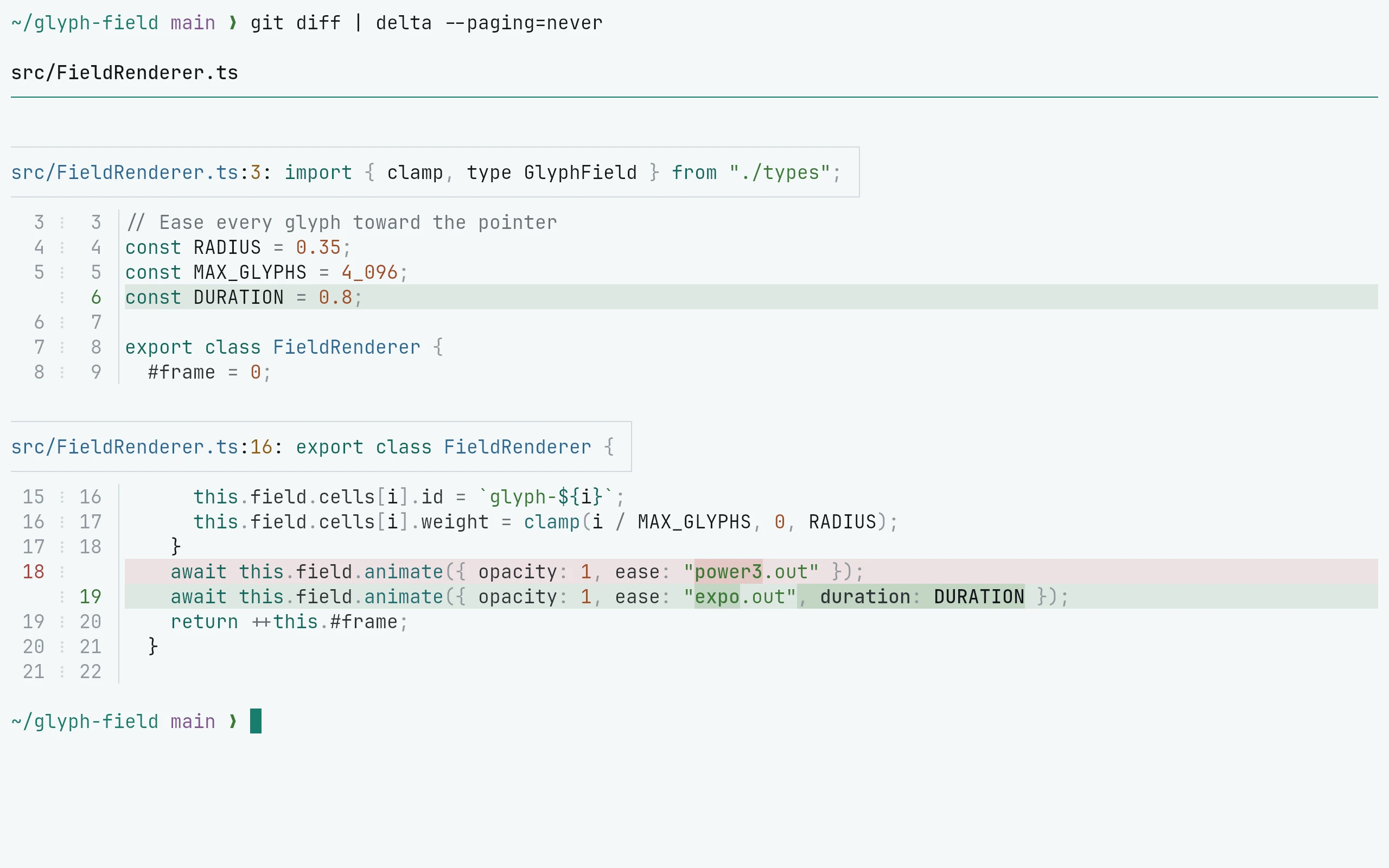
First install the tmTheme port into bat's cache for syntax colors. This port adds delta's diff backgrounds, word highlights, headers and gutters.
curl -fsSL --create-dirs -o "${XDG_CONFIG_HOME:-$HOME/.config}/delta/living-code.gitconfig" "https://raw.githubusercontent.com/living-code-theme/delta/main/living-code.gitconfig"
git config --global --add include.path "${XDG_CONFIG_HOME:-$HOME/.config}/delta/living-code.gitconfig"
git config --global core.pager delta
git config --global interactive.diffFilter "delta --color-only"
git config --global delta.features living-code-paperThat includes the file in ~/.gitconfig and selects a flavor. Skip the core.pager and diffFilter lines if delta is already set up.
Each flavor is a delta feature: living-code-night, living-code-signal, living-code-frost, living-code-paper.
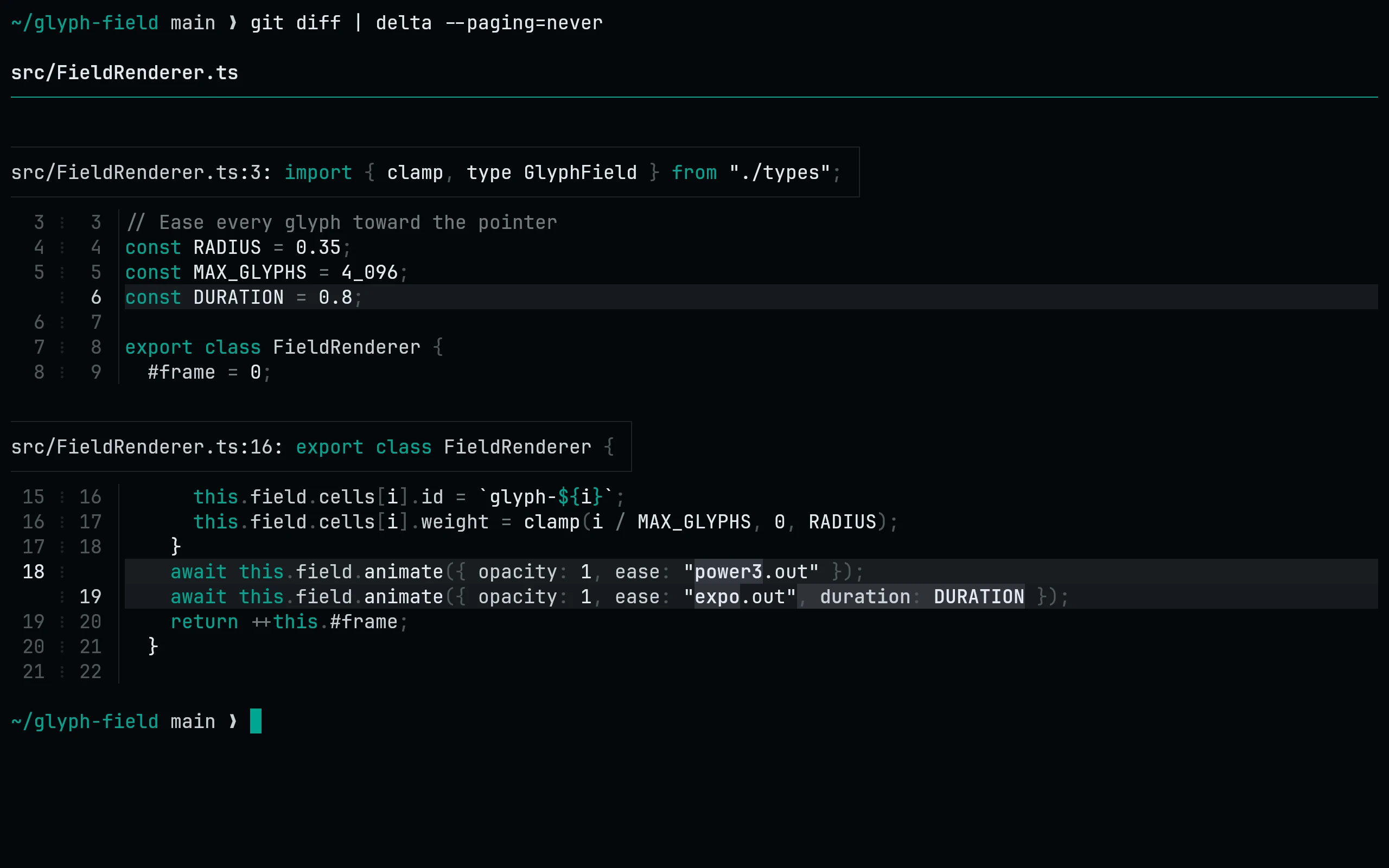
First install the tmTheme port into bat's cache for syntax colors. This port adds delta's diff backgrounds, word highlights, headers and gutters.
curl -fsSL --create-dirs -o "${XDG_CONFIG_HOME:-$HOME/.config}/delta/living-code.gitconfig" "https://raw.githubusercontent.com/living-code-theme/delta/main/living-code.gitconfig"
git config --global --add include.path "${XDG_CONFIG_HOME:-$HOME/.config}/delta/living-code.gitconfig"
git config --global core.pager delta
git config --global interactive.diffFilter "delta --color-only"
git config --global delta.features living-code-signalThat includes the file in ~/.gitconfig and selects a flavor. Skip the core.pager and diffFilter lines if delta is already set up.
Each flavor is a delta feature: living-code-night, living-code-signal, living-code-frost, living-code-paper.
Details
Configuration
See delta's documentation for application settings and reload behavior. The activation instructions above identify each supported flavor; keep your other application configuration.
Compatibility
This port supplies theme files for delta, not the application itself. Install the application separately and follow the installation instructions for its supported configuration format.
Included files 1