Install
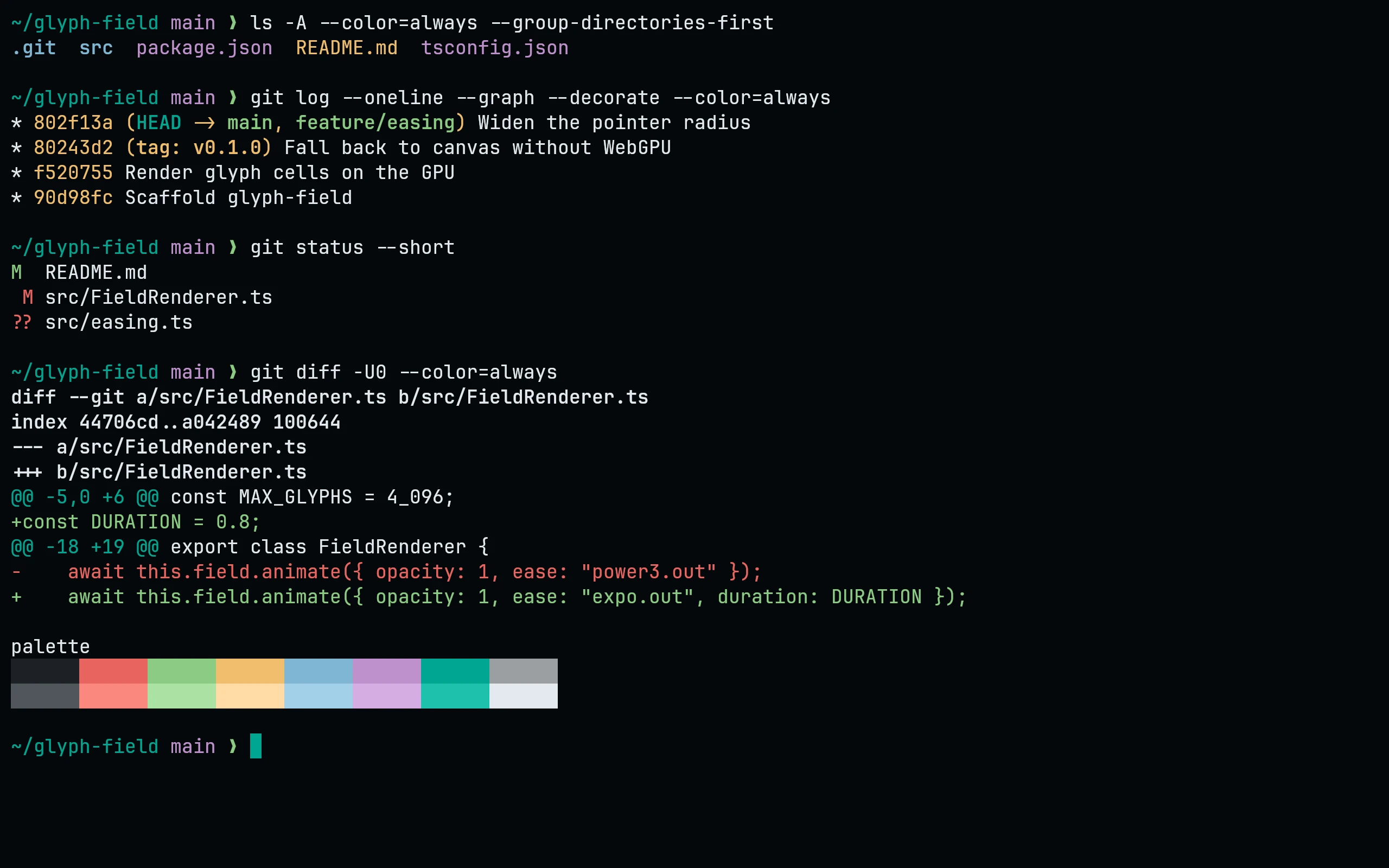
Download all four flavors:
curl -fsSL --create-dirs --output-dir "${XDG_CONFIG_HOME:-$HOME/.config}/kitty/themes" \
-O "https://raw.githubusercontent.com/living-code-theme/kitty/main/living-code-{night,frost,paper,signal}.conf"Add this to kitty.conf:
include themes/living-code-night.confRestart Kitty to apply it. Replace night with frost, paper or signal to use another flavor.
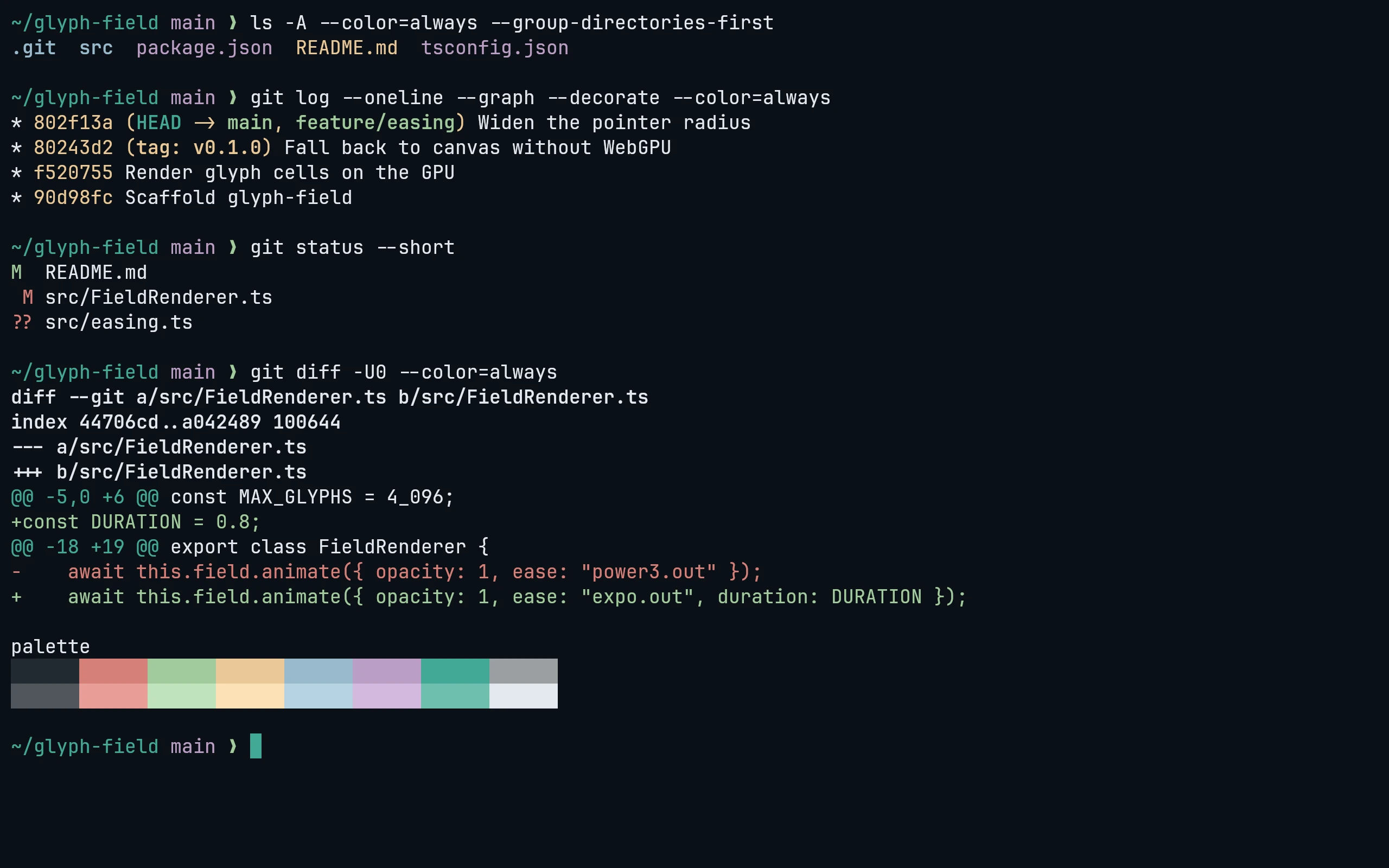
Download all four flavors:
curl -fsSL --create-dirs --output-dir "${XDG_CONFIG_HOME:-$HOME/.config}/kitty/themes" \
-O "https://raw.githubusercontent.com/living-code-theme/kitty/main/living-code-{night,frost,paper,signal}.conf"Add this to kitty.conf:
include themes/living-code-frost.confRestart Kitty to apply it. Replace night with frost, paper or signal to use another flavor.
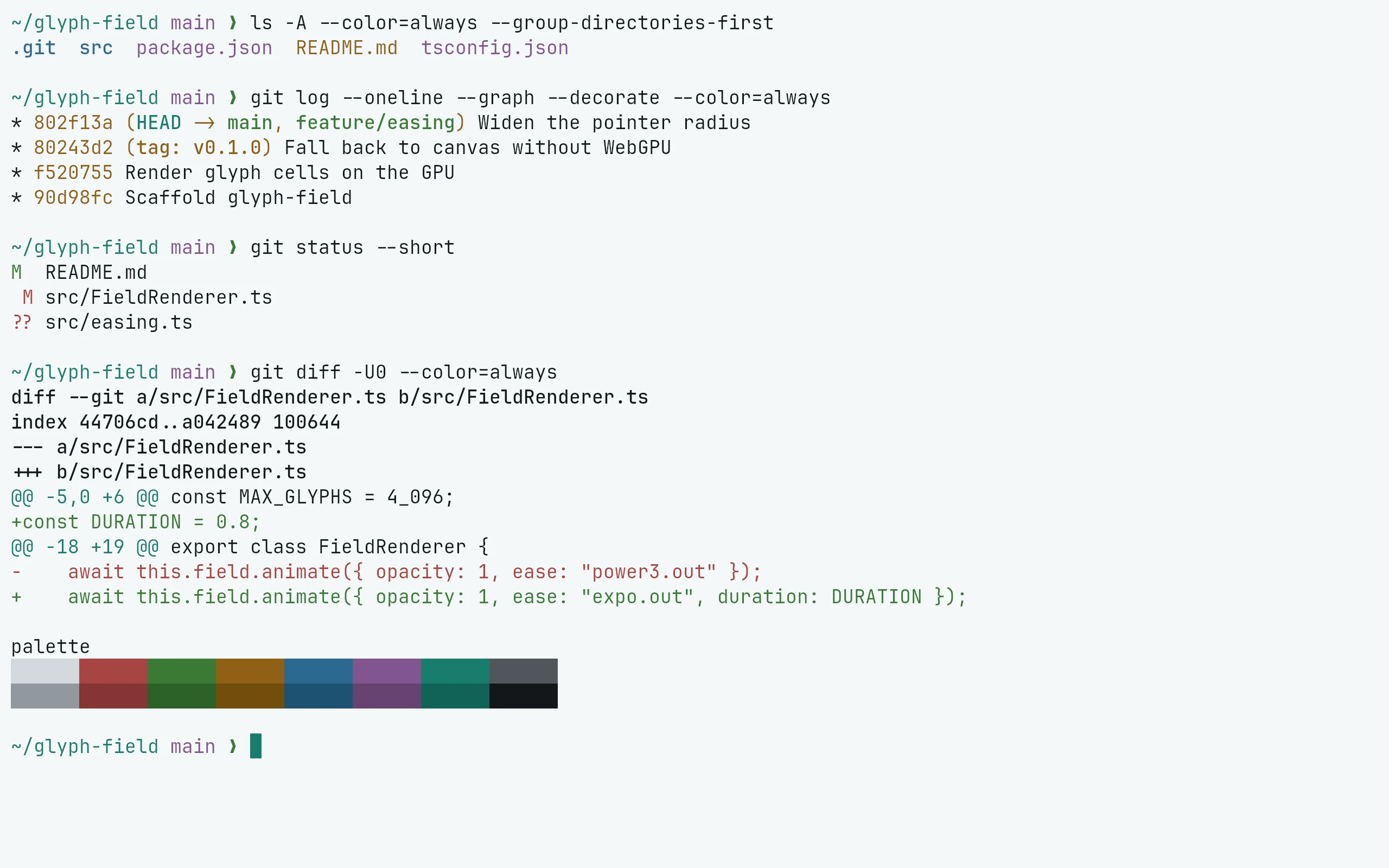
Download all four flavors:
curl -fsSL --create-dirs --output-dir "${XDG_CONFIG_HOME:-$HOME/.config}/kitty/themes" \
-O "https://raw.githubusercontent.com/living-code-theme/kitty/main/living-code-{night,frost,paper,signal}.conf"Add this to kitty.conf:
include themes/living-code-paper.confRestart Kitty to apply it. Replace night with frost, paper or signal to use another flavor.
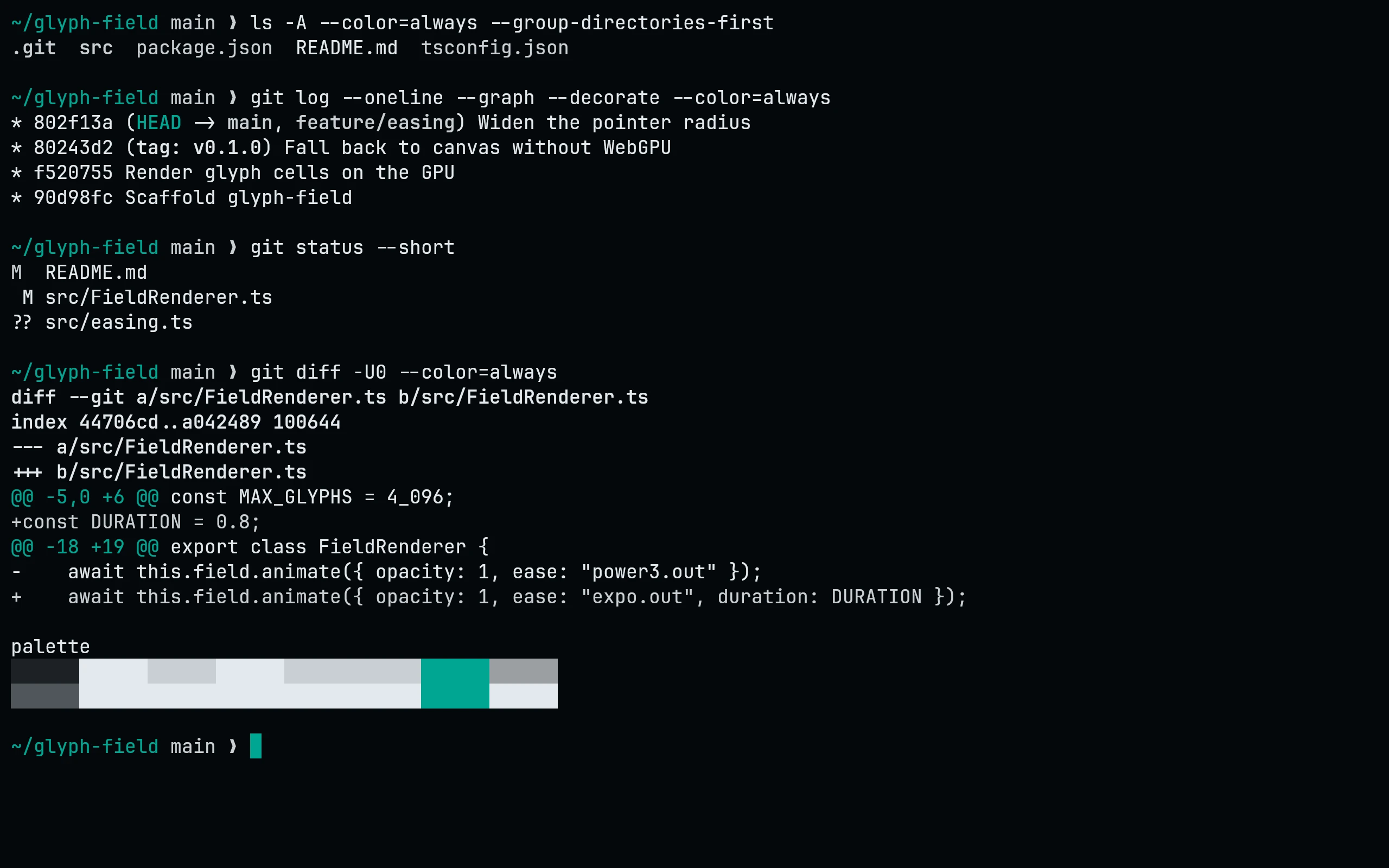
Download all four flavors:
curl -fsSL --create-dirs --output-dir "${XDG_CONFIG_HOME:-$HOME/.config}/kitty/themes" \
-O "https://raw.githubusercontent.com/living-code-theme/kitty/main/living-code-{night,frost,paper,signal}.conf"Add this to kitty.conf:
include themes/living-code-signal.confRestart Kitty to apply it. Replace night with frost, paper or signal to use another flavor.
Details
Configuration
Theme files only set colors; your fonts, padding, opacity, shell and keybindings stay unchanged. Put any personal color overrides after the theme include.
All four installed flavors are also available in kitten themes. See Kitty’s configuration reference for application settings.
Compatibility
For the Kitty terminal on Linux and macOS. Includes all 16 ANSI colors, foreground and background, selection, cursor, URL, border, tab and mark colors. No plugin or build step is required. Applications with their own syntax themes, such as Neovim, need their matching Living Code port.