Install
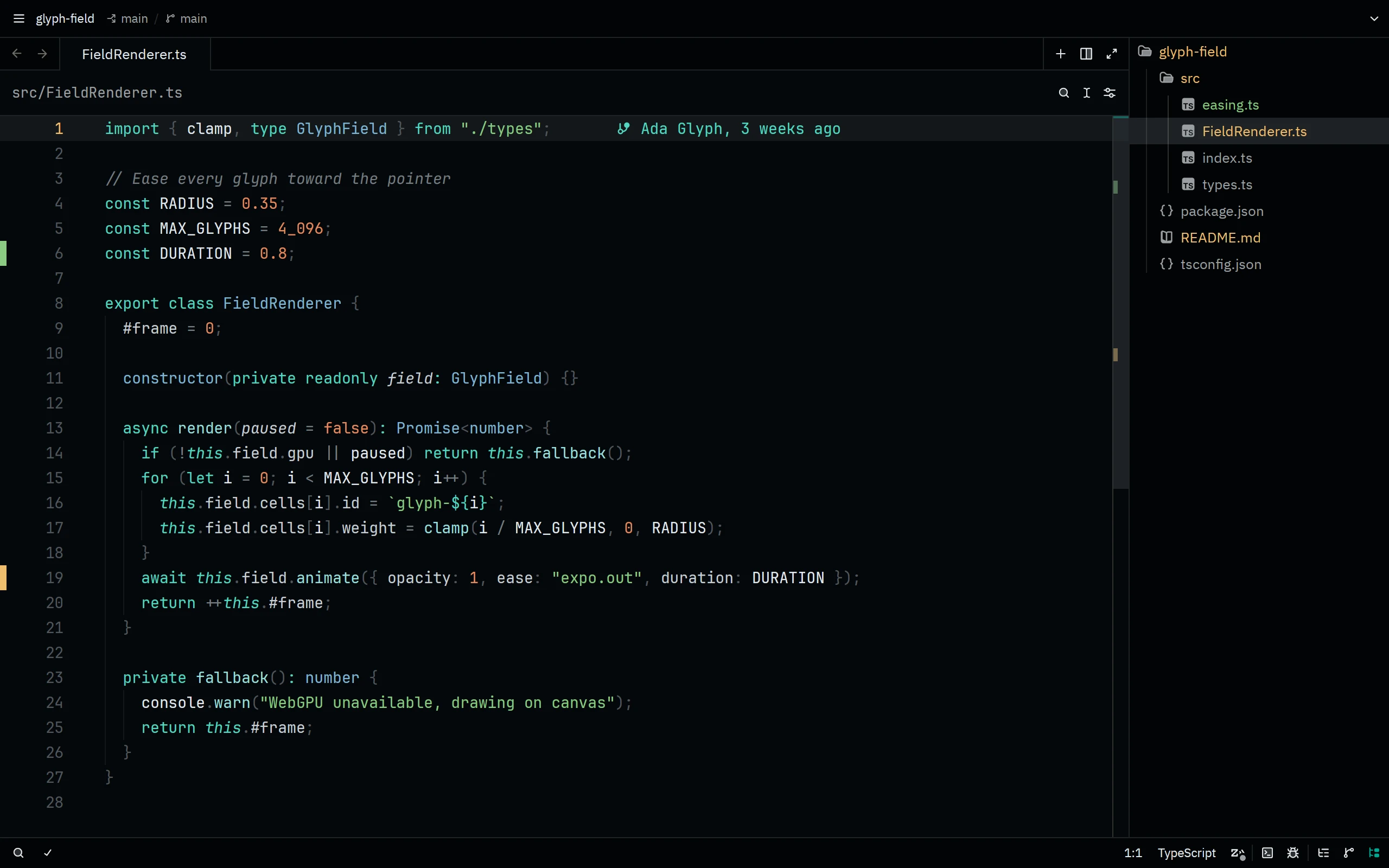
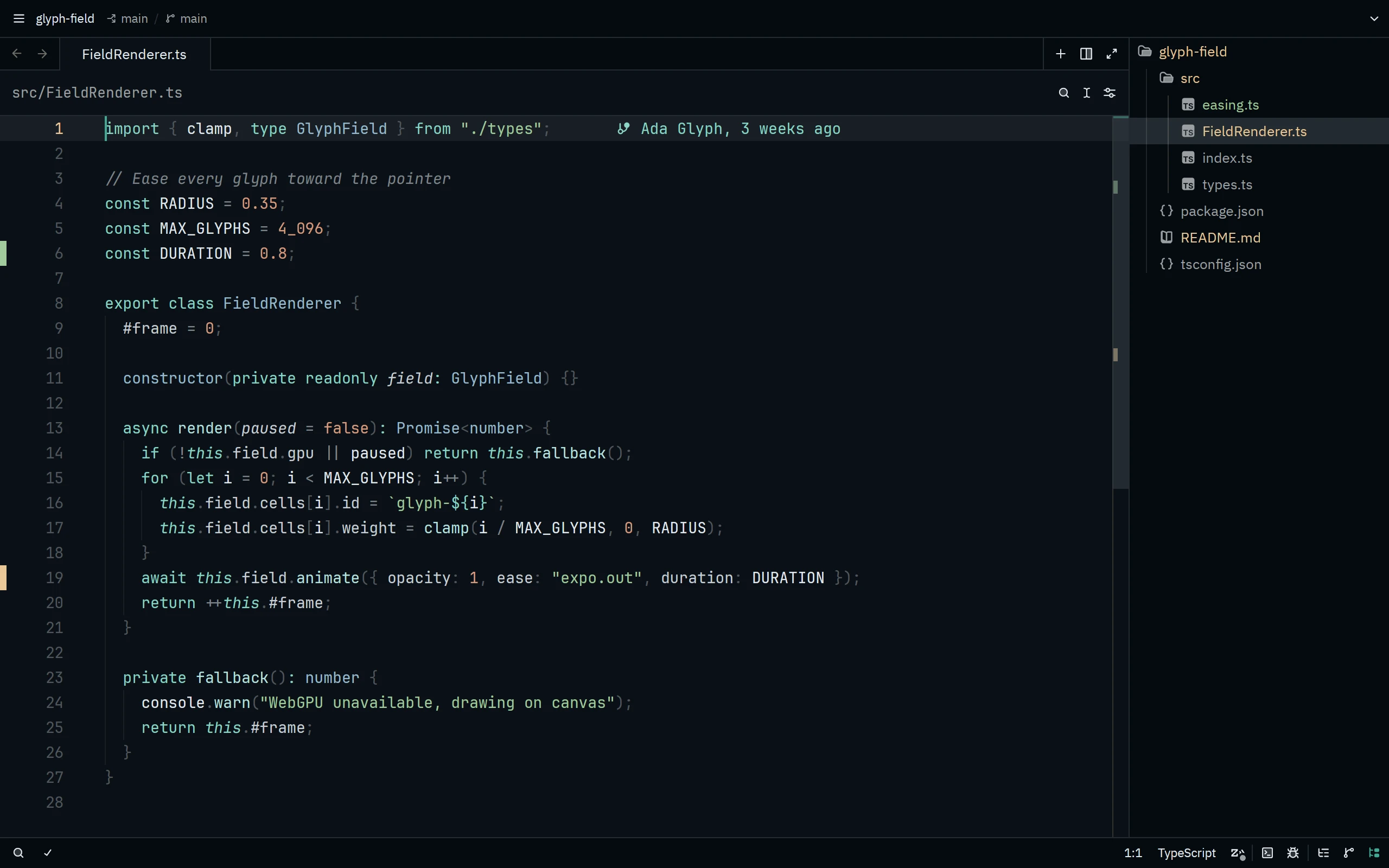
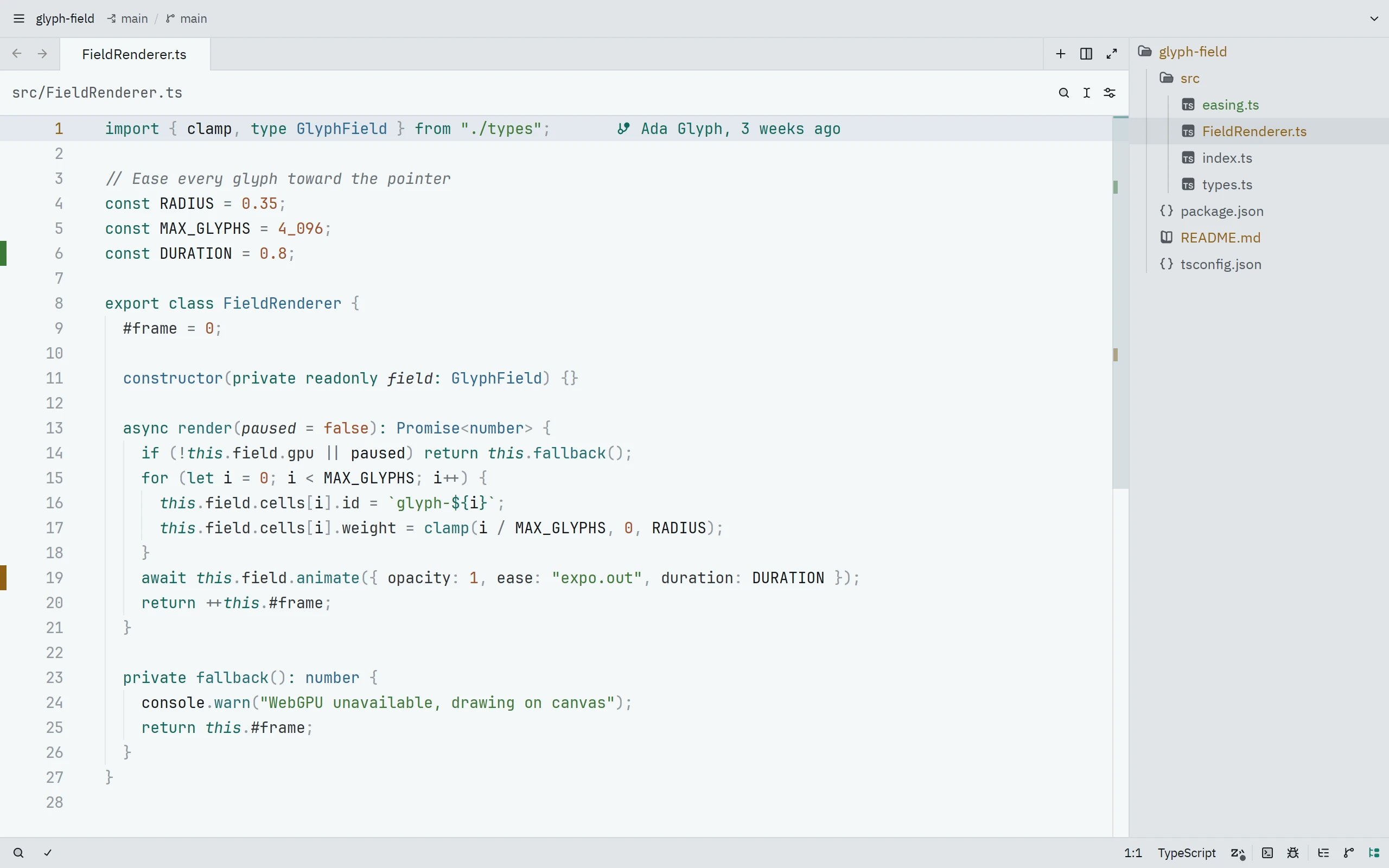
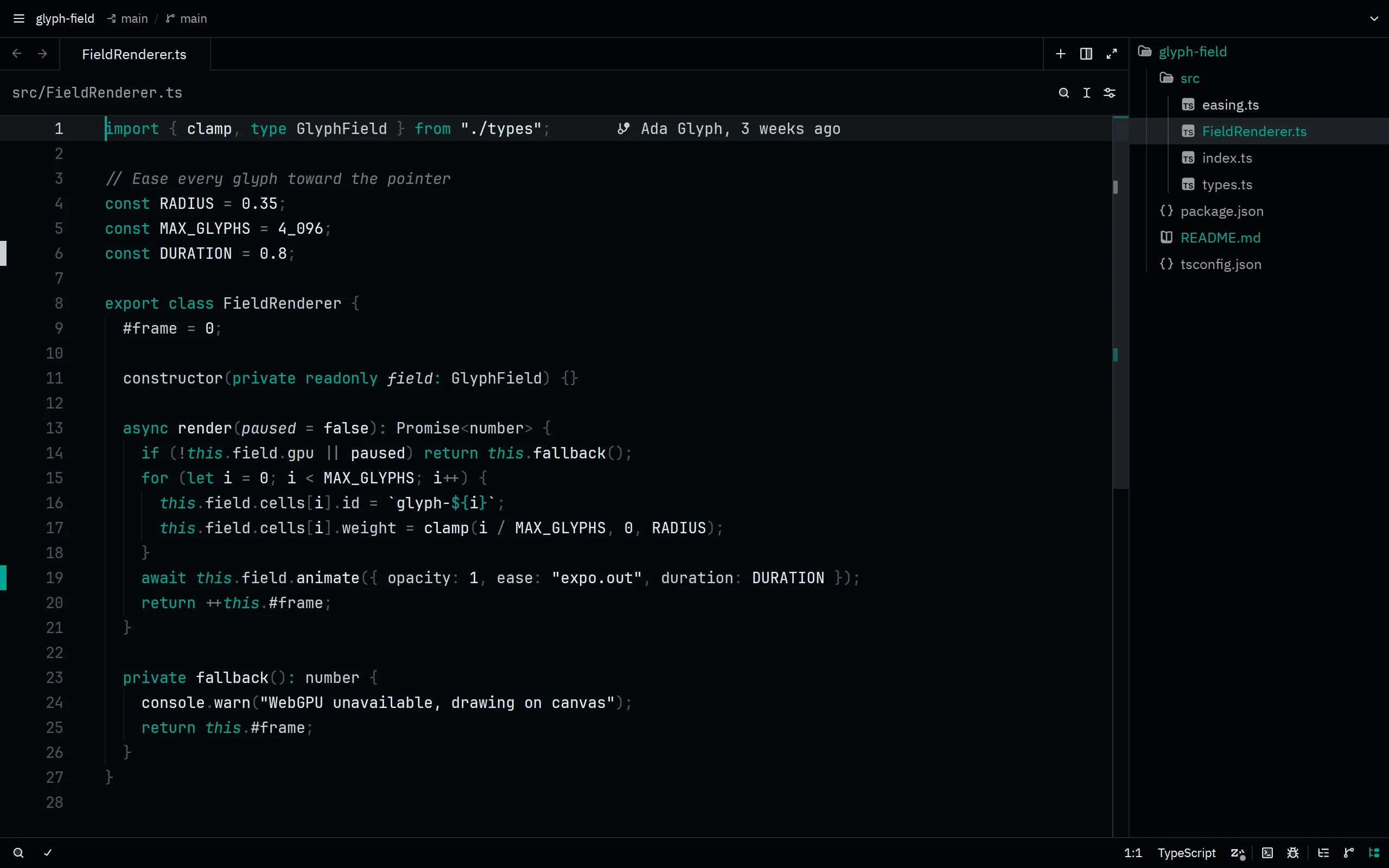
In Zed, open the Extensions panel (zed: extensions, or cmd-shift-x on macOS and ctrl-shift-x on Linux), search for Living Code, and click Install. Then pick a flavor with theme selector: toggle (cmd-k cmd-t).
Without the registry: run zed: install dev extension and select the repository root of a checkout, or download the theme file into ~/.config/zed/themes/:
mkdir -p ~/.config/zed/themes
curl -fsSL https://raw.githubusercontent.com/living-code-theme/zed/main/themes/living-code.json -o ~/.config/zed/themes/living-code.jsonThe theme file holds all four flavors.
Details
Configuration
See Zed's documentation for application settings and reload behavior. The activation instructions above identify each supported flavor; keep your other application configuration.
Compatibility
This port supplies theme files for Zed, not the application itself. Install the application separately and follow the installation instructions for its supported configuration format.
Included files 2