OpenCode
- Get it
- Install the native theme files
- Group
- AI & Agents
- App
- opencode.ai
- Problem?
- Report an issue
- Flavors
Install
flavor=night # night, frost, paper, or signal
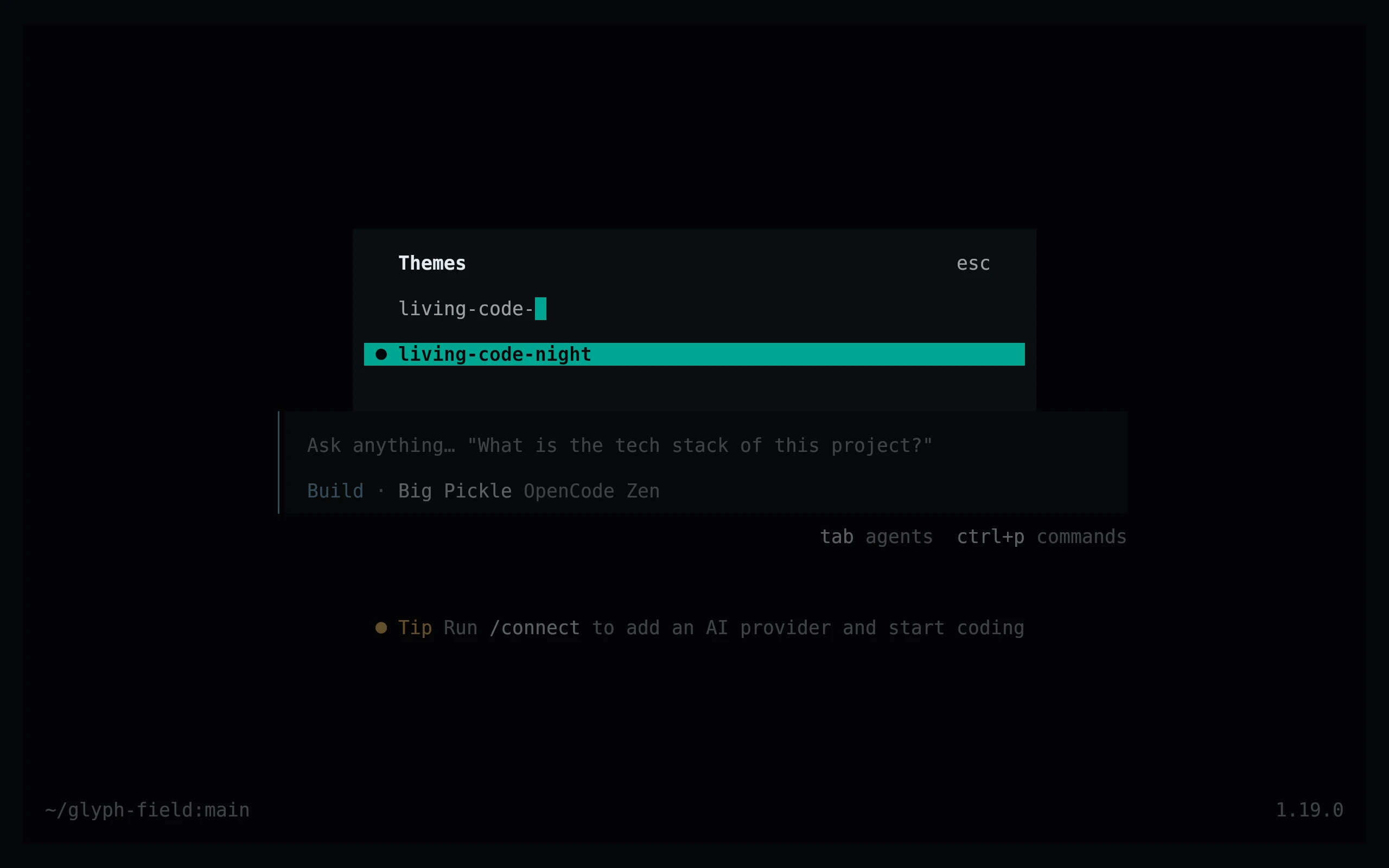
curl -fsSL --create-dirs -o "${XDG_CONFIG_HOME:-$HOME/.config}/opencode/themes/living-code-$flavor.json" "https://raw.githubusercontent.com/living-code-theme/opencode/main/themes/living-code-$flavor.json"Restart OpenCode, run /themes (also available through /theme completion), and select living-code-night or your downloaded flavor. For a project-only install, use .opencode/themes/ as the output directory instead.
flavor=frost # night, frost, paper, or signal
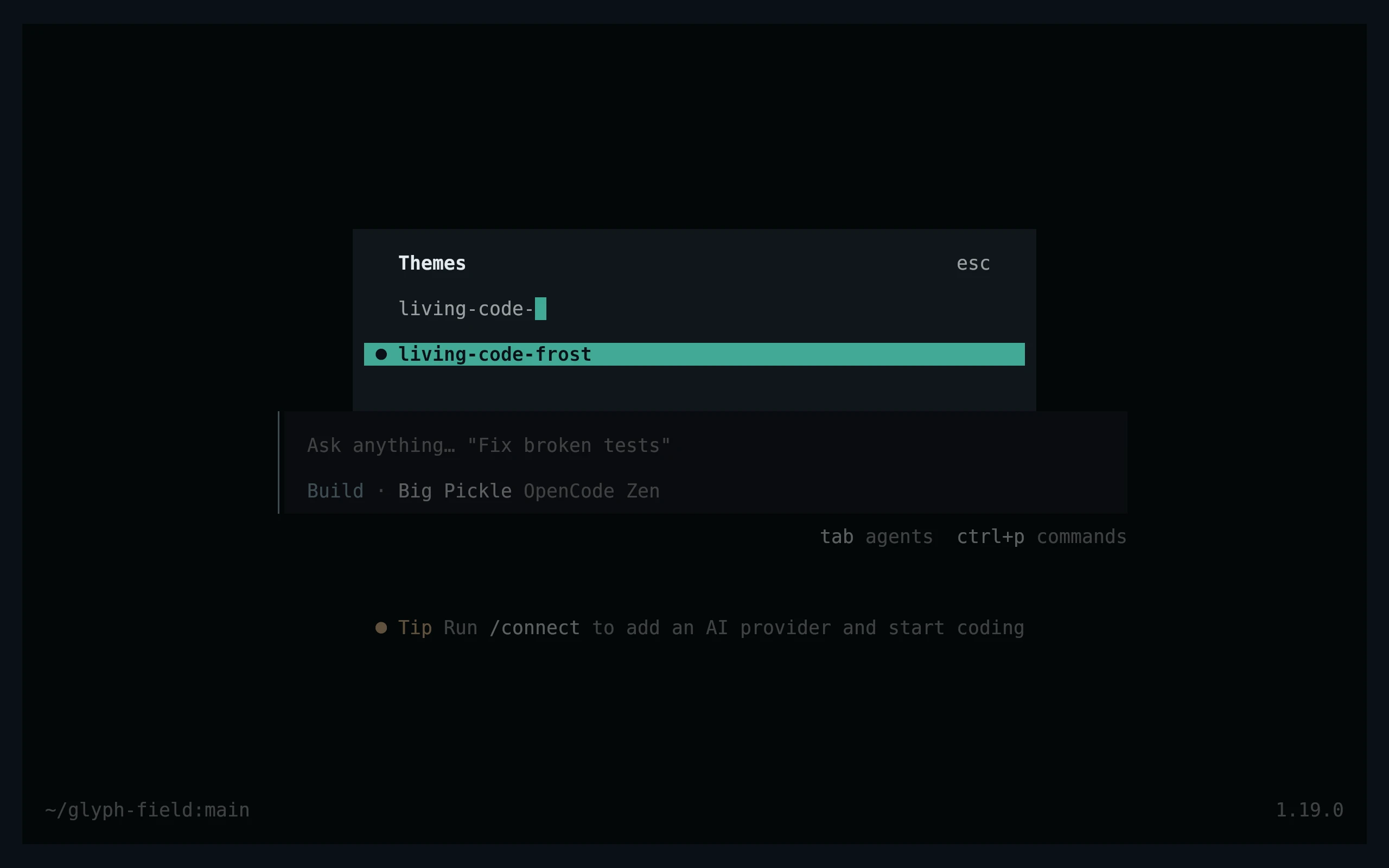
curl -fsSL --create-dirs -o "${XDG_CONFIG_HOME:-$HOME/.config}/opencode/themes/living-code-$flavor.json" "https://raw.githubusercontent.com/living-code-theme/opencode/main/themes/living-code-$flavor.json"Restart OpenCode, run /themes (also available through /theme completion), and select living-code-frost or your downloaded flavor. For a project-only install, use .opencode/themes/ as the output directory instead.
flavor=paper # night, frost, paper, or signal
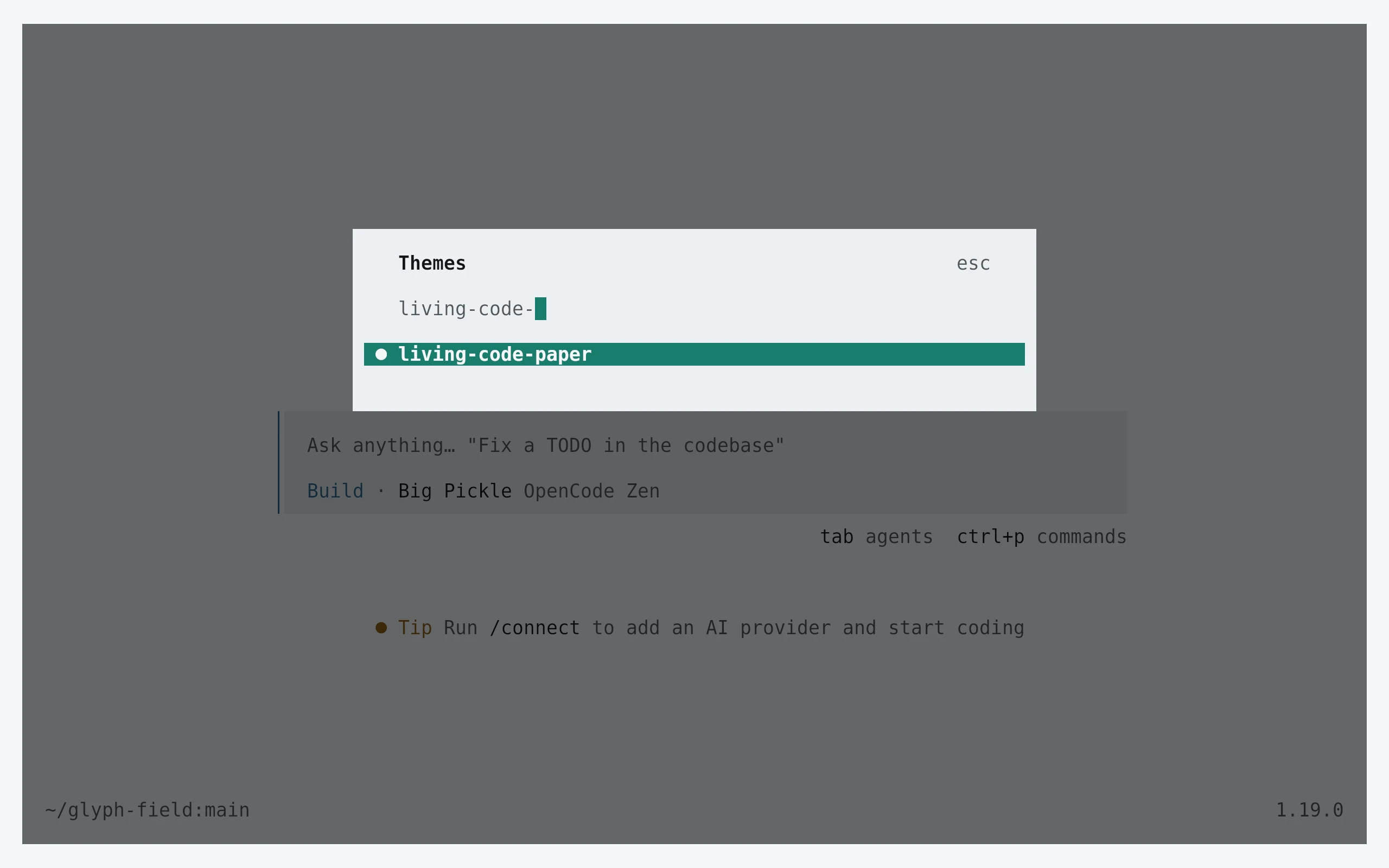
curl -fsSL --create-dirs -o "${XDG_CONFIG_HOME:-$HOME/.config}/opencode/themes/living-code-$flavor.json" "https://raw.githubusercontent.com/living-code-theme/opencode/main/themes/living-code-$flavor.json"Restart OpenCode, run /themes (also available through /theme completion), and select living-code-paper or your downloaded flavor. For a project-only install, use .opencode/themes/ as the output directory instead.
flavor=signal # night, frost, paper, or signal
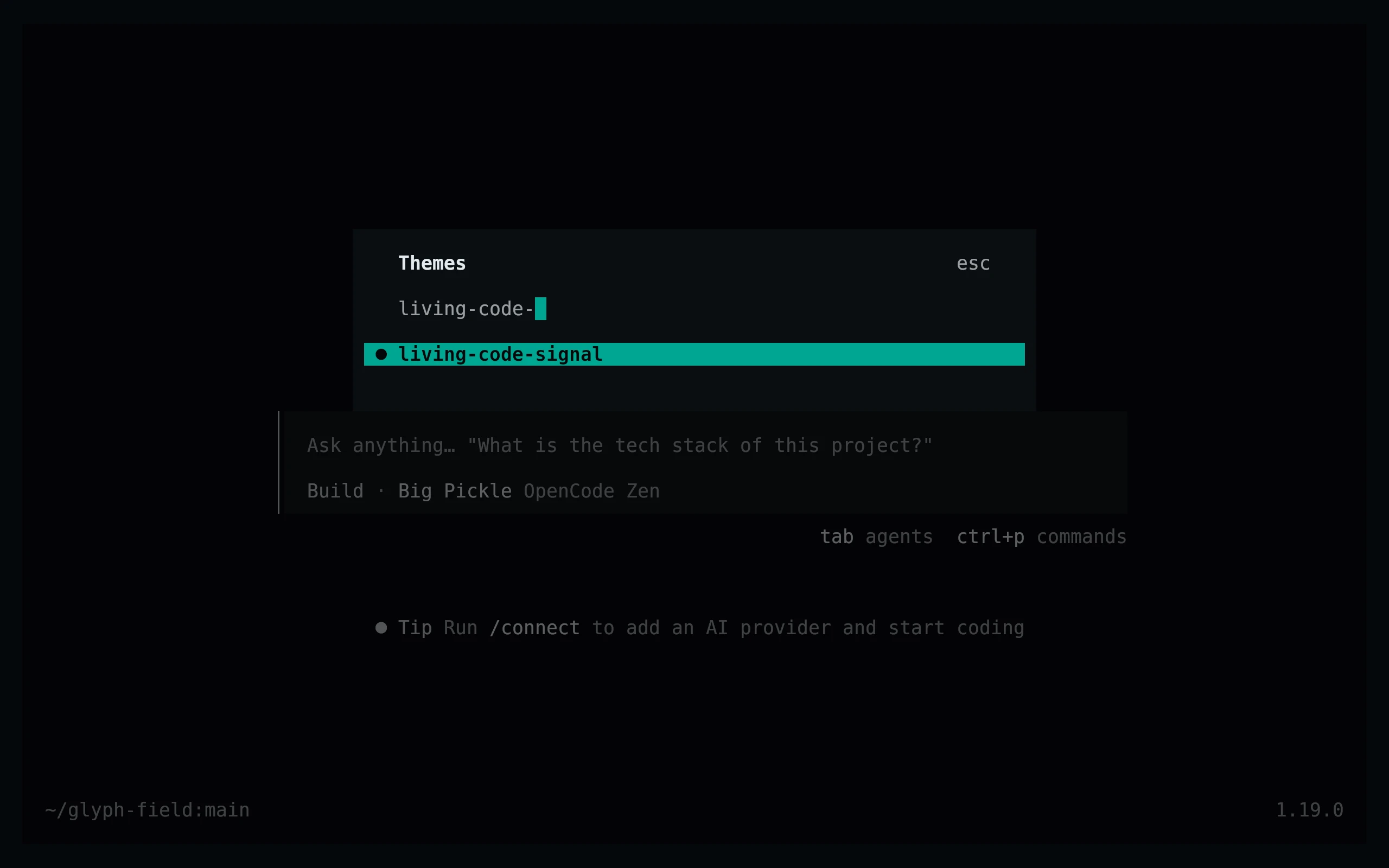
curl -fsSL --create-dirs -o "${XDG_CONFIG_HOME:-$HOME/.config}/opencode/themes/living-code-$flavor.json" "https://raw.githubusercontent.com/living-code-theme/opencode/main/themes/living-code-$flavor.json"Restart OpenCode, run /themes (also available through /theme completion), and select living-code-signal or your downloaded flavor. For a project-only install, use .opencode/themes/ as the output directory instead.
Details
Configuration
The files use the OpenCode v1 { "theme": { … } } JSON format. They provide every required color, explicit selected-item text and menu backgrounds. Every flavor is a separate theme, so Paper stays light even in a dark terminal. Put configuration in tui.json, not in the theme file; preserve any existing keybindings.
Compatibility
Targets the TUI theme format verified against OpenCode 1.19.0. This is not the web/desktop theme format. Truecolor gives the intended colors; reduced-color terminals approximate them. OpenCode 2 theme documents are a different API and are not claimed here. Syntax, Markdown and diff color contracts are checked independently of generation.
Previews are captured programmatically from the actual application in an isolated profile. See capture/app.py for the app-owned recipe and images/capture.json for runtime, palette and image provenance. No mock interface is drawn.