yazi
Install
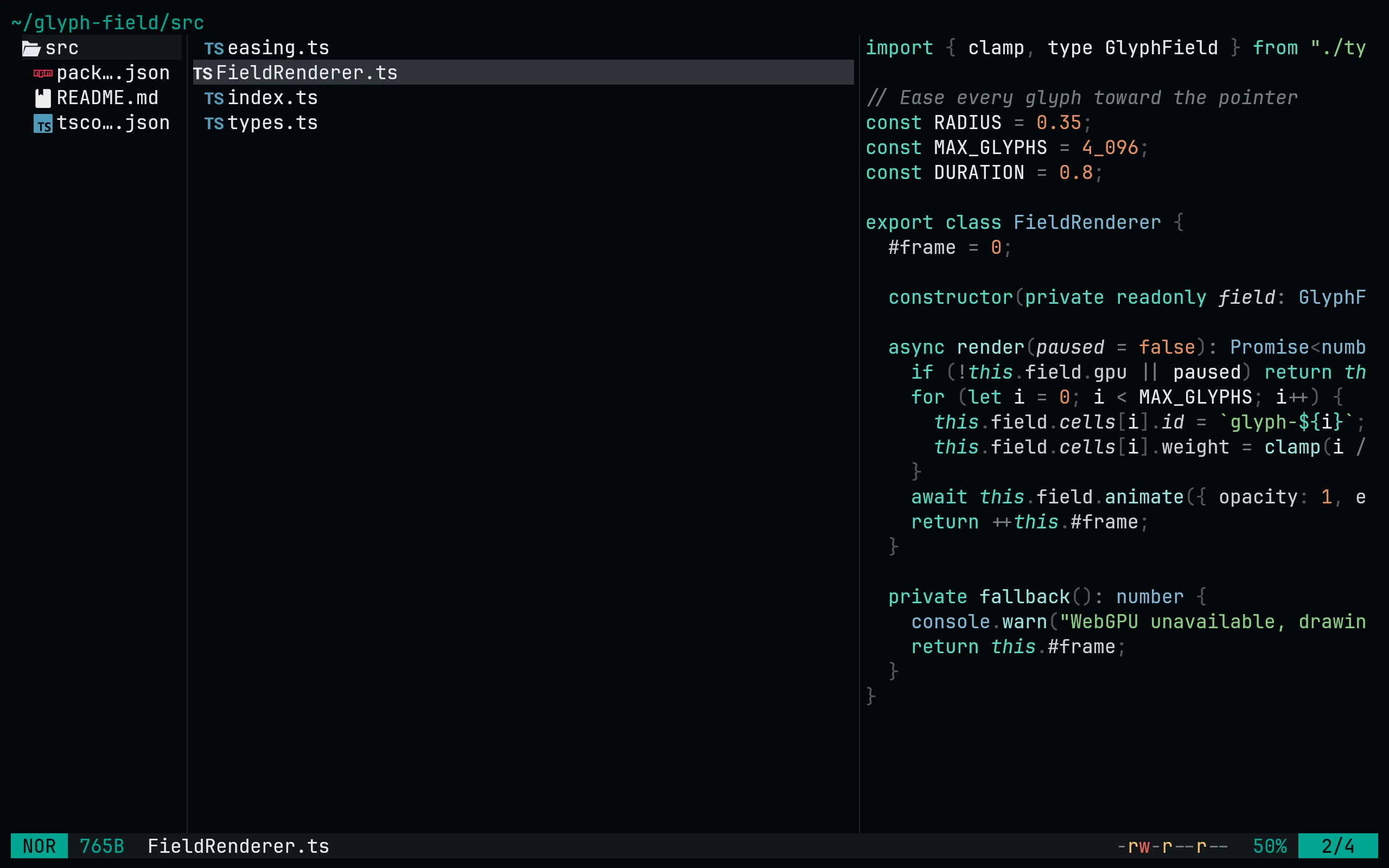
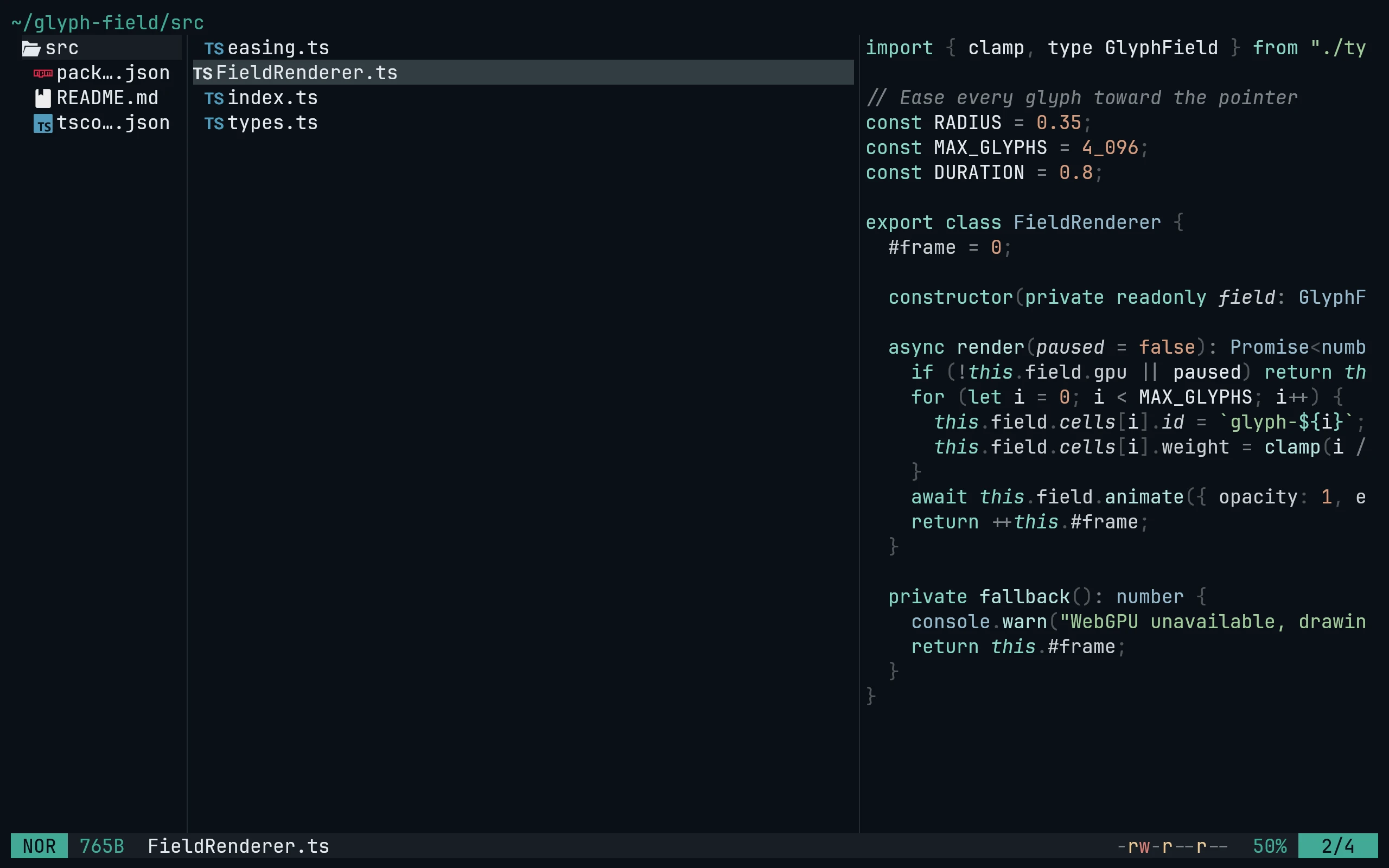
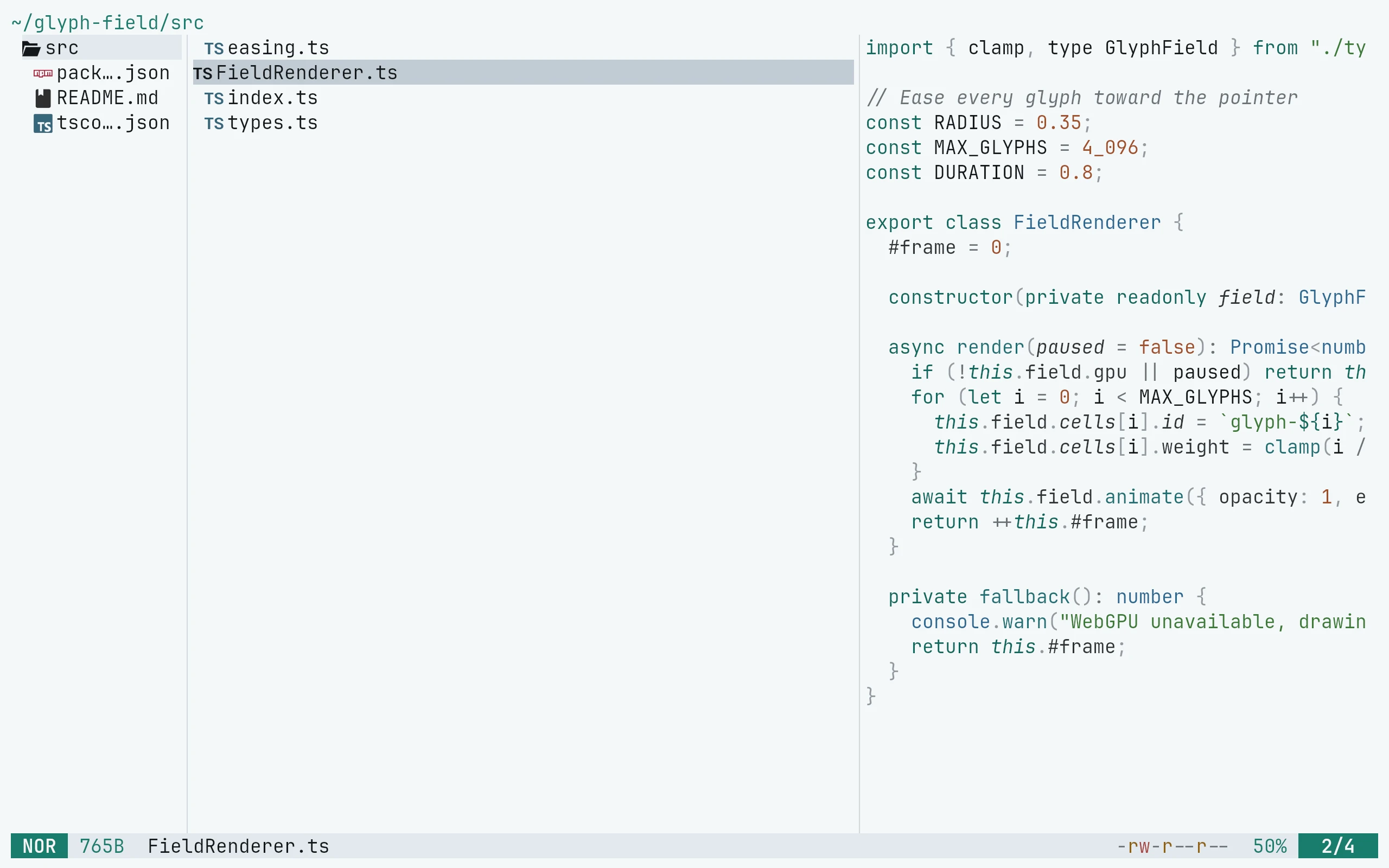
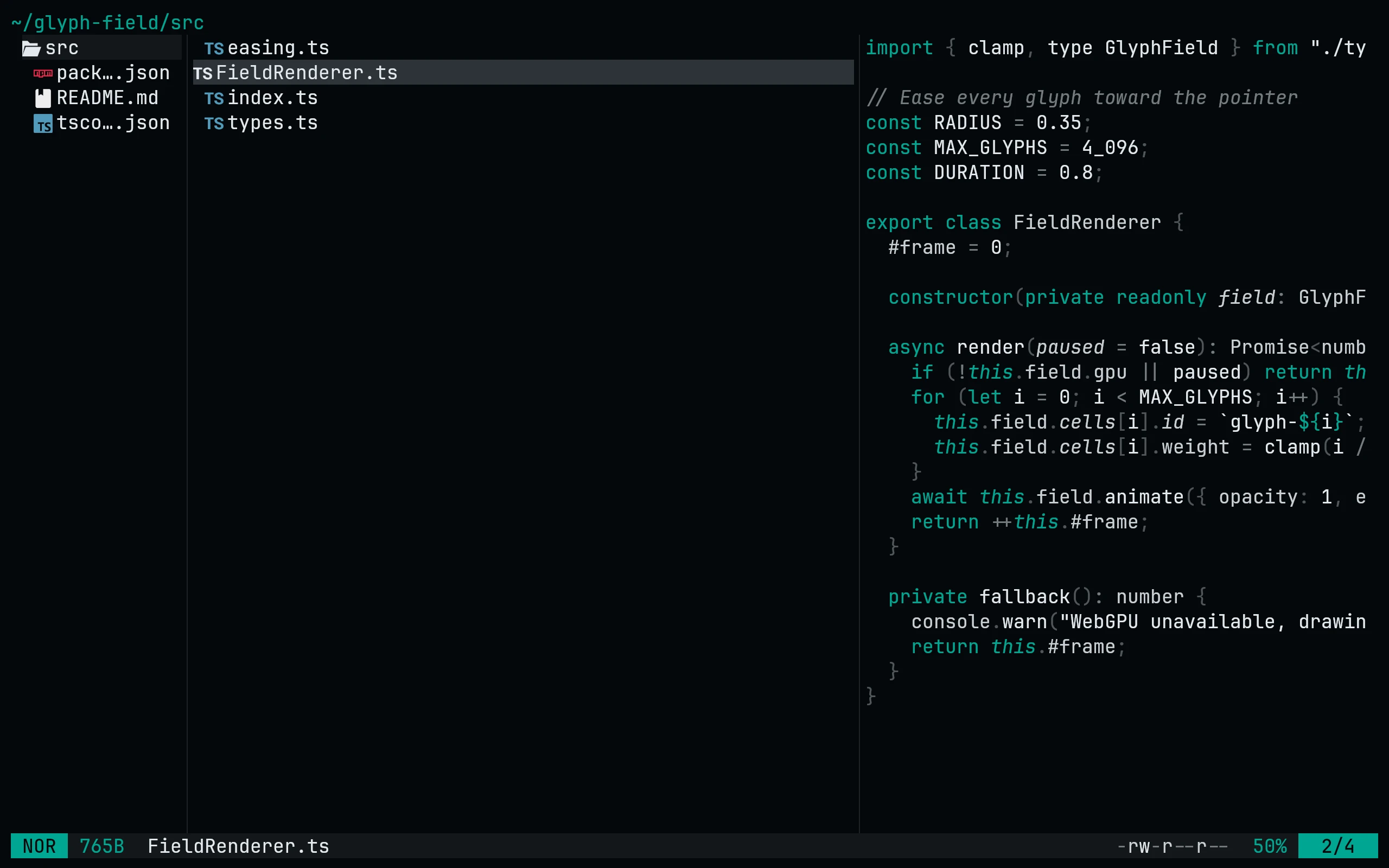
Install the Night and Paper flavors from this repository's root-level flavor directories:
ya pkg add living-code-theme/yazi:living-code-night
ya pkg add living-code-theme/yazi:living-code-paperUse living-code-frost or living-code-signal instead for another dark flavor. Then configure ~/.config/yazi/theme.toml:
[flavor]
dark = "living-code-night"
light = "living-code-paper"For a manual install, copy a complete living-code-<flavor>.yazi directory into Yazi's flavors directory. On Windows it is %AppData%\yazi\config\flavors.
Details
Configuration
See yazi's documentation for application settings and reload behavior. The activation instructions above identify each supported flavor; keep your other application configuration.
Compatibility
This port supplies theme files for yazi, not the application itself. Install the application separately and follow the installation instructions for its supported configuration format.
Included files 12
living-code-frost.yazi/LICENSEliving-code-frost.yazi/flavor.tomlliving-code-frost.yazi/tmtheme.xmlliving-code-night.yazi/LICENSEliving-code-night.yazi/flavor.tomlliving-code-night.yazi/tmtheme.xmlliving-code-paper.yazi/LICENSEliving-code-paper.yazi/flavor.tomlliving-code-paper.yazi/tmtheme.xmlliving-code-signal.yazi/LICENSEliving-code-signal.yazi/flavor.tomlliving-code-signal.yazi/tmtheme.xml