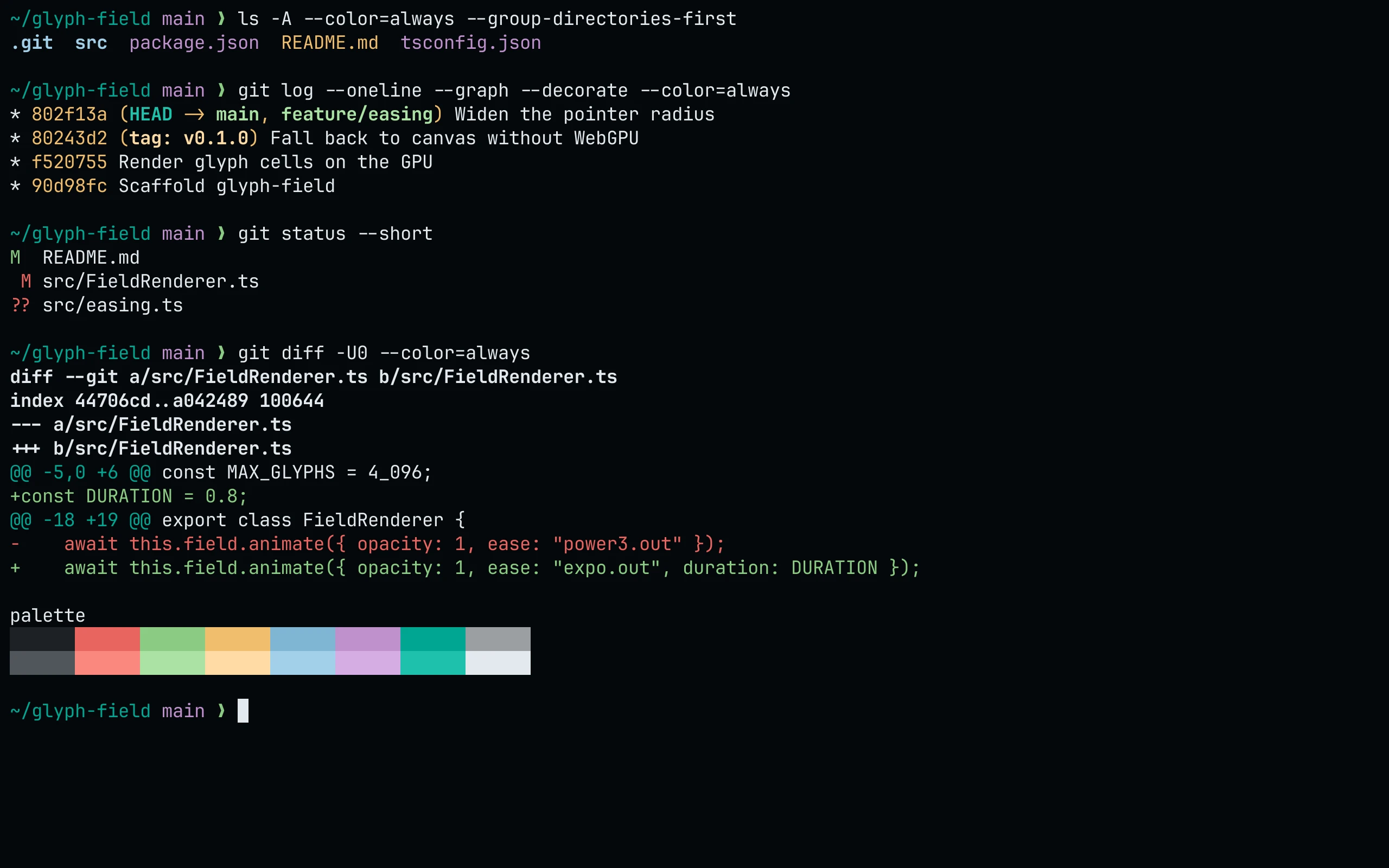
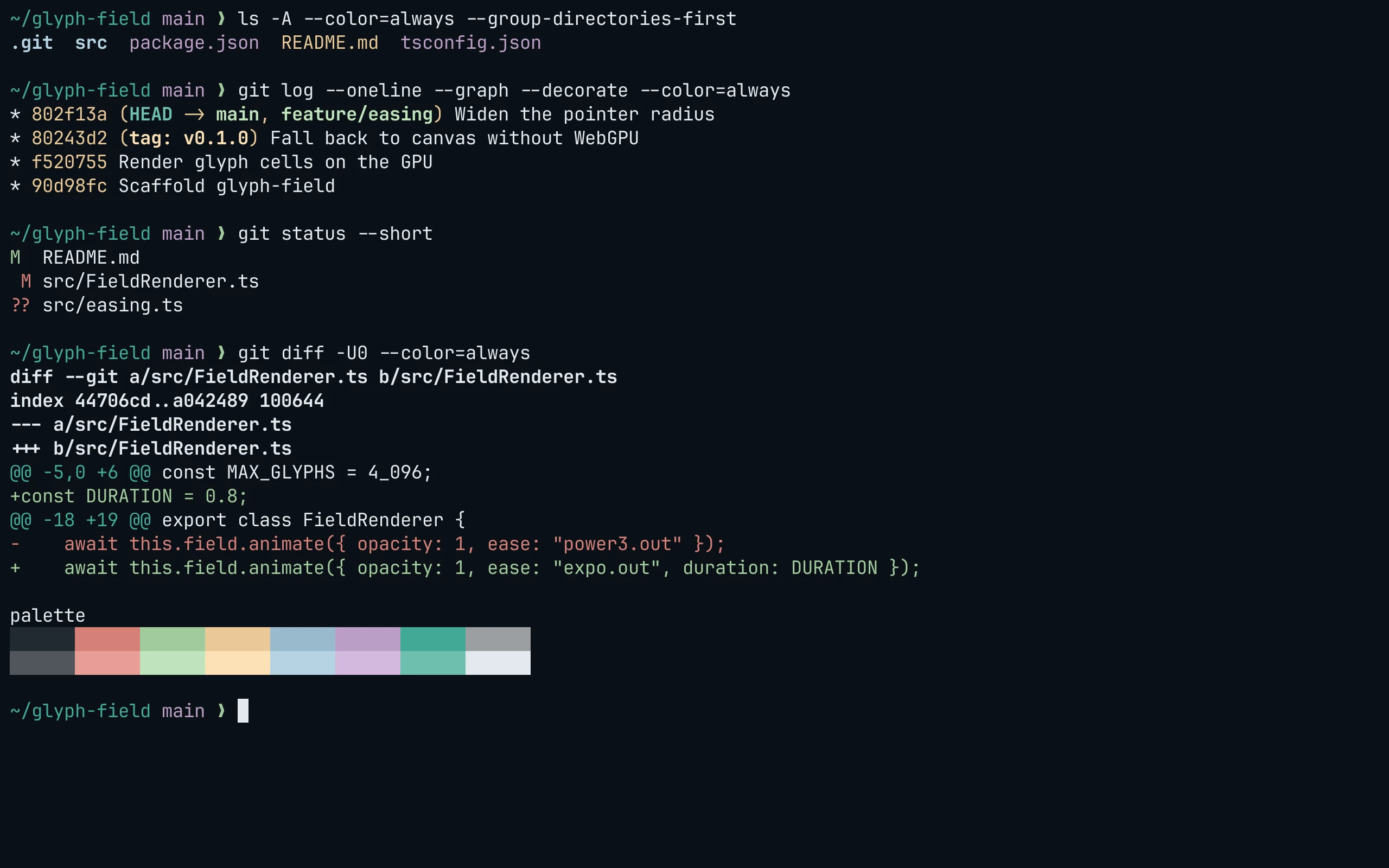
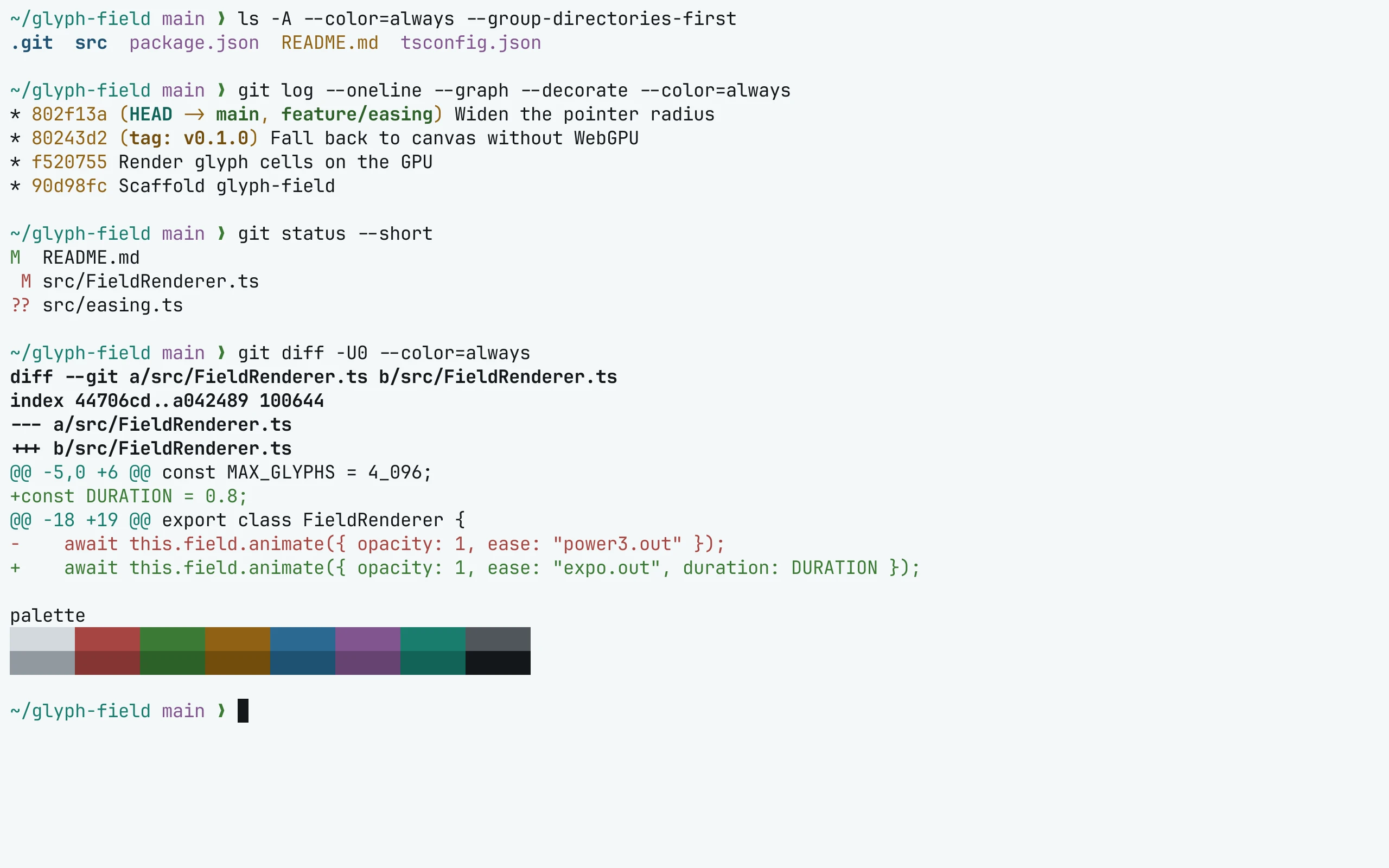
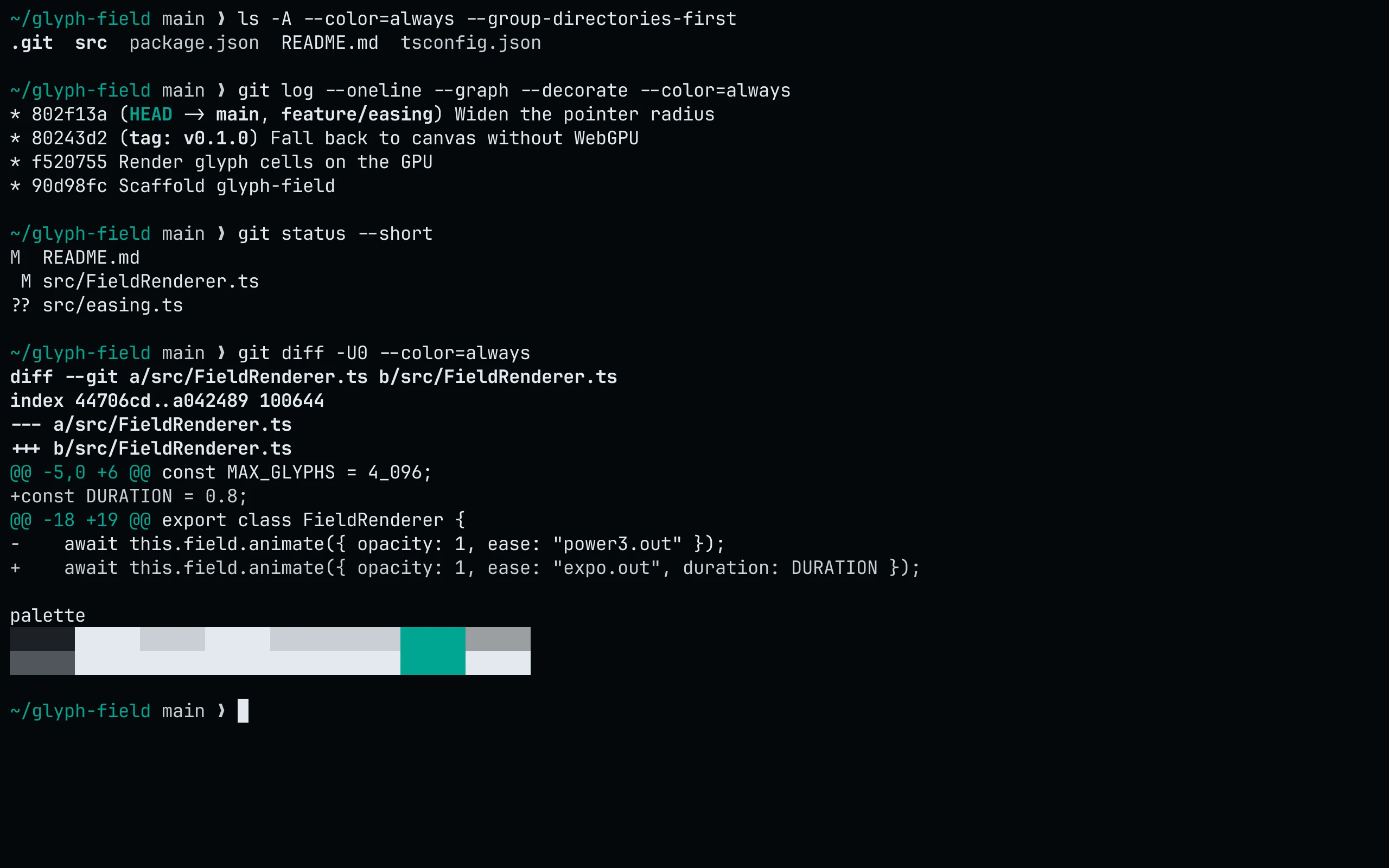
Install
curl -fsSL --create-dirs --output-dir ~/.local/share/konsole -O "https://raw.githubusercontent.com/living-code-theme/konsole/main/living-code-{night,frost,paper,signal}.colorscheme"Then open Settings → Edit Current Profile → Appearance and select the color scheme. Konsole picks up new files in that folder without a restart.
Details
Configuration
See Konsole's documentation for application settings and reload behavior. The activation instructions above identify each supported flavor; keep your other application configuration.
Compatibility
This port supplies theme files for Konsole, not the application itself. Install the application separately and follow the installation instructions for its supported configuration format.