All ports
WezTerm
- Get it
- See installation instructions
- Group
- Terminals
- App
- wezterm.org
- Problem?
- Report an issue
- Flavors
Install
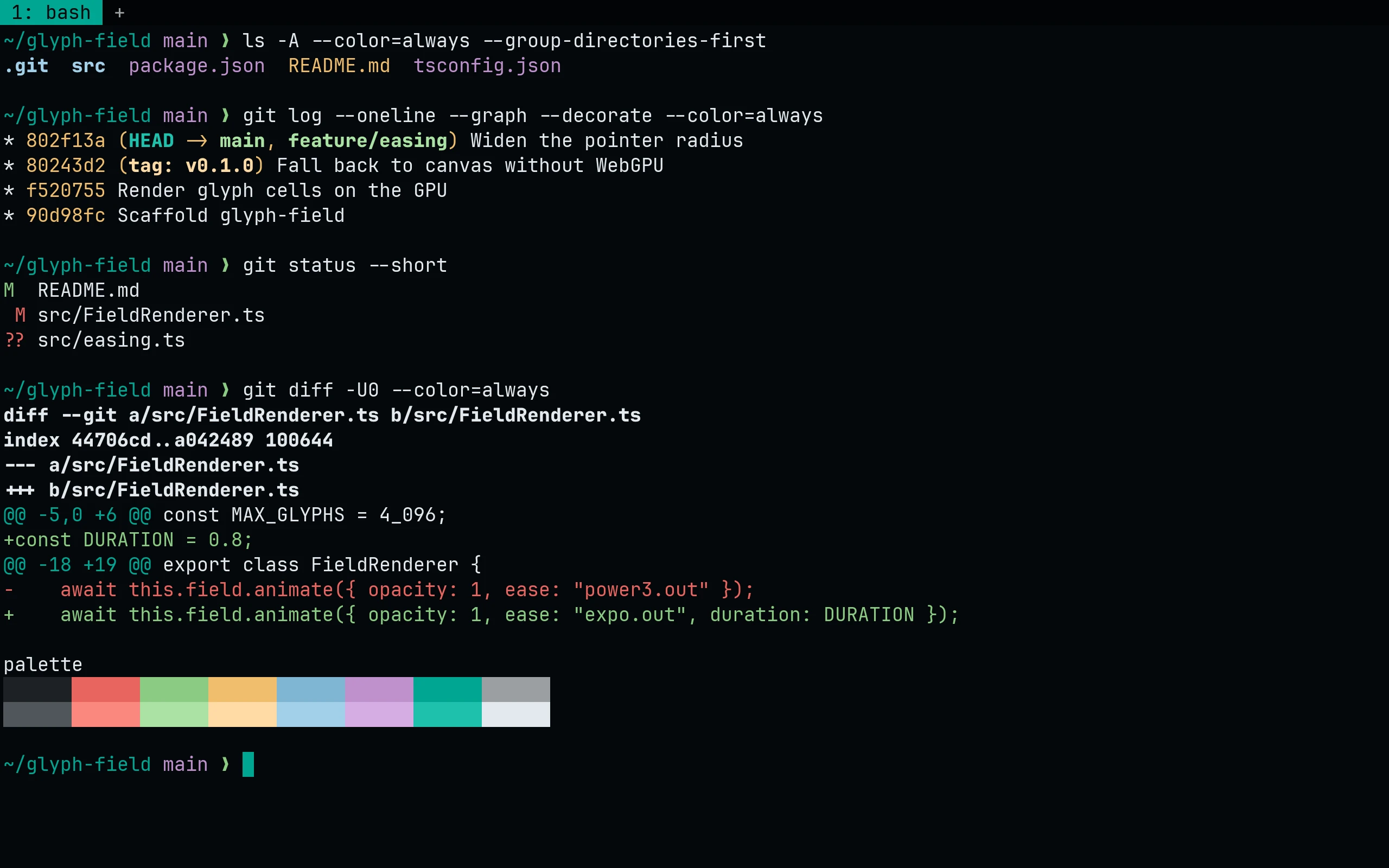
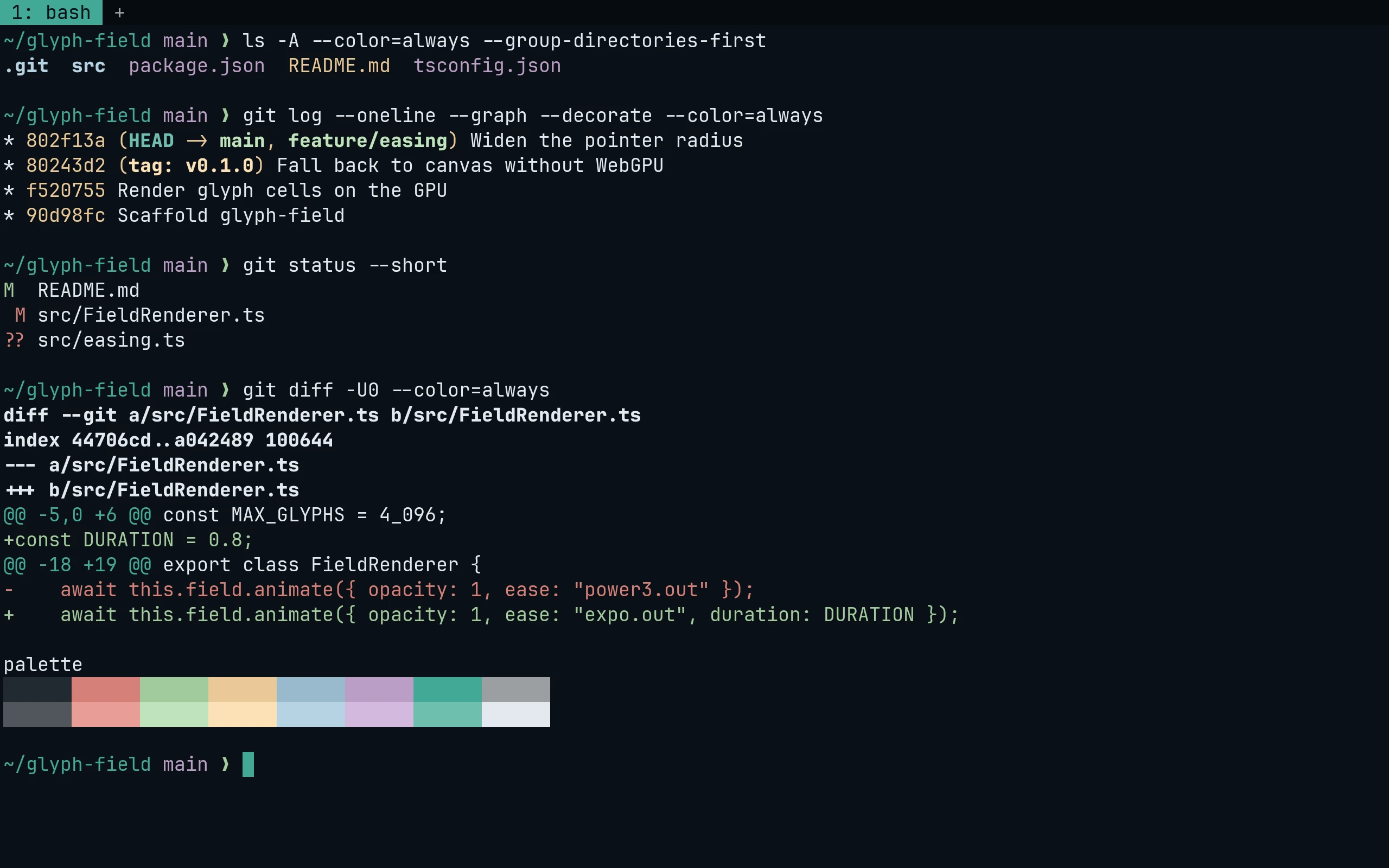
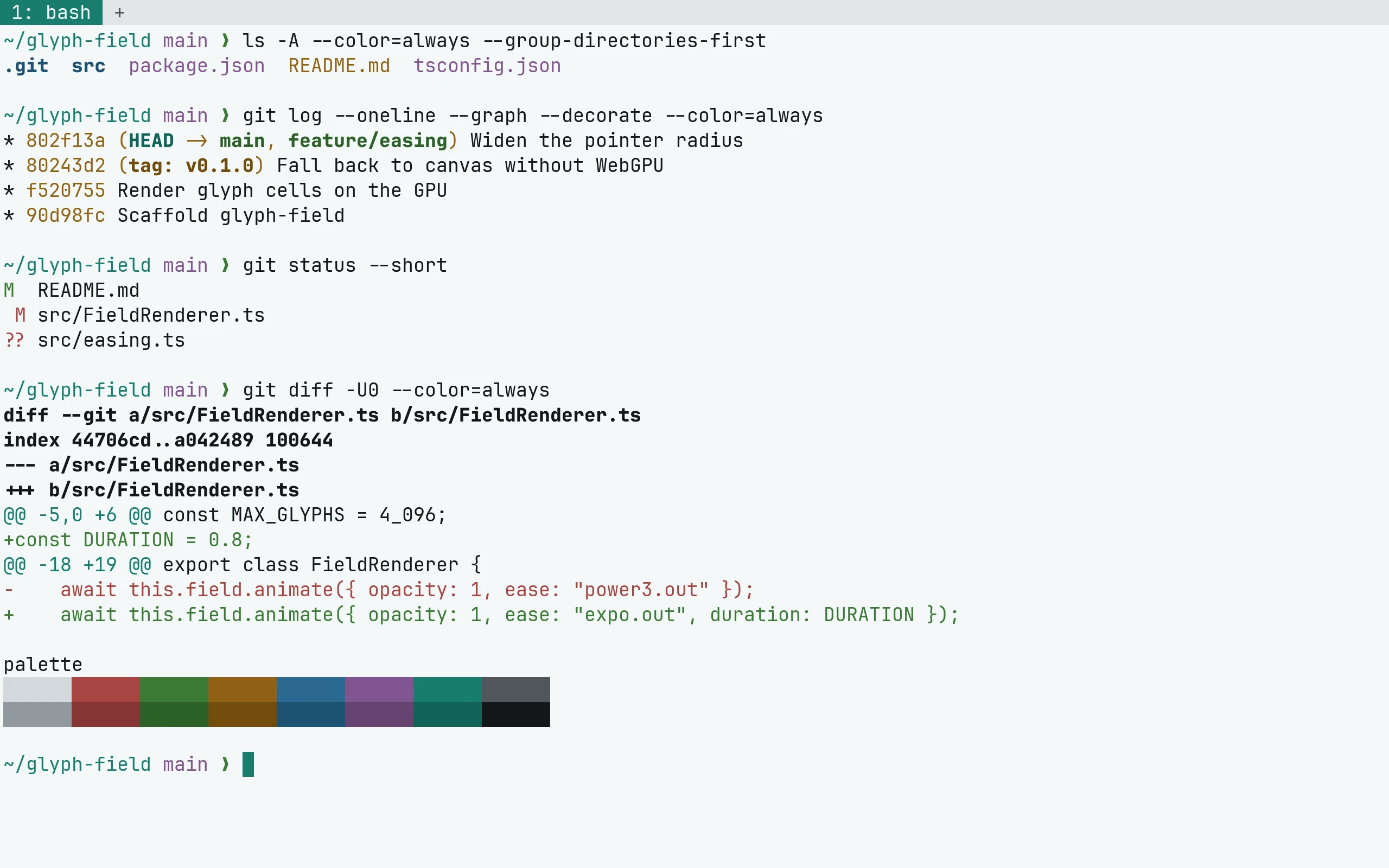
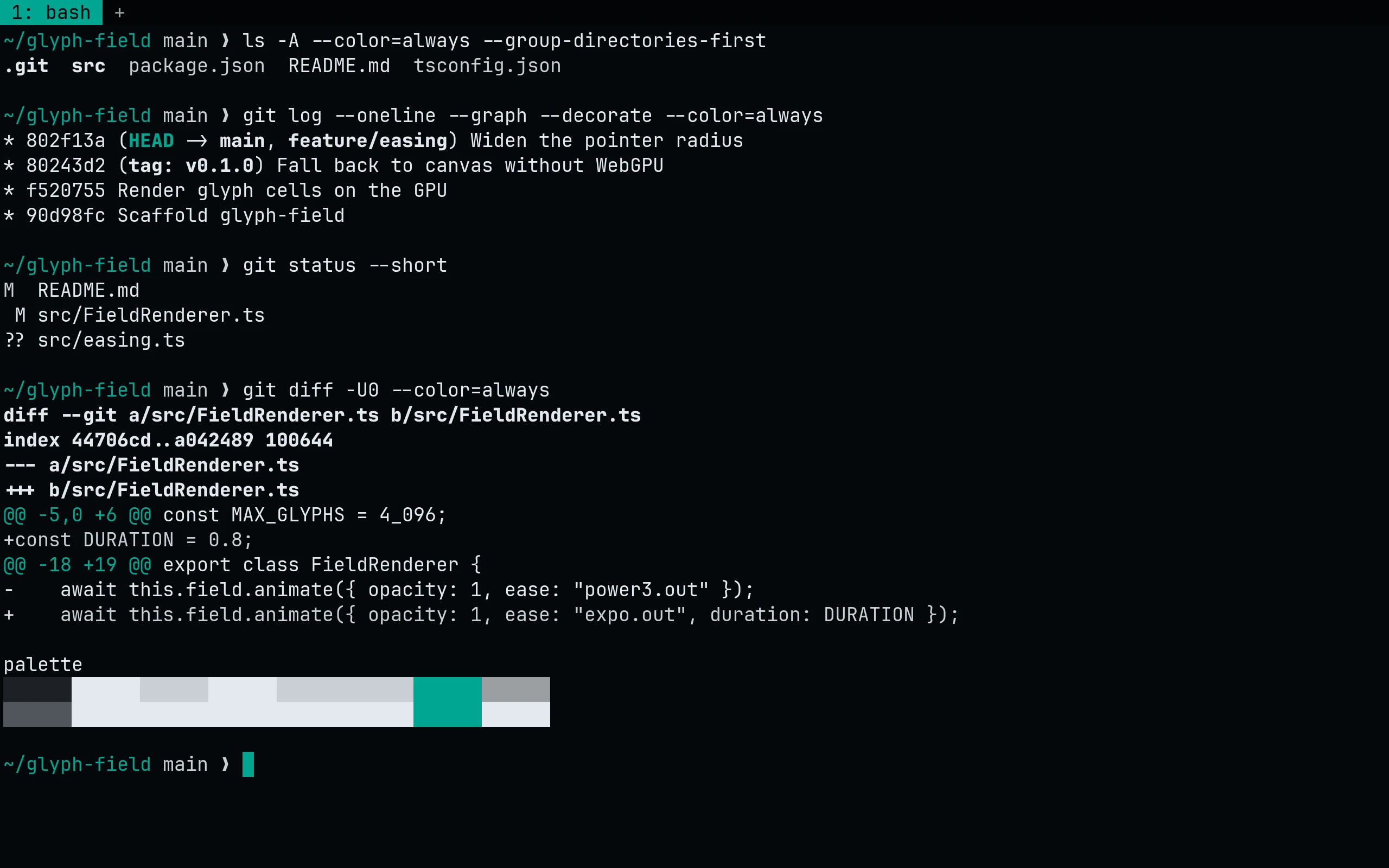
curl -fsSL --create-dirs --output-dir "${XDG_CONFIG_HOME:-$HOME/.config}/wezterm/colors" -O "https://raw.githubusercontent.com/living-code-theme/wezterm/main/living-code-{night,frost,paper,signal}.toml"Then select the scheme in wezterm.lua:
config.color_scheme = "Living Code Night"curl -fsSL --create-dirs --output-dir "${XDG_CONFIG_HOME:-$HOME/.config}/wezterm/colors" -O "https://raw.githubusercontent.com/living-code-theme/wezterm/main/living-code-{night,frost,paper,signal}.toml"Then select the scheme in wezterm.lua:
config.color_scheme = "Living Code Frost"curl -fsSL --create-dirs --output-dir "${XDG_CONFIG_HOME:-$HOME/.config}/wezterm/colors" -O "https://raw.githubusercontent.com/living-code-theme/wezterm/main/living-code-{night,frost,paper,signal}.toml"Then select the scheme in wezterm.lua:
config.color_scheme = "Living Code Paper"curl -fsSL --create-dirs --output-dir "${XDG_CONFIG_HOME:-$HOME/.config}/wezterm/colors" -O "https://raw.githubusercontent.com/living-code-theme/wezterm/main/living-code-{night,frost,paper,signal}.toml"Then select the scheme in wezterm.lua:
config.color_scheme = "Living Code Signal"Details
Configuration
See WezTerm's documentation for application settings and reload behavior. The activation instructions above identify each supported flavor; keep your other application configuration.
Compatibility
This port supplies theme files for WezTerm, not the application itself. Install the application separately and follow the installation instructions for its supported configuration format.