Claude Code
- Get it
- Install the native theme files
- Group
- AI & Agents
- Problem?
- Report an issue
- Flavors
Install
flavor=night # night, frost, paper, or signal
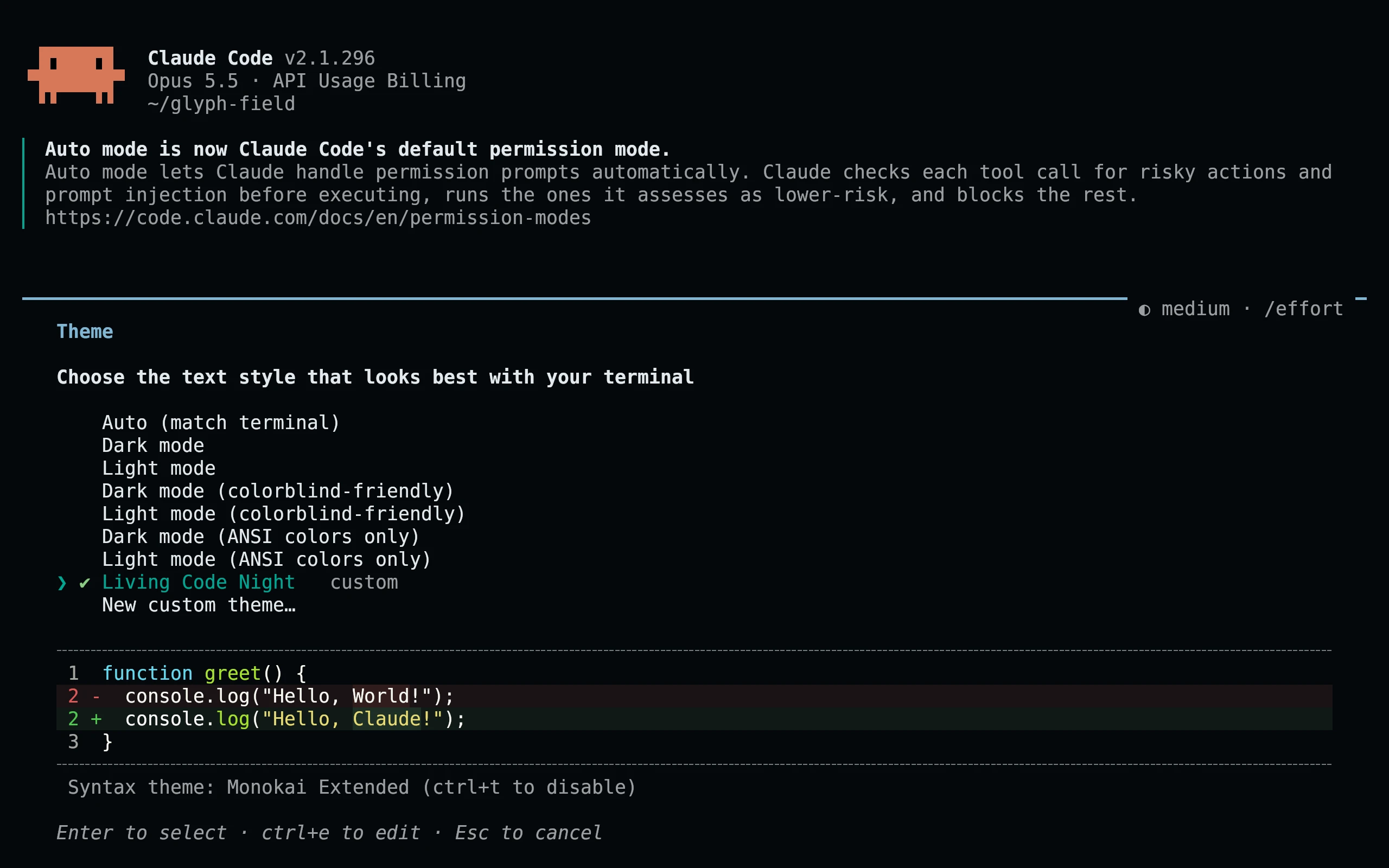
curl -fsSL --create-dirs -o "${CLAUDE_CONFIG_DIR:-$HOME/.claude}/themes/living-code-$flavor.json" "https://raw.githubusercontent.com/living-code-theme/claude-code/main/themes/living-code-$flavor.json"Run /theme and select Living Code Night (or the flavor you downloaded). Restart Claude Code once if the theme directory did not exist when it started. Later edits hot-reload. This respects CLAUDE_CONFIG_DIR when set; no existing settings file is overwritten.
flavor=frost # night, frost, paper, or signal
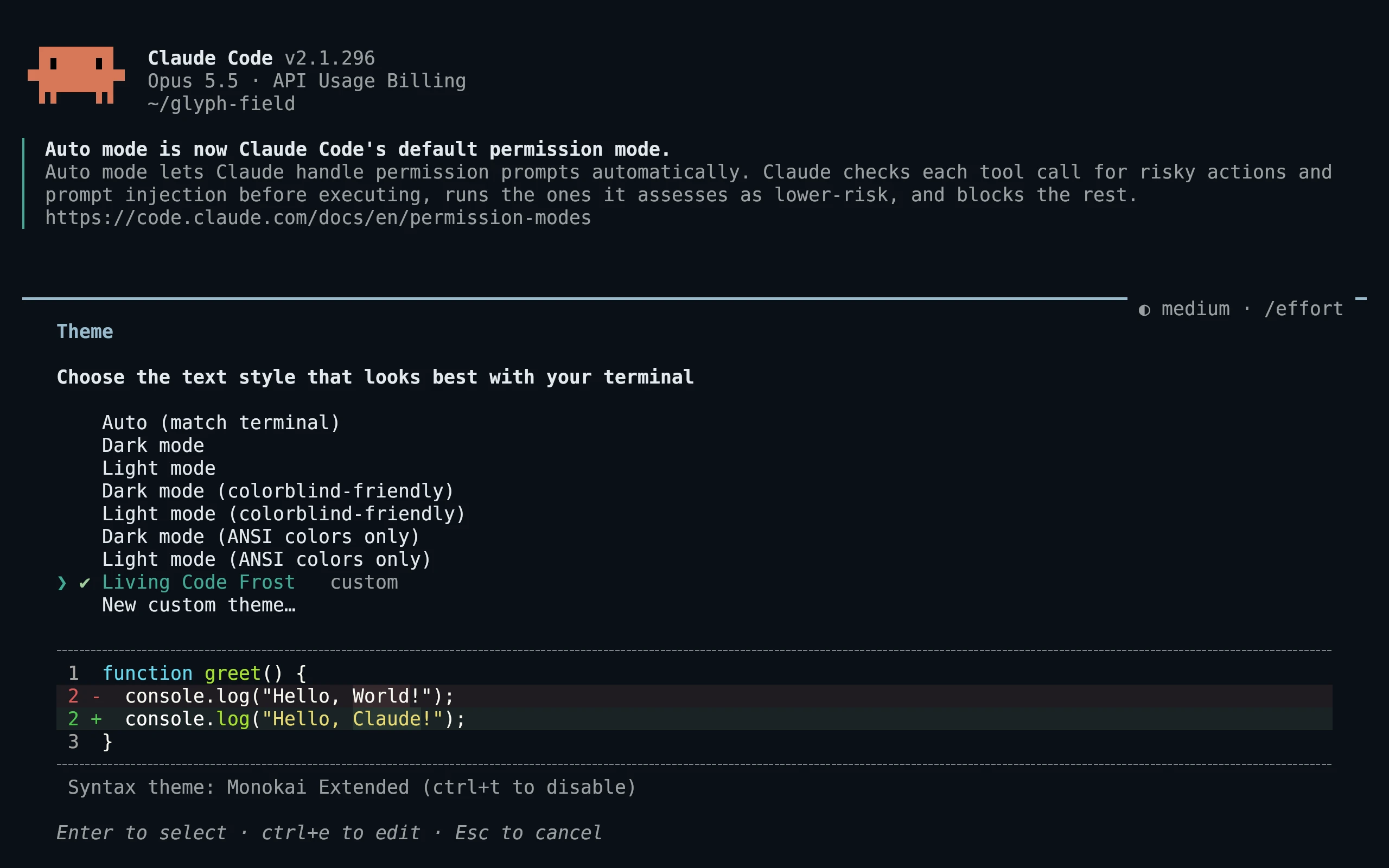
curl -fsSL --create-dirs -o "${CLAUDE_CONFIG_DIR:-$HOME/.claude}/themes/living-code-$flavor.json" "https://raw.githubusercontent.com/living-code-theme/claude-code/main/themes/living-code-$flavor.json"Run /theme and select Living Code Frost (or the flavor you downloaded). Restart Claude Code once if the theme directory did not exist when it started. Later edits hot-reload. This respects CLAUDE_CONFIG_DIR when set; no existing settings file is overwritten.
flavor=paper # night, frost, paper, or signal
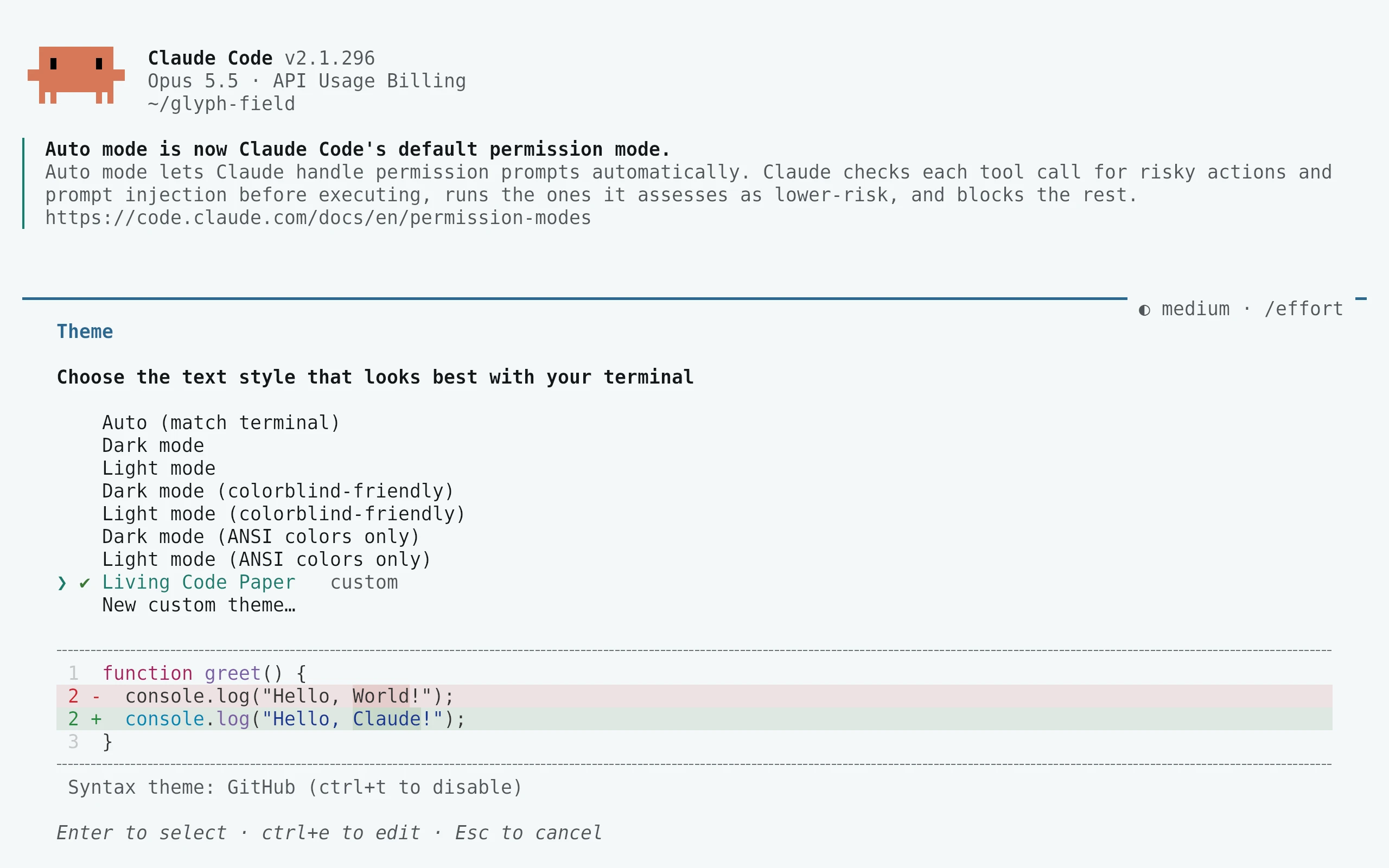
curl -fsSL --create-dirs -o "${CLAUDE_CONFIG_DIR:-$HOME/.claude}/themes/living-code-$flavor.json" "https://raw.githubusercontent.com/living-code-theme/claude-code/main/themes/living-code-$flavor.json"Run /theme and select Living Code Paper (or the flavor you downloaded). Restart Claude Code once if the theme directory did not exist when it started. Later edits hot-reload. This respects CLAUDE_CONFIG_DIR when set; no existing settings file is overwritten.
flavor=signal # night, frost, paper, or signal
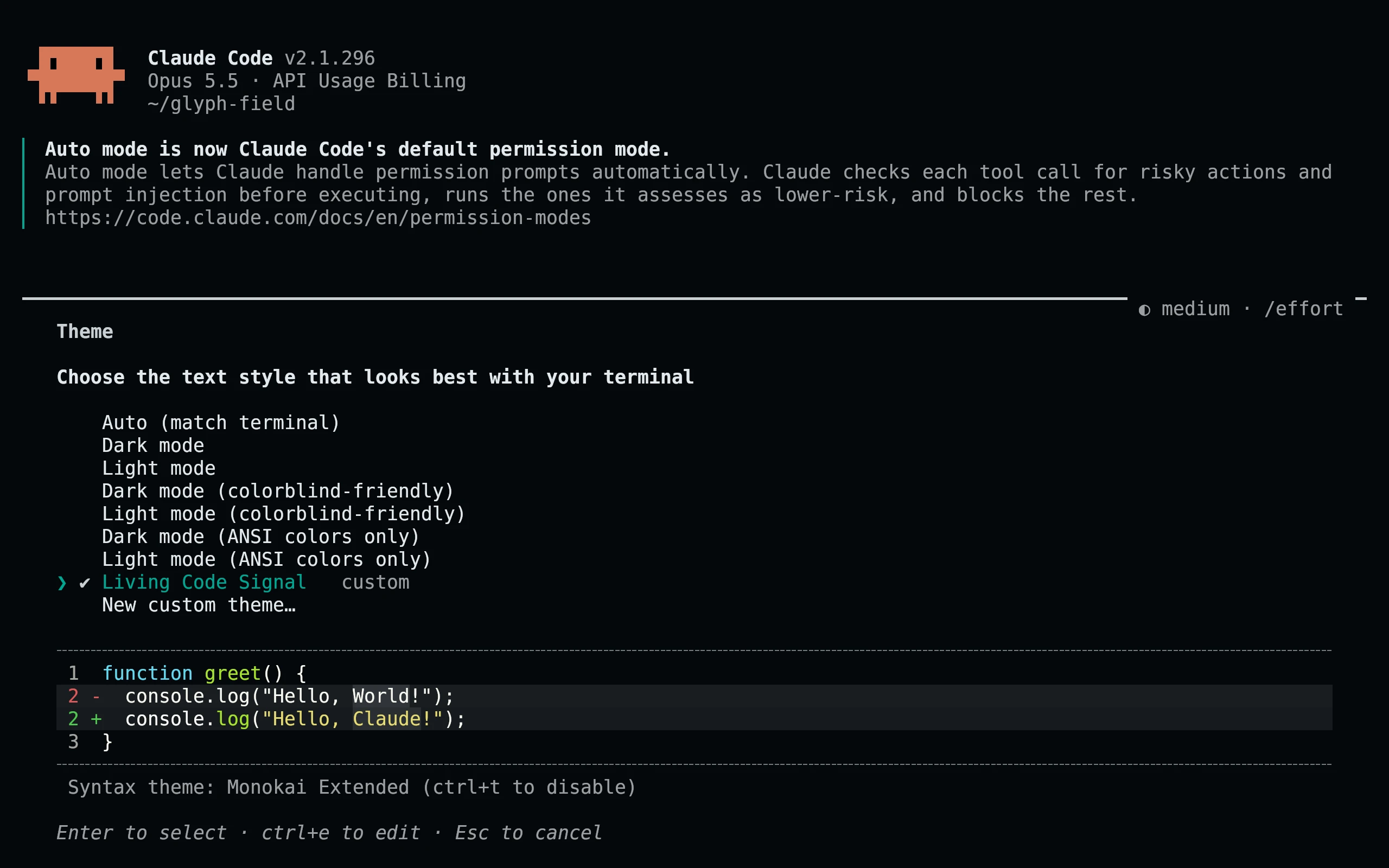
curl -fsSL --create-dirs -o "${CLAUDE_CONFIG_DIR:-$HOME/.claude}/themes/living-code-$flavor.json" "https://raw.githubusercontent.com/living-code-theme/claude-code/main/themes/living-code-$flavor.json"Run /theme and select Living Code Signal (or the flavor you downloaded). Restart Claude Code once if the theme directory did not exist when it started. Later edits hot-reload. This respects CLAUDE_CONFIG_DIR when set; no existing settings file is overwritten.
Details
Configuration
The files contain a display name, a base preset and documented overrides. Paper inherits light; the other flavors inherit dark. Diff backgrounds are tinted separately from the brighter word-level highlights. Shimmer colors and all eight subagent colors are included. Your terminal still owns the main screen background; use a matching Living Code terminal theme.
Compatibility
Targets the custom-theme JSON API documented in the Claude Code terminal configuration reference. This is not a status-line workaround or a patched Claude binary. Old versions with only built-in presets need an update. The effortUltra override requires Claude Code 2.1.239 or later; older versions ignore unknown tokens. Fullscreen-only surfaces apply only in fullscreen mode. Tests validate the documented token contract; the screenshots show the real custom-theme picker and its native preview.
Previews are captured programmatically from the actual application in an isolated profile. See capture/app.py for the app-owned recipe and images/capture.json for runtime, palette and image provenance. No mock interface is drawn.