Rio
- Get it
- Install the native theme files
- Group
- Terminals
- App
- rioterm.com
- Problem?
- Report an issue
- Flavors
Install
flavor=night # night, frost, paper, or signal
curl -fsSL --create-dirs -o "${RIO_CONFIG_HOME:-${XDG_CONFIG_HOME:-$HOME/.config}/rio}/themes/living-code-$flavor.toml" "https://raw.githubusercontent.com/living-code-theme/rio/main/themes/living-code-$flavor.toml"In Rio’s existing config.toml, set the top-level theme name before any tables:
theme = "living-code-night"Reload or restart Rio. The download honors RIO_CONFIG_HOME and the Linux XDG config location. If your platform uses another Rio config directory, put themes/ beside its config.toml. Existing renderer, font and shell settings stay untouched.
flavor=frost # night, frost, paper, or signal
curl -fsSL --create-dirs -o "${RIO_CONFIG_HOME:-${XDG_CONFIG_HOME:-$HOME/.config}/rio}/themes/living-code-$flavor.toml" "https://raw.githubusercontent.com/living-code-theme/rio/main/themes/living-code-$flavor.toml"In Rio’s existing config.toml, set the top-level theme name before any tables:
theme = "living-code-frost"Reload or restart Rio. The download honors RIO_CONFIG_HOME and the Linux XDG config location. If your platform uses another Rio config directory, put themes/ beside its config.toml. Existing renderer, font and shell settings stay untouched.
flavor=paper # night, frost, paper, or signal
curl -fsSL --create-dirs -o "${RIO_CONFIG_HOME:-${XDG_CONFIG_HOME:-$HOME/.config}/rio}/themes/living-code-$flavor.toml" "https://raw.githubusercontent.com/living-code-theme/rio/main/themes/living-code-$flavor.toml"In Rio’s existing config.toml, set the top-level theme name before any tables:
theme = "living-code-paper"Reload or restart Rio. The download honors RIO_CONFIG_HOME and the Linux XDG config location. If your platform uses another Rio config directory, put themes/ beside its config.toml. Existing renderer, font and shell settings stay untouched.
flavor=signal # night, frost, paper, or signal
curl -fsSL --create-dirs -o "${RIO_CONFIG_HOME:-${XDG_CONFIG_HOME:-$HOME/.config}/rio}/themes/living-code-$flavor.toml" "https://raw.githubusercontent.com/living-code-theme/rio/main/themes/living-code-$flavor.toml"In Rio’s existing config.toml, set the top-level theme name before any tables:
theme = "living-code-signal"Reload or restart Rio. The download honors RIO_CONFIG_HOME and the Linux XDG config location. If your platform uses another Rio config directory, put themes/ beside its config.toml. Existing renderer, font and shell settings stay untouched.
Details
Configuration
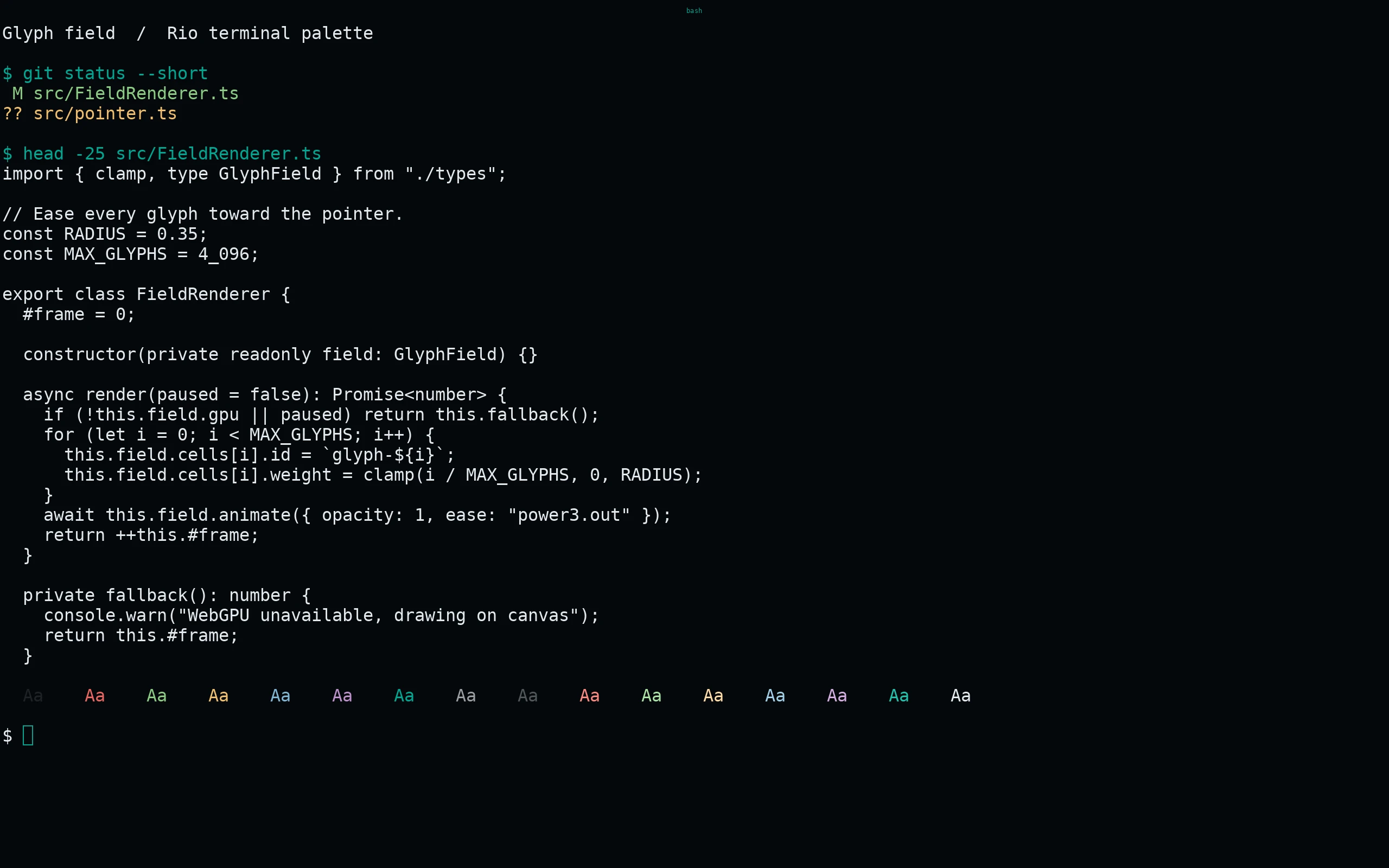
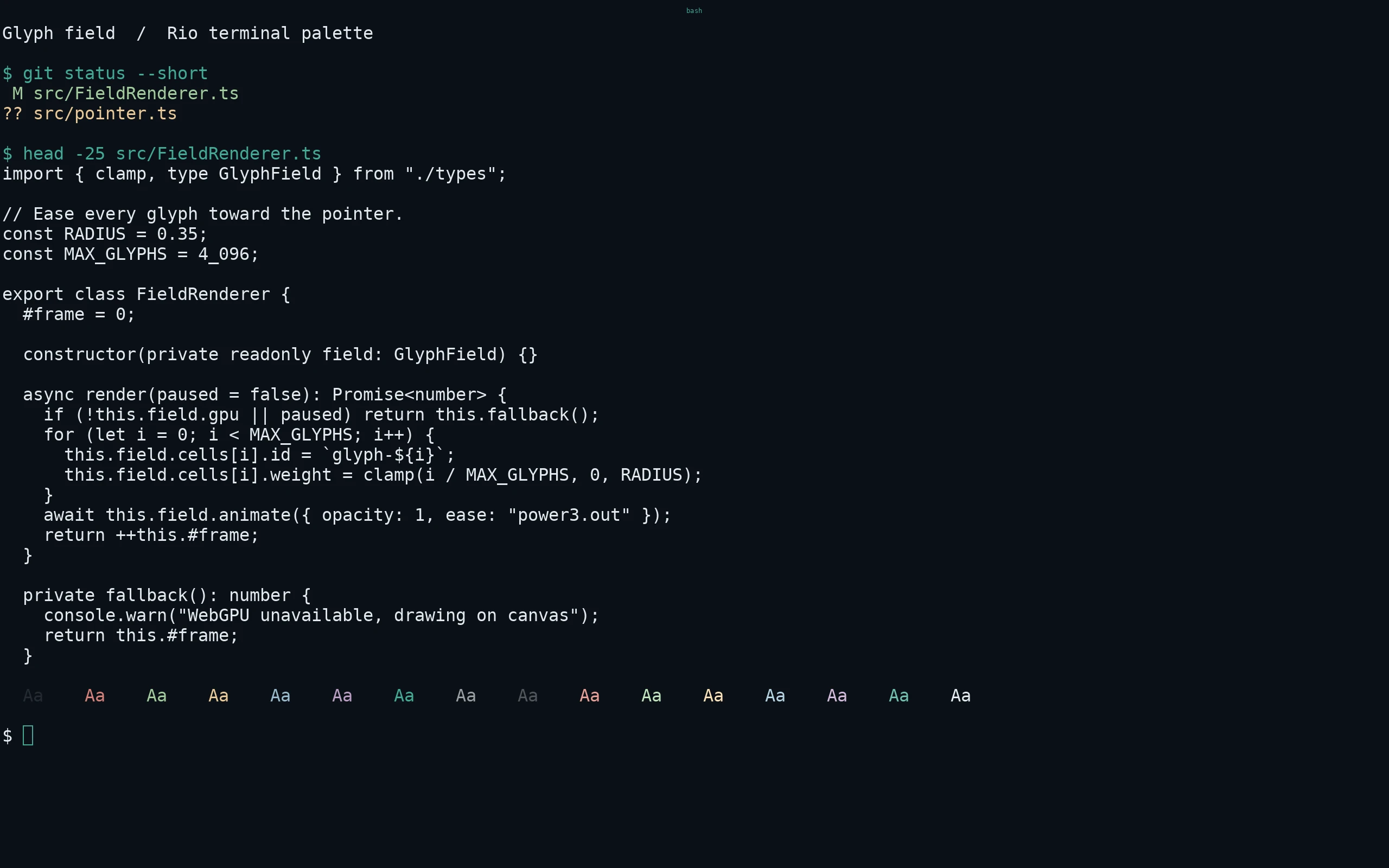
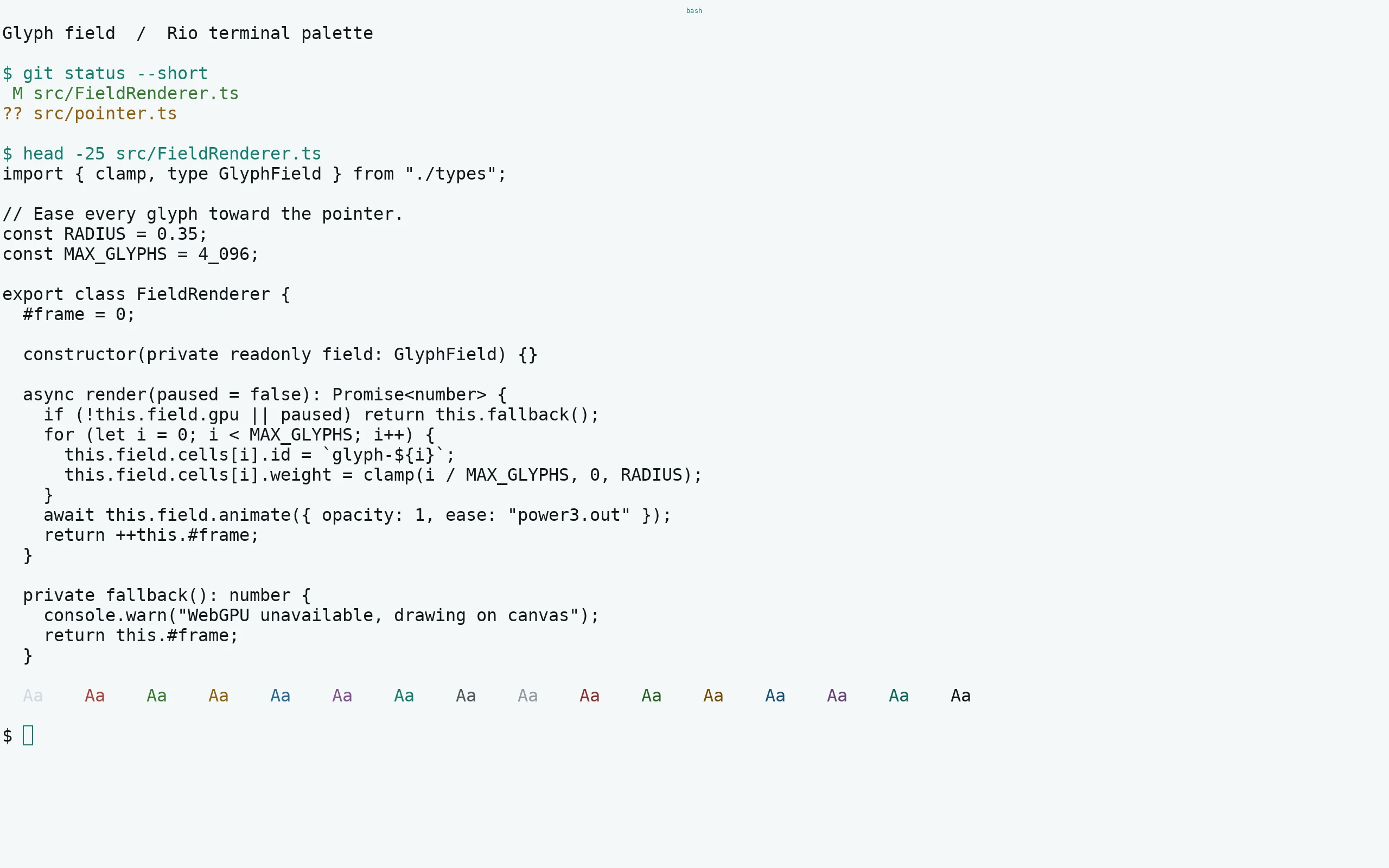
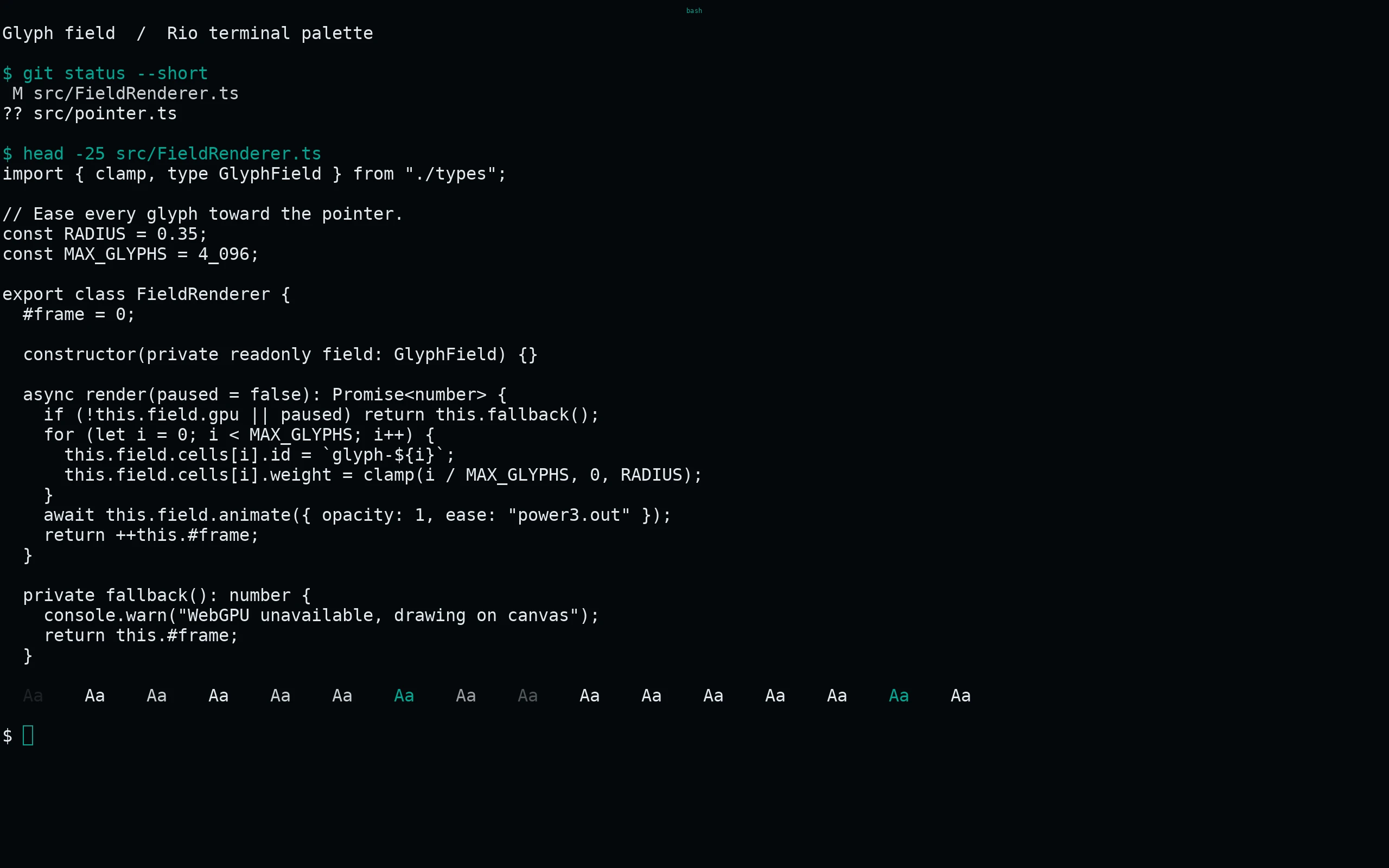
Each theme contains a native [colors] table. Rio names bright ANSI colors light-black through light-white, not bright-*. Cursor, vi cursor, tabs, active/inactive split dividers, selections, search matches and hints are all supplied. Remove conflicting [colors] entries from your main config if they override the selected theme.
Compatibility
Verified against Rio’s native Theme and Colors structures at the pinned upstream revision. No terminal font, renderer, keybinding or shell setting is changed. These are static TOML themes and need no build tool at runtime. All ANSI slots are tested for order and exact agreement with the pinned palette.
Previews are captured programmatically from the actual application in an isolated profile. See capture/app.py for the app-owned recipe and images/capture.json for runtime, palette and image provenance. No mock interface is drawn.