Aider
- Get it
- Install the native theme files
- Group
- AI & Agents
- App
- aider.chat
- Problem?
- Report an issue
- Flavors
Install
flavor=night # night, frost, paper, or signal
curl -fsSL --create-dirs -o "${XDG_CONFIG_HOME:-$HOME/.config}/aider/themes/living-code-$flavor.yml" "https://raw.githubusercontent.com/living-code-theme/aider/main/themes/living-code-$flavor.yml"
aider --config "${XDG_CONFIG_HOME:-$HOME/.config}/aider/themes/living-code-$flavor.yml"This uses a separate color-only config instead of overwriting ~/.aider.conf.yml. To keep all your existing Aider settings active together, merge the nine color options from the downloaded file into your user or project config. Preserve credentials, model and editing settings.
flavor=frost # night, frost, paper, or signal
curl -fsSL --create-dirs -o "${XDG_CONFIG_HOME:-$HOME/.config}/aider/themes/living-code-$flavor.yml" "https://raw.githubusercontent.com/living-code-theme/aider/main/themes/living-code-$flavor.yml"
aider --config "${XDG_CONFIG_HOME:-$HOME/.config}/aider/themes/living-code-$flavor.yml"This uses a separate color-only config instead of overwriting ~/.aider.conf.yml. To keep all your existing Aider settings active together, merge the nine color options from the downloaded file into your user or project config. Preserve credentials, model and editing settings.
flavor=paper # night, frost, paper, or signal
curl -fsSL --create-dirs -o "${XDG_CONFIG_HOME:-$HOME/.config}/aider/themes/living-code-$flavor.yml" "https://raw.githubusercontent.com/living-code-theme/aider/main/themes/living-code-$flavor.yml"
aider --config "${XDG_CONFIG_HOME:-$HOME/.config}/aider/themes/living-code-$flavor.yml"This uses a separate color-only config instead of overwriting ~/.aider.conf.yml. To keep all your existing Aider settings active together, merge the nine color options from the downloaded file into your user or project config. Preserve credentials, model and editing settings.
flavor=signal # night, frost, paper, or signal
curl -fsSL --create-dirs -o "${XDG_CONFIG_HOME:-$HOME/.config}/aider/themes/living-code-$flavor.yml" "https://raw.githubusercontent.com/living-code-theme/aider/main/themes/living-code-$flavor.yml"
aider --config "${XDG_CONFIG_HOME:-$HOME/.config}/aider/themes/living-code-$flavor.yml"This uses a separate color-only config instead of overwriting ~/.aider.conf.yml. To keep all your existing Aider settings active together, merge the nine color options from the downloaded file into your user or project config. Preserve credentials, model and editing settings.
Details
Configuration
The files map exactly Aider’s nine documented *-color options. Do not combine them with --dark-mode or --light-mode, which replace these colors with Aider presets. This port intentionally leaves code-theme alone so it does not replace your syntax theme with an unrelated preset. Completion foreground/background and the selected entry are explicitly paired.
Compatibility
For Aider versions exposing the nine color flags listed in test/fixtures/upstream.json. This is a UI-color port, not a custom Pygments style. Aider’s rendered code blocks continue to use your configured code-theme; the terminal owns the full-screen background. Use a matching Living Code terminal theme for the rest of the palette. Tests parse native YAML and verify accepted flag names and semantic colors.
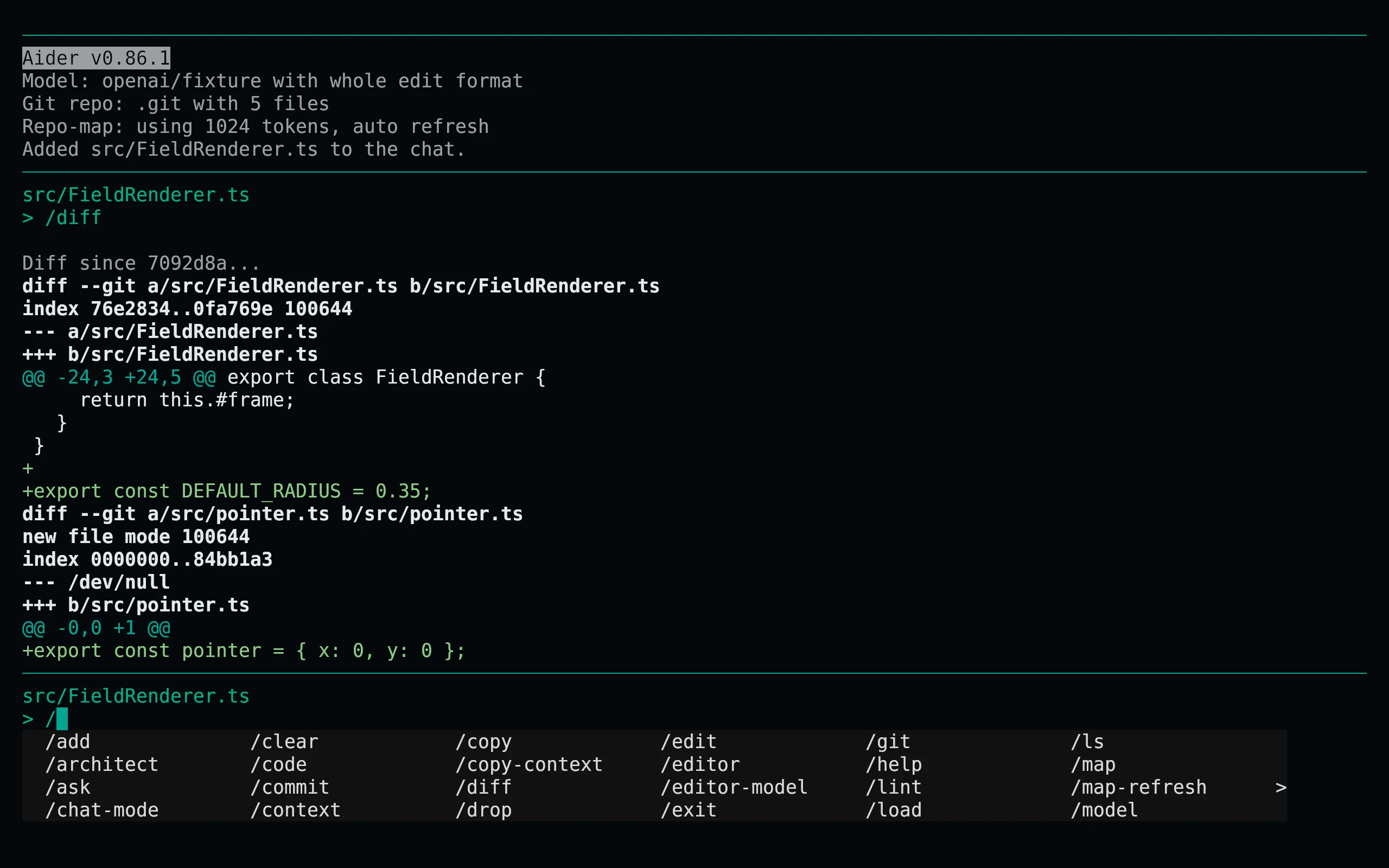
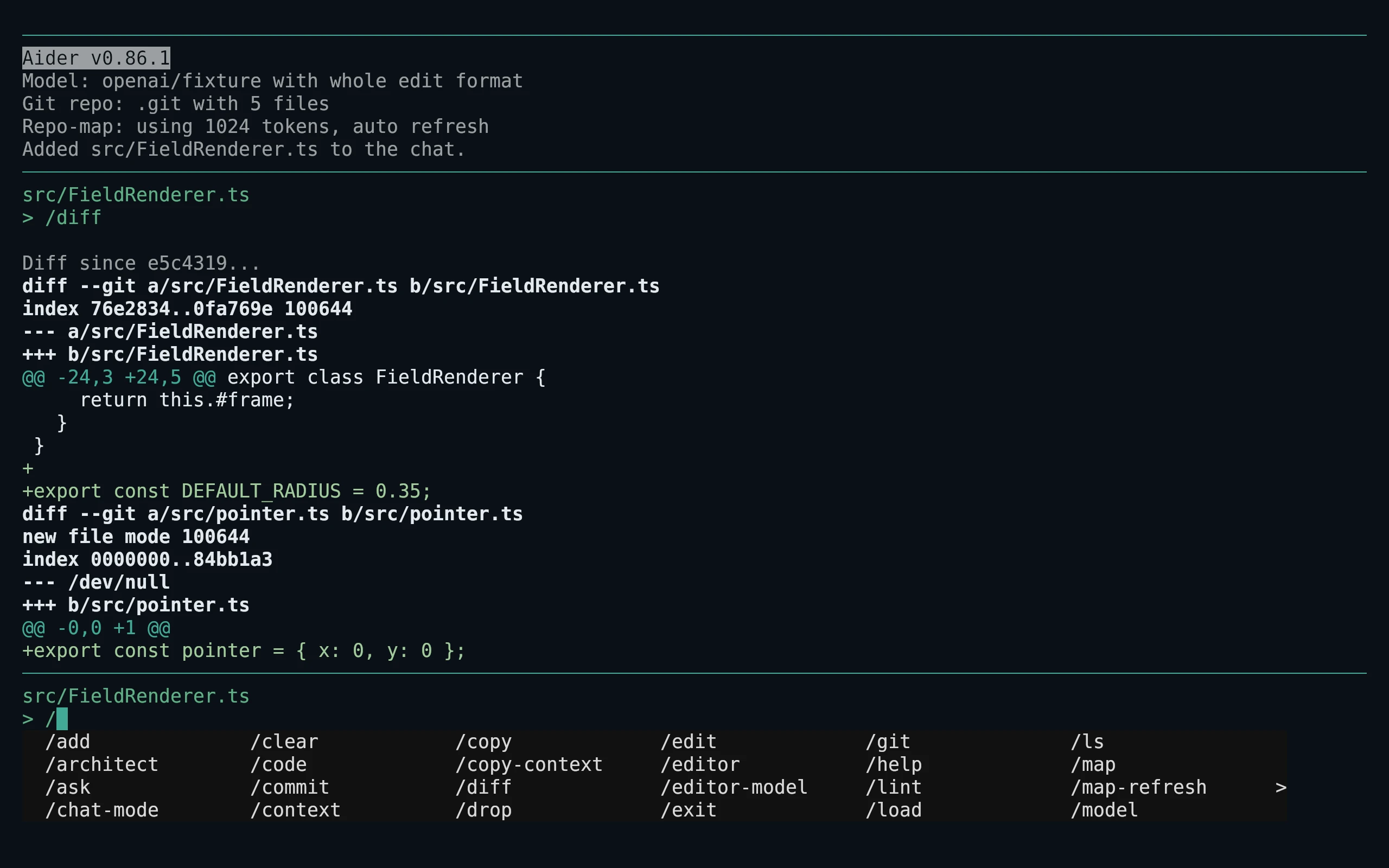
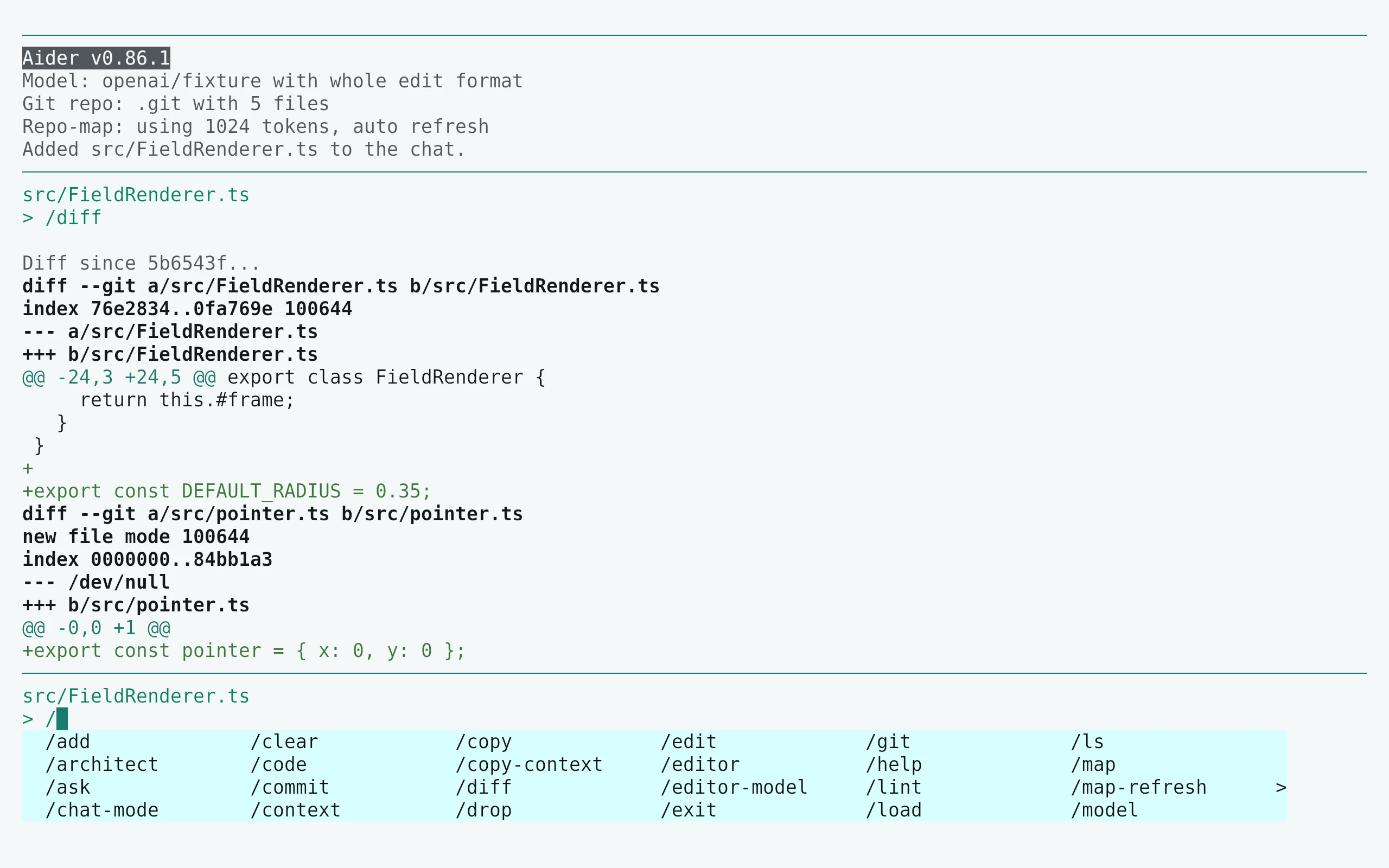
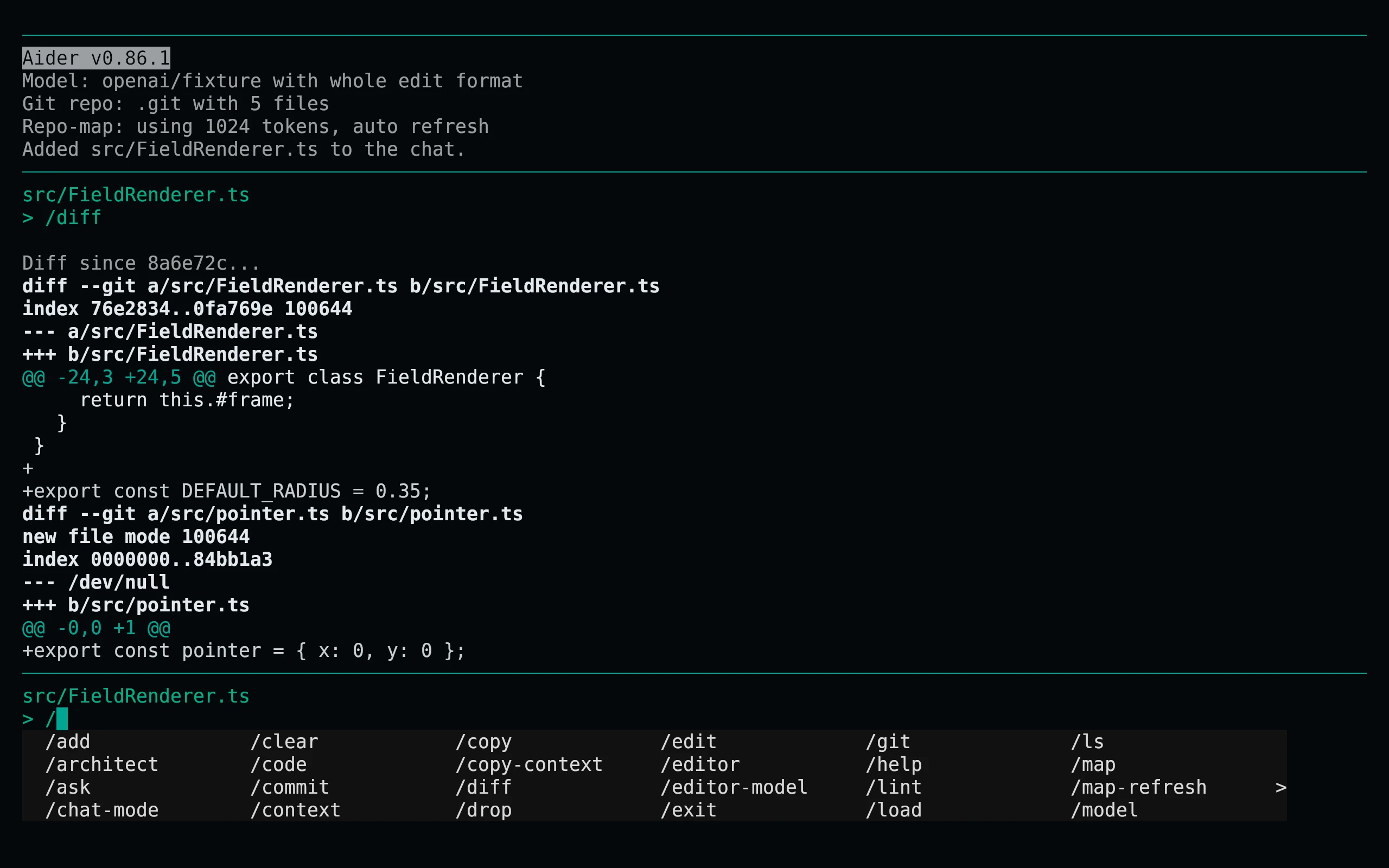
Previews are captured programmatically from the actual application in an isolated profile. See capture/app.py for the app-owned recipe and images/capture.json for runtime, palette and image provenance. No mock interface is drawn.