Install
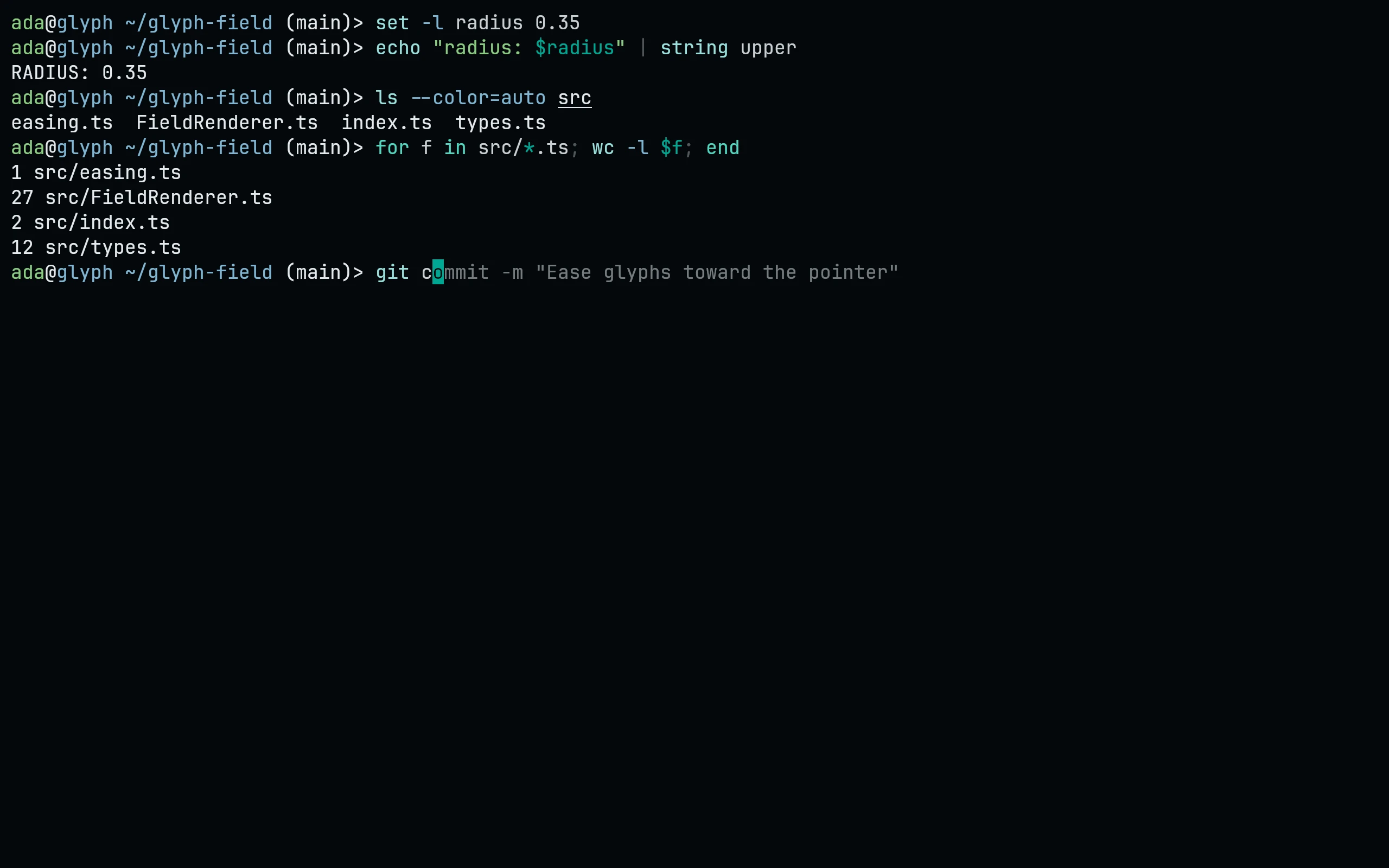
Needs fish 3.4 or newer. Download the themes, then choose one:
curl -fsSL --create-dirs --output-dir ~/.config/fish/themes -O "https://raw.githubusercontent.com/living-code-theme/fish/main/living-code-{night,frost,paper,signal}.theme"
echo 'fish_config theme choose living-code-night' >> ~/.config/fish/config.fishRun fish_config theme choose living-code-night on its own to try a flavor in the current session; the config.fish line makes it stick. fish_config theme save living-code-night also works but asks for confirmation. fish_config theme list shows the other flavors.
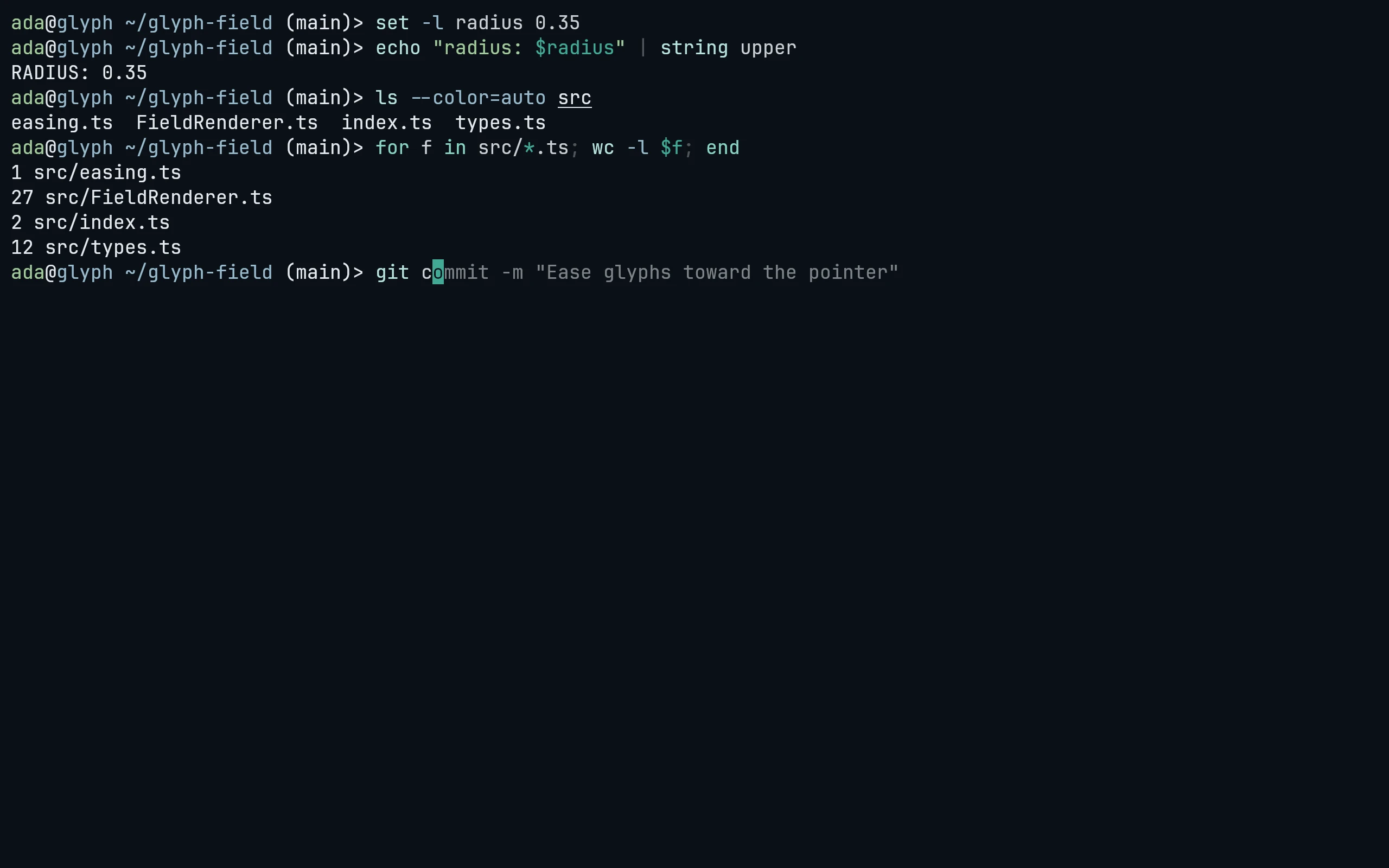
Needs fish 3.4 or newer. Download the themes, then choose one:
curl -fsSL --create-dirs --output-dir ~/.config/fish/themes -O "https://raw.githubusercontent.com/living-code-theme/fish/main/living-code-{night,frost,paper,signal}.theme"
echo 'fish_config theme choose living-code-frost' >> ~/.config/fish/config.fishRun fish_config theme choose living-code-frost on its own to try a flavor in the current session; the config.fish line makes it stick. fish_config theme save living-code-frost also works but asks for confirmation. fish_config theme list shows the other flavors.
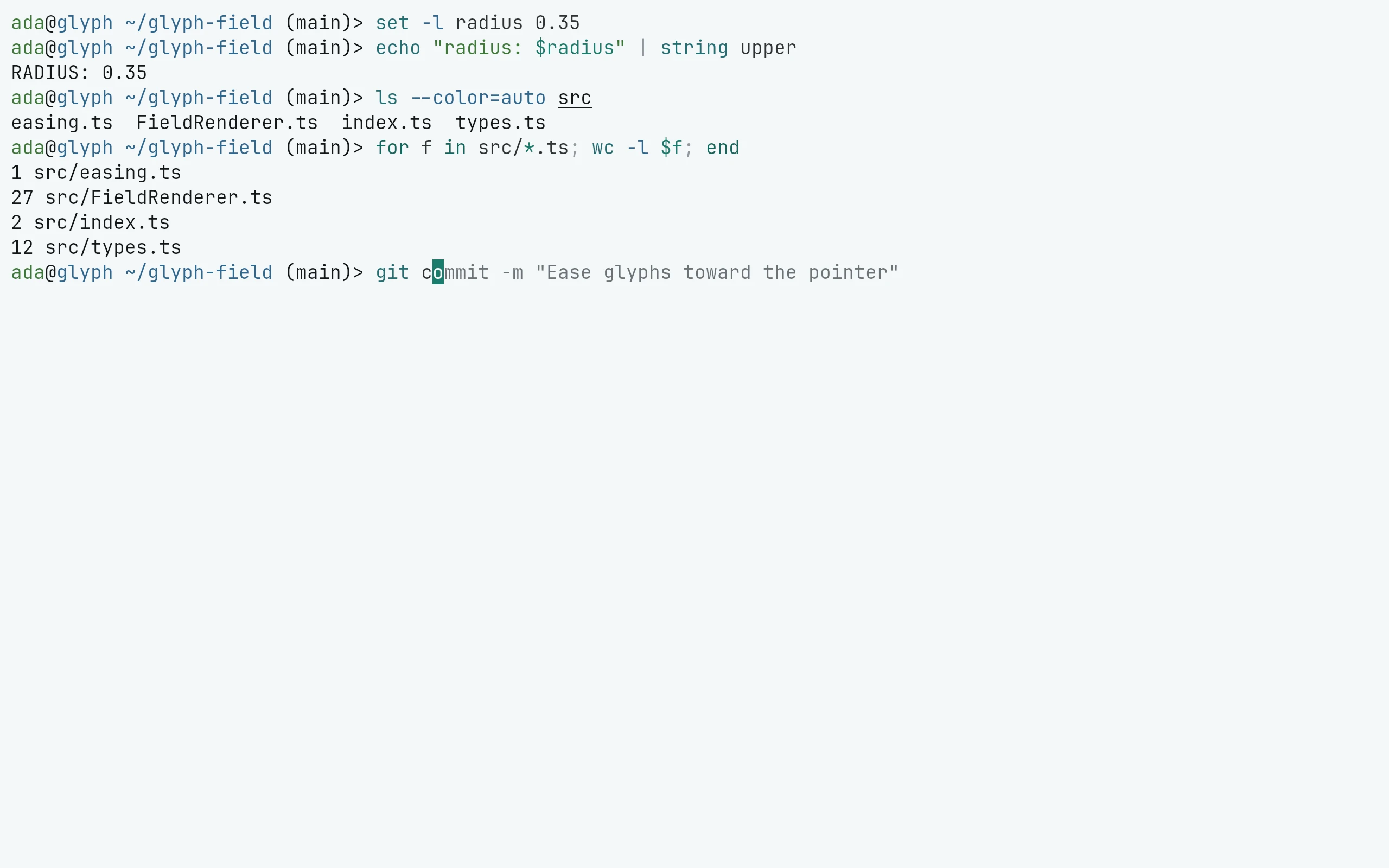
Needs fish 3.4 or newer. Download the themes, then choose one:
curl -fsSL --create-dirs --output-dir ~/.config/fish/themes -O "https://raw.githubusercontent.com/living-code-theme/fish/main/living-code-{night,frost,paper,signal}.theme"
echo 'fish_config theme choose living-code-paper' >> ~/.config/fish/config.fishRun fish_config theme choose living-code-paper on its own to try a flavor in the current session; the config.fish line makes it stick. fish_config theme save living-code-paper also works but asks for confirmation. fish_config theme list shows the other flavors.
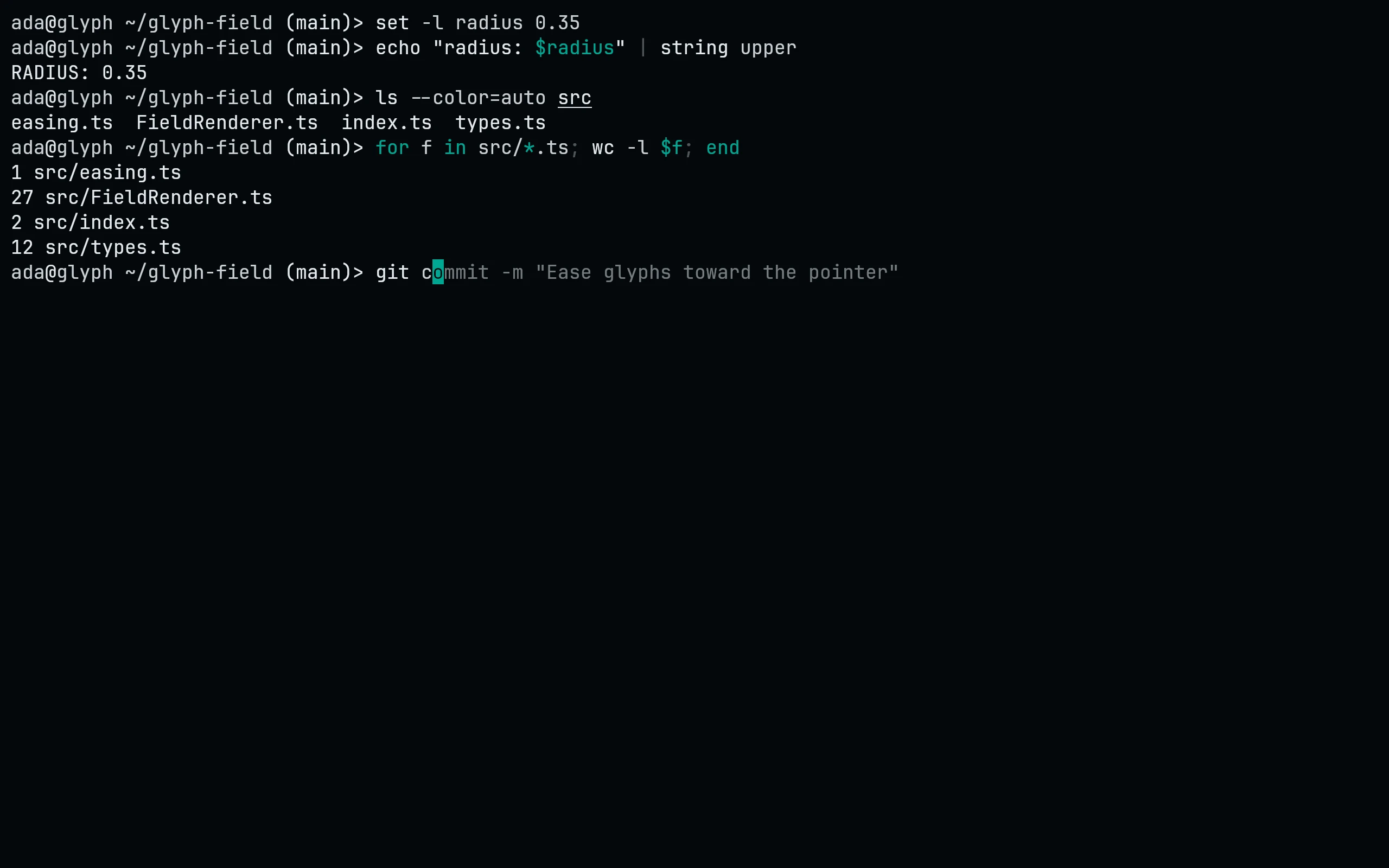
Needs fish 3.4 or newer. Download the themes, then choose one:
curl -fsSL --create-dirs --output-dir ~/.config/fish/themes -O "https://raw.githubusercontent.com/living-code-theme/fish/main/living-code-{night,frost,paper,signal}.theme"
echo 'fish_config theme choose living-code-signal' >> ~/.config/fish/config.fishRun fish_config theme choose living-code-signal on its own to try a flavor in the current session; the config.fish line makes it stick. fish_config theme save living-code-signal also works but asks for confirmation. fish_config theme list shows the other flavors.
Details
Configuration
See fish's documentation for application settings and reload behavior. The activation instructions above identify each supported flavor; keep your other application configuration.
Compatibility
Requires fish 3.4 or newer. The committed files use fish's native .theme format.