All ports
foot
- Get it
- See installation instructions
- Group
- Terminals
- App
- codeberg.org
- Problem?
- Report an issue
- Flavors
Install
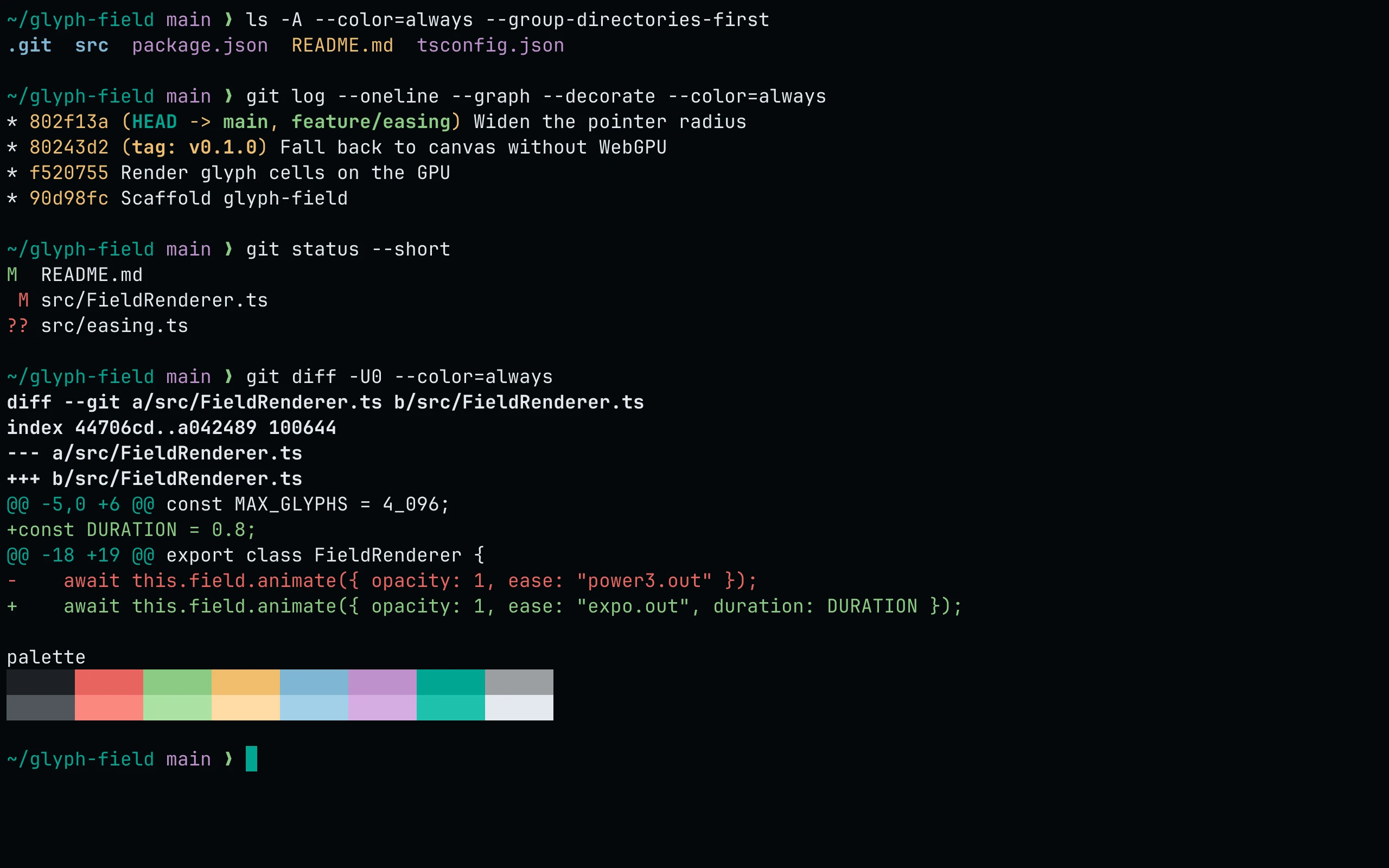
flavor=night
curl -fsSL --create-dirs -o "${XDG_CONFIG_HOME:-$HOME/.config}/foot/living-code-$flavor.ini" "https://raw.githubusercontent.com/living-code-theme/foot/main/living-code-$flavor.ini"Then include it at the top of foot.ini:
[main]
include=~/.config/foot/living-code-night.iniIf you set XDG_CONFIG_HOME, use that path in the include line.
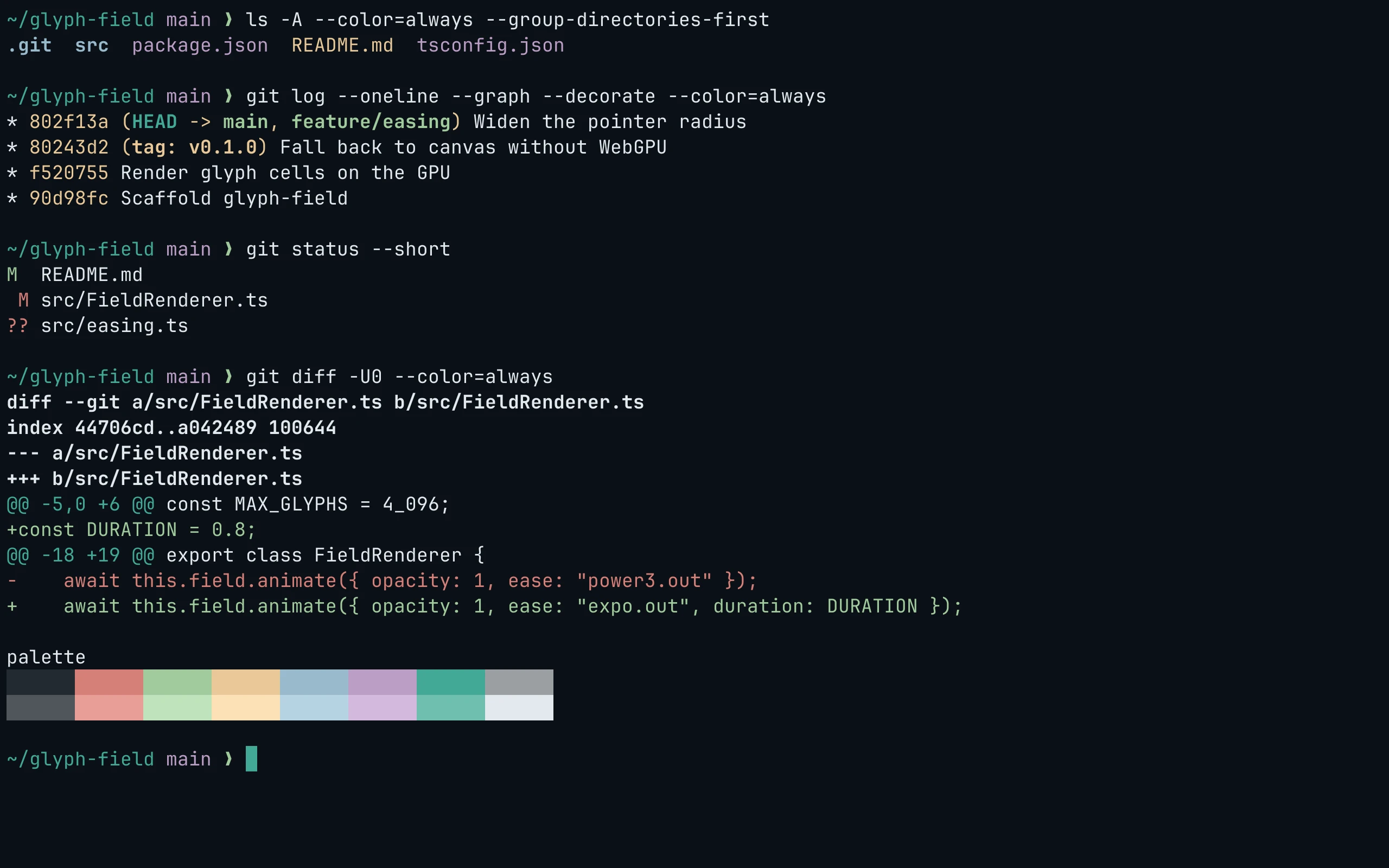
flavor=frost
curl -fsSL --create-dirs -o "${XDG_CONFIG_HOME:-$HOME/.config}/foot/living-code-$flavor.ini" "https://raw.githubusercontent.com/living-code-theme/foot/main/living-code-$flavor.ini"Then include it at the top of foot.ini:
[main]
include=~/.config/foot/living-code-frost.iniIf you set XDG_CONFIG_HOME, use that path in the include line.
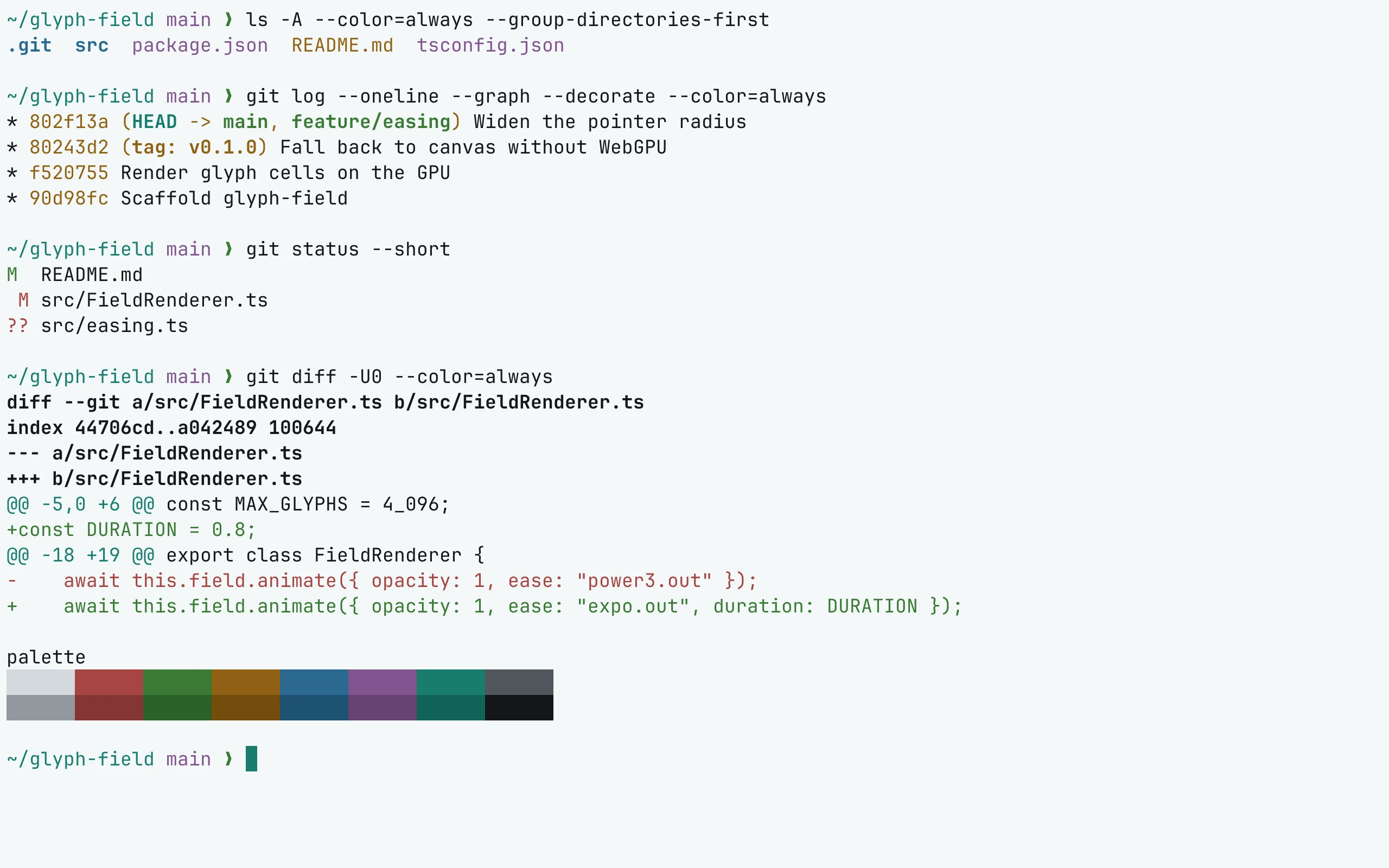
flavor=paper
curl -fsSL --create-dirs -o "${XDG_CONFIG_HOME:-$HOME/.config}/foot/living-code-$flavor.ini" "https://raw.githubusercontent.com/living-code-theme/foot/main/living-code-$flavor.ini"Then include it at the top of foot.ini:
[main]
include=~/.config/foot/living-code-paper.iniIf you set XDG_CONFIG_HOME, use that path in the include line.
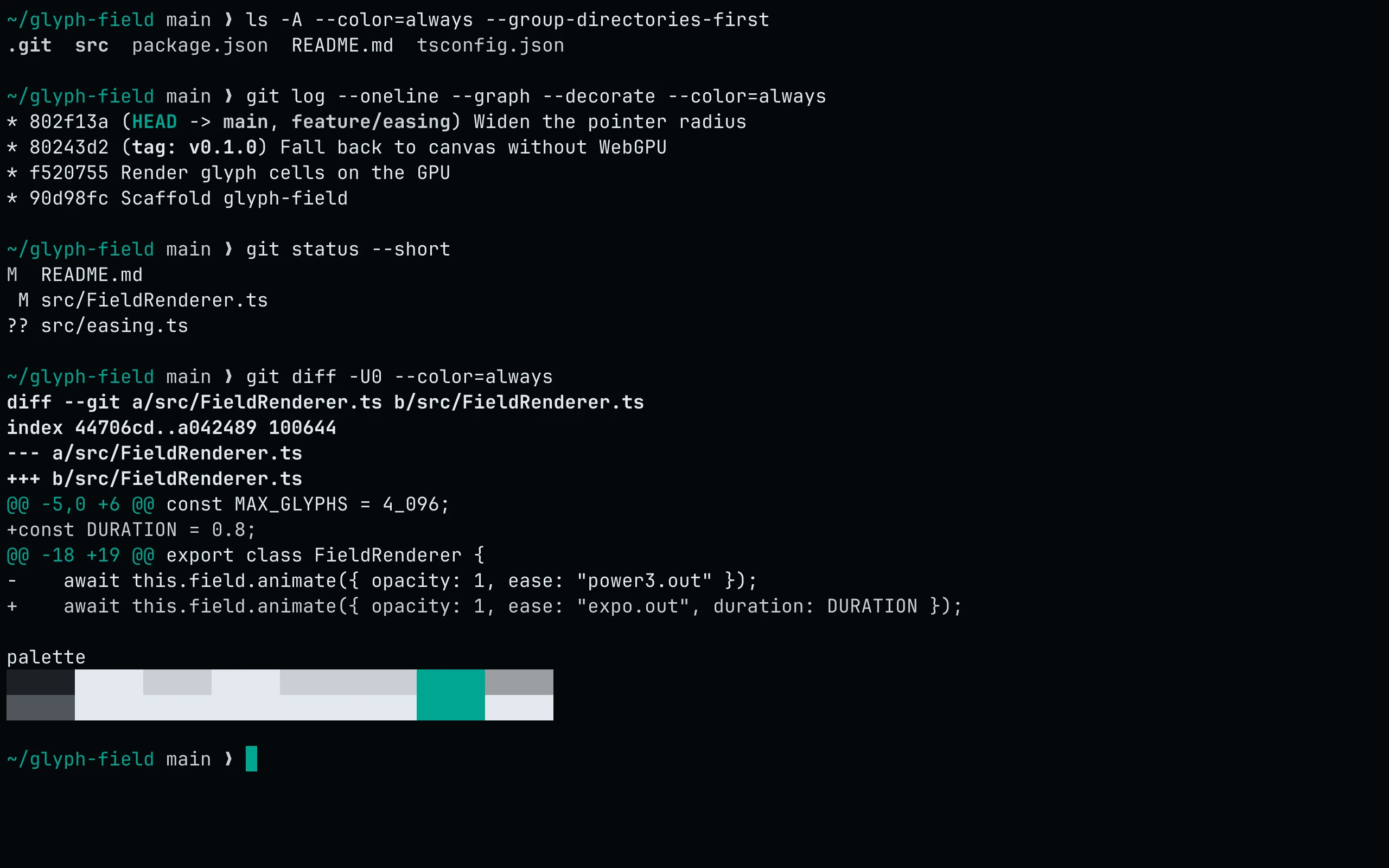
flavor=signal
curl -fsSL --create-dirs -o "${XDG_CONFIG_HOME:-$HOME/.config}/foot/living-code-$flavor.ini" "https://raw.githubusercontent.com/living-code-theme/foot/main/living-code-$flavor.ini"Then include it at the top of foot.ini:
[main]
include=~/.config/foot/living-code-signal.iniIf you set XDG_CONFIG_HOME, use that path in the include line.
Details
Configuration
See foot's documentation for application settings and reload behavior. The activation instructions above identify each supported flavor; keep your other application configuration.
Compatibility
Requires a foot release supporting [colors-dark] and [colors-light] (foot 1.23 or newer). Paper selects the light color theme.