Television
- Get it
- Install the native theme files
- Group
- CLI & TUI
- App
- github.com
- Problem?
- Report an issue
- Flavors
Install
flavor=night # night, frost, paper, or signal
curl -fsSL --create-dirs -o "${XDG_CONFIG_HOME:-$HOME/.config}/television/themes/living-code-$flavor.toml" "https://raw.githubusercontent.com/living-code-theme/television/main/themes/living-code-$flavor.toml"Set the downloaded filename stem in the existing [ui] table of Television’s config.toml:
[ui]
theme = "living-code-night"Restart tv. Preserve other config settings; if you use a different Television config directory, put themes/ beside that config.toml.
flavor=frost # night, frost, paper, or signal
curl -fsSL --create-dirs -o "${XDG_CONFIG_HOME:-$HOME/.config}/television/themes/living-code-$flavor.toml" "https://raw.githubusercontent.com/living-code-theme/television/main/themes/living-code-$flavor.toml"Set the downloaded filename stem in the existing [ui] table of Television’s config.toml:
[ui]
theme = "living-code-frost"Restart tv. Preserve other config settings; if you use a different Television config directory, put themes/ beside that config.toml.
flavor=paper # night, frost, paper, or signal
curl -fsSL --create-dirs -o "${XDG_CONFIG_HOME:-$HOME/.config}/television/themes/living-code-$flavor.toml" "https://raw.githubusercontent.com/living-code-theme/television/main/themes/living-code-$flavor.toml"Set the downloaded filename stem in the existing [ui] table of Television’s config.toml:
[ui]
theme = "living-code-paper"Restart tv. Preserve other config settings; if you use a different Television config directory, put themes/ beside that config.toml.
flavor=signal # night, frost, paper, or signal
curl -fsSL --create-dirs -o "${XDG_CONFIG_HOME:-$HOME/.config}/television/themes/living-code-$flavor.toml" "https://raw.githubusercontent.com/living-code-theme/television/main/themes/living-code-$flavor.toml"Set the downloaded filename stem in the existing [ui] table of Television’s config.toml:
[ui]
theme = "living-code-signal"Restart tv. Preserve other config settings; if you use a different Television config directory, put themes/ beside that config.toml.
Details
Configuration
A theme file has flat color keys; [ui] belongs only in config.toml. Existing [ui.theme_overrides] entries override the installed palette, so remove conflicting values if the colors do not match. The port sets both foreground and background on selected results and every mode badge.
Compatibility
Targets Television’s documented flat TOML custom-theme API and all required fields in its Theme struct. The send_to_channel_mode_fg fallback in newer documentation is not needed by the pinned contract. Truecolor is recommended. Tests check the full required field set, native parsing, semantic colors and selected-row contrast.
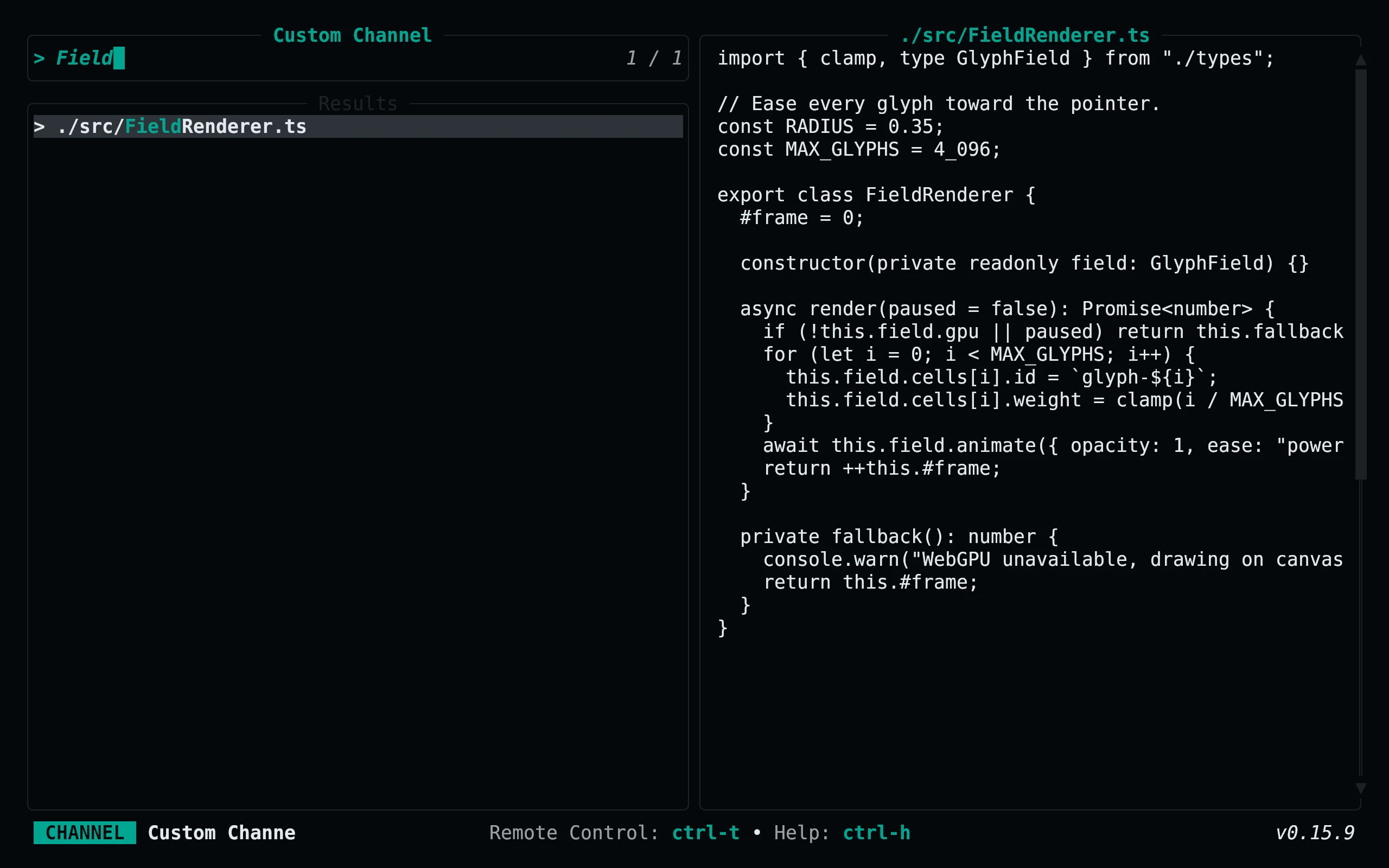
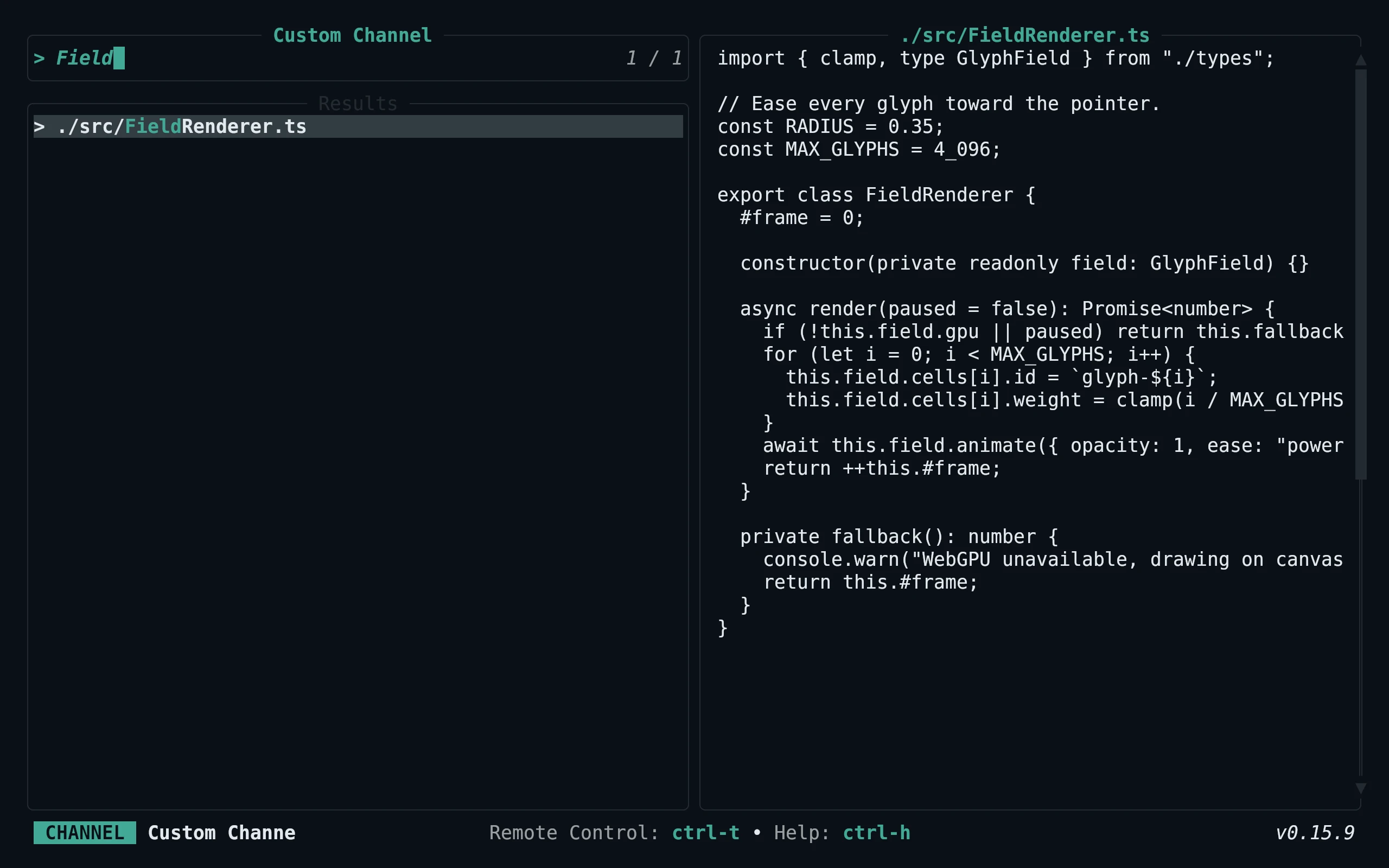
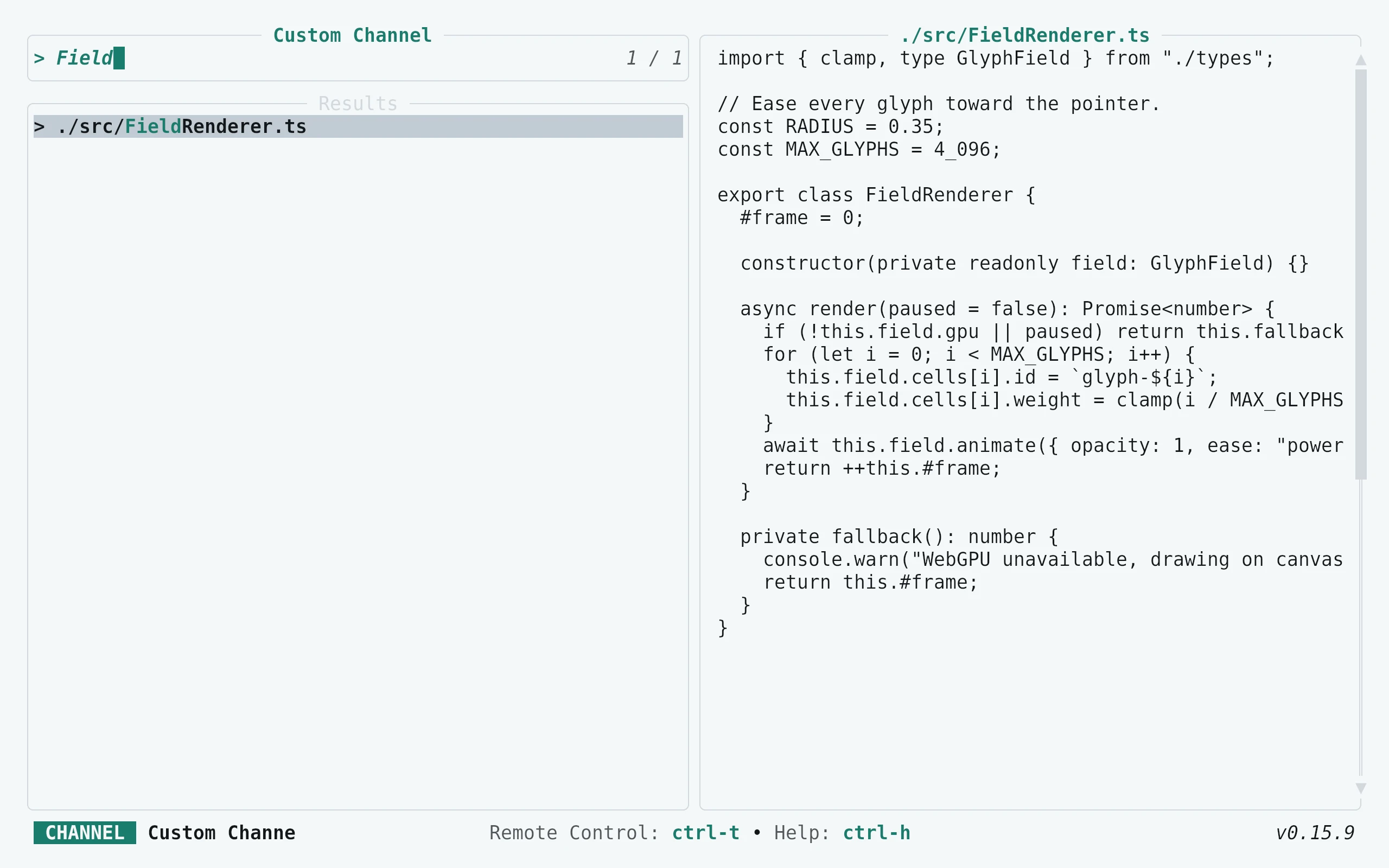
Previews are captured programmatically from the actual application in an isolated profile. See capture/app.py for the app-owned recipe and images/capture.json for runtime, palette and image provenance. No mock interface is drawn.