eza
- Get it
- See installation instructions
- Group
- CLI & TUI
- App
- eza.rocks
- Problem?
- Report an issue
- Flavors
Install
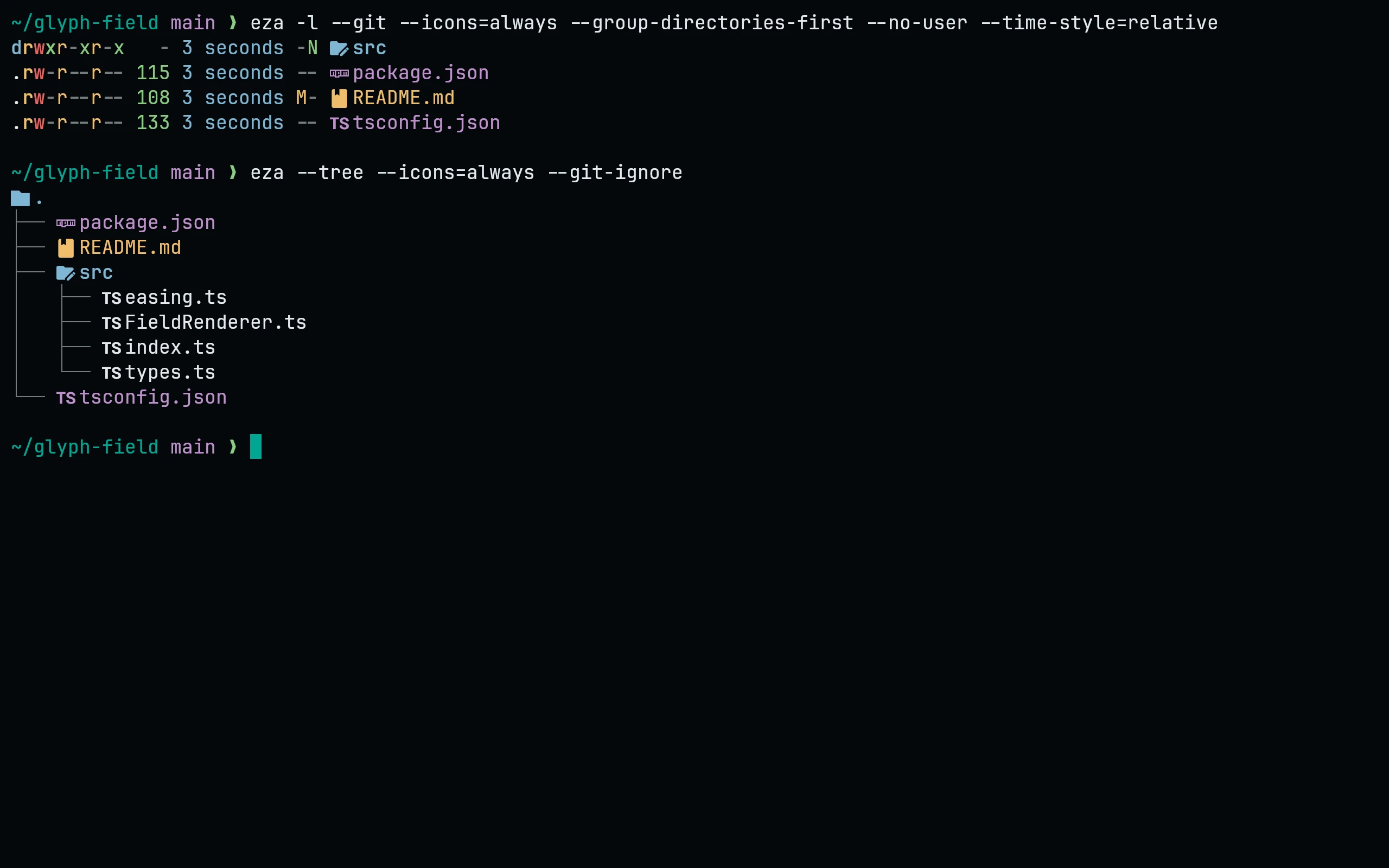
Needs eza 0.19 or newer. eza reads a single theme.yml from $EZA_CONFIG_DIR, or else from ${XDG_CONFIG_HOME:-~/.config}/eza/ on Linux and ~/Library/Application Support/eza/ on macOS, so download the flavor you want under that name:
flavor=night
dir="${EZA_CONFIG_DIR:-${XDG_CONFIG_HOME:-$HOME/.config}/eza}"   # macOS: dir="$HOME/Library/Application Support/eza"
curl -fsSLo "$dir/theme.yml" --create-dirs https://raw.githubusercontent.com/living-code-theme/eza/main/living-code-$flavor.ymlSet flavor to frost, paper or signal to use another flavor. eza only colors what LS_COLORS / EZA_COLORS do not already set, so unset those variables if the theme seems to have no effect.
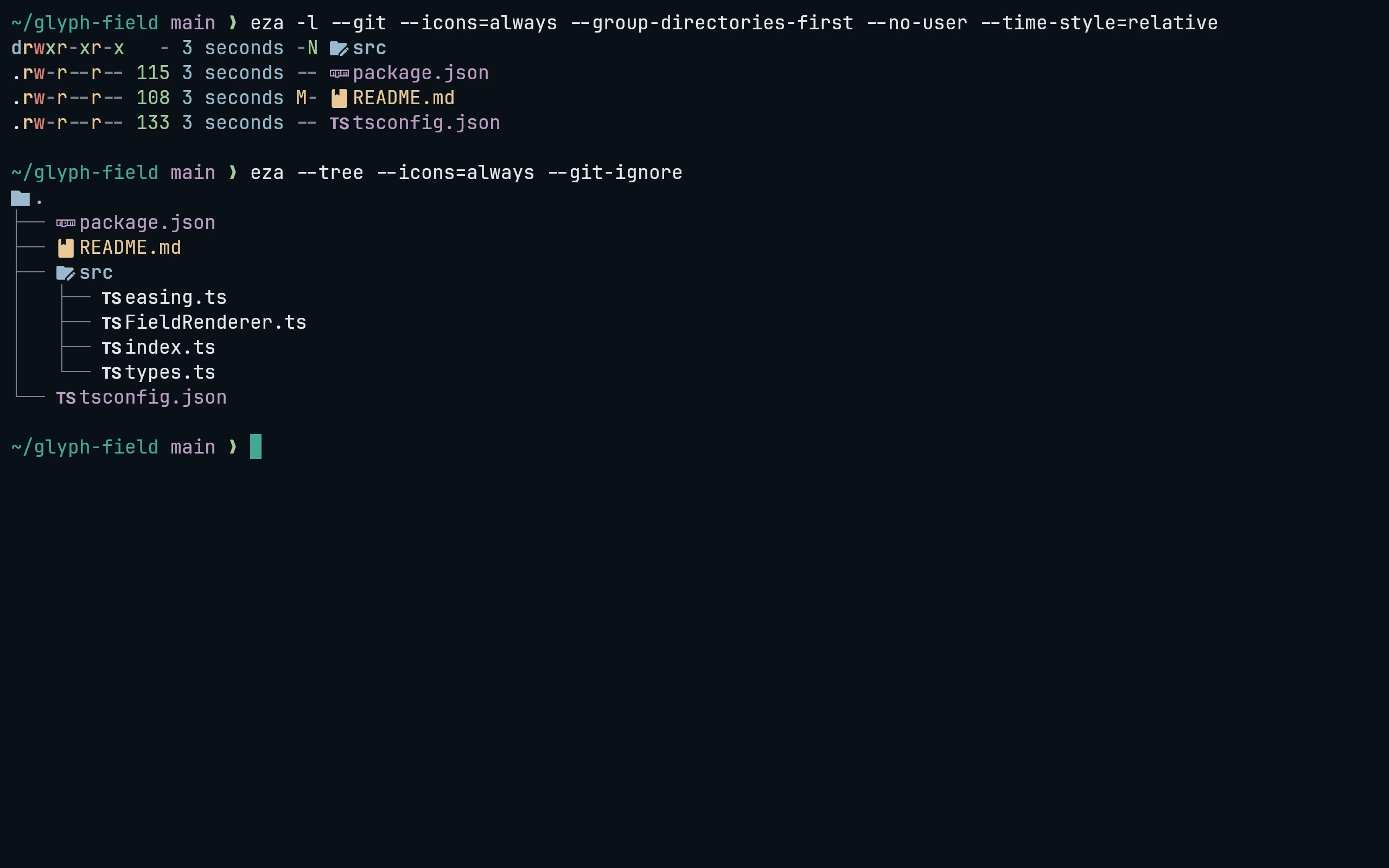
Needs eza 0.19 or newer. eza reads a single theme.yml from $EZA_CONFIG_DIR, or else from ${XDG_CONFIG_HOME:-~/.config}/eza/ on Linux and ~/Library/Application Support/eza/ on macOS, so download the flavor you want under that name:
flavor=frost
dir="${EZA_CONFIG_DIR:-${XDG_CONFIG_HOME:-$HOME/.config}/eza}"   # macOS: dir="$HOME/Library/Application Support/eza"
curl -fsSLo "$dir/theme.yml" --create-dirs https://raw.githubusercontent.com/living-code-theme/eza/main/living-code-$flavor.ymlSet flavor to frost, paper or signal to use another flavor. eza only colors what LS_COLORS / EZA_COLORS do not already set, so unset those variables if the theme seems to have no effect.
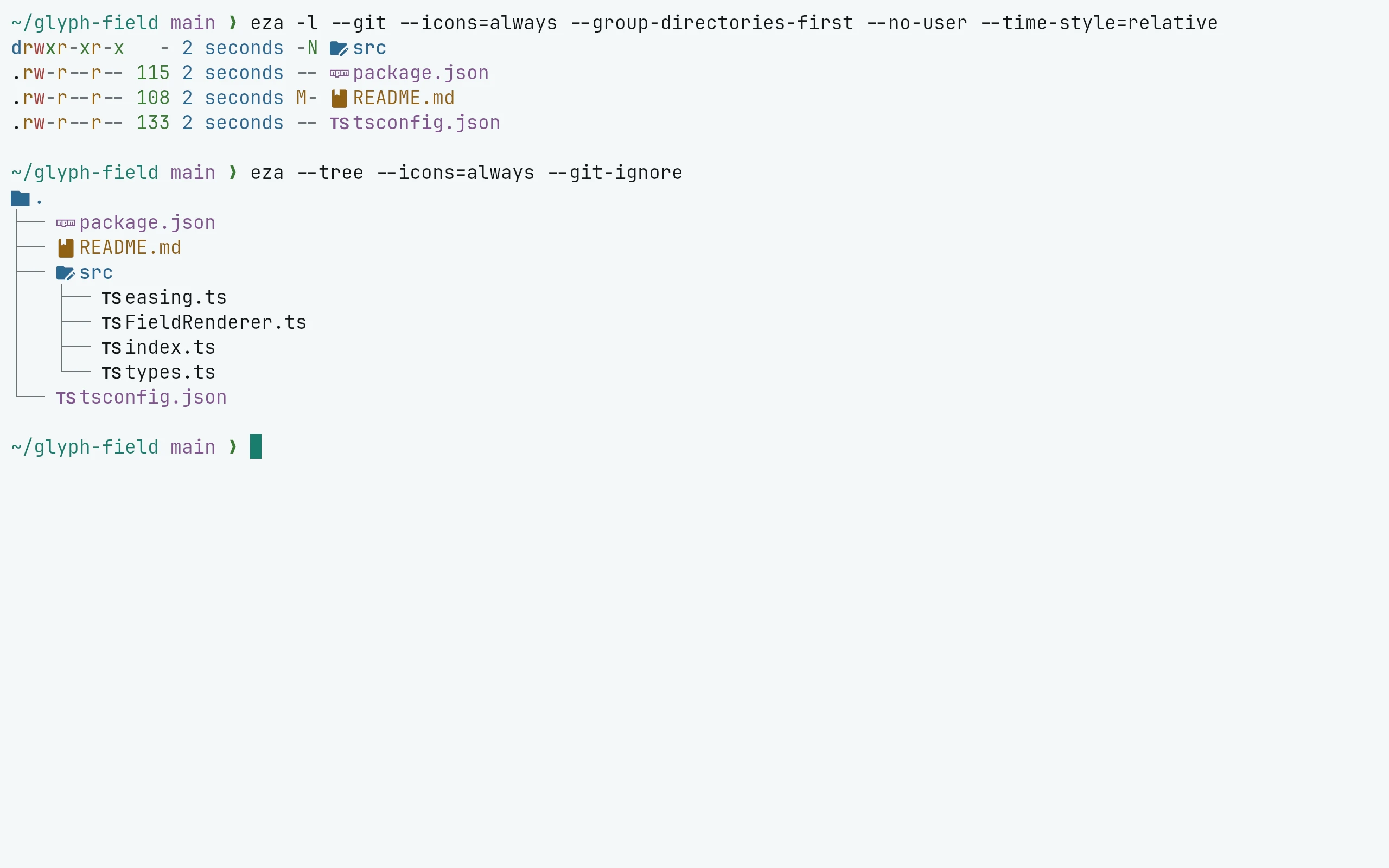
Needs eza 0.19 or newer. eza reads a single theme.yml from $EZA_CONFIG_DIR, or else from ${XDG_CONFIG_HOME:-~/.config}/eza/ on Linux and ~/Library/Application Support/eza/ on macOS, so download the flavor you want under that name:
flavor=paper
dir="${EZA_CONFIG_DIR:-${XDG_CONFIG_HOME:-$HOME/.config}/eza}"   # macOS: dir="$HOME/Library/Application Support/eza"
curl -fsSLo "$dir/theme.yml" --create-dirs https://raw.githubusercontent.com/living-code-theme/eza/main/living-code-$flavor.ymlSet flavor to frost, paper or signal to use another flavor. eza only colors what LS_COLORS / EZA_COLORS do not already set, so unset those variables if the theme seems to have no effect.
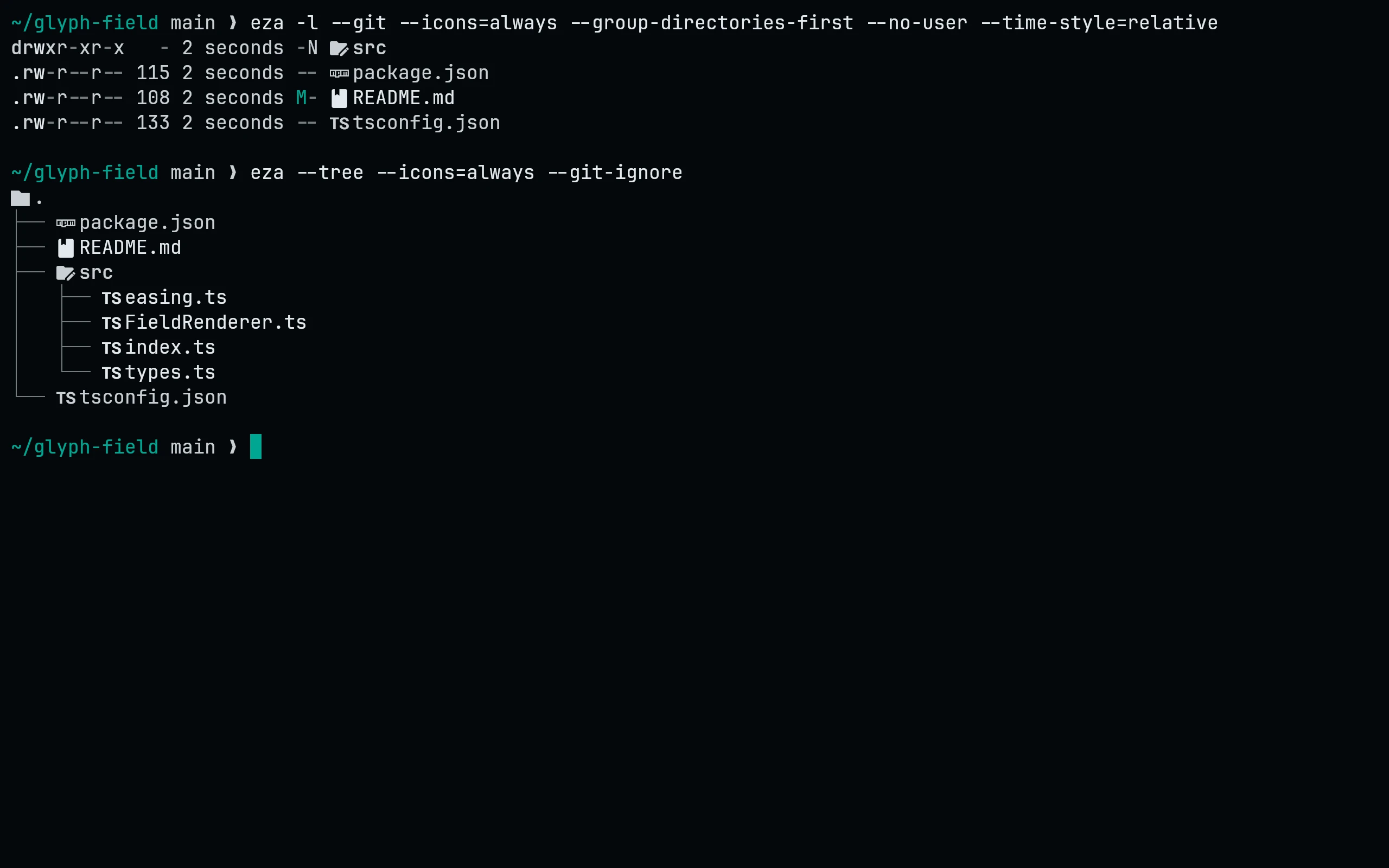
Needs eza 0.19 or newer. eza reads a single theme.yml from $EZA_CONFIG_DIR, or else from ${XDG_CONFIG_HOME:-~/.config}/eza/ on Linux and ~/Library/Application Support/eza/ on macOS, so download the flavor you want under that name:
flavor=signal
dir="${EZA_CONFIG_DIR:-${XDG_CONFIG_HOME:-$HOME/.config}/eza}"   # macOS: dir="$HOME/Library/Application Support/eza"
curl -fsSLo "$dir/theme.yml" --create-dirs https://raw.githubusercontent.com/living-code-theme/eza/main/living-code-$flavor.ymlSet flavor to frost, paper or signal to use another flavor. eza only colors what LS_COLORS / EZA_COLORS do not already set, so unset those variables if the theme seems to have no effect.
Details
Configuration
See eza's documentation for application settings and reload behavior. The activation instructions above identify each supported flavor; keep your other application configuration.
Compatibility
Requires eza 0.19 or newer. LS_COLORS and EZA_COLORS can override theme colors; unset them when checking the theme.