Gemini CLI
- Get it
- Install the native theme files
- Group
- AI & Agents
- App
- github.com
- Problem?
- Report an issue
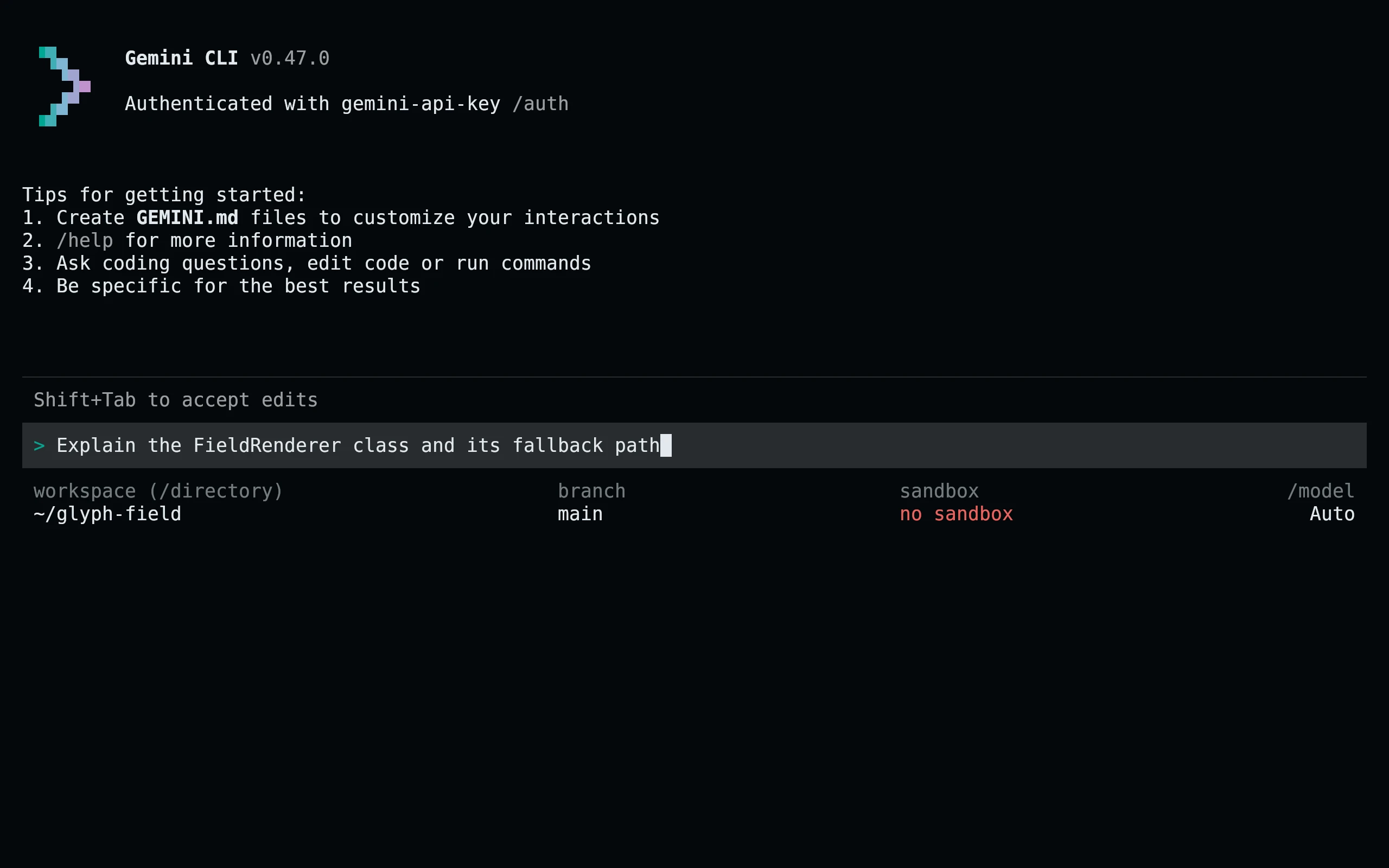
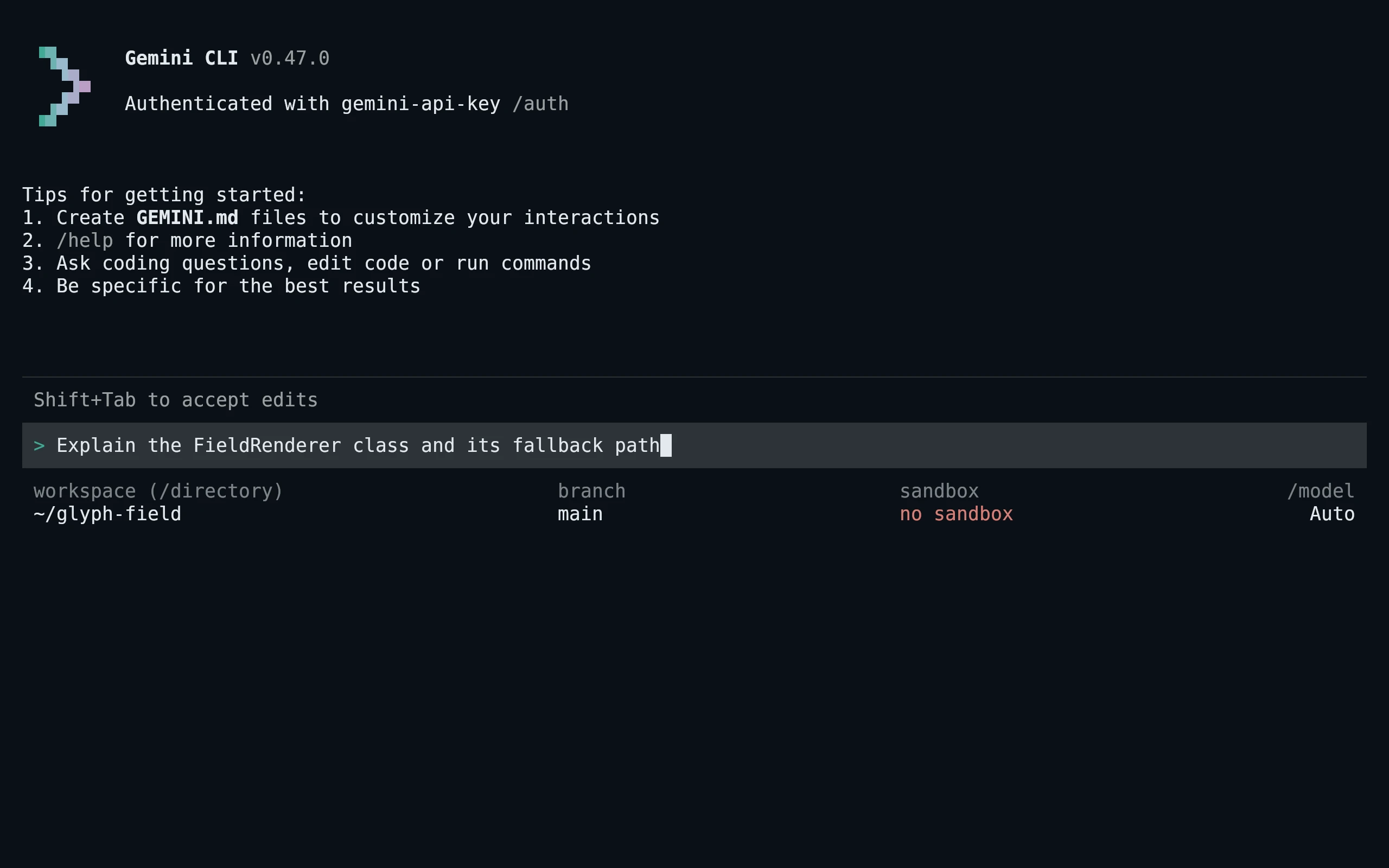
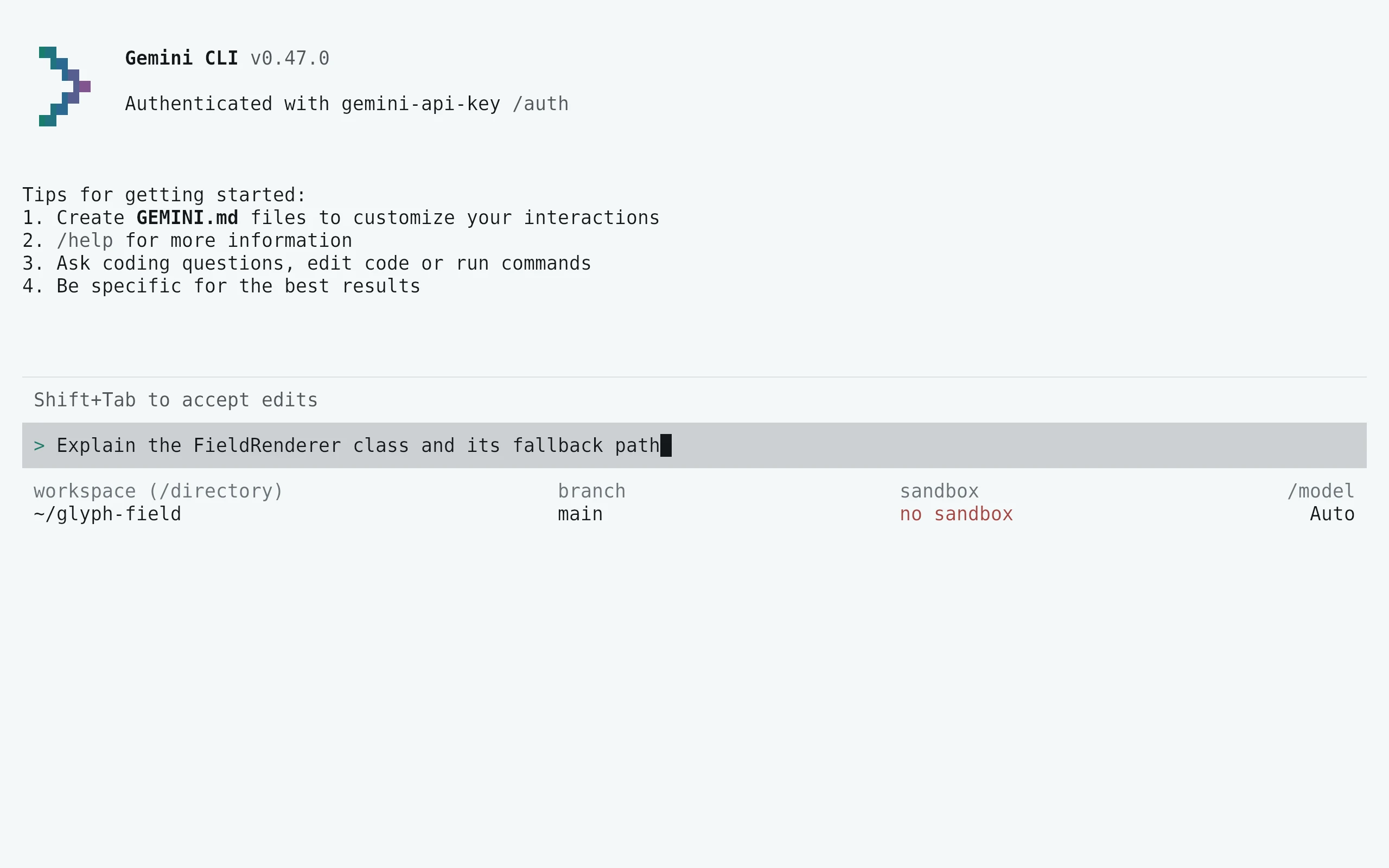
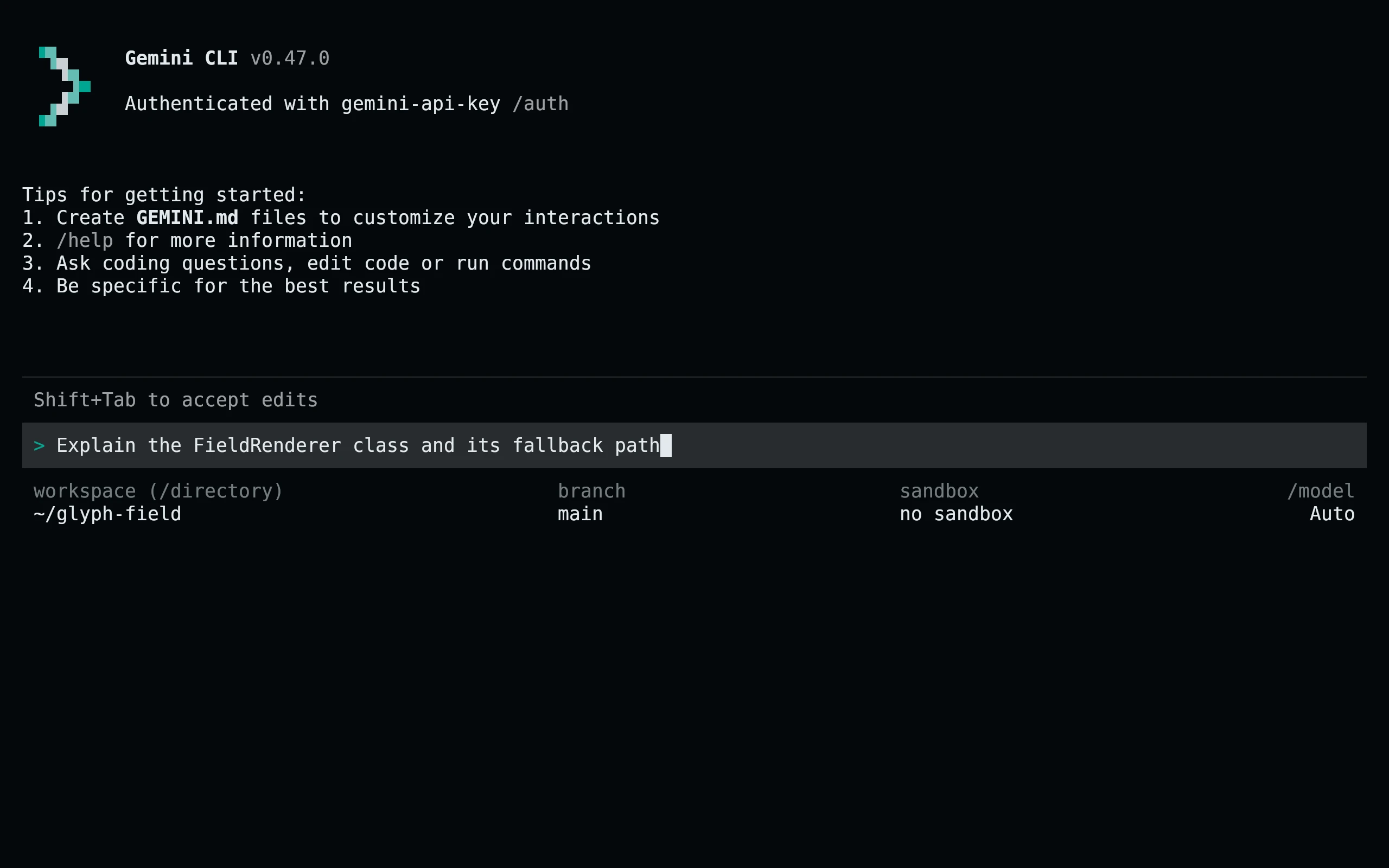
- Flavors
Install
flavor=night # night, frost, paper, or signal
curl -fsSL --create-dirs -o "$HOME/.gemini/themes/living-code-$flavor.json" "https://raw.githubusercontent.com/living-code-theme/gemini-cli/main/themes/living-code-$flavor.json"
printf "%s\n" "$HOME/.gemini/themes/living-code-$flavor.json"
Copy the printed absolute path into ui.theme in your existing ~/.gemini/settings.json, preserving other settings. For example:
{
  "ui": {
    "theme": "/home/you/.gemini/themes/living-code-night.json"
  }
}Replace /home/you with your home directory and restart Gemini CLI. The theme file must stay inside your home directory.
flavor=frost # night, frost, paper, or signal
curl -fsSL --create-dirs -o "$HOME/.gemini/themes/living-code-$flavor.json" "https://raw.githubusercontent.com/living-code-theme/gemini-cli/main/themes/living-code-$flavor.json"
printf "%s\n" "$HOME/.gemini/themes/living-code-$flavor.json"
Copy the printed absolute path into ui.theme in your existing ~/.gemini/settings.json, preserving other settings. For example:
{
  "ui": {
    "theme": "/home/you/.gemini/themes/living-code-frost.json"
  }
}Replace /home/you with your home directory and restart Gemini CLI. The theme file must stay inside your home directory.
flavor=paper # night, frost, paper, or signal
curl -fsSL --create-dirs -o "$HOME/.gemini/themes/living-code-$flavor.json" "https://raw.githubusercontent.com/living-code-theme/gemini-cli/main/themes/living-code-$flavor.json"
printf "%s\n" "$HOME/.gemini/themes/living-code-$flavor.json"
Copy the printed absolute path into ui.theme in your existing ~/.gemini/settings.json, preserving other settings. For example:
{
  "ui": {
    "theme": "/home/you/.gemini/themes/living-code-paper.json"
  }
}Replace /home/you with your home directory and restart Gemini CLI. The theme file must stay inside your home directory.
flavor=signal # night, frost, paper, or signal
curl -fsSL --create-dirs -o "$HOME/.gemini/themes/living-code-$flavor.json" "https://raw.githubusercontent.com/living-code-theme/gemini-cli/main/themes/living-code-$flavor.json"
printf "%s\n" "$HOME/.gemini/themes/living-code-$flavor.json"
Copy the printed absolute path into ui.theme in your existing ~/.gemini/settings.json, preserving other settings. For example:
{
  "ui": {
    "theme": "/home/you/.gemini/themes/living-code-signal.json"
  }
}Replace /home/you with your home directory and restart Gemini CLI. The theme file must stay inside your home directory.
Details
Configuration
The distributable files are standalone type: "custom" theme documents, not full settings files. As an alternative, insert a document into ui.customThemes using its name as the object key, then select it by name. A path selected through ui.theme must be removed before changing themes with /theme.
Compatibility
Uses the documented standalone-file custom theme API. Gemini CLI permits theme paths only within the home directory: do not point it at a clone under /tmp or a system-wide location. Text, background, diff, border, status and UI groups are provided; code highlighting follows Gemini CLI’s derived theme behavior. Tests validate the nested format, not provider access or model output.
Previews are captured programmatically from the actual application in an isolated profile. See capture/app.py for the app-owned recipe and images/capture.json for runtime, palette and image provenance. No mock interface is drawn.