Firefox
- Get it
- See installation instructions
- Group
- Browsers
- App
- firefox.com
- Problem?
- Report an issue
- Flavors
Install
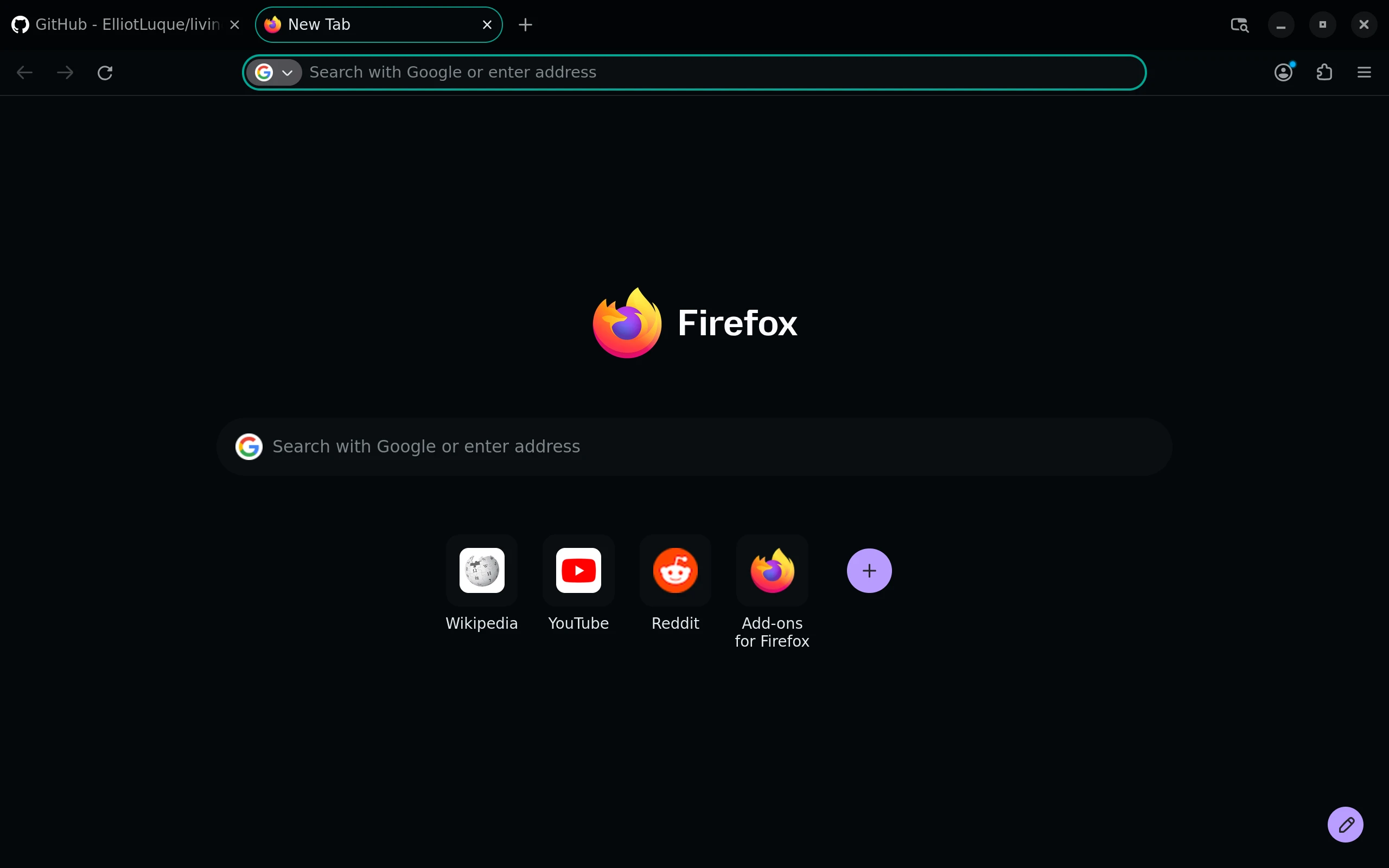
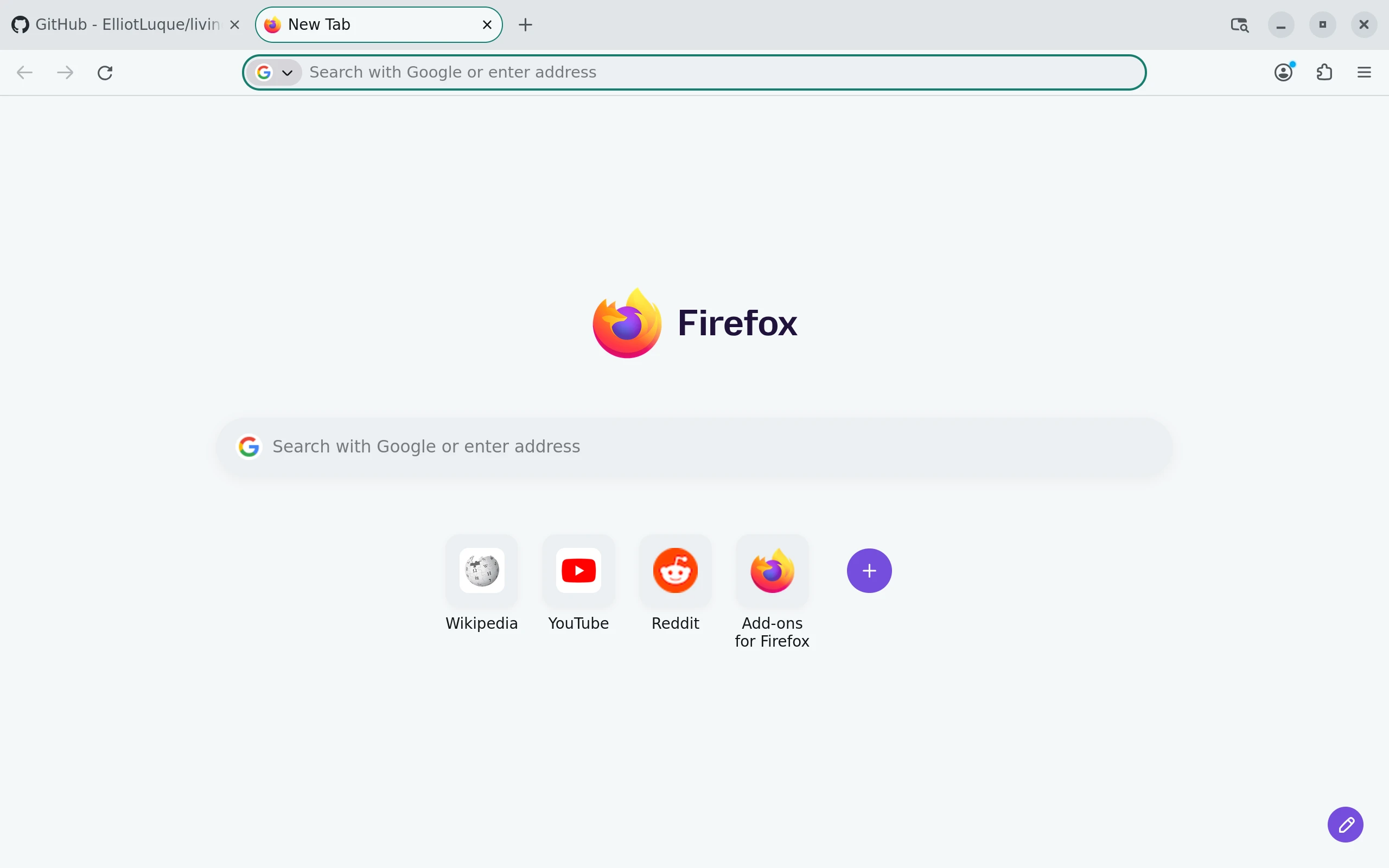
Choose Night for a dark browser or Paper for a light one.
The organization-owned themes are not listed yet. Once published, find Living Code Night or Living Code Paper from Living Code on Firefox Add-ons and click Install Theme.
To switch themes, open Add-ons and themes → Themes (about:addons) and enable your preferred variant.
For packaging, run node scripts/package.mjs from a checkout. It writes dist/living-code-firefox-night.xpi and dist/living-code-firefox-paper.xpi. These files are unsigned; standard release Firefox requires AMO signing before installation.
Details
Configuration
See Firefox's documentation for application settings and reload behavior. The activation instructions above identify each supported flavor; keep your other application configuration.
Compatibility
Firefox 106 or newer. Only Night and Paper ship: Firefox's theme slots cannot meaningfully distinguish the other dark flavors. Release Firefox requires an AMO-signed theme; locally packaged XPI files are unsigned.
Included files 15
OFL-JetBrainsMono.txtliving-code-night/icons/icon-128.pngliving-code-night/icons/icon-256.pngliving-code-night/icons/icon-48.pngliving-code-night/icons/icon-512.pngliving-code-night/icons/icon-96.pngliving-code-night/icons/icon.svgliving-code-night/manifest.jsonliving-code-paper/icons/icon-128.pngliving-code-paper/icons/icon-256.pngliving-code-paper/icons/icon-48.pngliving-code-paper/icons/icon-512.pngliving-code-paper/icons/icon-96.pngliving-code-paper/icons/icon.svgliving-code-paper/manifest.json