Chrome, Brave and Chromium
- Get it
- See installation instructions
- Group
- Browsers
- Problem?
- Report an issue
- Flavors
Install
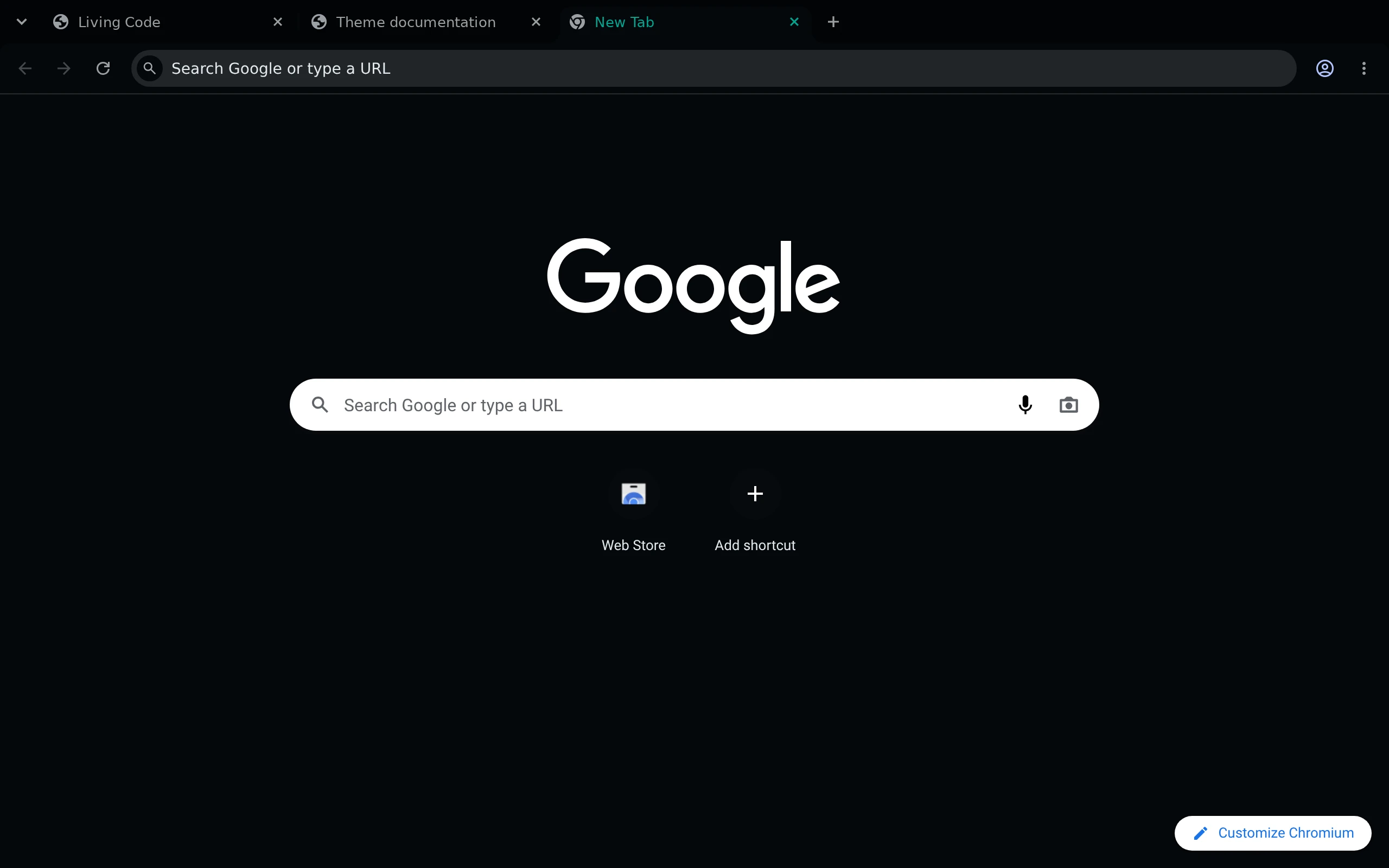
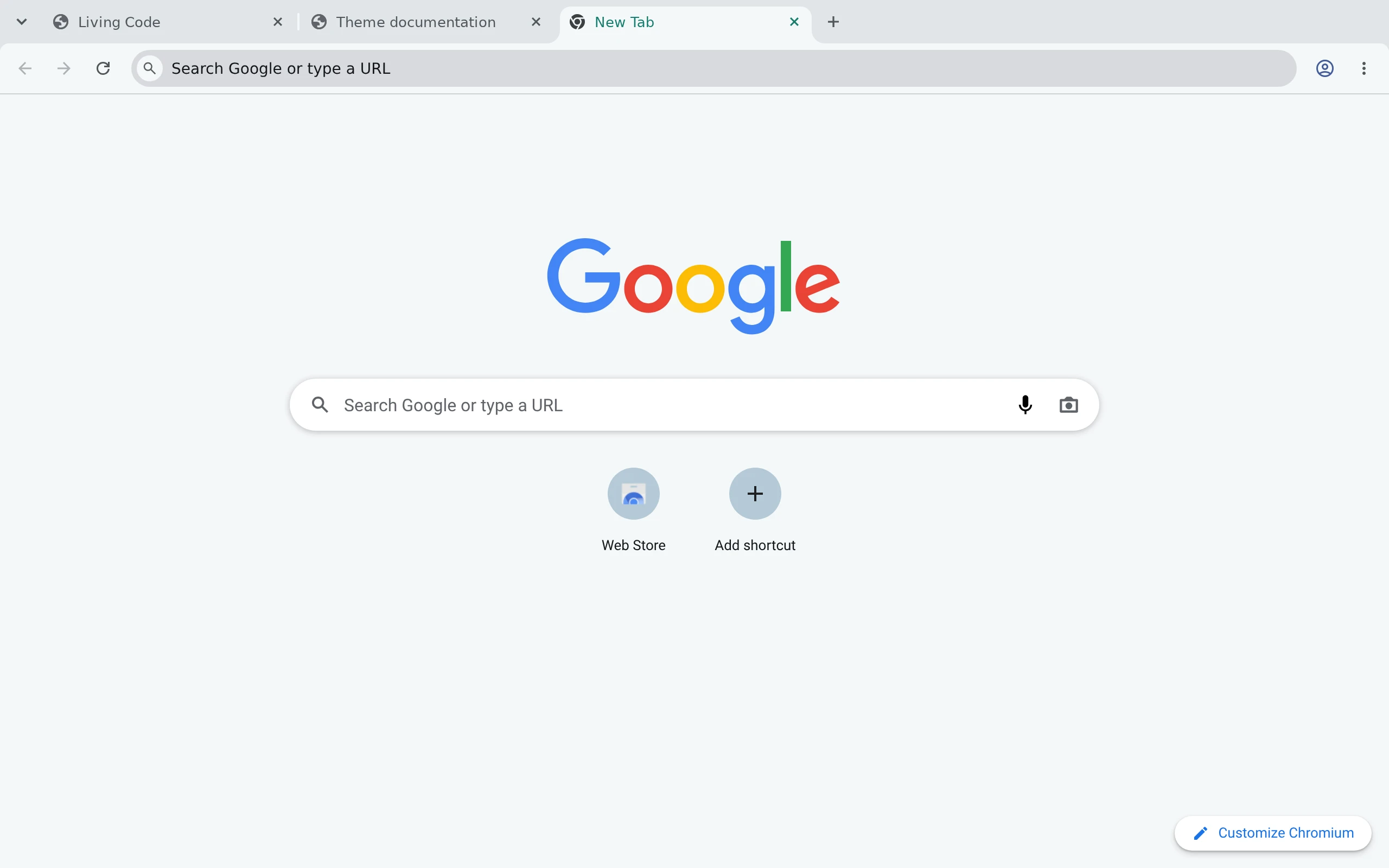
Choose Night for a dark browser or Paper for a light one. They are Manifest V3 themes for Chrome and Chromium; Brave installs Chrome themes too. Vivaldi does not apply Chrome themes, and Edge, Opera and Arc have not been tested.
- Release zip: download
living-code-chrome-night.ziporliving-code-chrome-paper.zipfrom the latest GitHub release and unzip it. Openchrome://extensions, turn on Developer mode, click Load unpacked and select the folder. (From a checkout, selectliving-code-nightorliving-code-paper.) - Chrome Web Store, once listed: Neither theme is listed yet. When they are, search for Living Code Night or Living Code Paper and click Add to Chrome.
To switch themes, install the other one, or use Settings → Appearance → Reset to default.
Details
Configuration
Neutral slate tab strips, toolbar surfaces and navigation icons follow the Firefox port's surface hierarchy. Teal is limited to small active-tab details and supported New Tab links, rather than tinting whole surfaces. Night stays dark; Paper stays near-white.
Chrome's theme API does not expose Firefox's tab-outline or address-field focus-border colors. Chrome also controls profile buttons and parts of its New Tab search/customization UI independently. A theme does not recolor websites or change your browser's language. Brave and other Chromium versions may apply these mappings differently.
Use the activation instructions above and keep your other application configuration.
Compatibility
Manifest V3 themes for Chrome, Chromium and Brave. Only Night and Paper ship. Vivaldi does not apply Chrome themes; Edge, Opera and Arc have not been tested.