Obsidian
- Get it
- See installation instructions
- Group
- Apps
- App
- obsidian.md
- Problem?
- Report an issue
- Flavors
Install
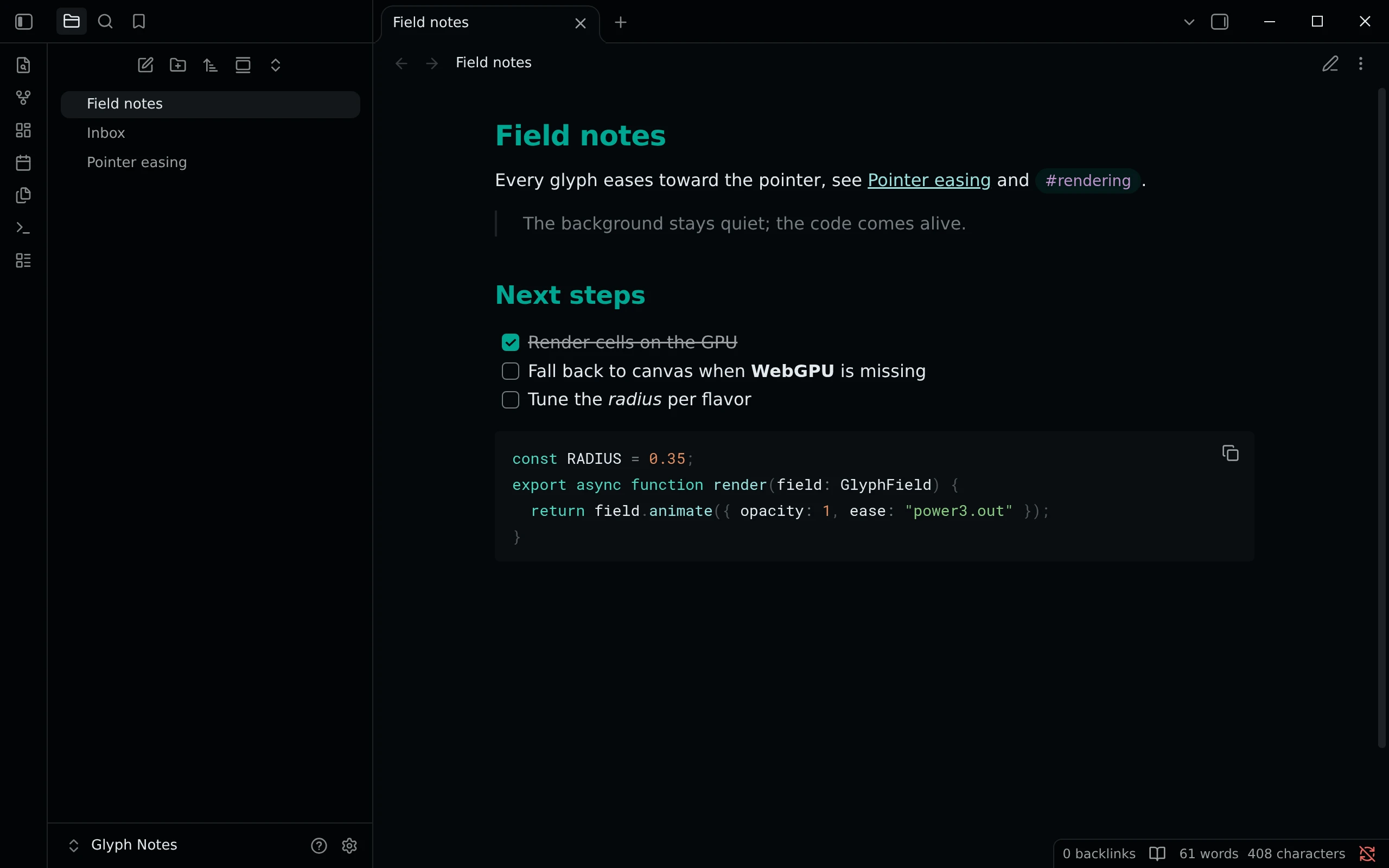
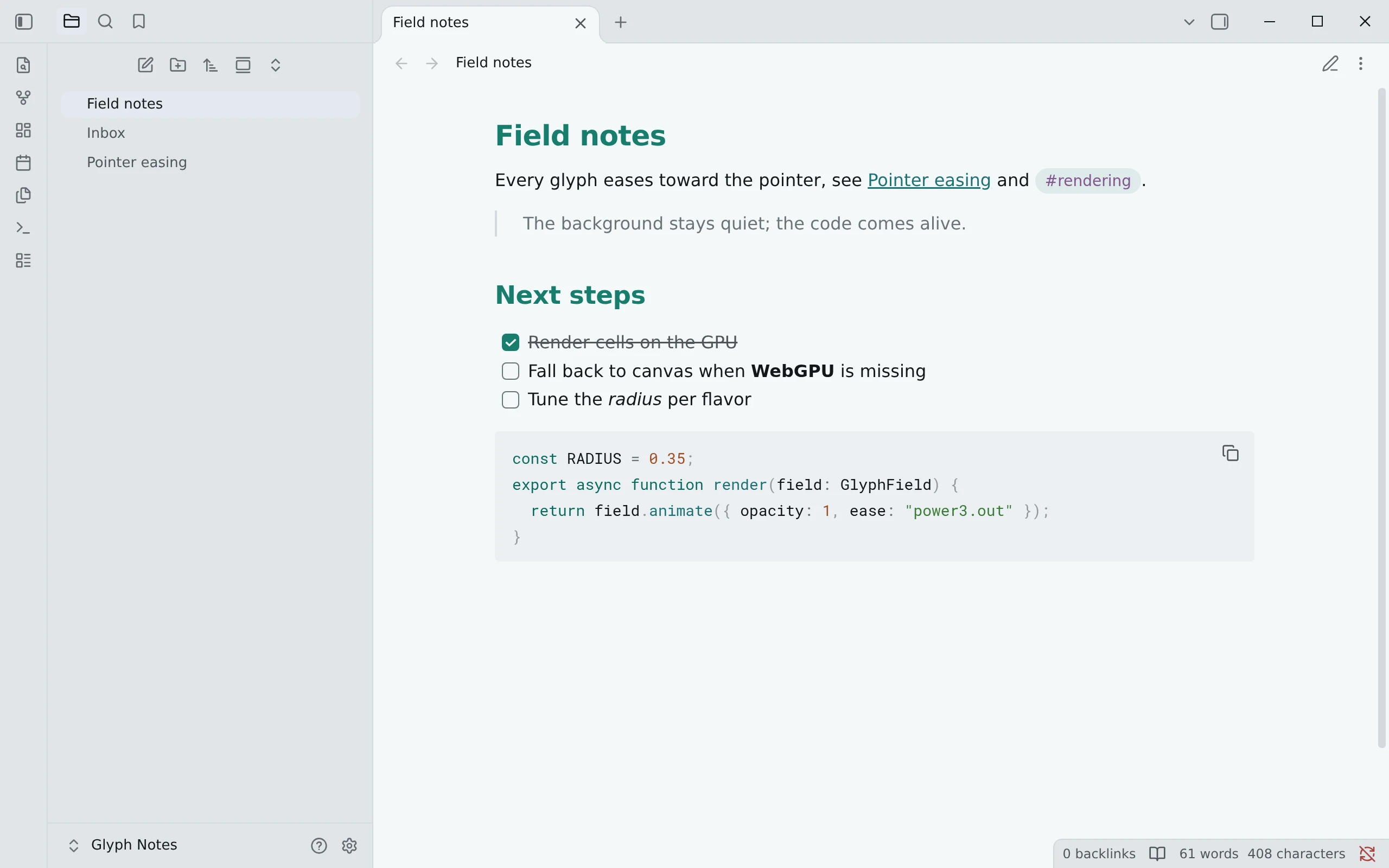
Obsidian's dark mode is Night and its light mode is Paper; the theme follows Appearance → Base color scheme.
- Open Settings → Appearance → Themes → Manage, search for Living Code and click Install and use.
- Without the directory: copy
manifest.jsonandtheme.cssfrom the repository root into<vault>/.obsidian/themes/Living Code/, then pick Living Code under Appearance → Themes.
Frost and Signal are dark flavors, so they ship as CSS snippets rather than as a Style Settings option, which would need a second plugin: copy snippets/living-code-frost.css or snippets/living-code-signal.css into <vault>/.obsidian/snippets/ and enable it under Appearance → CSS snippets.
Details
Configuration
See Obsidian's documentation for application settings and reload behavior. The activation instructions above identify each supported flavor; keep your other application configuration.
Compatibility
The theme manifest retains version 1.0.0 and minAppVersion 1.0.0. Night and Paper follow Obsidian's base color scheme; Frost and Signal are optional dark-mode snippets. The existing Living Code community-theme and release identities are preserved.